


For most people, the first time they interact with AI is in the form of cloud chatbots like ChatGPT, Gemini, or Claude. They’re fast, polished, and everywhere. But for my daily tasks at hand, I pull in local AI from the computer on my own desk. It seems more personal, sturdier, and somehow capable of writing, coding, and research.
By “local AI,” I’m referring to open models on my machine in tools like Ollama, LM Studio, GPT4All, or so-called llama.cpp. Think Mistral 7B, Llama 3 family models, or even Phi-3 variants—each of them commonly quantized to clear the path for efficient execution on a consumer CPU or GPU. Here’s why I like that setup, and what the real-world trade-offs are.
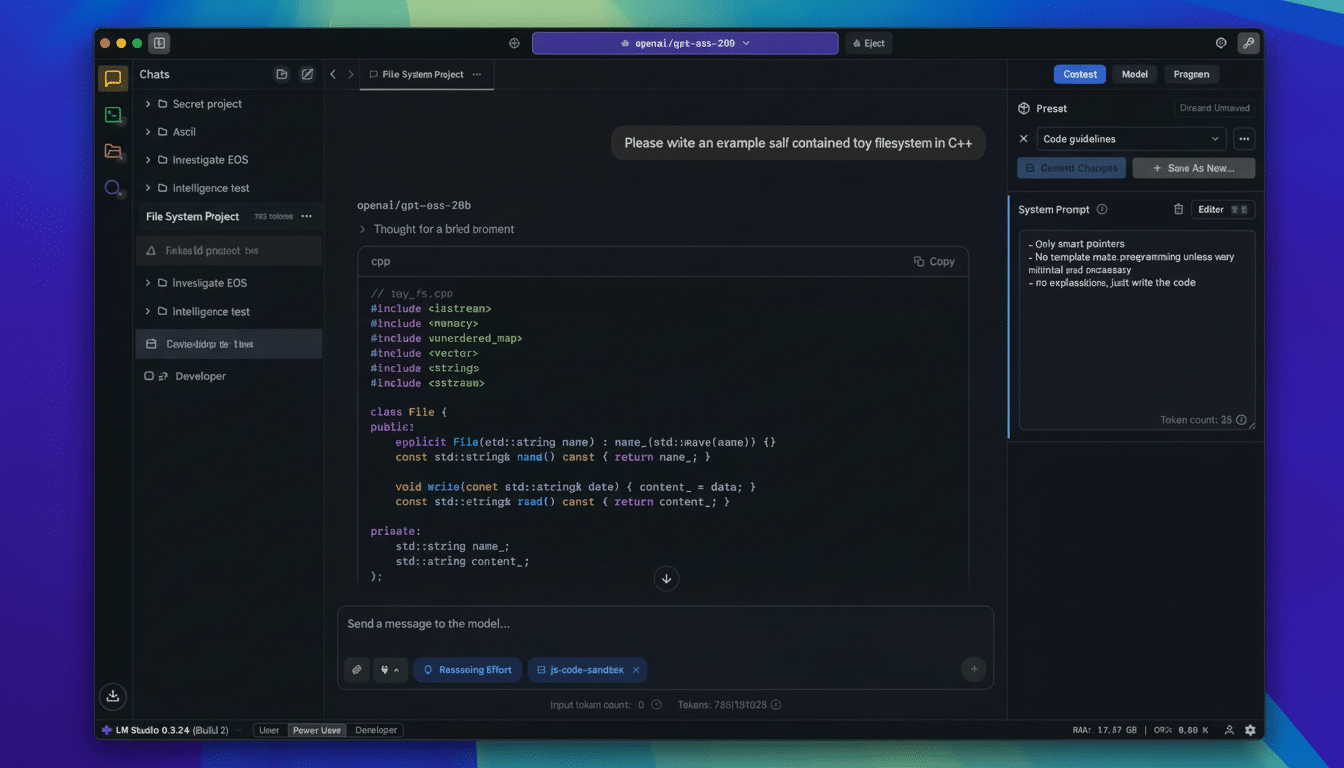
Why local AI strengthens privacy and data control for me
My prompts and documents are kept on devices I control. That alone shifts risk calculus. Local inference circumvents routine collection of telemetry, cross-border data transfers, and retention policies I can’t audit. It is also consistent with the principle of data minimization emphasized by the NIST AI Risk Management Framework and many enterprise governance rules.
As a journalist and in my work for clients, I often deal with drafts and source material that can’t leave my laptop. Using on-device models, I can perform retrieval-augmented generation on local folders, notes, or PDFs without ceding access to a third party. If you’re working in a team under GDPR or other strict data residency concerns, this practical floor — that no data leaves the box — makes it much easier to achieve compliance with less legal overhead.
Cost predictability with local AI beats stacked subscriptions
Cloud AI feels cheap until you start stacking subscriptions, adding API usage, and bumping into rate limits. Even a basic chatbot plan with premium features can start at around $20 per month per user, and multimodal capabilities or team tiers stack up fast. Replacing that with local AI is a one-time investment you already made in hardware.
Today’s small models are efficient. A 7B-parameter 4-bit quantized model can be run in ≤4–8GB of RAM or VRAM, with even integrated GPUs being strong enough for most tasks. If you do upgrade — additional RAM or a middle-of-the-line GPU — that investment pays off in everything else you do on the machine. For heavy users who loop all day, unlimited local tokens are just easier to budget.
Speed and consistent performance on my own local hardware
Since it runs on local models, it cuts network latency, congestion, and service throttling. I get tens of tokens per second on my middle-of-the-road desktop GPU, which is fast enough for drafting and structured editing to keep me in a state of writing flow. Even CPU-only laptops work for brainstorming and summarization.
Reliability is, in many cases, just as important as raw speed. Public status pages of big AI services depict intermittent outages and rate limiting, especially during product releases. Local inference is not invulnerable to hiccups, but it doesn’t hang because the wider internet is having an off day. I can sync model versions, triggering presets, and the size of the context window across projects.
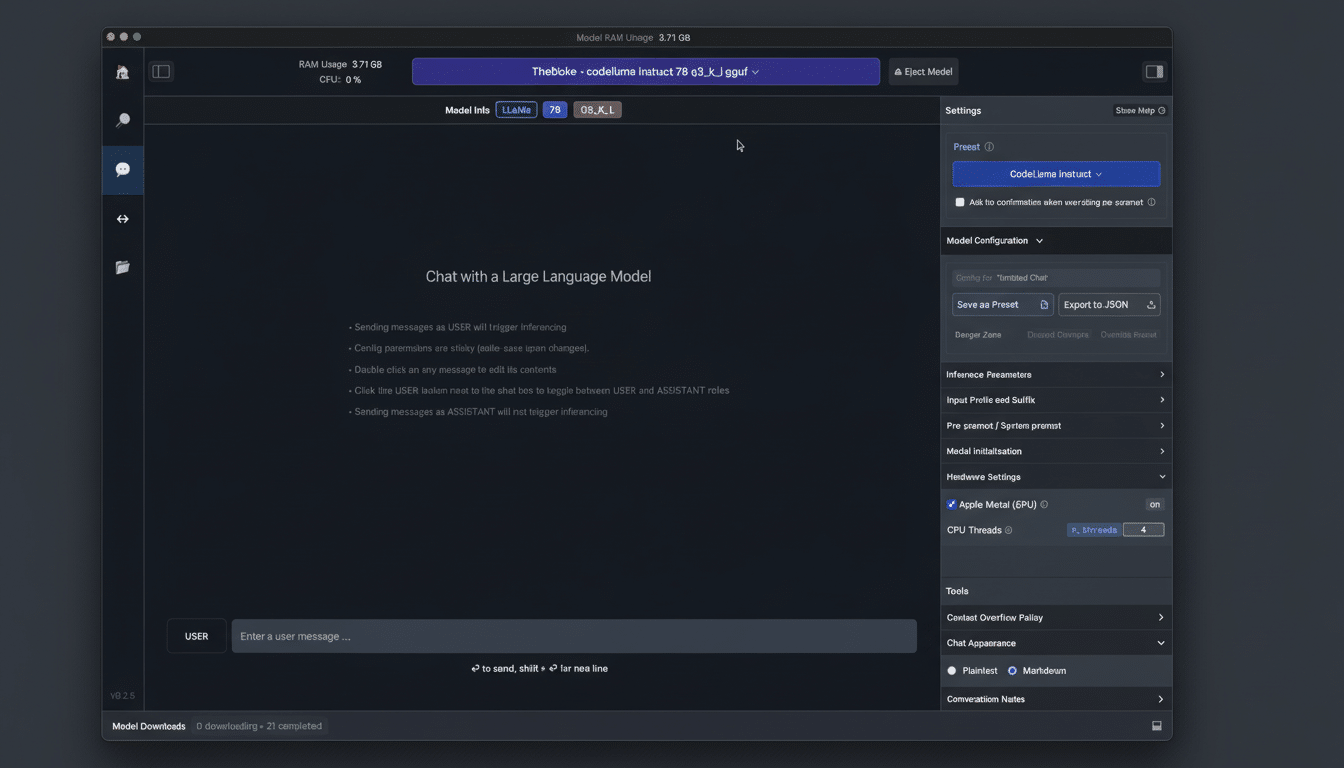
Offline workflows that don’t break when internet is unavailable
Planes, trains, basements with spotty Wi‑Fi — my work follows me. Local AI lets me sum up a 90-page PDF, work on some interview questions, or make a code comment without any internet at all. That continuity is a genuine productivity advantage for field reporters, consultants who work on client networks, and anyone who travels.
It also unlocks private, portable RAG. I maintain an on-disk vector index of my notes and research material, which I can query using a local model. No one else gets to look at my sources, and a VPN going down or a captive portal blocking traffic has no impact on accessibility.
Cloud-scale AI benefits with a smaller environmental footprint
AI’s environmental cost isn’t theoretical. The International Energy Agency forecasts that if current trends continue, total electricity produced by data centers globally could nearly double by 2026, boosted largely by AI. The pressures appear in companies’ own sustainability reports: Microsoft revealed that its water consumption increased 34% in 2022, and Google reported a 20% increase the same year with part of the cause attributed to growth in AI infrastructure.
Research led by Shaolei Ren at the University of California, Riverside, has calculated that running large models can indirectly consume hundreds of milliliters of water for dozens of prompts once you account for cooling and power generation; local AI will use electricity, but tailoring the model to the task — and running it on hardware you already have powered on as part of everyday work — can shave off some incremental footprint compared with reaching into a far-off water-cooled cluster just to draft your thoughts.
Yes, to be fair, hyperscale service providers are well supported by efficiency gains and direct procurement of renewables. But for everyday inquiries, a small, well-quantized model at the edge is often more than enough without relying on heavy shared infrastructure.
That isn’t to say that cloud chatbots are about to become obsolete. For intricate coding help, long multimodal contexts, or front-edge reasoning, the largest models still excel. And I don’t have a need for that power for most of my daily tasks. Local AI is private-by-default, cost-predictable, high-performance, offline-resilient, and lighter on the environment – five very practical reasons my desktop remains my primary AI teammate.
