


If you want a desktop that just works the moment you hit the login screen, a handful of Linux distributions now deliver precisely that experience. No driver hunts, no ad cleanups, no frantic tweaking — just a modern OS with sensible defaults and a complete app set from minute one.
For this roundup, “ready to use” means a painless installer, automatic hardware detection, everyday apps preinstalled without bloat, sane privacy defaults, and a desktop layout that needs little or no customization. It also means software stores with wide catalogs and easy access to proprietary apps when you need them.
Interest is rising: StatCounter’s global desktop data shows Linux use trending upward in recent months, while Valve’s Steam Hardware Survey keeps Linux around the 1–2% mark for gamers — small but steadily climbing. That momentum is driven in part by distros that minimize setup friction. Here are five that nail it.
Linux Mint Cinnamon Polished And Familiar
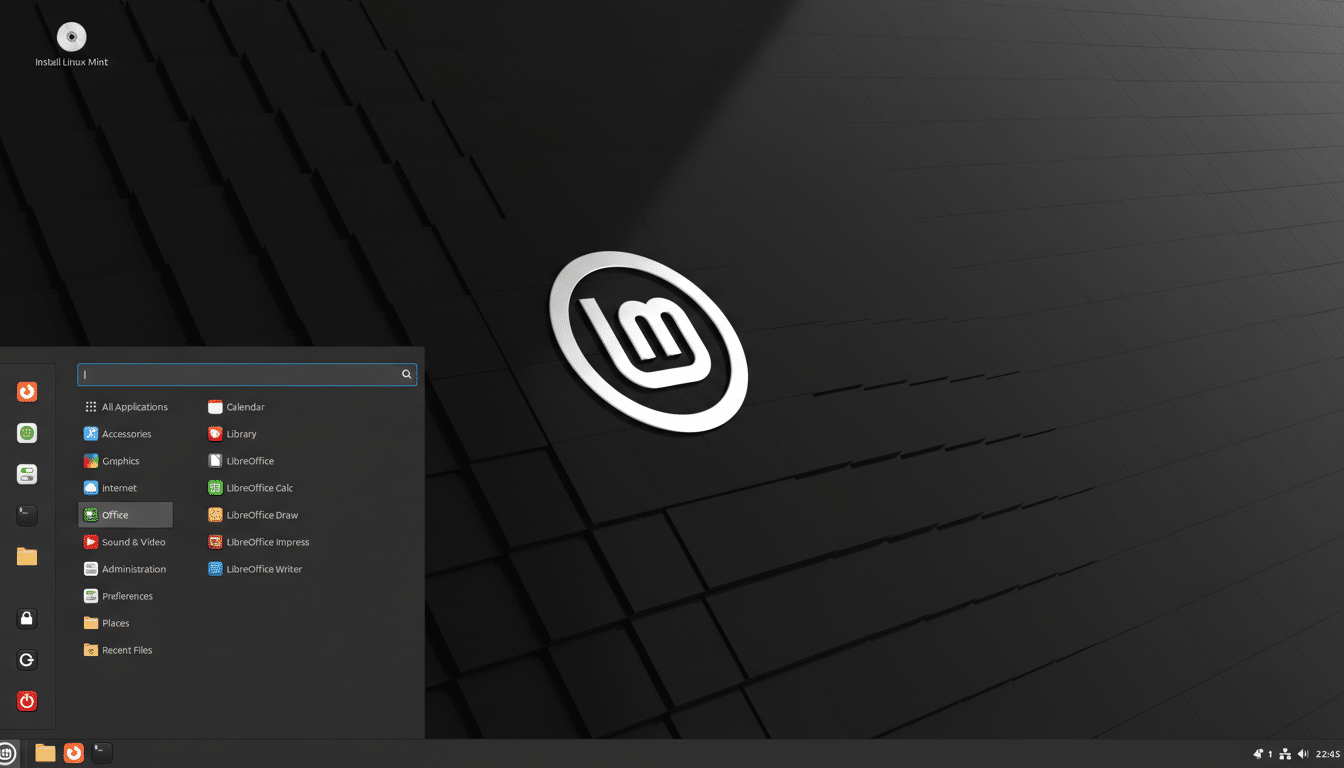
Linux Mint puts user comfort first. The Cinnamon desktop mirrors the best of traditional interfaces, so newcomers aren’t hunting for basics. On first boot, a Welcome app walks you through drivers, language packs, and system snapshots. Mint’s Update Manager and Timeshift integration provide guardrails that make updates feel predictable instead of risky.
Mint ships with codecs, a curated set of productivity tools, and handy touches like Warpinator for simple device-to-device file transfers. The Software Manager highlights Flatpak apps alongside native packages, which means you can grab tools like Spotify or Slack in seconds — no terminal required.
Manjaro Rolling Release Without The Rough Edges
Manjaro takes the power of Arch and adds a friendly face. The Calamares installer, excellent hardware detection, and preconfigured Plasma or Xfce editions make it feel less like a hobbyist project and more like a polished platform. Pamac, Manjaro’s software center, is one of the best in Linux for browsing, updating, and managing packages and kernels.
Unlike pure Arch, Manjaro’s “stable” branch curates new packages, so you benefit from a rolling release without waking up to a broken desktop. Kernel management is point-and-click, great for unlocking better performance on newer CPUs and GPUs with zero drama.
Zorin OS Streamlined Onboarding And Seamless Defaults
Zorin OS is designed to feel complete on day one. The onboarding tour is short and useful, the Zorin Appearance app lets you switch to familiar layouts in a click, and the software store mixes native packages with Flatpak support for a broad app catalog. It’s one of the few distros where the default theme and typography look newsroom-ready out of the gate.
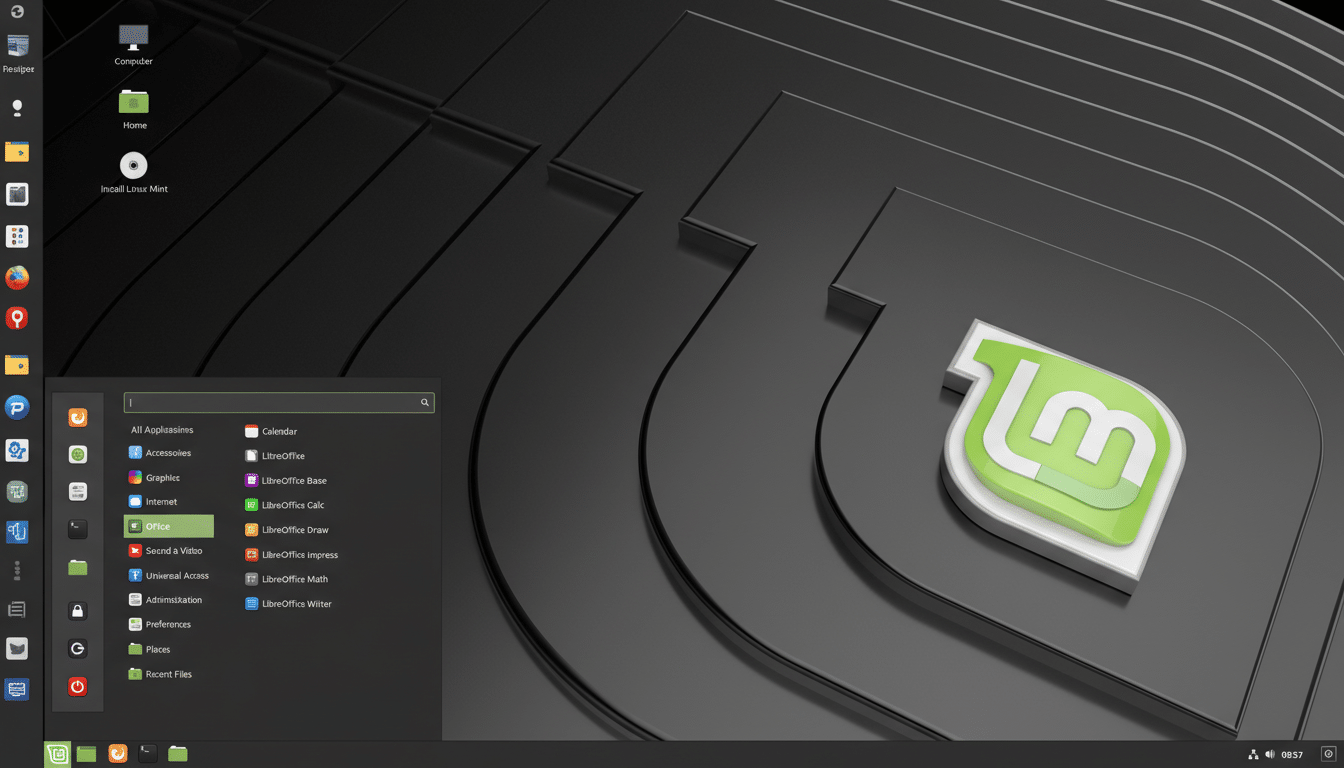
Zorin Connect integrates your Android phone for notifications and file sharing, which is the sort of practical feature users usually add later. The net result is less tinkering and more doing — a key reason reviewers consistently single out Zorin OS for newcomers.
Pop!_OS Creator Friendly And GPU Smart Defaults
Built by System76, Pop!_OS is tuned for people who work on their machines — developers, designers, researchers, and yes, gamers. Separate ISOs for Nvidia and for Intel/AMD graphics mean fewer post-install surprises. The Pop!_Shop brings Flatpak apps into a clean interface, and auto-tiling turns complex multitasking into a one-key affair.
With the new Rust-based COSMIC desktop arriving, Pop!_OS is doubling down on speed and clarity. Even before COSMIC, Pop!_OS earned praise for predictable performance, firmware updates delivered through the OS, and thoughtful defaults that keep you focused on work rather than setup.
Ubuntu Budgie Elegant Minimalism That Just Works
Ubuntu Budgie pairs the Budgie desktop with Ubuntu’s reliable base, producing a clean, attractive environment that rarely needs adjustments. The Raven sidebar, applets, and sensible defaults give you quick access to controls and notifications without gimmicks. It feels complete without being heavy.
Because it rides Ubuntu’s repositories and hardware enablement stack, you get strong device support and timely security updates. It’s an easy pick for anyone who wants a beautiful desktop, a small footprint, and zero time spent “fixing” the UI after install.
What Ready Out Of The Box Really Means Today
These five distros share a playbook: a friendly installer, automatic drivers where licensing permits, uncluttered app selections, and software centers that surface Flatpak or other universal packages. That combination slashes the time between first boot and first project — often to minutes.
Analysts at organizations such as StatCounter and industry trackers following Steam’s monthly data suggest Linux’s gradual growth is tied less to flashy features and more to frictionless experiences. When installation and setup feel this ordinary, switching stops being a leap and becomes a simple choice.
