


When the GUI is out of reach or just in the way, terminal file managers step up. Whether you are SSHing into a production host, recovering from a broken display stack, or simply trying to move faster without leaving the keyboard, these text‑user‑interface tools deliver reliable, low‑overhead file control. The best part: the standouts are all free and installable from mainstream Linux repositories.
Why Terminal File Managers Still Matter Today
Latency and bandwidth punish GUI workflows over flaky links, but TUIs remain snappy on a 4G hotspot or a long‑haul VPN. Many SRE teams build their playbooks around SSH‑only access, and USENIX SREcon talks routinely highlight keyboard‑driven operations for speed and auditability. In tmux or screen, a TUI file manager behaves like any other pane, so you can stage changes, tail logs, and run copy jobs without context switching.
- Why Terminal File Managers Still Matter Today
- Midnight Commander: The Classic Workhorse
- Yazi: A Fast Rust Powerhouse for Modern Terminals
- Ranger: Vim-Style Navigation and Previews
- Nnn: Minimal Speed with Practical Tricks
- Lf: Lightweight and Script-Friendly File Manager
- Choosing the Right TUI for Your Workflow
Midnight Commander: The Classic Workhorse
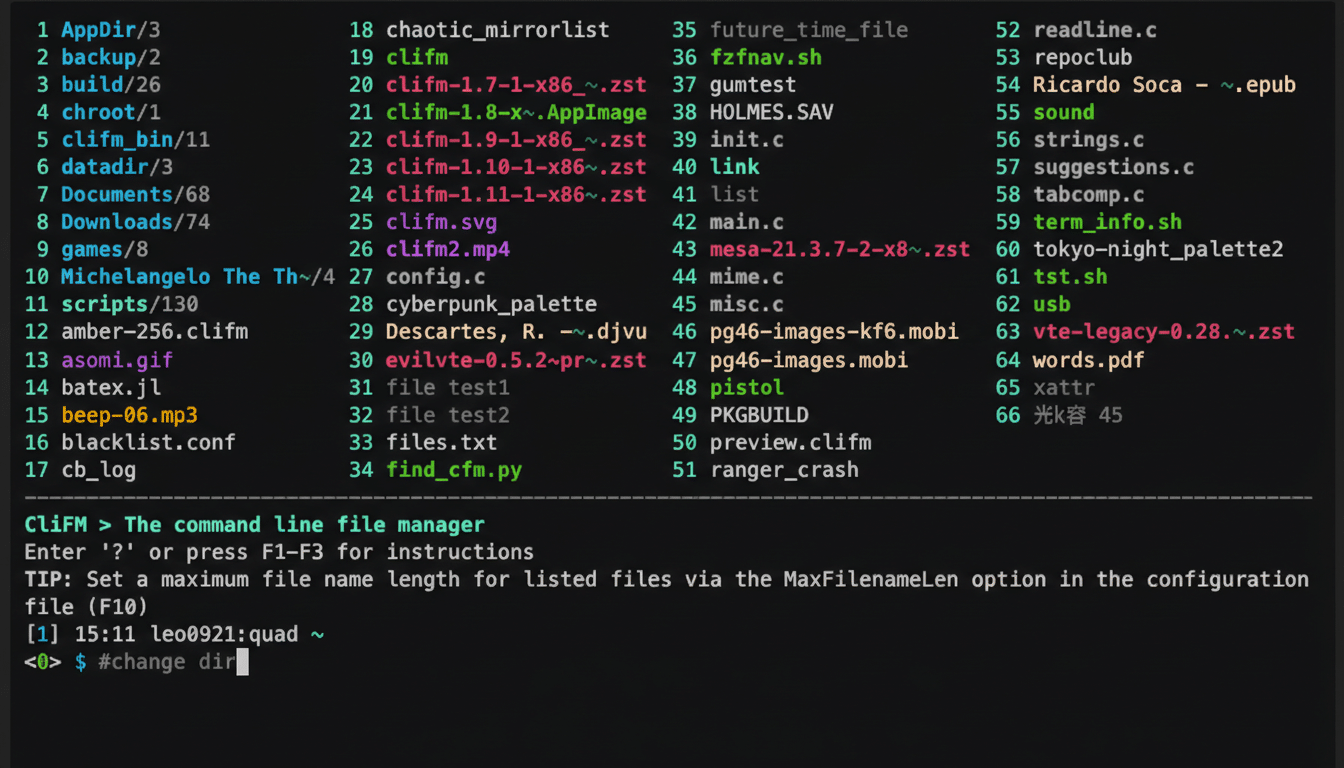
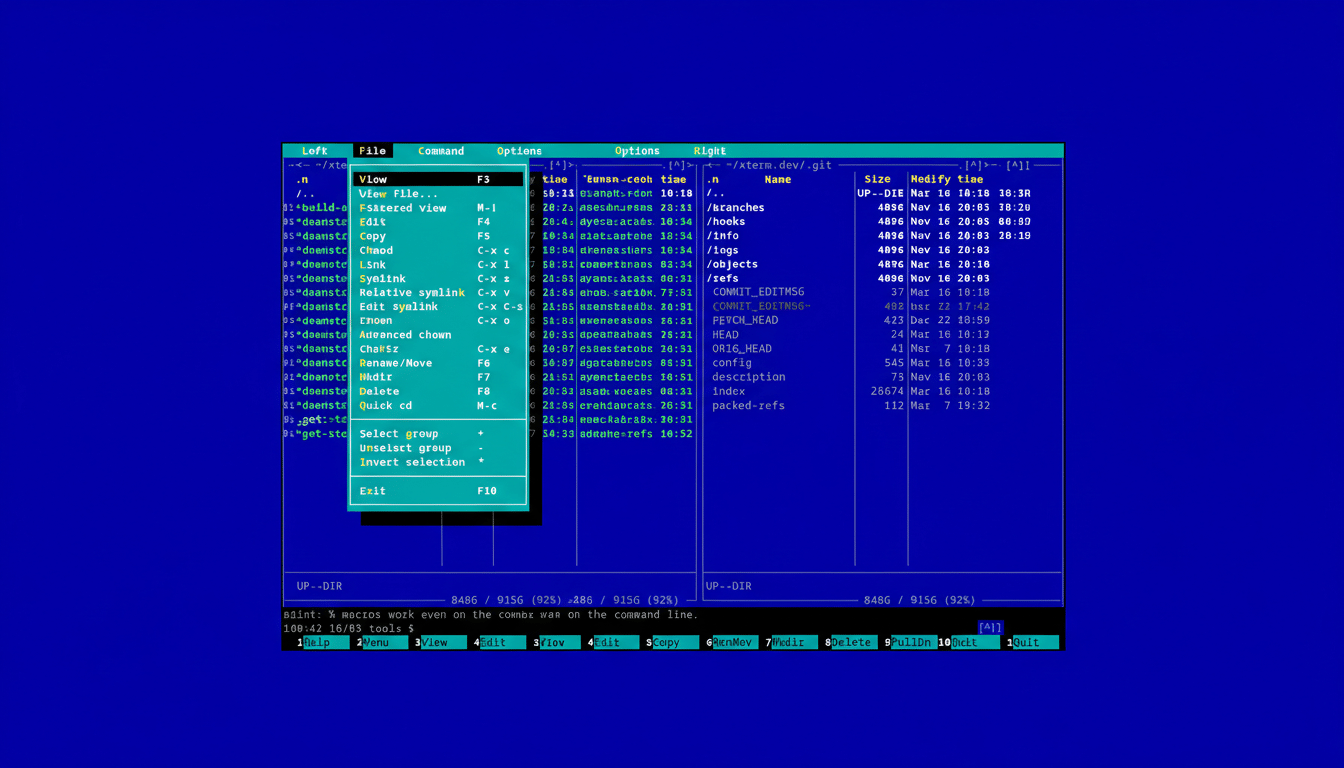
Midnight Commander (mc) has anchored Linux admin kits since the 1990s. Its dual‑pane layout, function‑key shortcuts, and surprising mouse support bring a near‑GUI feel to pure terminal sessions. Under the hood, its Virtual File System mounts remote locations transparently, so SFTP and FTP navigation feels local, and the built‑in viewer/editor (mcedit) minimizes shell escapes.
Real‑world win: when cleaning a cluttered uploads directory on a web server, mc’s batch rename and quick filter can whittle hundreds of files down to exactly what you need in seconds. It ships in major distros like Debian, Ubuntu, Fedora, and openSUSE; a quick apt install mc, dnf install mc, or pacman -S mc gets you going.
Yazi: A Fast Rust Powerhouse for Modern Terminals
Yazi is a newer entrant written in Rust with a sharp focus on speed, theming, and modern ergonomics. It supports previews for code and media, with image rendering in terminals that implement graphics protocols such as Kitty or iTerm2; in others, it falls back gracefully. A plugin system and smart defaults keep it nimble rather than bloated, and its popularity has surged on GitHub with five‑figure star counts since its 2023 rise.
If you care about a cohesive look across Wayland desktops, Yazi’s theme awareness is a standout. It’s available via Flatpak and most repos, and because it is compiled and asynchronous, scrolling large directories feels instant even over remote mounts.
Ranger: Vim-Style Navigation and Previews
Ranger brings a three‑column view and Vim‑like keybindings that make traversing deep trees second nature. The left column shows the path, the middle lists entries, and the right offers on‑the‑fly previews for text, PDFs, and images using helper tools. Its file opener (rifle) is highly configurable, so you can route different extensions to custom handlers without leaving the TUI.
Teams steeped in modal editing often prefer Ranger because the muscle memory transfers directly. It has accumulated well over 10,000 GitHub stars and remains a go‑to on Arch, Debian, and Fedora systems. Note that rich previews depend on terminal support and available preview backends; over bare‑bones SSH, Ranger still shines for navigation and quick peeks at text.
Nnn: Minimal Speed with Practical Tricks
Nnn focuses relentlessly on speed and simplicity. The binary is tiny (often under 1 MB), startup is instant, and the single‑column interface keeps cognitive load low. Yet beneath that minimal surface lives a capable toolset: file selection with the space bar, rapid filters, bookmarks, batch rename, archive operations, and an opt‑in plugin suite for tasks like fuzzy search or media previews.
For incident response on resource‑constrained hosts, Nnn’s footprint is hard to beat. It also integrates smoothly with your $EDITOR and shell, so complex refactors can jump from TUI to editor and back without friction. Its GitHub repository boasts a robust community and five‑figure stars, reflecting sustained adoption by power users.
Lf: Lightweight and Script-Friendly File Manager
Lf, written in Go, aims for Ranger‑style navigation with fewer dependencies and easy portability. It embraces straightforward keymaps (h/j/k/l, gg/G, etc.), an external preview script, and tight shell integration. Because it communicates with the shell via server mode, you can trigger actions in your current directory context and wire lf into complex scripts, making it a favorite for dotfile tinkerers.
In CI runners, containers, or minimal cloud images where Python isn’t guaranteed, lf’s small static binary is a practical choice. The project has earned thousands of GitHub stars and steady votes in distro communities like the Arch User Repository, signaling broad trust among developers.
Choosing the Right TUI for Your Workflow
If you want a feature‑rich, battle‑tested tool, pick Midnight Commander. For modern speed and theming, Yazi is compelling. Vim devotees will feel at home in Ranger. When every kilobyte and millisecond counts, Nnn is the minimalist’s friend. And if portability and scripting are paramount, lf strikes a smart balance.
All five are free and available from mainstream repositories. On Debian/Ubuntu use apt, on Fedora dnf, and on Arch pacman; Flatpak provides another path on desktops. Try them in a tmux session on a remote host and you’ll see why terminal file managers still earn a spot on seasoned Linux machines: they are fast, dependable, and built for real‑world constraints where a GUI just won’t do.
