


When the desktop interface gets in the way or you’re deep in an SSH session, a terminal file manager can be the difference between friction and flow. After years of administering servers, rescuing broken desktops, and building repeatable workflows, I keep five free, open-source tools installed on every Linux machine. They’re fast, predictable, scriptable, and resilient in places where a GUI simply won’t run.
This isn’t about nostalgia for text UIs. It’s about uptime and throughput. The Stack Overflow Developer Survey consistently shows Linux as a top development environment, and the Cloud Native Computing Foundation has repeatedly noted that most cloud workloads run on Linux. In those realities—remote shells, headless nodes, and containers—terminal file managers are the practical choice.
- Why Terminal File Managers Still Matter Today
- Midnight Commander: The Swiss Army Knife
- Yazi: Speed and Rich Previews in Rust Terminals
- Ranger: Vim-Style Navigation at Any Scale
- Nnn: Minimalism with Serious Power and Speed
- Lf: Lightweight Go-Based Workhorse for Linux
- How to Choose, Plus Setup and Productivity Tips
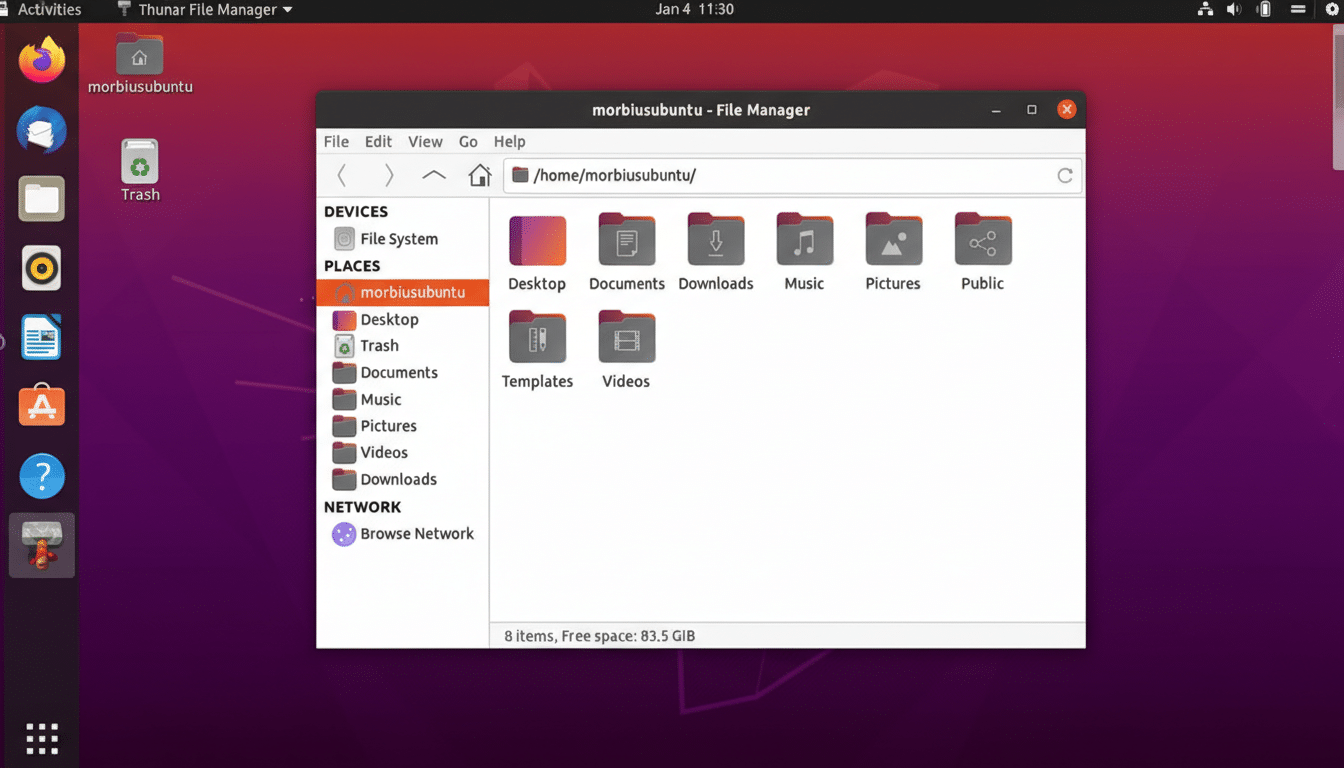
Why Terminal File Managers Still Matter Today
They run anywhere, including TTY-only recovery modes and minimal containers. They’re keyboard-centric, which adds up over thousands of operations. They behave the same over slow links, where forwarding a full desktop is unrealistic. And because they compose with shell tools—rsync, ripgrep, tar, jq—you can turn common tasks into reliable one-liners or scripts.
Midnight Commander: The Swiss Army Knife
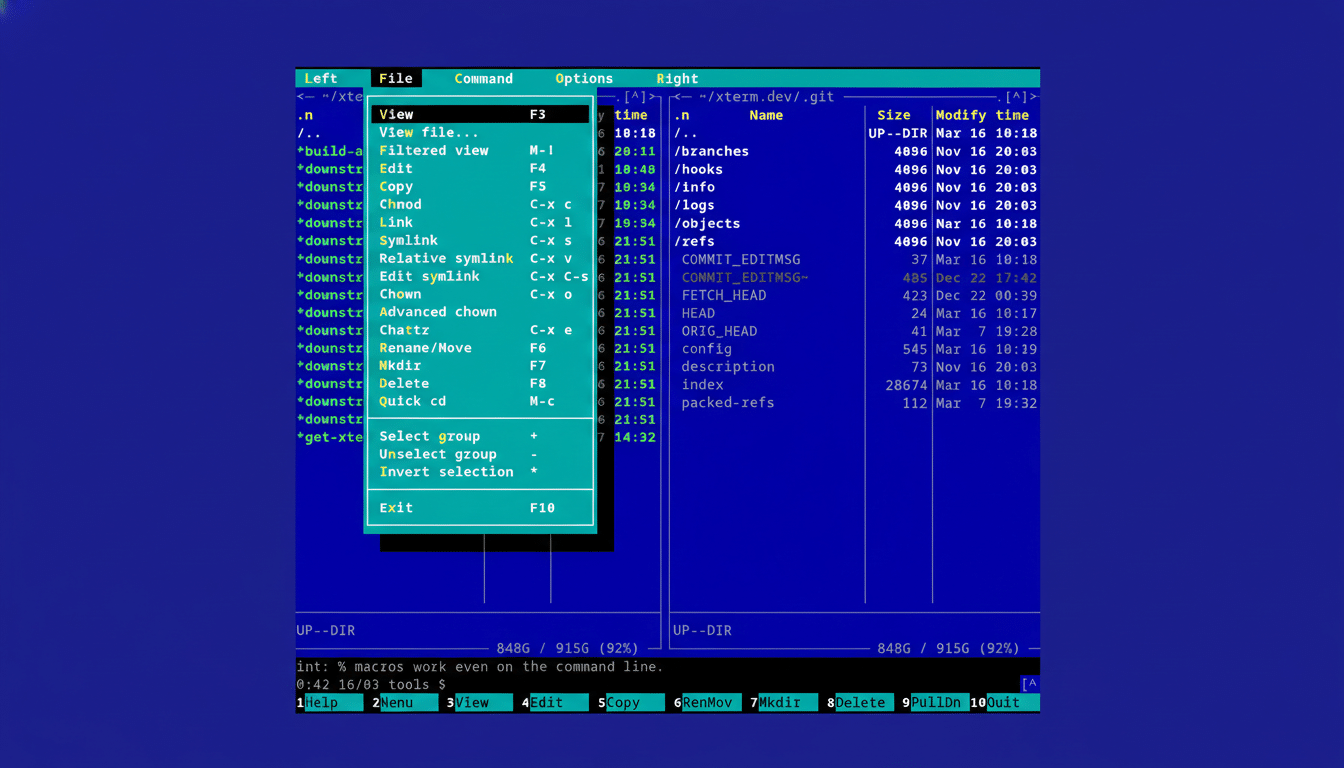
Midnight Commander (mc) is the classic dual-pane manager that many admins learned on, and it’s still formidable. It supports virtual file systems for SFTP and FTP, quick file viewers and editors, batch rename, and robust search. Mouse support works in many terminals, which eases onboarding for GUI-first users. I routinely use mc to traverse remote servers over SFTP, unpack archives, and compare directories without leaving the terminal.
It’s in virtually every distro repository, well-documented, and battle-tested. If you manage production systems, mc is the safety net you want when X won’t start.
Yazi: Speed and Rich Previews in Rust Terminals
Yazi is a newer entrant written in Rust, and it feels snappy even in massive directories. It respects system themes, supports asynchronous operations, and offers a modern preview pane with syntax highlighting. With terminals that support graphics protocols—such as Kitty, iTerm2, Konsole, or Ghostty—Yazi can display image previews right in the pane, a genuine productivity boost for designers and developers handling assets.
There’s a clean plugin system, sane defaults, and Flatpak availability, which make it easy to deploy across mixed environments. If you value speed and visual context, Yazi hits a sweet spot.
Ranger: Vim-Style Navigation at Any Scale
Ranger’s three-column layout, vim-like keys, and “rifle” file opener create a rapid browsing experience. As you arrow through directories, previews appear instantly; hit Enter to open files with your default editor or player. With helpers like w3mimgdisplay or Kitty graphics, ranger can preview images and PDFs in the terminal; on remote servers, previews fall back gracefully depending on capabilities.
Ranger shines for power users who live in tmux, maintain dotfiles, and expect their tools to be scriptable. It’s highly configurable, yet intuitive enough to be productive on day one.
Nnn: Minimalism with Serious Power and Speed
Nnn (pronounced “N-en-n”) looks spartan—a single-column list—and that’s the point. It launches almost instantly, sips memory, and keeps you focused. Tap ? for an in-app guide and you’ll discover filters, bookmarks, disk usage, batch rename, and archiving. Plugins extend it further, from fuzzy search to media previews.
Because it’s so light, nnn is ideal over flaky VPNs or on tiny VPS instances. I lean on it when triaging logs on ephemeral nodes, where every millisecond counts.
Lf: Lightweight Go-Based Workhorse for Linux
Lf brings a minimal, cross-platform approach in a single Go binary. It borrows sensible keybindings, delegates heavy lifting to external tools, and keeps configuration straightforward. Previews are powered by a user-defined script, so you can integrate bat for code, chafa or viu for images, and mediainfo for videos—whatever your workflow demands.
It’s especially good on servers and in containers where you want predictable behavior without extra dependencies. Paired with tmux and mosh, lf becomes a resilient remote file cockpit.
How to Choose, Plus Setup and Productivity Tips
Pick based on your muscle memory and environment: mc for universal reliability, Yazi for speed and rich previews, Ranger for vim-centric navigation, nnn for ultra-low overhead, and lf for portable, script-friendly setups. All five are free and open source, maintained by active communities.
For best results, set your $EDITOR, run inside tmux for session persistence, and pair these managers with staples like ripgrep for search, rsync for transfers, and tar or bsdtar for archives. Enterprise teams can standardize configs through dotfiles or Ansible, improving consistency across fleets—a practice echoed in enterprise open source reports from Red Hat and others.
GUI file managers remain great on the desktop. But when latency spikes, displays fail, or you need to automate the boring stuff, these five terminal tools deliver speed, control, and reliability that GUIs can’t match. And you don’t pay a cent.
