


I swapped my entire family onto older Google Pixels, and the only thing I regret is waiting. What started as an emergency loaner turned into a full migration: a Pixel 7 Pro for my dad, a 7a for my mom, and a 6 Pro for my aunt. None of them care about bleeding‑edge specs, yet they now enjoy faster help from me, cleaner software, strong cameras, and dependable updates—all without flagship prices.
Why One Platform Simplified Everything for Us
Helping relatives with phones used to be an archaeological dig through different Android skins. With Pixels, I know where every toggle lives. The layout is consistent, the Settings map is predictable, and system apps—Phone, Contacts, Messages, Photos—behave the same on each device. When my dad accidentally archived a banking thread, I didn’t have to remember how another brand labels that menu. I could walk him tap‑by‑tap because I see the same interface on my own Pixel.
- Why One Platform Simplified Everything for Us
- Why Older Pixels Offer Smarter Value Than Buying New
- Security And Updates Still Matter On Older Models
- Cameras That Rescue Real-World Family Moments
- Migration That Actually Restores Your Life
- What to Check Before You Follow Suit with Pixels
- The Verdict From Our Pixel Household After Switching
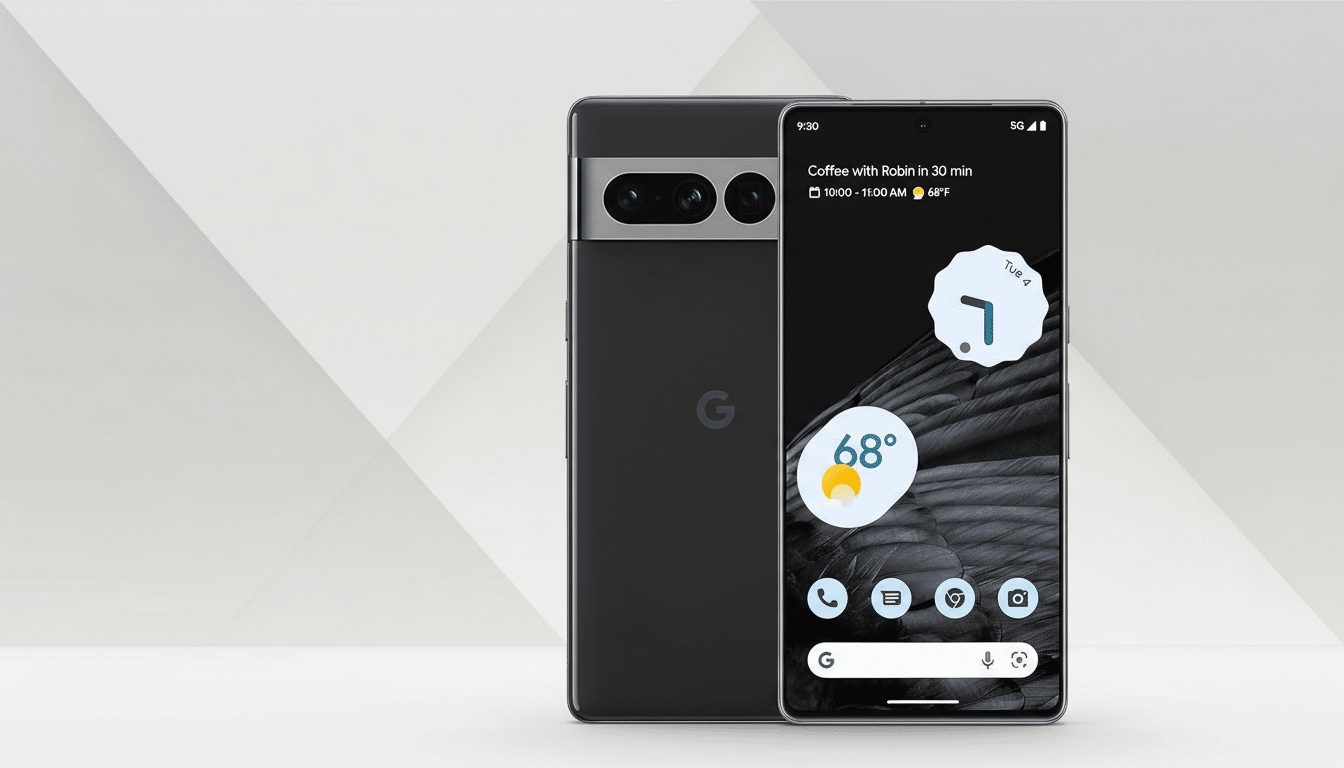
There’s also less clutter. Pixels ship without the duplicate browsers, app stores, or preloaded utilities that confuse non‑techy users. The result is fewer accidental settings changes, fewer mystery icons, and fewer “what did I just press?” calls. If you’re the family IT department, putting everyone on the same Android skin is the single biggest stress reducer.
Why Older Pixels Offer Smarter Value Than Buying New
Refurbished and lightly used Pixels are a bargain. Depending on storage and condition, a Pixel 7 Pro or 7a often undercuts mid‑range new phones while delivering a better camera and cleaner software. Counterpoint Research reports steady growth in the refurbished smartphone market, driven by trade‑ins and longer ownership cycles—evidence that “not new” no longer means “not good.”
For families, that price efficiency compounds. Three capable devices for the cost of one current flagship leaves room for cases, screen protectors, or even a spare charger at the grandparents’ place—practical spends that reduce future headaches.
Security And Updates Still Matter On Older Models
Even older Pixels continue to receive monthly security patches and Feature Drops within Google’s stated support window. That consistency matters more than raw benchmarks for most families. Agencies like CISA and standards bodies like NIST routinely emphasize timely updates as a basic safeguard; being on a device that actually receives them is the win.
When a model nears end of support, I can plan a like‑for‑like swap to another Pixel without re‑teaching the interface. The familiarity turns upgrades into a routine chore instead of a weekend project.
Cameras That Rescue Real-World Family Moments
Pixels punch above their weight in casual photography. Computational processing delivers sharp, color‑accurate photos even with shaky hands and mixed lighting—the exact conditions of family barbecues, garden snapshots, and document scans. Independent shootouts and reviewer blind tests have repeatedly credited Pixel phones for reliable point‑and‑shoot results, which tracks with my family’s experience: fewer blurry shots, more keepers.
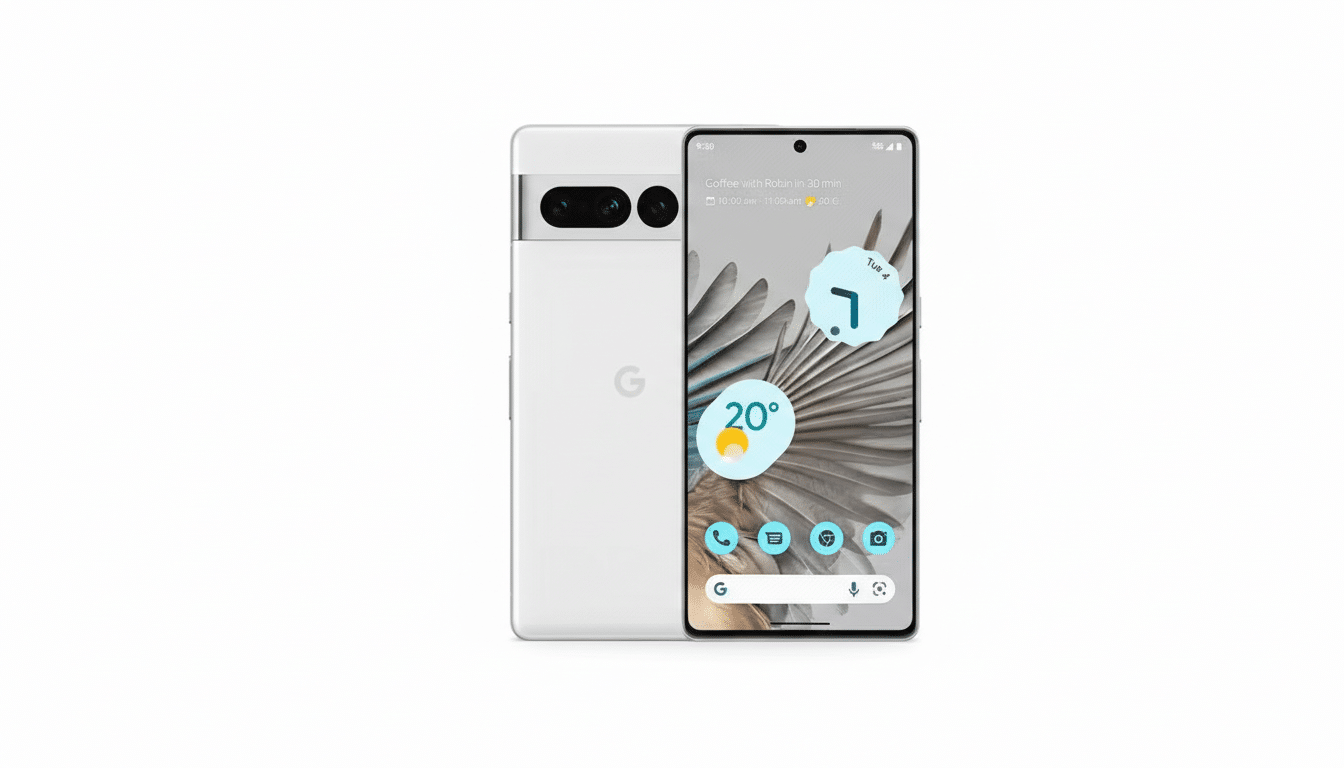
Bonus points for Google Photos and the built‑in scanner tools. When I need a clear image of an ID or receipt, I get a legible, shareable file the first time, not a mosaic of re‑takes.
Migration That Actually Restores Your Life
Pixel‑to‑Pixel transfers are refreshingly complete. Between Google One backups and the wired transfer tool, home screen layouts, widgets, wallpapers, and sign‑ins reappear with minimal nudging. After a relative triggered a factory reset (don’t ask), their phone was functionally familiar in under an hour. Compare that to juggling third‑party launchers and missing permissions on some other skins, and it’s not close.
Everyday quality‑of‑life features land, too. Call Screen filters spam, Recorder transcribes reliably, and Messages supports RCS, which Google says now serves over a billion users. Even the stock Weather app won over my family, replacing a patchwork of ad‑heavy alternatives.
What to Check Before You Follow Suit with Pixels
Not all older units are equal. Verify remaining software support, 5G band compatibility for your carrier, and battery health on refurbished devices. Pixel repairs are straightforward in many regions thanks to official parts availability and iFixit guides, but confirm local service options if you’re far from a major city.
Also note that some safety and calling features vary by country or carrier. Even without those extras, the core experience—updates, camera, clean UI—delivers the bulk of the benefit.
The Verdict From Our Pixel Household After Switching
Standardizing on older Pixels turned tech support into a quick conversation, not a scavenger hunt. We spent less, got more, and traded feature roulette for thoughtful software that ages gracefully. If you’re the family fixer, putting everyone on the same Pixel playbook is the rare upgrade that saves money and time. I only wish I’d made the call sooner.
