


Alexa doesn’t need a paid plan to be genuinely useful. With a handful of free voice commands, you can automate routines, tame the morning rush, cook smarter, and stay connected across the house—no subscriptions required.
Smart speaker adoption keeps climbing; Edison Research reports that over one-third of Americans 12+ now own a smart speaker, and Consumer Intelligence Research Partners estimates that Amazon Echo remains the category leader. That scale means the best commands are well tested, reliable, and built into Alexa at no extra cost.
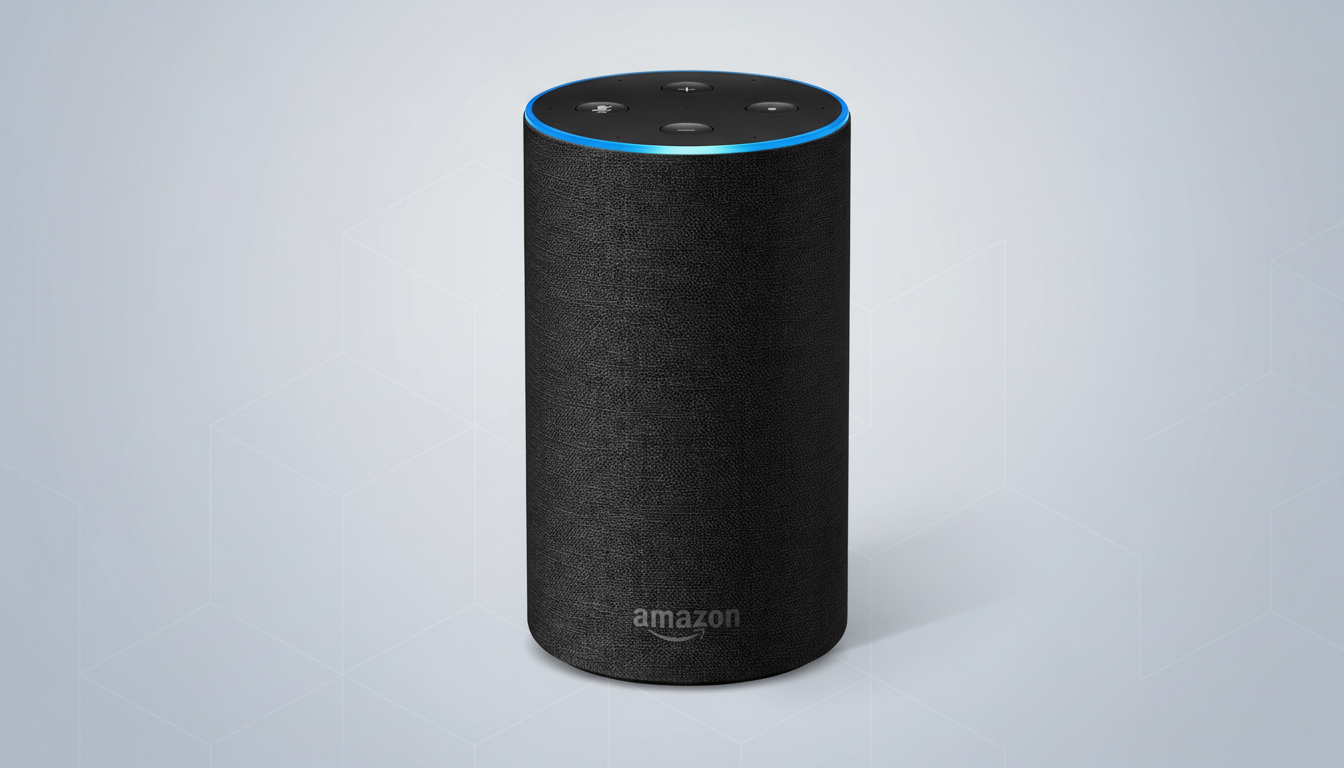
Smart Home Control Without Any Extra Fees
“Alexa, turn on the living room lights.” If you group bulbs, plugs, and switches by room in the Alexa app, this single command controls the whole space. For finer control, try “Alexa, set the living room lights to 20%.” Both work with any compatible device—no add-on services needed.
“Alexa, good night.” Create a routine with this phrase to power down lights, lock a smart door, and lower the thermostat in one shot. A companion routine—“Alexa, I’m home”—can raise lights, play music, or read you the day’s appointments. Routines are free and can be triggered by voice, schedule, or supported sensors on Echo devices.
Time Savers In The Kitchen And Beyond The Home
“Alexa, set a pasta timer for eight minutes.” Named timers are a small upgrade that prevent chaos when you’re juggling dinner and laundry. Ask, “Alexa, how much time is left on the pasta timer?” to check progress without losing your place.
“Alexa, how many tablespoons are in one-third cup?” and “Alexa, what can I use instead of buttermilk?” Unit conversions and ingredient substitutions are built in, saving a trip to your phone with flour on your hands. Food safety organizations regularly recommend accurate conversions for consistent results—Alexa handles those on the fly.
“Alexa, add milk to my shopping list.” The list updates instantly in the Alexa app and can be shared with family members. Pair it with a routine—say “Alexa, I’m leaving”—to hear a quick reminder of any unpurchased essentials before you walk out.
“Alexa, what’s on my calendar today?” After linking a free Google or Microsoft account, Alexa can add events by voice and read your schedule, a helpful fallback when your hands are busy.
Find Your Phone, Call, and Communicate at Home
“Alexa, find my phone.” Alexa will call your number so it rings, even if it’s on silent, depending on your device settings. It’s the fastest way to recover a misplaced phone in the couch cushions.
“Alexa, call Mom.” Alexa-to-phone calling is free in supported regions. For hands-free coordination at home, “Alexa, announce that dinner is ready” broadcasts to all Echo speakers in your household.
“Alexa, drop in on the kitchen.” Drop In works like an instant intercom between your Echo devices. Parents use it to check homework progress without shouting up the stairs; it also doubles as a room-to-room baby check-in when you’re downstairs.
Information On Demand For News, Weather, And More
“Alexa, what’s the weather this afternoon?” and “Alexa, what’s traffic to work?” These staples still matter: commuters can save minutes by leaving when Alexa says congestion clears. Transportation departments cite even small departure shifts as major time savers during peak hours.
“Alexa, play NPR” or “Alexa, play BBC Radio 1.” Live radio streams from providers like TuneIn remain free and dependable. If you prefer summaries, “Alexa, play the news” pulls your customized briefing from major outlets without paywalls.
“Alexa, translate good morning to Spanish.” On-the-spot translations and quick definitions—“Alexa, what does ubiquitous mean?”—turn any Echo into a study buddy or travel helper.
Routines And Sensors That Do The Work For You
“Alexa, movie time.” Use a custom phrase to trigger a routine that dims lights, turns on the TV, and sets a backlight strip. Echo devices with motion sensing can also trigger routines when you enter a room—turning on a lamp at dusk, for example—without monthly fees.
“Alexa, remember that the spare key is in the planter.” The Remember feature stores simple notes for later. Ask, “Alexa, where’s the spare key?” to retrieve it instantly—handy for infrequent but critical details.
“Alexa, turn on Do Not Disturb.” Late-night alerts and Drop Ins won’t interrupt family time or sleep. When you’re ready, say “Alexa, turn off Do Not Disturb.” Pair with “Alexa, set the volume to 3” to keep the house quiet.
Power Tips And Real-World Results From Free Commands
Households often underestimate how much friction these commands remove. Voicebot’s smart speaker research has consistently found that timers, lights, and intercom features are among the most-used functions—because they replace habitual phone taps with seconds-long phrases.
One last essential: “Alexa, delete what I just said.” Privacy controls are built in. You can also say, “Alexa, delete everything I said today,” or manage recordings in the app. That transparency, combined with free core features, makes Alexa a practical upgrade for busy homes without adding another monthly bill.
