


Should you be worried about smart home hacking? Not in the panic-and-unplug sense, but yes in the lock-your-doors-and-use-a-deadbolt sense. Security researchers say most compromises are opportunistic, not targeted: attackers scan the internet for weak devices, default passwords, and exposed ports, then strike whatever looks easiest. That’s why the best protection is making sure your home simply isn’t the easiest option.
The scary headlines are real—camera feeds leaked, baby monitors hijacked, speakers used to harass families—but they’re also instructive. Investigations by consumer watchdogs and law enforcement routinely trace these cases to a few repeatable mistakes: reused credentials, never-changed admin logins, outdated firmware, or cloud accounts without multi-factor authentication.
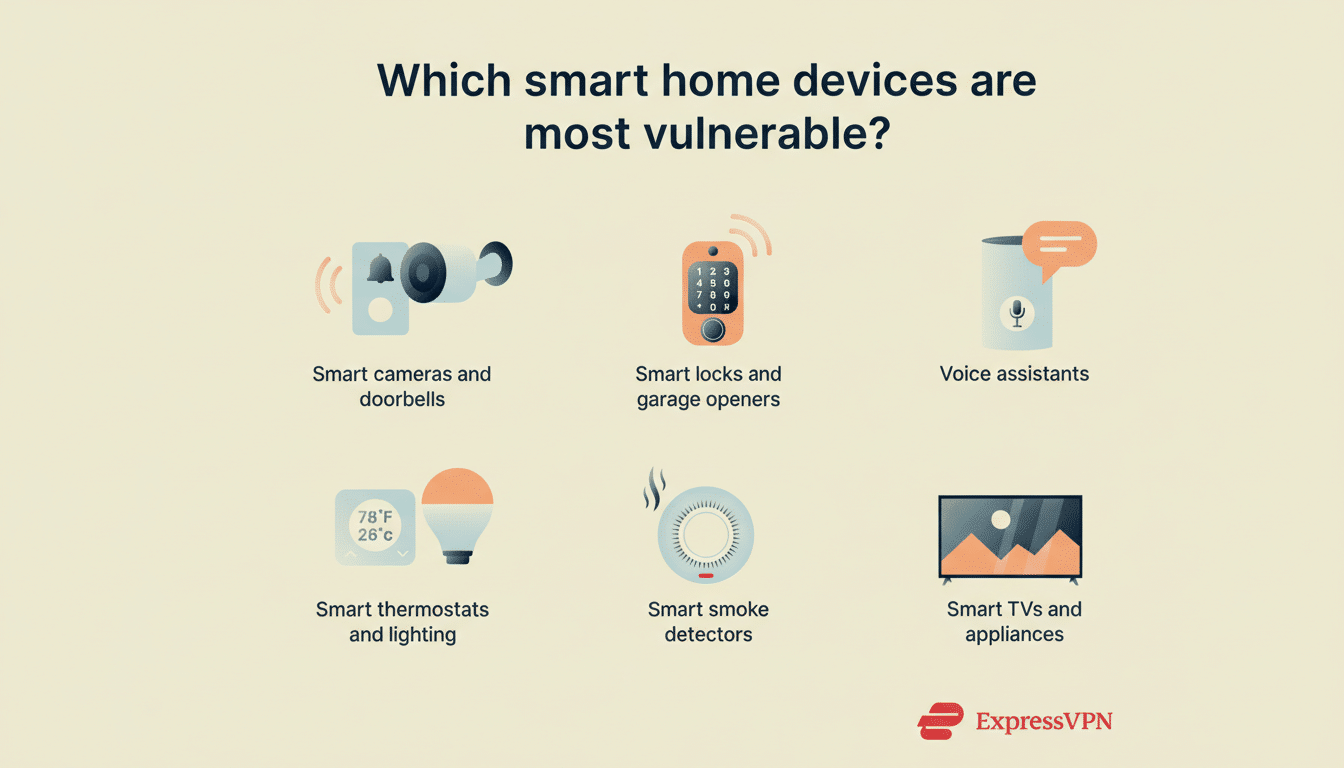
Here’s what “smart home hacking” actually means, how it happens, and the layered defenses professionals use that you can copy at home.
What Smart Home Hacking Is and What It Really Means
Smart home hacking covers any unauthorized access to connected devices or the accounts and networks that control them. It ranges from nuisance pranks (blasting music through a smart speaker) to serious privacy breaches (spying through cameras) and infrastructure abuse (hijacking devices for botnets and DDoS attacks). The device itself isn’t always “broken”—more often, the weakness lives in passwords, configurations, or the cloud services behind the gadget.
Security teams point to several common patterns. The FBI’s Internet Crime Complaint Center has repeatedly warned about account takeover fueled by credential stuffing—when criminals reuse leaked usernames and passwords to break into other accounts. The OWASP IoT Top 10 highlights weak or hardcoded credentials and insecure network services as primary risks. Europe’s cybersecurity agency ENISA has flagged consumer IoT as a frequent target for large-scale scanning and exploitation.
Real-world examples underscore the point. Camera vendors have faced breaches tied to stolen administrator credentials. Regulators have taken action against companies that failed to protect camera data, noting cases where internal tools gave improper access to live feeds. Law enforcement in Asia has reported widespread abuse of compromised home cameras for voyeurism and extortion. In each scenario, simple security lapses opened the door.
How Attackers Get Into Your Smart Home Devices
Reused and weak passwords are the number one culprit. If your email and password are exposed in one breach, automated tools will try them across your camera app, router portal, and voice assistant. If you never changed the device’s default password, the job is even easier.
Open doors on your network are next. Features like Universal Plug and Play (UPnP) or manual port forwarding can inadvertently expose devices to the open internet. Attackers use search engines for connected devices to find cameras, DVRs, and smart hubs with reachable ports, then probe for known flaws.
Cloud and app integrations can also expand risk. “Convenience” features such as peer-to-peer camera access, third-party voice skills, or remote administration may introduce additional attack surfaces. Phishing remains a factor too: a convincing prompt or fake login page can trick users into approving malicious access.
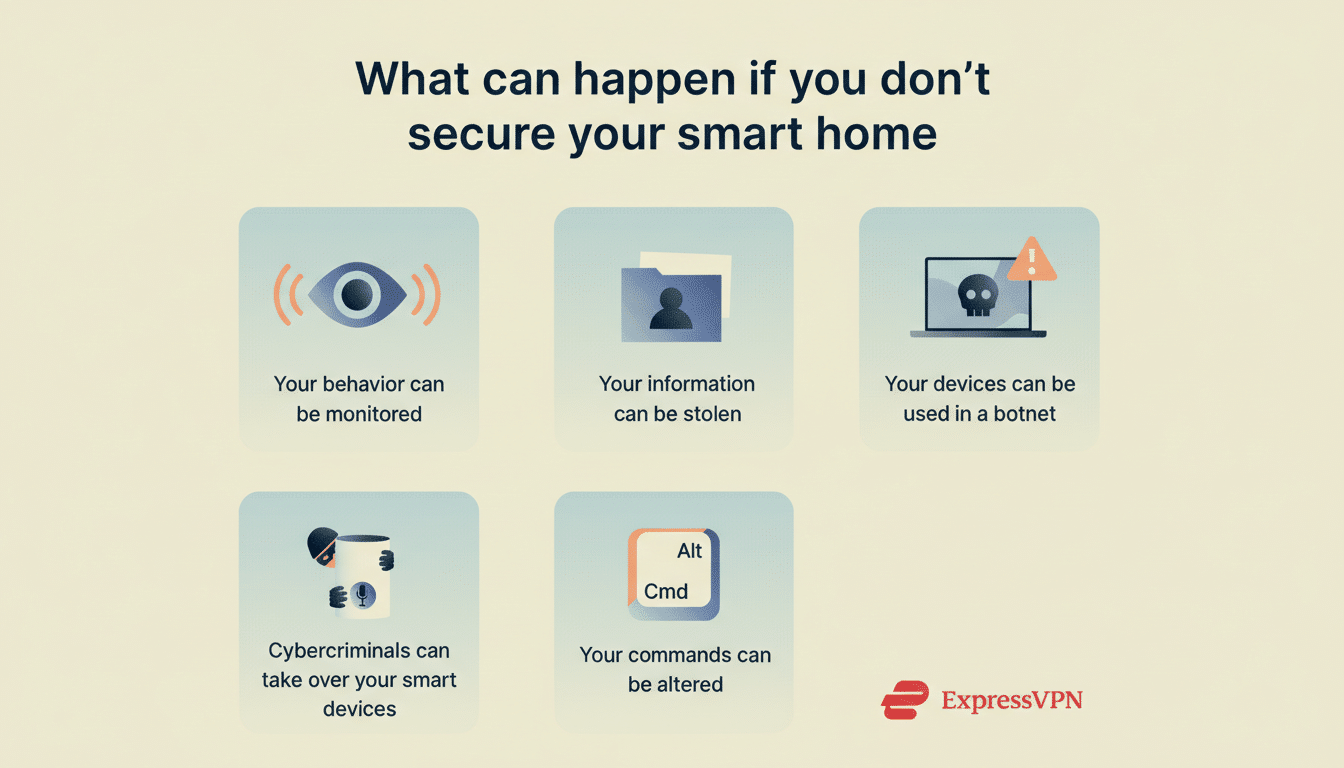
How Experts Prevent It With Layered Home Security
Start with identity. Use a password manager to create unique, long passwords for every device account, cloud service, and router. Turn on multi-factor authentication everywhere it’s offered—major ecosystems like Amazon, Google, Apple, and popular lighting and camera brands support it. Even if your password leaks, MFA blocks most takeovers.
Harden the home network. Set your router to WPA2 or WPA3, change the default admin password, and disable WPS and UPnP. Avoid manual port forwarding unless you truly need it. Create a separate Wi-Fi network for smart home devices, keeping laptops and phones on a different SSID; if your router supports it, use VLANs to isolate cameras and sensors from personal data.
Relentlessly update. Enable auto-updates for routers, hubs, and gadgets so security patches install quickly. Many high-profile IoT compromises trace back to months-old known vulnerabilities. If a device no longer receives updates, treat it like an unpatched PC—replace it or isolate it on a quarantined network.
Reduce the attack surface. Turn off features you don’t use: remote access, two-way talk, integrations you never touch. Decline unnecessary third-party connections in apps. For cameras, prefer models with local privacy shutters and restrict motion zones to avoid capturing neighbors or public areas you don’t intend to record.
Buy with security in mind. Look for vendors that publish security whitepapers, run bug bounty programs, and align with recognized baselines such as ETSI EN 303 645 and NIST guidance for consumer IoT. Certifications like the ioXt Alliance and emerging national labeling programs (marketed as a “Cyber Trust Mark”) signal meaningful practices like unique default credentials, update commitments, and vulnerability disclosure policies.
Monitor and verify. Use your router’s app to review connected devices and block unknown ones. Enable account login alerts where available. Consider DNS filtering to reduce exposure to known malicious domains. Periodically check breach-notification services to see if your email appears in known data leaks and rotate passwords accordingly.
Should You Be Afraid of Smart Home Hacking Today?
Be alert, not alarmed. National cybersecurity centers consistently observe that criminals favor low-effort targets; when you eliminate the easy wins—weak passwords, exposed ports, stale firmware—you push your home below the threshold of “worth the trouble.” The chance of a determined, bespoke attack on one household is low, but the consequences of lax security can be high, especially with cameras and mics.
The smarter approach is to keep your conveniences and add guardrails: unique credentials and MFA, a segmented network, automatic updates, fewer open features, and security-conscious purchasing. That’s the expert playbook. Follow it, and your smart home can be both connected and comfortably secure.
