


A small switch buried in your Kindle settings could transform how you read. The feature is called Popular Highlights, and while it sounds helpful, many experts and avid readers say it subtly reshapes a book’s meaning, pacing, and even your enjoyment. If you want an experience closer to paper, this is the one setting you should disable.
What Kindle’s Popular Highlights Feature Actually Does
Popular Highlights aggregates passages that many readers have underlined and then displays those underlines in your copy, along with a tally. It is turned on by default, which means most users see it without realizing it’s a setting. In practice, it adds a social layer to a solitary activity—turning every page into a mini focus group.
- What Kindle’s Popular Highlights Feature Actually Does
- Why Popular Highlights Disrupt Your Natural Reading Flow
- How Popular Highlights Create Spoiler Signals and Bias
- How to Turn Off Popular Highlights on Kindle Devices and Apps
- When Popular Highlights Might Actually Be Helpful
- The Bottom Line on Kindle’s Popular Highlights Setting
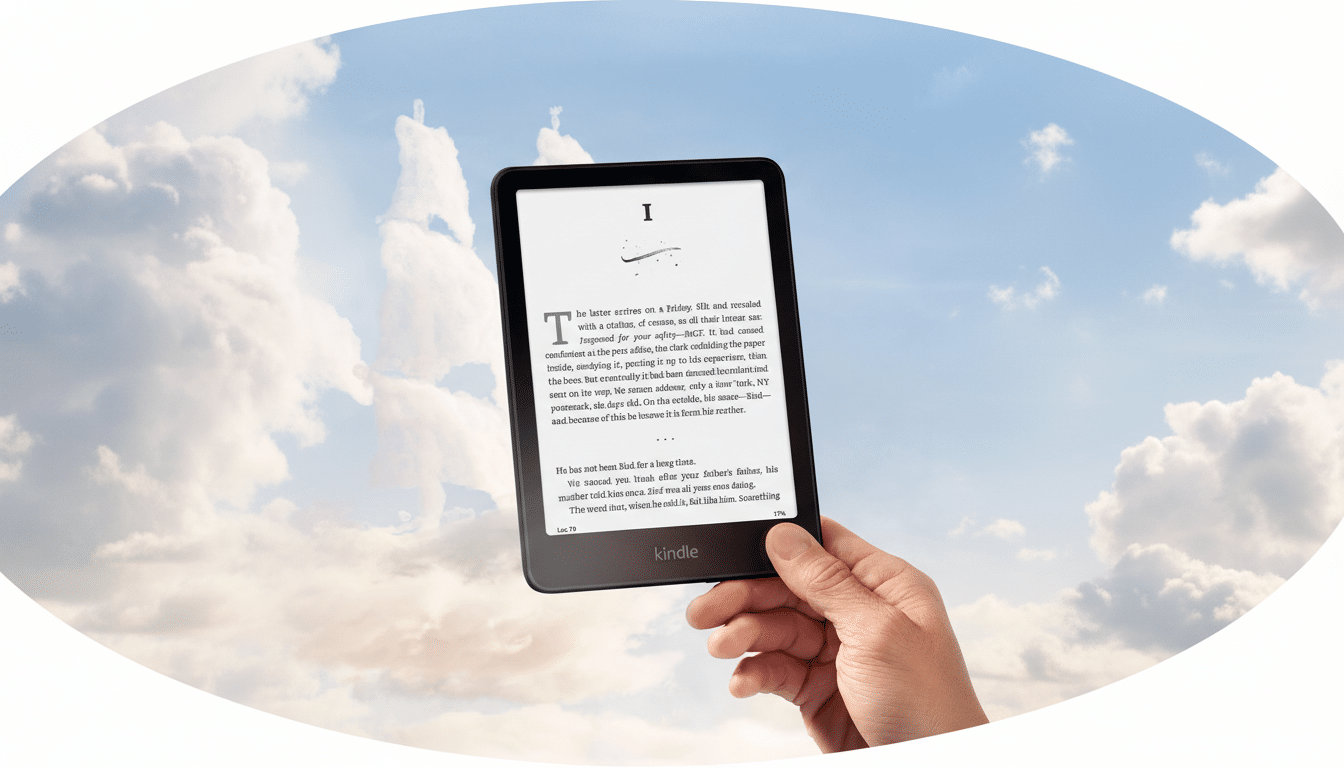
The promise is crowd wisdom: if thousands linger on a sentence, maybe you should too. The reality is more complicated. That extra markup can act like a nudge, drawing your attention away from the author’s rhythm and toward what strangers deemed important.
Why Popular Highlights Disrupt Your Natural Reading Flow
Visual cues hijack attention. Eye-tracking research from the Nielsen Norman Group shows that highly salient elements pull the gaze and can reorder reading paths. On a Kindle page, an underline with a number is a beacon—you will notice it, even if you wish you hadn’t.
That shift matters. Educational psychologists have long warned that highlighting can inflate the perceived importance of text without improving understanding. A comprehensive review in Psychological Science in the Public Interest found highlighting to be a “low-utility” study strategy because it encourages surface processing. Translated to leisure reading, you may give undue weight to lines that look significant simply because they’re marked.
There’s also the issue of authorial intent. Novelists control pacing through sentence length, paragraph breaks, and detail placement. Add a crowd-sourced underline and you’ve inserted a new editor into the room—one with no context for what you know so far.
How Popular Highlights Create Spoiler Signals and Bias
In plot-driven fiction, Popular Highlights can function like a spoiler siren. A cluster of underlines right before a twist primes you to expect significance, dulling surprise. It’s not the content of the highlight that ruins the moment; it’s the signal that “this part matters.”
Some research has suggested spoilers don’t always harm enjoyment. A widely cited study by UC San Diego psychologists Jonathan Leavitt and Nicholas Christenfeld reported that readers sometimes preferred spoiled stories. But their experiments involved foreknowledge before reading—not uninvited cues embedded within the text at the moment of discovery. Those are different experiences. With Popular Highlights, the book becomes annotated by people who’ve already finished it, creating a hindsight bias you didn’t ask for.
Reader forums routinely echo this frustration, with complaints that highlighted passages telegraph character revelations or inflate minor lines into false leads. Even when nothing explicit is given away, the meta-layer changes how you interpret what you’re seeing.
How to Turn Off Popular Highlights on Kindle Devices and Apps
The fix is quick and reversible.
- On most Kindle e-readers: Settings > Reading Options > Highlights & About This Book > toggle off Popular Highlights.
- In the Kindle phone and tablet apps: More (or Menu) > Settings > Reading Options > toggle off Popular Highlights.
The exact labels can vary by device and software version, but it’s always within Reading Options.
While you’re there, consider reviewing related toggles such as Public Notes, About This Book, and X-Ray. These tools can be valuable, but they also introduce commentary and context that some readers prefer to encounter after finishing a chapter—or the whole book.
When Popular Highlights Might Actually Be Helpful
Popular Highlights isn’t inherently harmful. In non-fiction, it can act like a crowd-sourced executive summary. Students skimming dense material or readers revisiting a book might appreciate the guideposts. Think of it as a book club margin—useful if you seek consensus, distracting if you crave immersion.
A balanced approach is to keep it off by default, then turn it on selectively for reference-heavy titles. If you’re curious what resonated broadly, enable it after you’ve read a chapter, not before.
The Bottom Line on Kindle’s Popular Highlights Setting
About 30% of U.S. adults read e-books each year, according to the Pew Research Center, and many do so for the same reason they pick up paper: uninterrupted escape. Popular Highlights inserts other people’s reactions into that escape. Unless you explicitly want the crowd’s voice in your margins, turn it off and let the author’s voice be the only one on the page.
