


A brief outage of Cloudflare, a content delivery network that keeps websites running smoothly, set off, knocking out all sorts of services — from Discord to Shopify to Deliveroo — by putting them behind its global internet infrastructure within minutes. Preliminary root-cause early indicators showed that the issue was related to the Cloudflare Dashboard and its associated APIs, with a mitigation deployed promptly but in a limited scope (it reduced the time of impact but not necessarily other aspects).
Internal server error definition and what it means
Internal Server Error usually manifests as an HTTP 500-class response. It’s a catch-all: the server is temporarily unable to handle the request. With Cloudflare in the middle of the process, that error can come from either the site’s servers (assumed to be “origin”) or from a layer between them and the great beyond.
- Internal server error definition and what it means
- Why A Cloudflare Problem Takes So Many Sites Down With It
- Control plane versus data plane at the Cloudflare edge
- How internal server errors propagate through Cloudflare
- What site owners should look for during Cloudflare issues
- Advice for end users during a widespread Cloudflare outage
- The reliability takeaway from this brief Cloudflare outage
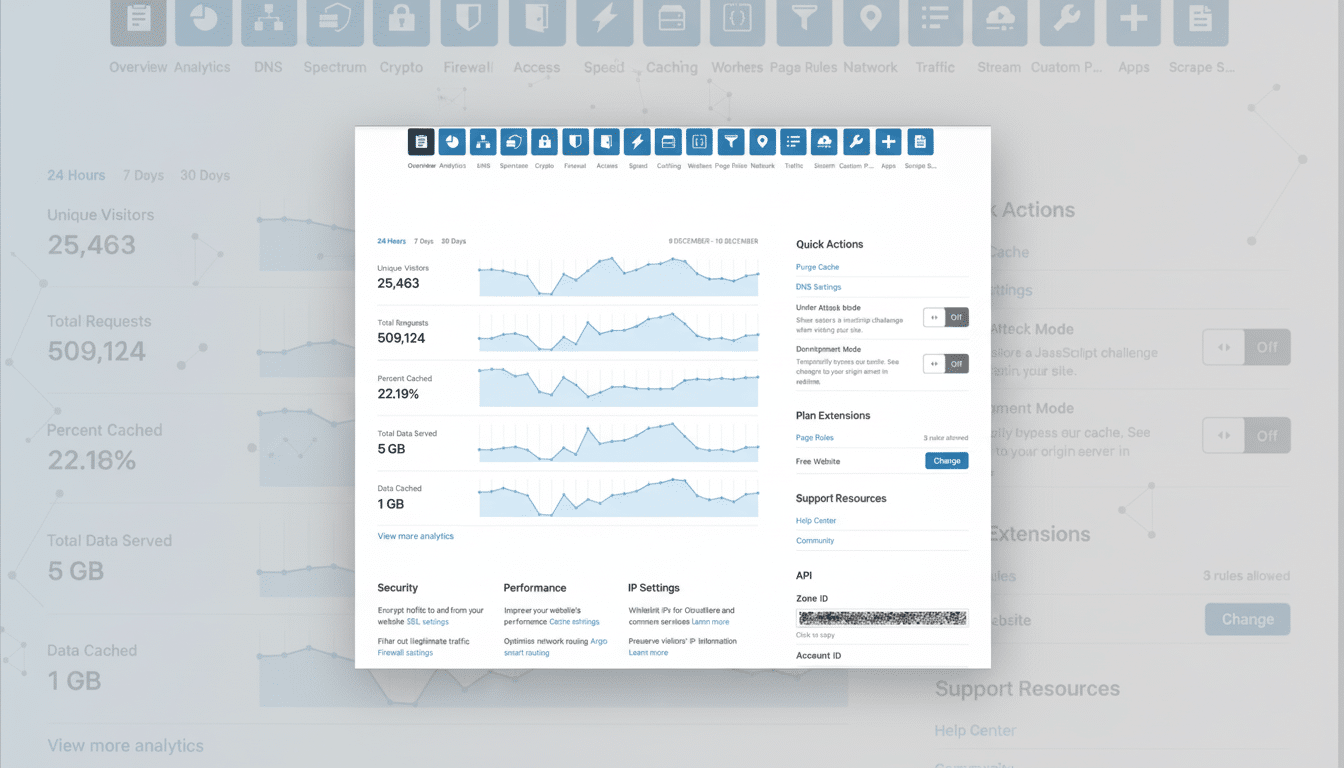
Cloudflare-specific 5xx codes introduce further subtlety: 502 and 504 suggest upstream or gateway timeouts, while numbers in the range of 520 through 526 cover issues such as unknown origin errors, a connection refused, or an SSL handshake failure, to name a few. To users, they are indistinguishable — the pages fail to load — but how Cloudflare fixes the situation varies depending on whether we had an issue at our edge, in our control plane, or with origins.
Why A Cloudflare Problem Takes So Many Sites Down With It
Cloudflare is how more than 20 million web properties protect and accelerate their applications online using its DDoS, L3/L7 load balancing, and security products. Cloudflare is the leader in this group, used by over 20% of websites overall and has the most widespread adoption among reverse-proxy and content delivery network services (according to W3Techs). When its control plane or edge proxies sneeze, the blast radius can be enormous, as so many requests flow through the same global network.
This fallout is often visible in outage trackers: spikes of user reports for big games, online stores, and productivity tools will sync up with downtime in Cloudflare. Even when the window is small, the sheer volume of traffic ensures a swath of users will have felt it all at once.
Control plane versus data plane at the Cloudflare edge
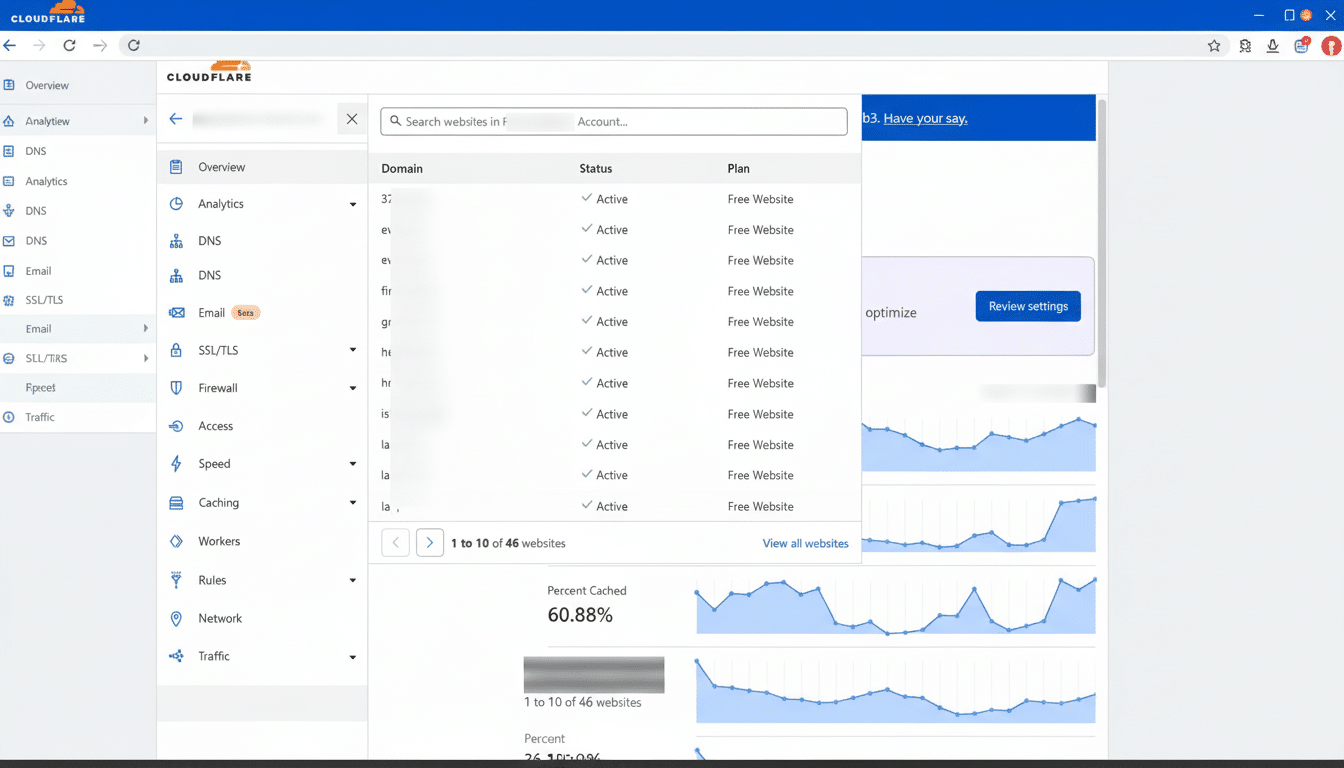
Cloudflare separates its control plane (dashboards, APIs, and configuration and analytics services) from its data plane (the edge proxies that handle live traffic).
An event associated with dashboards and APIs could have degraded the ability to manage — deploy new rules, purge cache, rotate keys — without immediately killing websites. On the other hand, an edge routing or configuration issue may surface as 5xx errors to customers immediately.
Some of the highest-profile outages that have affected the company historically have stemmed from configuration changes or software rollouts on key routing or security devices. In a high-throughput network that serves hundreds of cities, small errors can be magnified quickly. Public-facing Cloudflare postmortems have over and over and over again underlined safety nets like staged rollouts, automated rollbacks, reducing the “blast radius,” etc., but rare exceptions continue to get through in datasets that are not even that large.
How internal server errors propagate through Cloudflare
Here’s the order of operations for a typical request: a user connects to one of Cloudflare’s many data centers around the world, negotiates TLS, gets filtered through bot management and firewall rules, then hits the origin server. The failures look different at each step. If the origin is down, overloaded, or otherwise misbehaving, the edge returns a 500-series response. If even Cloudflare can’t dispatch the request, verify TLS with origin (where necessary), and talk to internal services required to service that transaction, then the edge regresses back out to 5xx codes there too.
That’s one reason “Internal Server Error” is a symptom, not a diagnosis. The code was flagging us where in the chain things had been broken — but not exactly why — until engineers correlated logs across dozens of edge locations, control plane components, and origin telemetry.
What site owners should look for during Cloudflare issues
When a Cloudflare incident is underway, your first step should be to check the provider’s status notices and then check your own house:
- Validate origin health: mean CPU/memory, database connections, and upstream timeouts.
- Confirm TLS: from Cloudflare to origin certificate is valid, ciphers are supported, and SNI requirements are met.
- Check recent changes; blocking or slowing down of traffic could have been caused by WAF rules, Workers scripts, rate limits, and cache behaviors.
- Test direct-to-origin access from allowlisted IPs to separate proxy vs. origin faults.
- Enable resilience patterns: serve stale content on error, reduce timeouts to origin, and use circuit breakers to prevent cascading failures.
On some large sites, to increase reliability, multi-CDN strategies are in use, or an application has dual origins across clouds or even different cloud regions and staged configuration rollouts. These measures don’t prevent the incidents, but they reduce the window of visible impact.
Advice for end users during a widespread Cloudflare outage
If you get an Internal Server Error during a Cloudflare outage we know about, it’s probably not you. Don’t repeatedly refresh at a rapid-fire pace: it adds load for no benefit. Give it another try in a few; usually this sort of thing is fixed pretty soon as traffic is getting redirected or patches are making their way around to all the DCs.
The reliability takeaway from this brief Cloudflare outage
The internet of today is dominated by a small number of high-capacity intermediaries. Its network, which stretches across hundreds of cities around the globe and processes enormous volumes of requests daily, normally withstands attacks and outages on behalf of everyone else. But from time to time, an edge or control plane failure gets bubbled up as Internal Server Error to dependent sites. The bright side, in this case: quick fixes minimized downtime, and the mistake was a vivid illustration of how complicated, interconnected, and resilient by design the modern web must be.
