


Google is experimenting with a new Chrome onboarding flow that invites Windows users to pin the browser to the taskbar during first run, a small but telling move in the long game of browser retention. The prompt is live in Chrome Canary for some testers and sits alongside the familiar request to set Chrome as the default browser.
What Is Changing in Chrome Canary’s Onboarding Flow
Early builds of Chrome Canary now surface a refreshed welcome screen with a larger Make Default button and a second option to pin Chrome to the taskbar for one-click access. The test can be forced via the first-run desktop refresh flag in Chrome flags, indicating it is an A/B experiment rather than a guaranteed feature. The change was first spotted by Windows-focused observers and appears to be rolling out in waves.
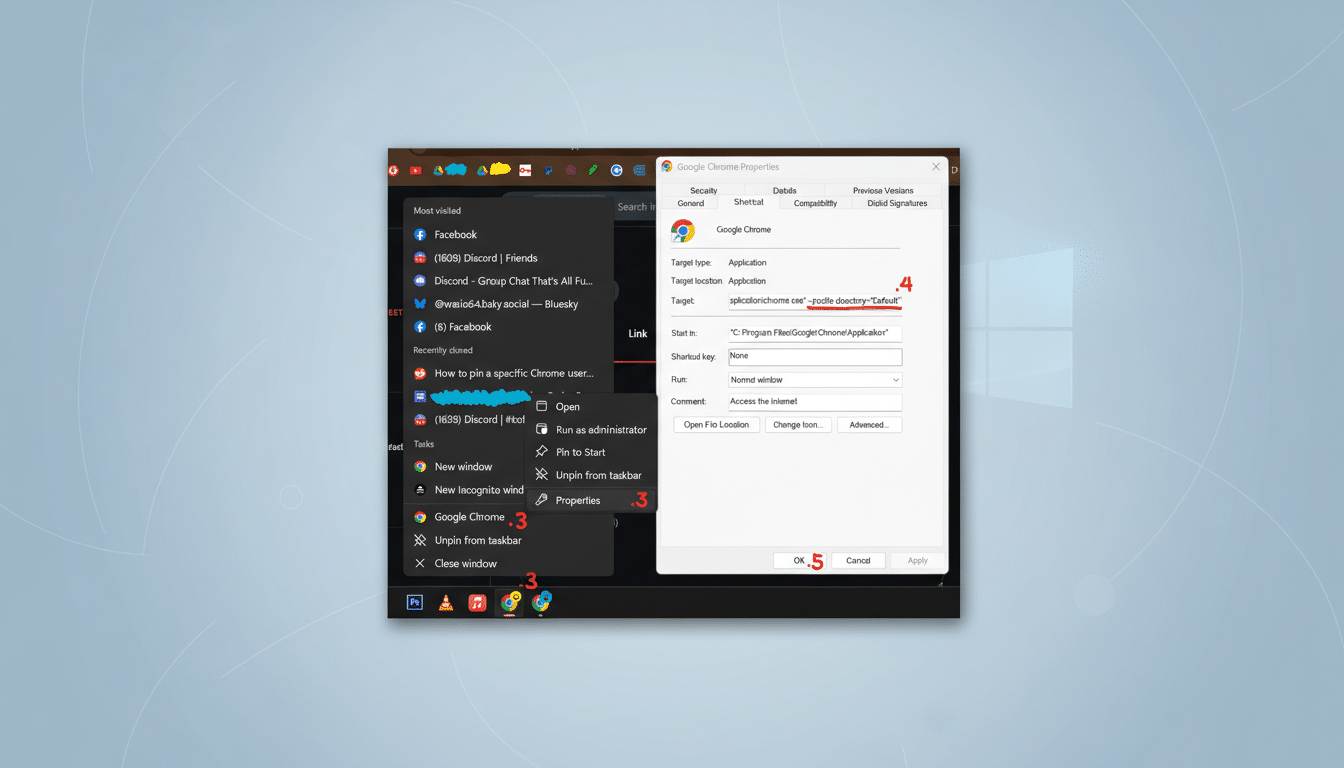
Functionally, the pinning option removes friction at a key moment. New installs are when habits form, and placing an icon on the taskbar puts Chrome directly in the user’s launch path. While the feature is opt-in, the visual emphasis is unmistakable compared to Chrome’s long-standing, quieter default prompt.
Why Pinning Matters for Browser Share on Windows
The taskbar is prime real estate on Windows. Microsoft’s own design guidelines characterize it as a primary launch surface, and enterprise UX research consistently shows that pinned apps drive repeat usage because they reduce the cognitive load of finding software in the Start menu or desktop. In the attention economy, a single click saved can be the difference between staying and switching.
Chrome already dominates the desktop market with roughly 65% global share, according to StatCounter’s multi-year tracking. Edge has grown into the clear No. 2 at around 12% as Windows 10 and 11 nudge users toward Microsoft’s ecosystem. That tug-of-war plays out not only in big features like AI sidebars but also in micro-interactions such as defaults, choice screens, and pins. At scale, a modest lift in stickiness from a pinned icon can translate into millions of daily launches.
There is precedent for this playbook. Windows installations routinely pin Edge by default, and Microsoft has used out-of-box experiences and system updates to promote taskbar icons for services ranging from Office to Copilot. Chrome’s prompt is more restrained because it asks for explicit consent, but the underlying intent is similar: increase visibility, then reduce the steps to return.
The Regulatory and UX Backdrop for Chrome’s Test
Default prompts and onboarding flows have drawn scrutiny, especially in regions governed by new competition frameworks. The European Union’s Digital Markets Act has already forced broader choice screens on mobile and desktop platforms. Although a voluntary pin option is unlikely to trigger the same level of attention as forced placements, any change that influences user choice will be watched by regulators and rivals alike.
From a design standpoint, the move hews to a clear principle: meet the user at the moment of highest intent. Someone who just installed Chrome likely wants rapid access, and pinning fulfills that need without extra hunting. The risk is prompt fatigue. If the screen feels pushy or confusing, users may dismiss it outright. Striking the tone between helpful and overbearing will determine how widely Google deploys this beyond Canary.
How to Try It and What to Expect Next in Chrome
Adventurous users can install Chrome Canary and look for the refreshed first-run experience. If it does not appear, enabling the first-run desktop refresh flag and relaunching may trigger it. As with any Canary feature, behavior can change without notice, and performance or UI details may be incomplete.
If the experiment proves effective, expect a staged rollout to Beta and then Stable, potentially with regional variations to satisfy local rules. The prompt should respect existing setups if Chrome is already pinned, and the action remains reversible—users can unpin the icon at any time. For most people, this is a small nudge, but for Google it is another lever in a mature market where incremental gains matter.
Zooming out, the browser battle is no longer just about rendering speed or AI bells and whistles. It is about staying present on the surfaces people use every day. By pushing a taskbar pin at install, Chrome is betting that visibility is the ultimate feature.
