


CachyOS, the performance‑tuned Arch Linux derivative, has flipped the switch to Wayland by default for supported desktops — a move that aligns it with the broader Linux graphics shift while also lowering the barrier to Arch for everyday users. The result is a faster, cleaner desktop experience paired with an installer and tooling that make Arch’s rolling-release power feel surprisingly approachable.
Why Wayland Is Now the Default for Supported Desktops
Wayland has matured into the preferred display stack across mainstream desktops. GNOME has shipped Wayland by default for years, Fedora led the charge early, Ubuntu re‑adopted it widely, and KDE Plasma 6 made Wayland the primary session. For most Intel and AMD graphics, the benefits are tangible: lower input latency, better multi‑DPI handling, HDR groundwork, smooth touchpad gestures, and improved security thanks to tighter protocol boundaries compared with X11’s permissive model.
- Why Wayland Is Now the Default for Supported Desktops
- A Gentler Arch With Performance to Spare
- KDE Plasma 6 Shines on Wayland with Smoother Multi‑Monitor Use
- Modern Limine Bootloader and a Familiar Login Experience
- Accessibility Without Dumbing Down: Choices and Control Remain
- Who Should Try CachyOS and What Users Will Benefit Most
Independent benchmarking over the past year has repeatedly shown smoother frame pacing and improved responsiveness on Wayland in common desktop tasks and many games, particularly when paired with compositors like KWin and Mutter. NVIDIA users have also seen a turning point: newer drivers with explicit sync and GBM support have eased the rough edges that previously held some users back from Wayland.
A Gentler Arch With Performance to Spare
CachyOS pairs the Wayland transition with quality‑of‑life upgrades that make Arch Linux feel less intimidating. A streamlined, Calamares‑based installer surfaces sane defaults, curated kernels, and desktop choices without forcing users through the usual manual partitioning and package selection gauntlet. Power users still get full control; newcomers get a guided path.
Under the hood, CachyOS leans into speed. Its repositories provide CPU‑optimized binaries (including x86‑64 microarchitecture levels such as v3 where supported) and a custom kernel flavor with desktop‑oriented tweaks like the BORE scheduler to reduce latency under load. Combined with Wayland’s efficient rendering path, the desktop feels snappier during launches, window management, and high‑refresh scrolling.
Crucially, it’s still Arch: a rolling release with access to the Arch repositories, the AUR, and the latest kernels and Mesa stacks. Updates arrive continuously, so users who install once and keep current get the Wayland-enabled experience without a full reinstall.
KDE Plasma 6 Shines on Wayland with Smoother Multi‑Monitor Use
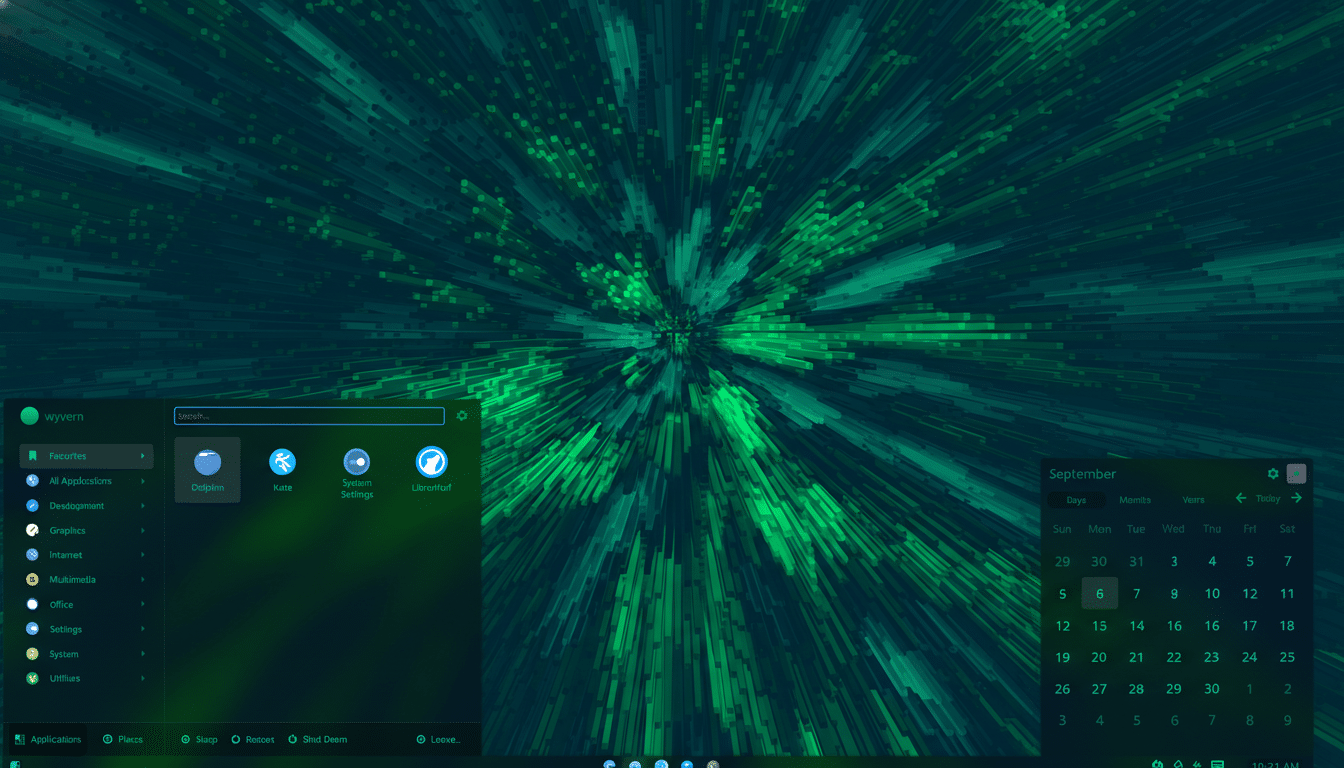
While CachyOS offers more than a dozen desktop options, the standout pairing is KDE Plasma 6 on Wayland. Plasma’s shift to Wayland by default brings polished fractional scaling, refined gestures, and smoother multi‑monitor setups. For creators and laptop power users juggling external displays at different resolutions, the day‑to‑day improvements are immediately noticeable.
Plasma’s Wayland session also benefits from the project’s recent focus on reliability: better screen recording portals, improved color management groundwork, and fewer compositor restarts under stress. X11 sessions remain available for edge cases, but most users will be better served by Wayland now.
Modern Limine Bootloader and a Familiar Login Experience
CachyOS adopts the Limine bootloader, a modern, themeable option that boots quickly on UEFI systems and is straightforward to configure. At the desktop layer, familiar display managers like SDDM continue to handle logins for Plasma, so users don’t face extra friction when switching to Wayland.
This division of labor matters: a fast, reliable boot path with Limine, then a clean handoff to a desktop session tuned for responsiveness and lower latency under Wayland.
Accessibility Without Dumbing Down: Choices and Control Remain
Arch veterans often worry that “easy” installers hide complexity and limit flexibility. CachyOS strikes a careful balance. The defaults are sensible, but optional, and the project exposes advanced choices from the start: kernel variants, filesystem options, and desktop selection that includes KDE Plasma, GNOME, and lightweight environments for older hardware.
For software management, users can lean on graphical front ends or stick with pacman and the AUR helpers they already know. Documentation and first‑boot guides reduce the Arch learning curve without abstracting it away.
Who Should Try CachyOS and What Users Will Benefit Most
If you’ve wanted Arch’s cutting‑edge packages without the manual install, CachyOS is a compelling on‑ramp. Laptop users who need crisp scaling and smooth touchpad gestures will appreciate Wayland. Gamers on AMD or Intel graphics, especially with high‑refresh displays, may notice steadier frame times and lower input latency. Content creators juggling multiple monitors will see fewer quirks and better window management behavior.
The broader takeaway: another Arch‑based distro has moved Wayland from “opt‑in” to “default,” signaling that the Linux desktop’s next era is here. CachyOS manages to embrace that future while making Arch feel more accessible — and that combination is exactly what many users have been waiting for.
