


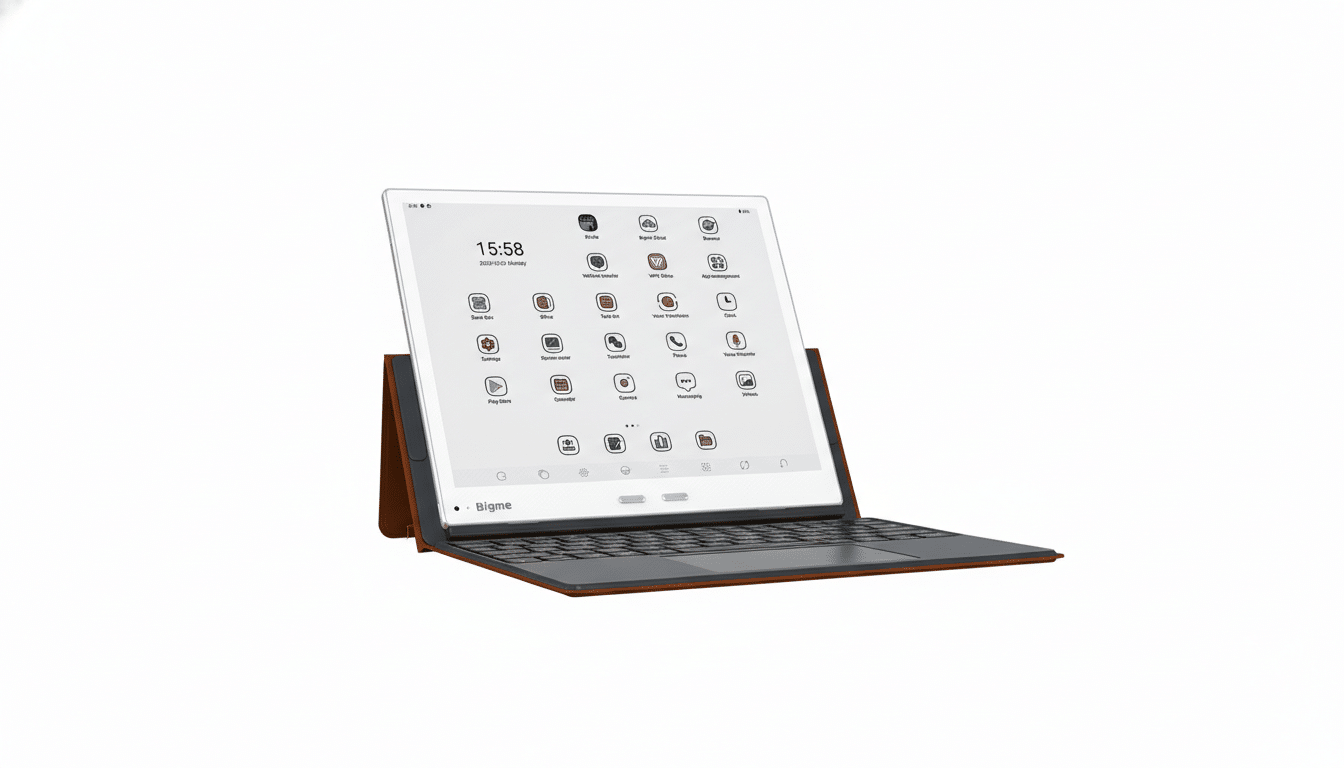
Bigme just unveiled the B10, a 10.3-inch Android color E Ink tablet built to blur the line between an e-reader and an ultra-light laptop alternative. With Android 14, stylus input, an optional magnetic keyboard, and 4G LTE, the B10 aims squarely at focused productivity without the glare, eyestrain, and battery anxiety of traditional LCD tablets.
Why It Targets Laptop Workflows for Focused Work
The pitch is straightforward: give writers, researchers, and heavy readers a distraction-light, paper-like screen with enough horsepower and apps to handle emails, documents, and annotations. Android 14 means access to Google Play, so staples like Google Docs, Keep, Gmail, Outlook, Slack, Evernote, and countless PDF tools are on the table. Paired with the keyboard case and a responsive stylus, the B10 can step into meetings, classrooms, and fieldwork in a way most e-readers can’t.
- Why It Targets Laptop Workflows for Focused Work
- Display and Hardware Highlights for E Ink Performance
- Productivity on Android 14 for Work and Note-Taking
- Trade-offs to Expect When Using Color E Ink Tablets
- How It Stacks Up Against Other Color E Ink Slates
- Price and Availability for Bigme B10 and Accessories
Display and Hardware Highlights for E Ink Performance
The B10 uses E Ink’s Kaleido 3 panel, delivering up to 2480 x 1860 resolution in black and white and 1240 x 930 in color. Kaleido 3 typically offers 300 PPI for mono text and 150 PPI for color layers, and E Ink Corporation says it brings up to 30% richer color versus prior generations. Text-first workflows—novels, research articles, code, and lengthy PDFs—benefit most, while charts and illustrations gain enough color to be useful without the eye fatigue of backlit screens.
To tackle notorious E Ink ghosting and latency, Bigme touts advanced refresh modes to speed scrolling and reduce afterimages when typing or navigating apps. Inside, the tablet ships with 8GB of RAM and 256GB of storage, plus a microSD slot for expansion. There’s a front light with adjustable color temperature for day and night reading, stereo speakers and microphones, and front and rear cameras for scanning documents or jumping on a quick video call. A 6,900 mAh battery powers the package, with E Ink’s low-refresh power profile favoring multi-day use depending on workload.
Productivity on Android 14 for Work and Note-Taking
Running Android 14 on an E Ink screen is more than a novelty. It brings modern permissions, security, and better background process management—important for a device you’ll annotate on all morning and reference all afternoon. Handwriting-to-text is central here, with the stylus enabling margin notes, sketches, and signatures across PDFs and office docs. The optional magnetic keyboard case pushes the B10 into lightweight laptop territory: think drafting reports, inbox triage, or editing cloud documents without reaching for a brighter, heavier machine.
Connectivity further closes the gap. With 4G LTE available, the B10 can sync documents, pull email, and collaborate on the go without tethering. For professionals who bounce between conference rooms, lecture halls, and trains, that matters as much as the screen.
Trade-offs to Expect When Using Color E Ink Tablets
Even with faster refresh modes, E Ink is not built for high-frame-rate tasks. Video, rapid UI animations, and heavy spreadsheet recalculations will feel slower than on an LCD tablet or a laptop. Color on Kaleido 3 is serviceable for charts, highlights, and design markups, but it won’t match the vibrancy or gamut of OLED. The win is elsewhere: readable screens in bright sunlight, substantially lower power draw between refreshes, and a calmer, print-like canvas that favors deep work.
How It Stacks Up Against Other Color E Ink Slates
The B10’s feature mix lands it among a growing set of productivity-first E Ink slates. Devices from Onyx Boox and Bigme’s prior InkNote Color lines have pushed keyboards, cameras, and desktop-like launchers, while mainstream e-readers like Kindle Scribe and Kobo Elipsa focus on grayscale note-taking and lack Google Play. Against these, the B10’s Android 14, LTE option, and roomy storage stand out, while Kaleido 3 keeps pace with color rivals. For many, the decision hinges on app compatibility, handwriting feel, and how often a keyboard is needed.
Price and Availability for Bigme B10 and Accessories
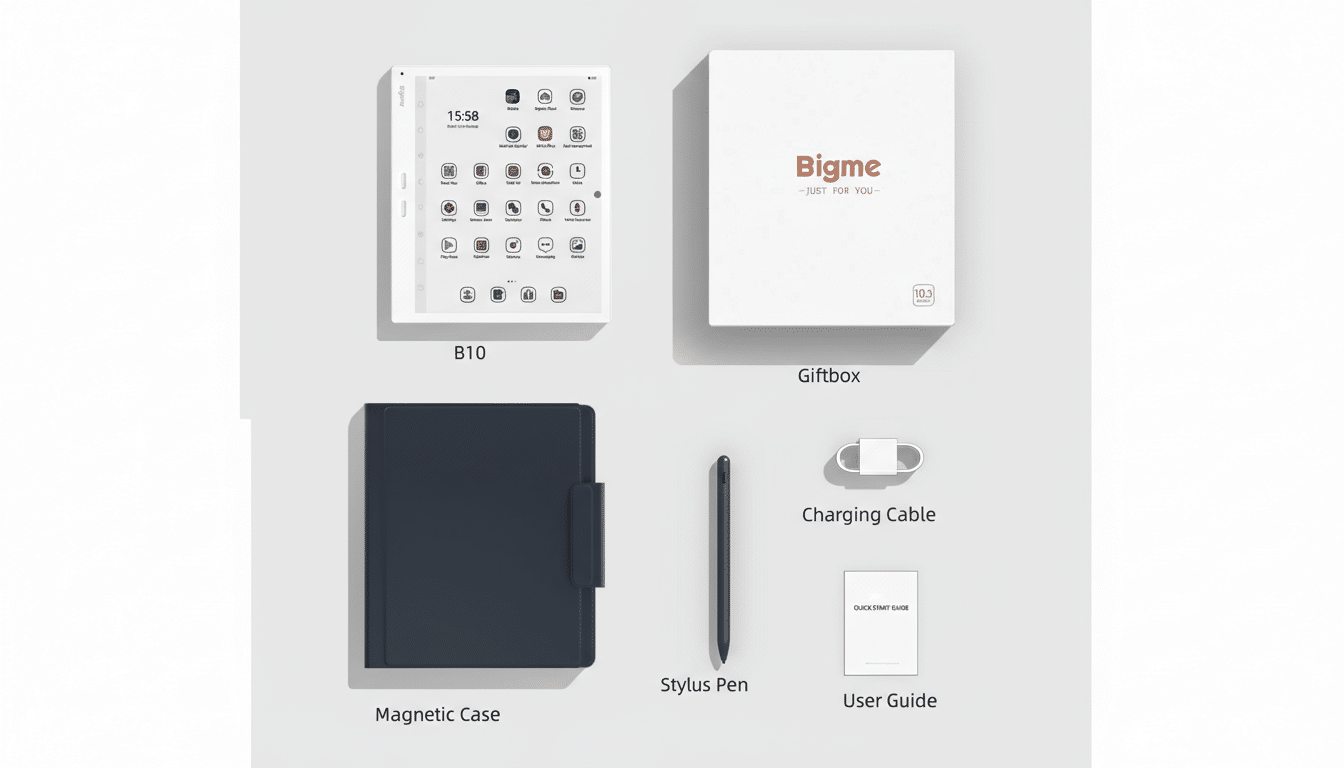
Preorders are open now, starting at $699 for the standard bundle or $769 with the magnetic keyboard case. Bigme expects shipments to begin in mid-February, with early-bird discounts during the preorder window. Pricing puts the B10 in line with other large-format color E Ink tablets, but its Android 14 software stack and LTE option make it one of the more laptop-like entries in the category.
Bottom line: If your day is dominated by reading, writing, and annotating—and you value sunlight legibility and long battery life—the Bigme B10 makes a compelling case to leave the LCD in your bag more often. It won’t replace a full laptop for everyone, but for focused work, it’s closer than most E Ink devices have been.
