


In the United States, the feeling of being watched online is common. Ads track you, websites log your activities, and public Wi-Fi poses risks. This guide is designed for those who want to browse anonymously without needing to learn complex technical terms.
This article is a practical guide based on real-life habits. It focuses on simple steps for online privacy that can be incorporated into your daily routine. You’ll discover what “anonymous” means in everyday browsing and what it can’t guarantee.
- Anonymous Browsing Basics for Non-Technical Users
- What “anonymous” really means online and what it does not
- Common tracking methods: IP address, cookies, browser fingerprinting, and DNS leaks
- Quick privacy wins: private browsing mode, search engine choices, and safer link habits
- What to avoid: “free” proxy sites and sketchy browser extensions
- Planet VPN for Effortless Privacy on Any Device
- Why a VPN is the simplest path to online anonymity for beginners
- Planet VPN and Planet Free VPN: what you get, who they’re for, and key differences
- How to use Planet VPN in minutes: install, connect, choose a location, and browse
- What to look for in a beginner-friendly VPN: speed, stability, no-logs approach, and usability
- Extra protections that matter: kill switch, DNS leak protection, and Wi-Fi security
- Where to learn more and download safely: freevpnplanet.com
- Conclusion

For beginners, anonymous browsing is more about reducing exposure than becoming completely invisible. It involves hiding your IP address, limiting profiling, and making safer choices when you click, search, and sign in. When done correctly, these actions can significantly reduce tracking without slowing you down.
We’ll start with easy-to-understand explanations of how tracking works and where leaks occur. Then, we’ll discuss why a VPN is often the simplest solution for everyday users. Planet VPN will be highlighted for its quick setup and consistent protection. By the end, you’ll have the knowledge to browse anonymously with ease and minimal hassle.
Anonymous Browsing Basics for Non-Technical Users
Online anonymity is more than just a concept; it’s a set of habits and tools that limit traceability. Privacy basics involve understanding who might be watching: websites, ad networks, and even apps running in your browser.
The aim is often to prevent tracking, not to become completely invisible. If you remain logged into Google, Facebook, or Amazon, those accounts can still link your activities to you, even with other precautions.

What “anonymous” really means online and what it does not
In everyday terms, “anonymous” means reducing personal signals like location, device details, and repeat identifiers. A VPN can mask your IP address from the sites you visit, aiding in online anonymity.
However, “anonymous” does not equate to “secure.” It won’t automatically block malware, unsafe downloads, or scams that trick you into sharing information.
Common tracking methods: IP address, cookies, browser fingerprinting, and DNS leaks
Your IP address serves as a routing label for your internet connection. It can reveal your city and is logged by various entities.
Cookies are small files that keep you signed in but can also track you across pages. Even with browsers limiting third-party cookies, tracking prevention remains crucial as new methods emerge.
Browser fingerprinting is more subtle. It identifies you using screen size, time zone, installed fonts, and extensions, even without cookies.
DNS leaks occur when your device queries the wrong server for a site’s location. This can expose your browsing intentions, highlighting the importance of safe DNS requests.
Quick privacy wins: private browsing mode, search engine choices, and safer link habits
Use private browsing mode when sharing a device or not wanting your history saved. It reduces local traces but doesn’t hide activity from your internet provider, employer’s network, or the website itself.
For searches, stay logged out when possible and limit account syncing across devices. Combine this with browser tracking prevention settings to reduce ad profiling.
Be selective with links. Avoid unknown shortened URLs, verify the domain, and be wary of copycat pages and misleading “download” buttons.
What to avoid: “free” proxy sites and sketchy browser extensions
Free proxy pages may seem convenient but often log traffic, inject ads, or redirect without warning. They lack clear policies and rarely offer consistent protections expected from a VPN.
Be cautious with browser add-ons that request broad permissions, especially those claiming to be VPNs but only cover the browser. For comprehensive online anonymity across apps, a more complete solution is needed.
Planet VPN for Effortless Privacy on Any Device
For many, online privacy seems daunting. A VPN simplifies this by securing your connection automatically.
Just open a VPN app, connect, and continue browsing as usual. This straightforward method makes VPNs a great choice for beginners.
Why a VPN is the simplest path to online anonymity for beginners
Connecting to a VPN encrypts your traffic and hides your IP address. This reduces basic tracking.
This is crucial on public Wi-Fi, like airports and coffee shops. Both free and paid VPNs aim to minimize exposure while browsing.
Planet VPN and Planet Free VPN: what you get, who they’re for, and key differences
Planet Free VPN suits casual users with simple privacy needs. It’s perfect for those who need quick protection on the go.
Planet VPN, the paid option, offers consistent performance. It ensures steady connections, easy location switching, and a smooth experience across devices.
How to use Planet VPN in minutes: install, connect, choose a location, and browse
The setup is quick. Download the app, open it, and sign in if needed.
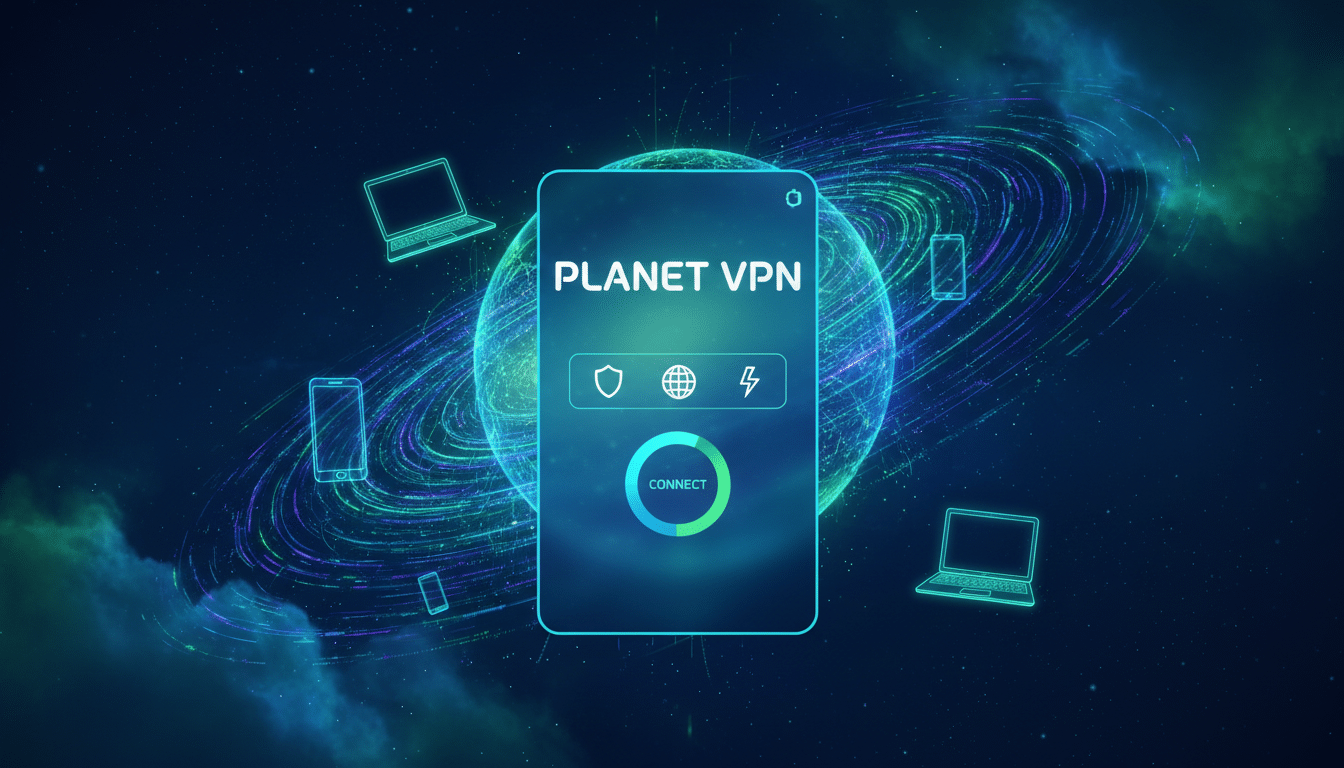
Tap Connect, then pick a location for faster access. You’ll see a connected status and the chosen server location while browsing.
What to look for in a beginner-friendly VPN: speed, stability, no-logs approach, and usability
A good service should be predictable. Speed and stability are key for everyday tasks like streaming and video calls.
Look for a clear no-logs policy. Understand what data is kept, for how long, and why. This is crucial for privacy.
Usability is also vital. Planet VPN should have simple navigation and clear signals. Avoid jargon that slows you down.
Extra protections that matter: kill switch, DNS leak protection, and Wi-Fi security
Extra safeguards prevent data leaks. A kill switch and DNS leak protection are essential when switching networks.
These protections are crucial for shared Wi-Fi. They help keep your data safe from accidental exposure.
Where to learn more and download safely: freevpnplanet.com
Use freevpnplanet.com for safe downloads. Avoiding lookalike sites and bundled installers is key to safety.
Double-check the site’s spelling and avoid third-party download portals. Keeping your device secure supports a safe setup.
Conclusion
Anonymous browsing is most effective when it’s part of a comprehensive strategy, not just a quick fix. By adopting better habits, choosing the right browsers, and limiting trackers, you can significantly reduce data collection. However, every device and network introduces new avenues for tracking.
Begin with simple, effective practices: block third-party cookies, limit saved logins, and pause before clicking. Utilize private windows when possible and exercise caution with shortened links and random downloads. These actions can greatly diminish tracking efforts, even before introducing additional tools.
For many, the most impactful step is to use a VPN for beginners. This Planet VPN review highlights its simplicity: it safeguards your online activity across various apps, not just a single browser tab. It ensures a safer browsing experience on home Wi-Fi, public hotspots, and while traveling. It also minimizes exposure to IP-based tracking and DNS requests when properly configured.
Always prioritize your safety. Obtain Planet VPN exclusively from freevpnplanet.com, avoiding “free proxy” sites that often log your data or inject ads. Be cautious of unverified extensions, as they can compromise your anonymity. Stick to trusted tools and maintain a straightforward setup.
