


Prospective newbies just got another good reason to get into the game: For a limited time, and while supplies last, the Elegoo Centauri Carbon 3D Printer is priced at $299.99 — an $80 discount from its already low $379.99 regular price.
If you’re after a plug-and-play machine that packs in features, this is one of the best budget choices currently available.
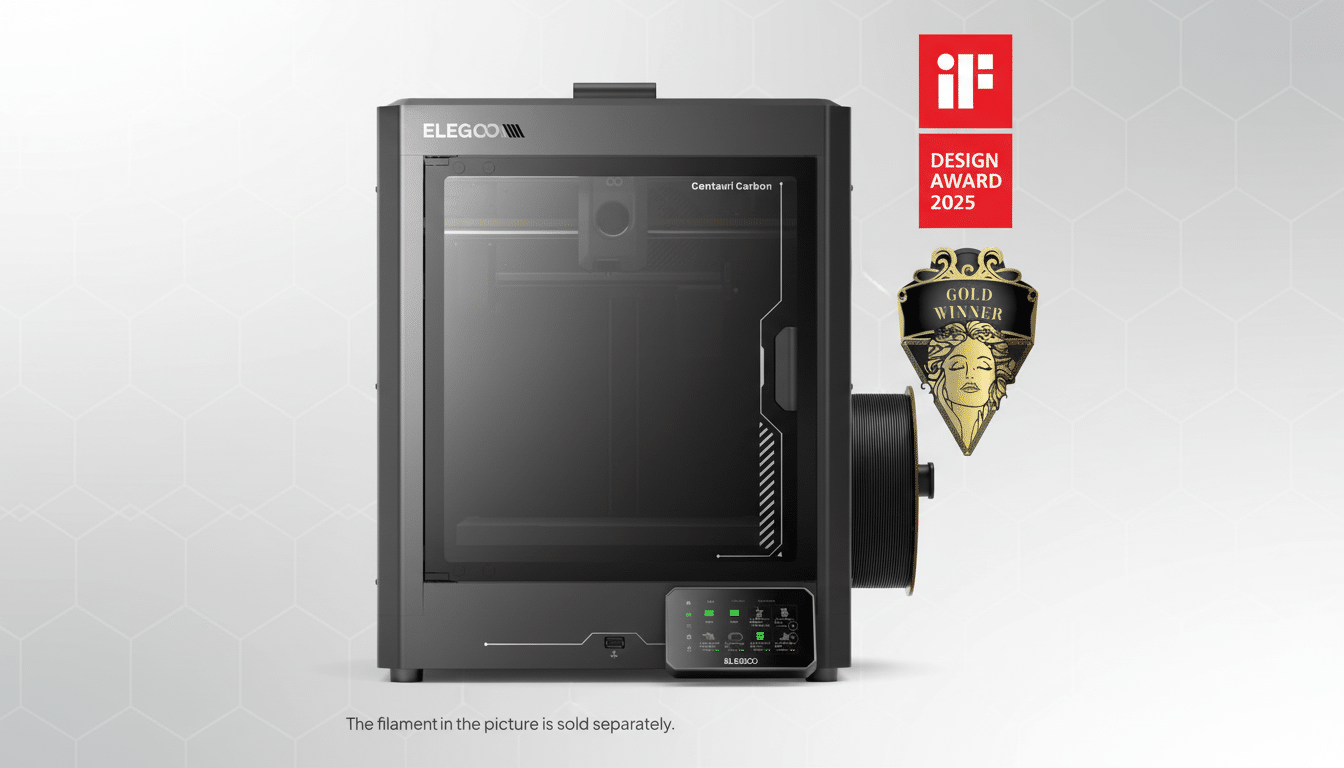
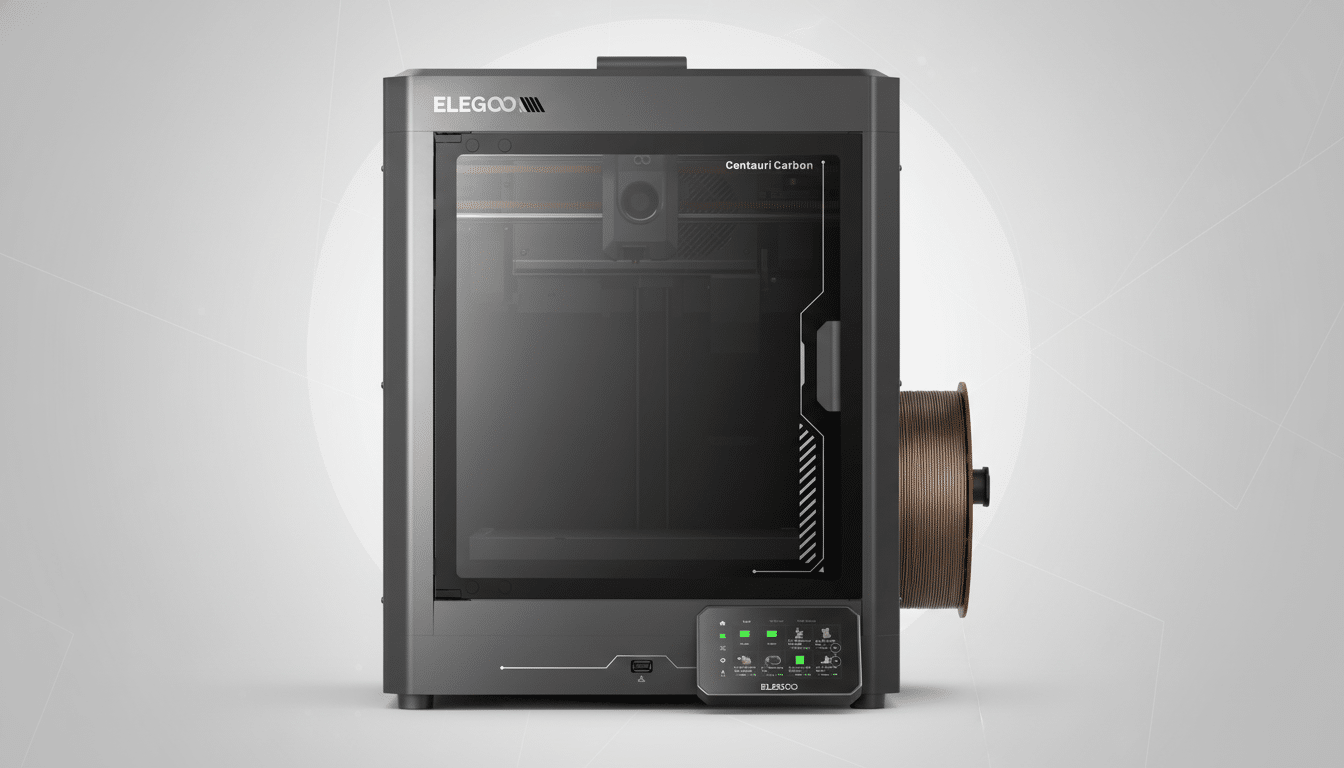
The Centauri Carbon is easy to use. It comes pre-assembled, does a full auto-calibration routine and is enclosed to maintain stable temperatures and quiet operation. Factor in a rapid print speed of up to 500 mm/s and an onboard camera for remote monitoring, and you’ve got a beginner-friendly system that could easily pass for being priced higher.
What Makes This Deal Stand Out for Beginners
Sub-$300 printers usually make you pick: open frame, manual leveling or slower motion systems. The Centauri Carbon upends that script by packaging enclosure, automated calibration and high-speed motion into one box — elements you typically find in models that sell for $500 to $700. The boring backstory: they were all too expensive for a not-that-sophisticated printer, or just needed endless tuning to match this kind of reliability, even in more popular open machines.
Buyer’s guides from indie outlets like Make: and All3DP consistently point out that automation and enclosure make for an easier learning curve for beginners. The reasoning is straightforward enough: Automated leveling eliminates one of the most aggravating setup hurdles, and a sealed chamber stabilizes your printing environment and reduces drafts that contribute to warping. It’s rare to get that combo at this price.
Features That Support First-Time Makers Most
Auto-calibration takes on bed leveling and nozzle height adjustment, leaving no guesswork. That single trait is often the difference between a first print that sticks on the build plate and one that fails after a few layers. With the machine set up for you, your early prints will enjoy a greater chance of success.
The full enclosure design offers two real-world gains: quieter running and more consistent temperatures. That matters for materials like ABS and ASA, which are affected by environmental changes, and it still helps keep drafts away from everyday PLA and PETG. The enclosure also provides for easier placement of the printer in living rooms or classrooms.
Boasts of speeds up to 500 mm/s get attention, but the real-world gain is in throughput, not just peak numbers. Thanks to modern motion control (think input shaping–style tuning and higher accelerations), the kind of popular prints — calibration cubes, phone stands, small organizers — complete in a fraction of the time that older bed-slinger designs do. Even running conservatively for quality, you are going to feel the benefit in day-to-day use.
A built-in camera with app monitoring is another quality-of-life lift. You can monitor first-layer adhesion from the next room over, pause as you see a spaghetti failure begin to form, and resume after it’s cleared. That remote reassurance takes some of the anxiety away from longer prints, especially for beginners.
Print Quality and Early Projects for New Users
Your first-layer consistency will be strong and you’re likely to have fewer adhesion trials once auto-calibration is concluded. The shroud is intended to cut back on edge lift for large parts and stabilize airflow for a better surface finish. Open up the world of PLA prints, or step up to PETG for stronger and more heat-resistant parts as your skills increase.
Practically speaking, beginners will see the most wins on useful prints: drawer inserts, cable clips, tool holders, small cosplay accessories. Fast infill speeds shave hours off utilitarian jobs, and the camera allows you to monitor longer runs without standing over them. As is the case with any printer, tuning slicer profiles does pay off — you want to start with the vendor-supplied settings and work backward.
At This Price, Who Should Buy the Centauri Carbon?
Lots of $200–$300 offerings are decent hardware but require manual tramming and come with open frames. A step up to sealed, high-speed models generally costs twice the spend. Education programs and makerspaces that adhere to Fab Lab principles even tend to recommend enclosed, auto-leveling machines for this reason: less freedom leads to predictable, usual results when you’ve got novices using the device.
If you’re comparing alternatives, think about what you’d be giving up. Budget open-frame printers can be excellent as learning platforms, but they often need a bit more hands-on tuning to achieve the same print consistency level. For more money, meanwhile, you can get added conveniences like a multi-material machine or a hardened toolhead for abrasive filaments — but these are upgrades most beginners won’t need on day one.
Deal Details and Buying Advice for First-Time Buyers
With an $80 discount that takes it down from its normal price of $379.99, the sale drops to just $299.99 — a 21% savings.
Like all sales, stock and prices can fluctuate, so check the retailer’s listing before making a purchase. If you’re building up a collection from scratch, budget for a spool of PLA and some basic tools like flush cutters and a scraper (they often include everything else).
Bottom line: the Centauri Carbon lands a sweet spot of uncomplicated, speedy stability that beginners can actually feel on day one. At $80 off, it’s a no-brainer recommendation for anyone who wants to produce reliable first prints without the trial and error that comes with most entry-level machines.
