


Belkin is pulling the plug on the Wemo cloud this week, and that means some Wemo smart plugs, switches, bulbs, and cameras could lose app control and automations overnight. The company has begun sending final reminders to customers, with guidance on refunds and alternatives. If your Wemo gear depends on the Wemo app and cloud, you need a plan now; if it supports Apple HomeKit or Thread, you’re likely in the clear.
What Exactly Is Shutting Down in the Wemo Cloud
The backend that powers the Wemo app’s remote access, cloud scenes, and device provisioning is going offline. Around two dozen legacy Wemo models rely on that service, and once it’s gone they may function only as basic on/off devices via physical buttons—if at all. Local-only features that don’t call home can persist, but anything that depended on the Wemo cloud (like away-from-home control and certain schedules) will stop.
- What Exactly Is Shutting Down in the Wemo Cloud
- How to Tell If Your Wemo Device Is Affected Now
- Refunds and Warranty: What You Can Claim
- Migration Options If You Want to Keep Using Wemo
- A Local Control Workaround for Legacy Devices
- When Replacement Makes More Sense Than Workarounds
- Bottom Line: Act Now to Avoid Losing Smart Home Control
How to Tell If Your Wemo Device Is Affected Now
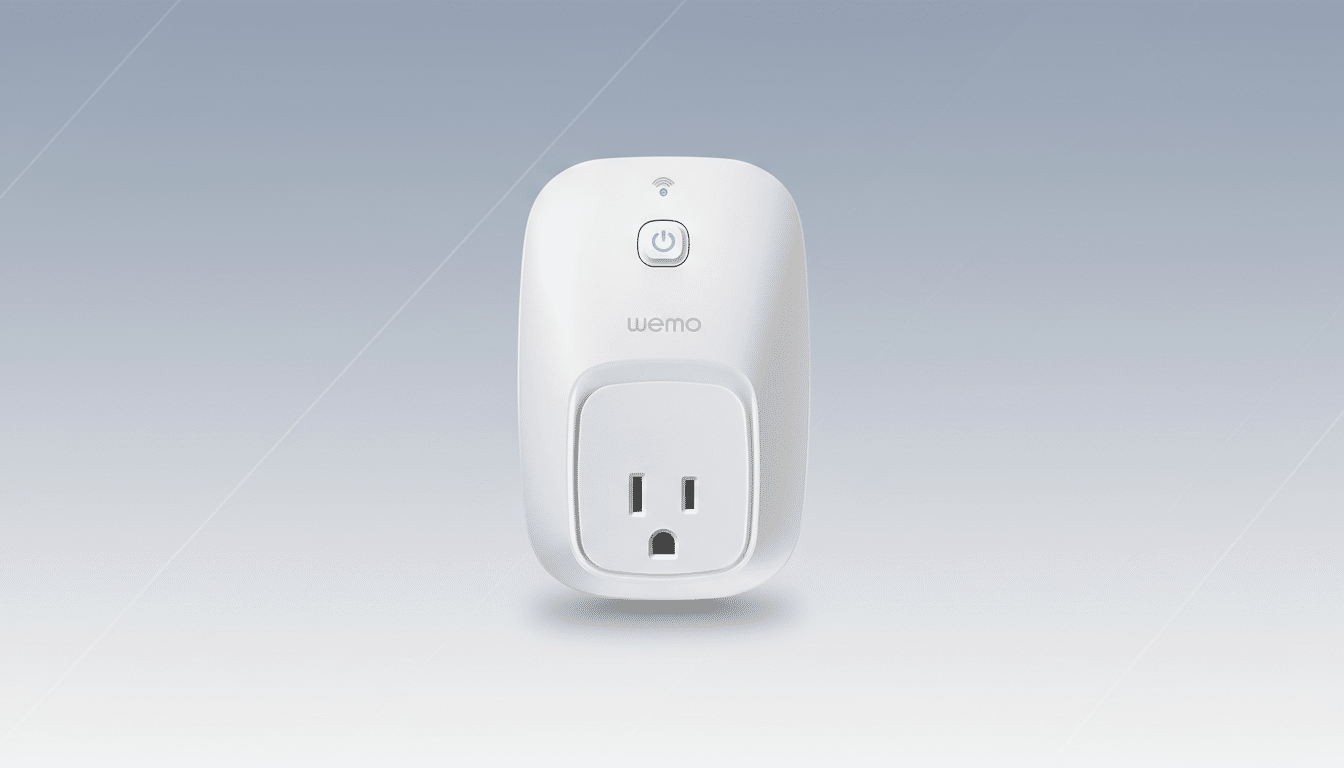
Look for clear indicators on the box or device settings. If your plug or switch lists Apple HomeKit support, you can pair it directly with Apple’s Home app and keep using it without Wemo’s servers. If it’s a newer model with Thread, it can communicate locally over your Thread network and does not rely on Wemo’s cloud. Devices advertised solely as Wi-Fi Wemo with no mention of HomeKit or Thread are the ones most at risk.
Not sure which model you own? Check the model number or SKU on the product label and compare it against Belkin’s support documentation. Belkin has alerted customers that “about two dozen” models are impacted, primarily older Wemo Mini plugs, light switches, dimmers, and select lighting accessories that bind only to the Wemo app.
Refunds and Warranty: What You Can Claim
Belkin says some customers may be eligible for a partial refund, especially if the product is still covered by warranty. A subset of Wemo devices carry a 3-year warranty, which could include units purchased relatively recently. Claims must be submitted before the shutdown is finalized, so act quickly. You’ll likely need a proof of purchase and the device’s serial number.
To check eligibility or open a claim, contact Belkin support by phone at 1-800-223-5546 or through live chat on the company’s website. Be specific about your model and explain how the cloud shutdown affects your use. If you’re outside the warranty window, you can still inquire; some customers have reported goodwill accommodations when they’ve documented cloud dependency.
Migration Options If You Want to Keep Using Wemo
If your device supports Apple HomeKit, move it into the Apple Home app now. Add it by scanning the HomeKit code, and set up automations there. You’ll retain remote control through a Home hub like an Apple TV or HomePod, and your routines will run locally.
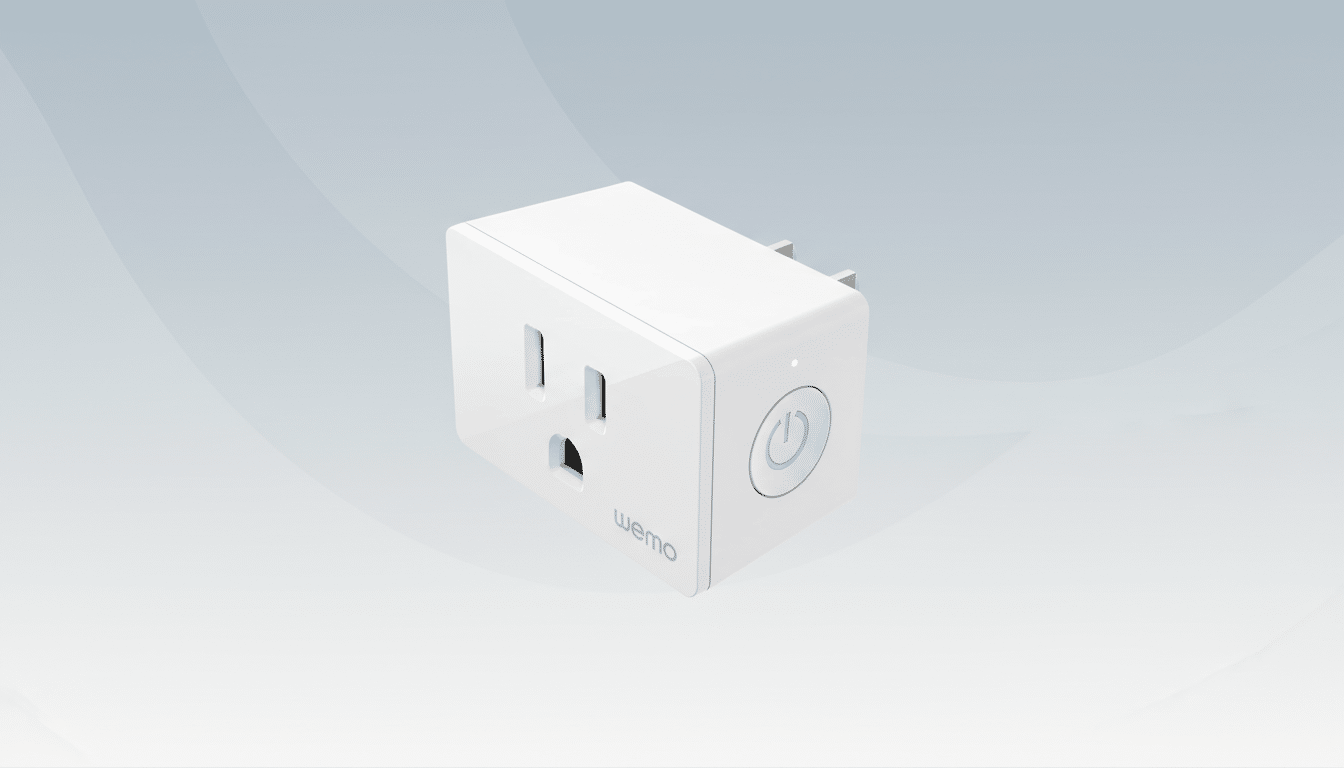
Thread-capable Wemo hardware can stay online via your home’s Thread network. A Thread border router—commonly built into devices like newer Apple TVs or some smart home hubs—lets you manage the accessory without any reliance on Wemo’s cloud. Thread’s mesh design improves reliability and reduces latency versus classic Wi-Fi-only setups.
A Local Control Workaround for Legacy Devices
For cloud-only Wemo gear with no HomeKit or Thread support, there is a community-driven workaround. Enthusiasts have shown how to regain control via Home Assistant using local discovery and libraries like pywemo. The approach involves installing Python, running a helper script, and integrating devices into Home Assistant for local on/off and automation.
Important caveats: this is not an official Belkin solution, it requires some technical comfort, and it may break with future firmware or network changes. If you’re not confident with terminal commands or hosting a small always-on computer or Raspberry Pi, consider asking a knowledgeable friend to help or plan a phased replacement.
When Replacement Makes More Sense Than Workarounds
If you’re deeply invested in routines or need rock-solid remote access, replacing affected devices can be the simplest path. Look for accessories that support Matter over Thread or HomeKit with explicit local control. Brands that publish support lifecycles and commit to long-term firmware updates reduce the risk of future cloud sunsets.
Consumer advocates have long urged buyers to favor products with local control and clear end-of-service policies. Thread Group members emphasize local, interoperable networks, and independent testing labs have repeatedly shown lower failure rates in systems that minimize cloud dependencies. In practice, that means fewer outages, faster automations, and less vendor lock-in.
Bottom Line: Act Now to Avoid Losing Smart Home Control
Don’t wait for the switch-off to find out what breaks. Verify your model, file any refund claim before the cutoff, and migrate HomeKit or Thread-capable devices immediately. For legacy units, decide between a Home Assistant workaround or replacing them with local-first, Matter-ready gear. Taking action now can preserve your automations—and your sanity—when the Wemo cloud goes dark.
