


Belkin is winding down cloud and app support for most Wemo smart home products, a move that will leave many users without remote access, voice control, or official troubleshooting unless they prepare now. The company says a small set of Thread-based devices will continue to operate, and any compatible accessories configured through Apple Home ahead of the cutoff can keep functioning locally.
What Is Shutting Down and What Will Break for Users
The Wemo app and its cloud back end are being retired for the bulk of the lineup. Once that happens, features that depend on Wemo’s servers will stop, including out-of-home control, voice assistant integrations, and cloud-reliant automations. If you’ve been asking Alexa or Google Assistant to toggle a Wemo plug, expect those voice routines to fail.
- What Is Shutting Down and What Will Break for Users
- Devices That Will Keep Working After Wemo Shutdown
- How To Preserve Your Wemo With Apple Home
- Refunds, Warranties, and Consumer Options After Support Ends
- Why Belkin Is Making the Change to Wemo Support
- Action Plan for Wemo Owners Before the Shutdown
- Bottom Line: Steps to Keep Your Wemo Devices Working Locally
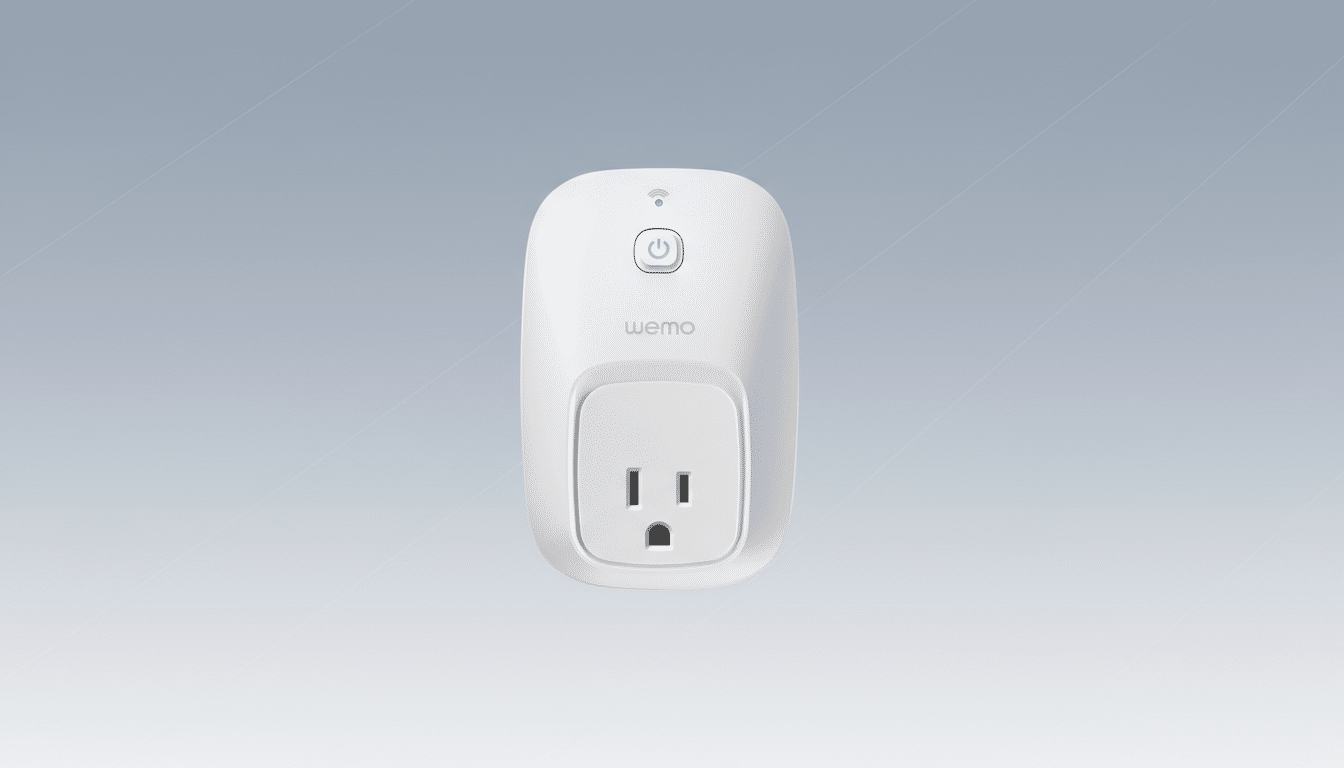
Local control is the exception. Devices that are brought fully under Apple Home (HomeKit) before the shutdown can continue working on your home network, and—with an Apple Home hub—remain available when you’re away. Without that local handoff, many Wemo gadgets become basic, non-connected hardware or stop responding entirely.
Devices That Will Keep Working After Wemo Shutdown
Belkin confirms four Thread protocol products remain supported: the Wemo Smart Light Switch 3-Way (WLS0503), Wemo Stage Smart Scene Controller (WSC010), Wemo Smart Plug with Thread (WSP100), and Wemo Smart Video Doorbell Camera (WDC010). These continue to operate through Apple Home. Thread’s low-power mesh and IP foundation make these more resilient without a proprietary cloud.
Other Wemo devices can also keep running if they are set up through Apple Home ahead of the cutoff. That setup requires the HomeKit code on the accessory or in its quick-start guide. If you can’t locate that code, act quickly—without it, you can’t complete the transfer to Apple’s ecosystem.
How To Preserve Your Wemo With Apple Home
First, verify your Wemo model appears on Belkin’s HomeKit-compatible list. Then gather the HomeKit code (sticker on the device, backplate, or packaging) and use the Apple Home app to add the accessory. Complete pairing while your iPhone or iPad is on the same Wi-Fi as the device, and allow time for any firmware prompts in the Home app.
For remote control after the Wemo cloud shuts down, you’ll need an Apple Home hub. An Apple TV or HomePod on your network serves this role; an iPad can work when it stays at home and remains powered. Without a hub, Apple Home control continues locally but won’t reach your devices when you’re away.
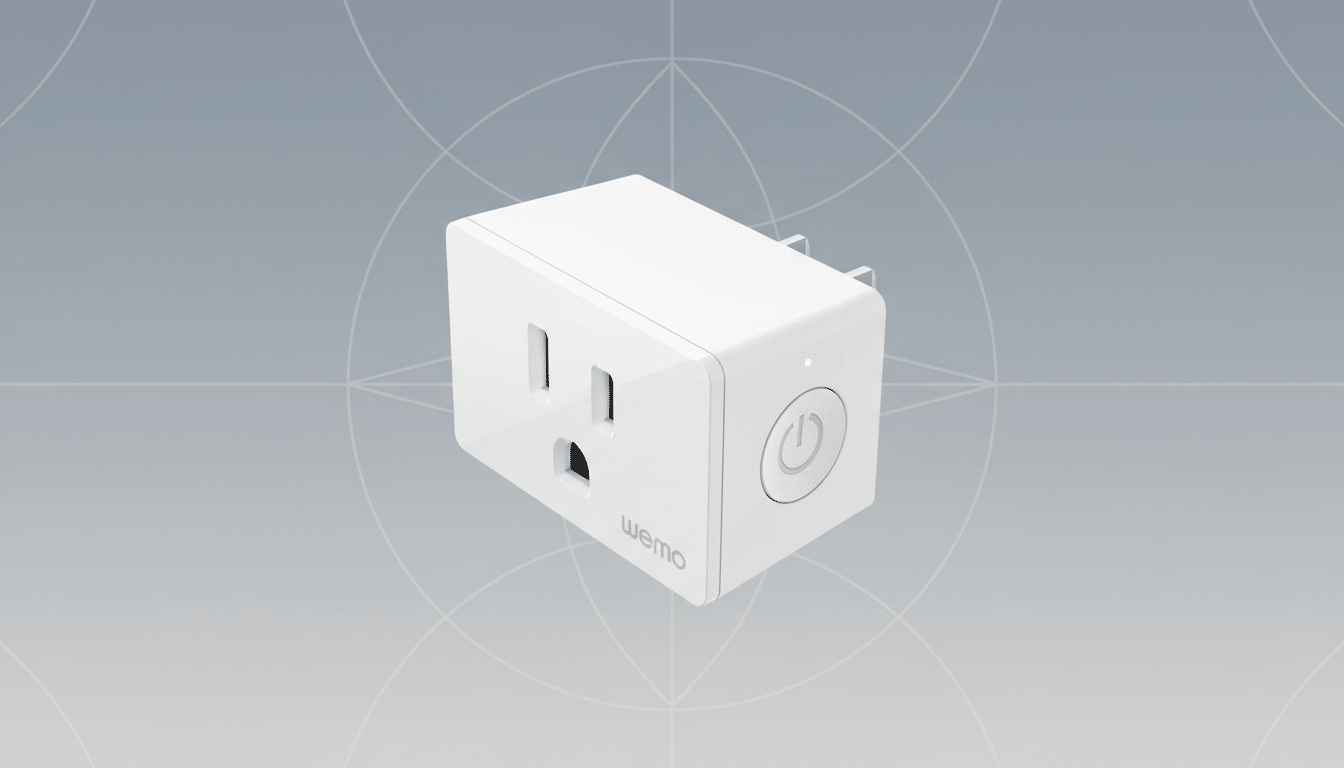
Important: Once the shutdown occurs, avoid factory resets or Wi-Fi changes that would force a new setup. You may not be able to re-add the accessory if the process previously depended on Wemo’s app or cloud.
Refunds, Warranties, and Consumer Options After Support Ends
Belkin has published a comprehensive list of products losing support. If your accessory is still under warranty and you have proof of purchase, the company says you may be eligible for a partial refund after the shutdown. Check the model number, warranty terms, and claim process on Belkin’s support resources.
If you decide to replace aging hardware, prioritize devices that offer local control and broad interoperability. Look for Matter over Thread where available, since that standard aims to minimize reliance on brand-specific clouds. Vendors such as Eve and Nanoleaf have emphasized Thread-forward designs that work natively with Apple Home and other major platforms.
Why Belkin Is Making the Change to Wemo Support
Belkin launched Wemo more than a decade ago, helping popularize simple smart plugs and switches. The company now says it is reallocating resources to other parts of the business, a common pivot as vendors cope with ongoing cloud costs, security obligations, and shifting standards. Maintaining a global IoT service is expensive; shutting it down trims overhead but pushes more responsibility to the user.
The broader context matters. Parks Associates has reported that more than 40% of US broadband households own at least one smart home device, yet fragmentation and app fatigue remain top pain points. As ecosystems consolidate around local standards like Thread and platform-level control such as Apple Home, Google Home, and Alexa, device makers that rely heavily on proprietary clouds face tougher economics.
Action Plan for Wemo Owners Before the Shutdown
- Inventory your Wemo devices and model numbers.
- Identify which are HomeKit-compatible and locate the HomeKit code.
- Add them to the Apple Home app now; confirm they respond in-room and via automations.
- Set up an Apple Home hub for remote access if needed.
- Document your Wi-Fi credentials and avoid resets after the shutdown.
- Check warranty status for refund eligibility on unsupported models.
Bottom Line: Steps to Keep Your Wemo Devices Working Locally
If you rely on Wemo, act before the service sunset to keep core functions intact. Move eligible devices into Apple Home, set up a hub for remote control, and plan for life without the Wemo app. With a few proactive steps, many accessories can keep doing their job—without a proprietary cloud in the middle.
