


Apple has now flipped the switch on support for Google Cast in its Apple TV app for Android, which means you can now fire up movies and shows on your phone and have them appear on the big screen with just a tap of an icon.
The feature comes with version 2.2 of the app and takes effect only when the TV and phone are on a common Wi-Fi network. This is interesting given that the iOS edition has yet to ship with Google Cast support, so it’s still locked into AirPlay as its lone native casting standard.
- How to cast from the Apple TV Android app to Chromecast
- Why Google Cast on Apple TV for Android matters to users
- iOS remains on the sideline for Google Cast
- Compatibility requirements, network tips, and key caveats
- How this fits into the bigger streaming and casting picture
- Bottom line: what Google Cast on Apple TV for Android means
How to cast from the Apple TV Android app to Chromecast
In the video player, a Cast icon will become visible after you upgrade to 2.2. Tap it, pick a Chromecast dongle or TV with Chromecast built-in (available on TVs from brands like Sony, TCL, Hisense, and Vizio), and playback shifts to the TV. Playback controls, audio tracks, and subtitle options stay at your fingertips on the phone, 9to5Google reported, so you can make adjustments without having to navigate around a TV remote.
The experience is similar to how Cast works in other major streaming apps: the phone serves as a thin controller and the TV or streaming device does the work of providing the stream, which should mean longer battery life on your phone and less stuttering playback on your TV.
Why Google Cast on Apple TV for Android matters to users
StatCounter has Android at around 70% global share for smartphones. With this, Apple is removing friction for a huge number of people who may not have AirPlay-compatible hardware. This is particularly handy for travelers, dorm dwellers, and people jumping between living rooms where Chromecast is more prevalent than AirPlay.
It’s also a practical services play. Apple’s media business is more and more about reach, not hardware lock-in. Casting fills in a major void for mixed ecosystem households (such as one that has an iPhone-and-Apple TV user cohabitating with an Android-and-Chromecast user). The less friction placed between the user and their next episode, the more likely they will remain engaged.
iOS remains on the sideline for Google Cast
Curiously, Google Cast is missing from Apple’s iOS app. iPhone users can still mirror or stream to compatible sets from LG, Samsung, Sony, and Vizio (and to Apple TV hardware). But Google Cast is the target of choice in hotels and many classrooms. That leaves iOS users occasionally grasping for workarounds, while Android users have a straighter shot.
If anything, the split reflects Apple’s historic reluctance to allow AirPlay outside of its own ecosystem. On Android, however, Google Cast is what comes naturally. Today’s update brings the Android app onto the same page as the platform’s casting baseline, while Apple avoids ceding that same ground in iOS.
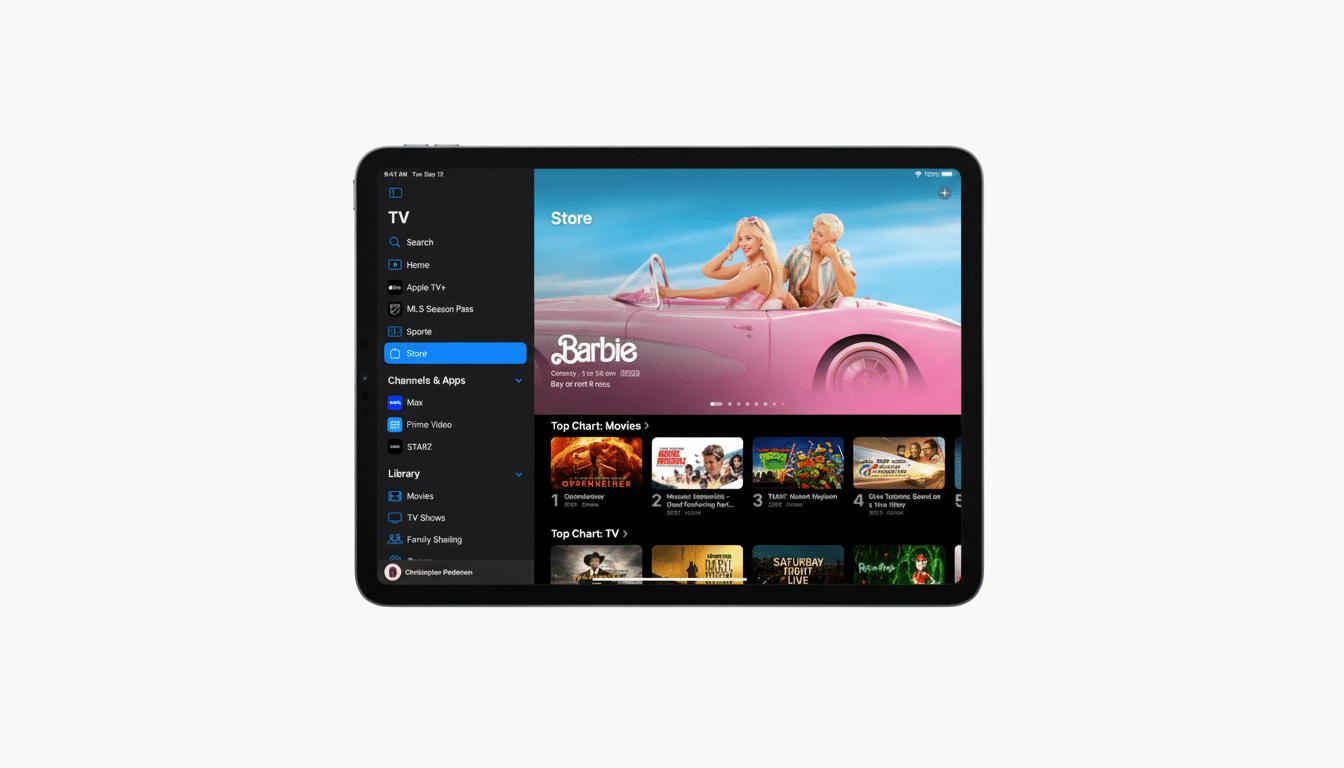
Compatibility requirements, network tips, and key caveats
You’ll need the latest version of the Apple TV for Android app (version 2.2) and a Cast-compatible display or device on the same Wi-Fi network.
Like all casting, how well it actually works is dependent on network stability; congested 2.4 GHz networks can cause buffering, while 802.11n and Wi-Fi 6 routers typically offer a more seamless experience. Some TVs are grouped under “Chromecast built-in,” as opposed to the TV’s brand name — it can be confusing the first time you set up.
There is no clear sense in either app that streaming resolution is being compromised relative to using a native TV app, though device and content restrictions can be determined on a per-studio level. If you’re not seeing the Cast icon, double-check that your TV has its casting function enabled and both devices are on the same Wi-Fi subnet (a common issue on managed hotel or campus Wi-Fi).
How this fits into the bigger streaming and casting picture
The timing is notable. Others have decided to re-evaluate casting support and device compatibility, cutting older hardware or DRM paths as they refresh their apps. At the same time, most of the big players — YouTube, Disney+, Prime Video, and others — still treat Cast and AirPlay as table stakes to reach a living room. By embracing Google Cast on Android, Apple has signaled that it wants the TV service to rest comfortably alongside the incumbents — no matter whose phone you use or whose television is in your living room.
It’s the result of a larger repositioning of the service, with a higher monthly price and a sharper emphasis on marquee originals. Broadening the range of friction-free living-room access by way of Android Cast is an easy defense to build around engagement, with subscription prices trending upward and competition remaining fierce.
Bottom line: what Google Cast on Apple TV for Android means
Apple adding Google Cast in its Android app is a small switch with the potential for outsized consequences. It’s a change that makes Apple TV more accessible in the real world, whether you’re dealing with a hotel room and Chromecast, your roommate’s TV with built-in Cast, or a living room whose remote is whichever phone ends up being closest to hand. For Android users, it’s the missing link; for Apple, it’s a strategic push toward omnipresence.
