


Apple is rolling out iOS 26.3 to compatible iPhones, a mid-cycle update that favors practical upgrades over flashy overhauls. The headline additions include a built-in Transfer to Android tool, refined Lock Screen customization, and a new network privacy control called Limit Precise Location on select devices. Companion updates for iPad, Mac, Apple Watch, Apple TV, and Vision Pro focus primarily on fixes and security hardening.
Transfer to Android Eases Platform Switching
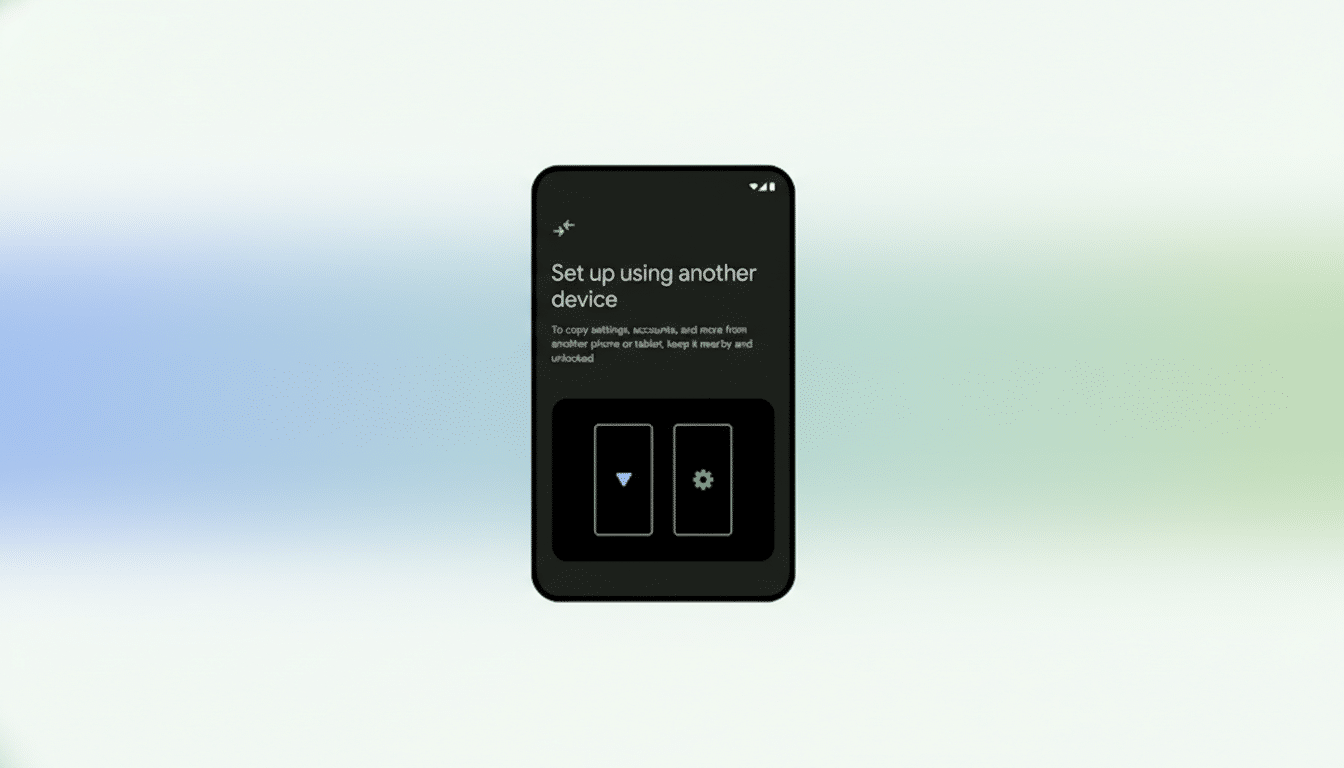
Buried in the Settings app, Transfer to Android is Apple’s most straightforward migration tool to date for users leaving iOS. Place your iPhone next to a new Android device and you can wirelessly move photos, videos, messages, calendars, and many apps in one guided flow. It mirrors the convenience of Google’s Switch to iOS, but in reverse, reducing store-counter friction for anyone changing ecosystems.
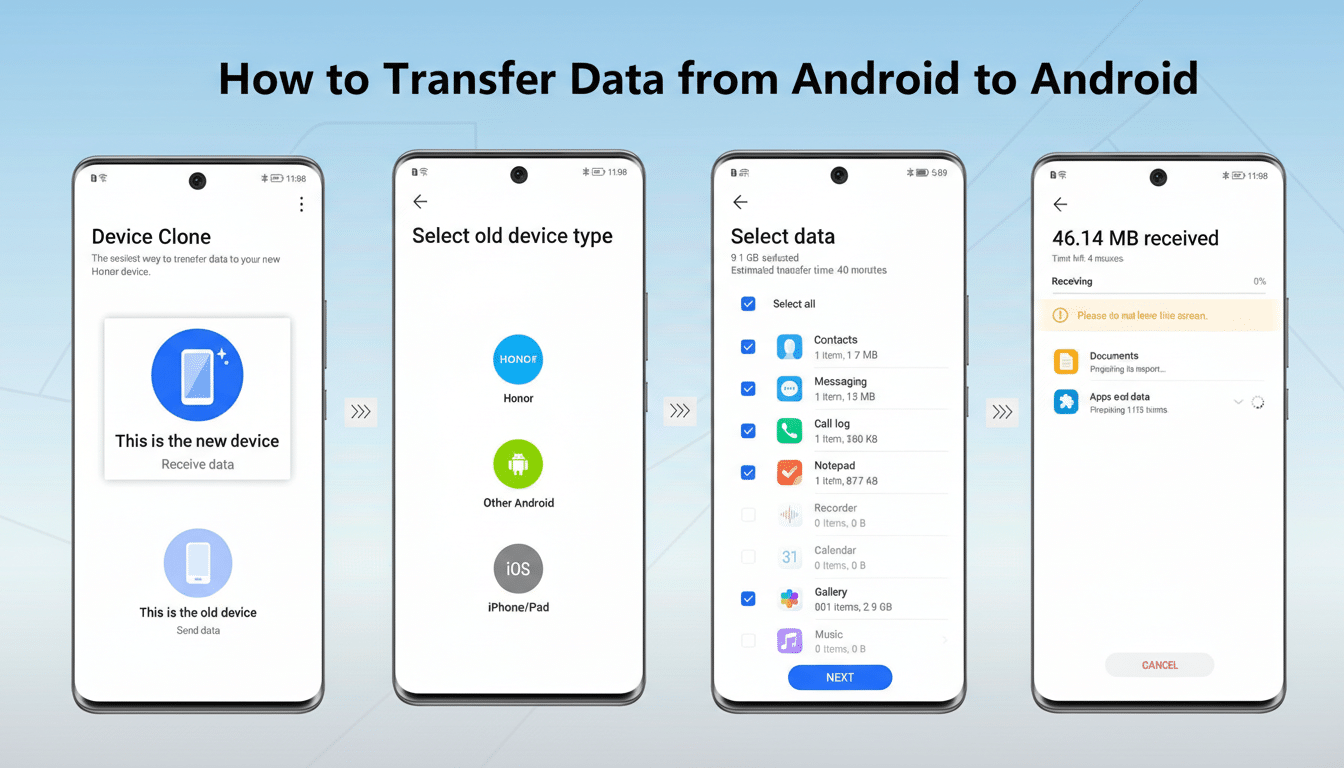
There are limits. Health data and previously paired accessories won’t make the jump, and some app data may need manual sign-ins. Still, for most people, the ability to carry over years of messages and media with minimal hassle is the difference between an afternoon project and a weekend headache. Retail staff told us that data migration remains one of the top blockers to switching; this tool directly addresses that pain point.
Lock Screen and Wallpaper Tweaks Improve Customization
iOS 26.3 reorganizes Apple’s built-in wallpapers into clearer Astronomy and Weather sections. The Weather category gets new styles, more widget layouts, and additional font options, making it easier to build a glanceable Lock Screen that matches your routine—think hourly rain chances paired with upcoming calendar blocks and a bolder time font for nighttime readability.
These are small touches, but they add up. Lock Screen widgets rank among the most-used surfaces on iPhone, and tweaks that shave seconds off checking the forecast or next appointment can create a real sense of polish. It’s iterative design in action, and it’s where many users feel daily improvements from point releases.
Limit Precise Location Adds Carrier-Level Privacy
New in iOS 26.3 for select models, Limit Precise Location gives you the option to share a broader, city-block style location with your cellular network instead of an exact address—without compromising emergency services. Apple says E911 and similar safety features still work, while everyday network tasks rely on less granular data.
There are caveats. The feature requires Apple’s C1 or C1X modem, so it launches first on iPhone Air, iPhone 16e, and the cellular iPad Pro M5. Your carrier also has to opt in. At rollout, Boost Mobile supports it, while the big three in the US have not yet confirmed compatibility. For privacy-conscious users, especially in dense urban areas where hyper-precise triangulation can feel intrusive, this is a meaningful control. Industry groups like CTIA have long balanced accuracy with privacy; this toggle puts more of that balance in your hands.
Real-world example: if you’re simply browsing or performing background app updates, coarse location should be sufficient. When you order a ride or share a pin with friends, app-level permissions—and GPS when granted—still provide the precision you choose.
EU Interoperability Features Slip To A Later Build
Two Europe-focused capabilities—Notification Forwarding for third-party wearables and Proximity Pairing for faster connections—were expected but didn’t make the final cut for iOS 26.3. Apple is likely holding them for iOS 26.4. These features align with growing interoperability expectations in the EU, where regulators at the European Commission have encouraged smoother cross-platform experiences. Don’t expect them in the US unless Apple broadens their scope beyond Europe’s requirements.
Performance And Security Get A Quiet Boost
Alongside iOS 26.3, Apple shipped iPadOS 26.3, macOS 26.3, watchOS 26.3, tvOS 26.3, and visionOS 26.3. These releases emphasize stability and security. Apple’s security notes for point updates often list dozens of patches across WebKit, kernel, and media frameworks, which is why organizations from the National Cyber Security Centre to enterprise IT teams recommend updating promptly even when feature lists seem modest.
Compatibility and How to Update Your iPhone
iOS 26.3 supports iPhone 11 or later. If you’re already on iOS 26, head to Settings > General > Software Update to install. As always, back up to iCloud or a computer first, ensure you have a few gigabytes free, and aim for a battery level above 50% or keep the device plugged in.
Expect a brisk adoption curve: analytics firms such as Mixpanel routinely track double-digit uptake within days for minor iOS updates, especially when security fixes are involved. If you want Limit Precise Location, confirm your carrier’s support and note that only specific newer models with Apple’s latest modems can use it today.
Bottom line: iOS 26.3 won’t change how your iPhone looks overnight, but it quietly reduces switching friction, tightens privacy controls where carriers allow, and smooths daily interactions on the Lock Screen. It’s exactly the kind of maintenance release that keeps iOS feeling fast, safe, and a little more personal.
