


Apple is ushering in new platform updates on iPhone, iPad, and Mac with iOS 26.2, iPadOS 26.2 and the most recent macOS release, joined by new versions for watchOS and visionOS. Among the headline features are quality-of-life improvements for Apple Music and Podcasts, better gaming and controller use, windowing refinements on iPad that include Scribble, and a new macOS video call effect, Edge Light, aimed at remote workers and students.
What’s new on iPhone with iOS 26.2: music, games, safety
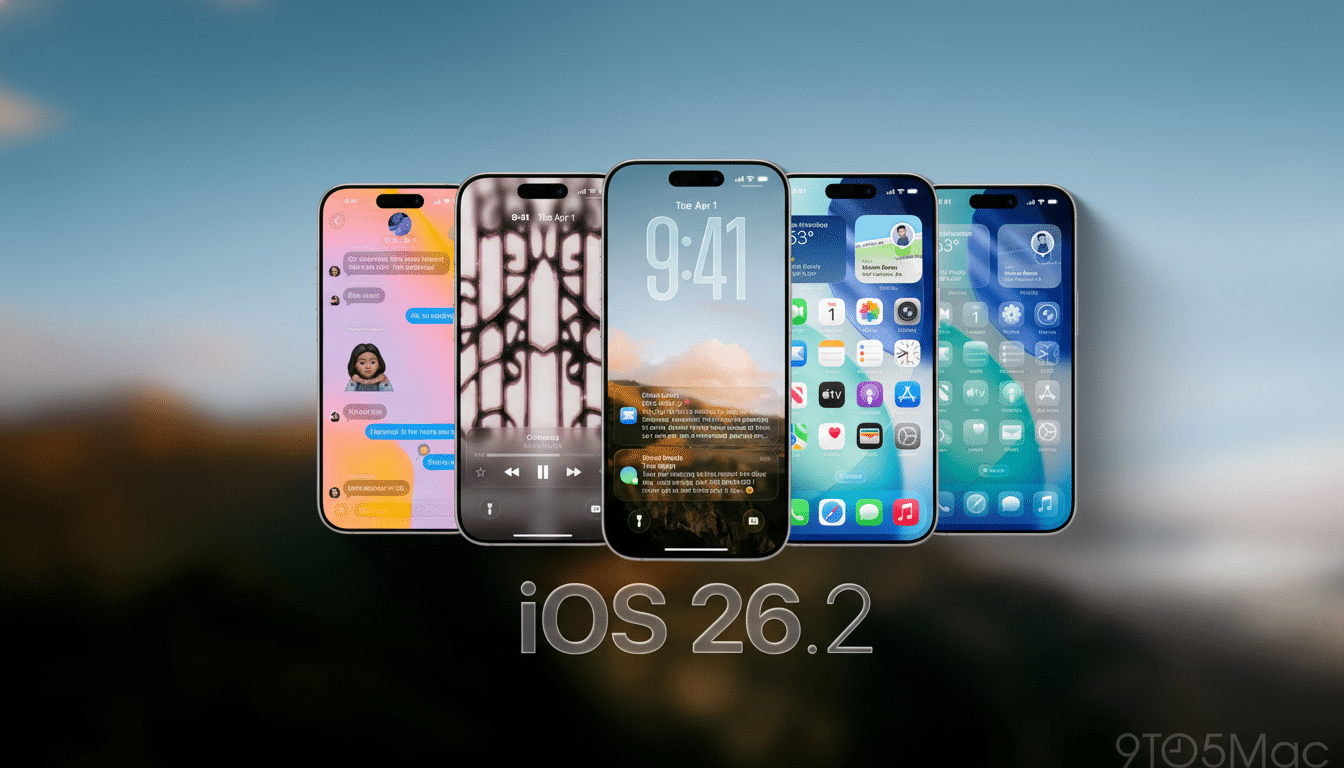
iOS 26.2 is all about the everyday apps you use and love most. Apple Music surfaces your Favorite Songs in Top Picks, and offline lyrics are now available for downloaded songs, diminishing flights and dead spots as a compromise to music.
- What’s new on iPhone with iOS 26.2: music, games, safety
- iPadOS 26.2 refines windowing and multitasking features
- macOS adds Edge Light effect for clearer video calls
- Security fixes and why installing updates always matters
- How to download and install iOS, iPadOS, and macOS updates
- Who stands to gain the most from these Apple updates
Podcasts get automatic chapters, a minor navigation bump that nonetheless helps you leap to subsections without scrubbing. For games, a tidier library view and better third‑party controller support help wrangle big backlogs and pair up with popular Bluetooth pads.
Personalization is nudged forward with some new Lock Screen options as well, things like granular opacity for the Liquid Glass effect. Safety-wise, users will be presented with clearer notices and an AirDrop verification code request when connecting with strangers, to prevent misdirected transfers in crowded places.
Accessibility also gets something of a moment in the spotlight with an option to flash the screen when you get a notification — good as a silent indicator if you’re in a loud environment or simply have your phone muted.
iPadOS 26.2 refines windowing and multitasking features
iPadOS 26.2 extends the platform’s newer windowing model with natural drag-and-drop gestures for tiling apps or dropping an app into Slide Over, for example. Dragging icons from the Dock to tile views also brings you closer to a desktop flow, meaning fewer taps are involved in creating a workspace.
Apple Music and Podcasts receive the same boosts as on iPhone, while the Games library is in line for the filters and controller tweaks. For people who spend a lot of time single-tasking in research, note-taking, and communication tools, these small usability wins could save critical mental cycles when multitasking.
macOS adds Edge Light effect for clearer video calls
The most eye-catching Mac contribution is Edge Light, a video effect that simulates a ring light by illuminating the edges of your screen. It subtly fills in shadows, and perhaps most importantly of all, it steps back when you point at something on the screen so you can actually see what’s being displayed while you present.
Edge Light comes in most handy if you’re in a dark indoor environment — or at least where webcams have the most difficult time. You can pair it with background blur or portrait-style effects to be more visible in conferencing apps. To test it out, open Control Center on your Mac, select Video Effects, and turn Edge Light on before or during a call.
Security fixes and why installing updates always matters
In addition to the features, updates usually include dozens of security fixes that cover core components such as WebKit, the kernel, Bluetooth, and media frameworks. Apple lists the technical information on its Security Updates page, giving them CVE numbers that are also posted by the National Vulnerability Database. And even if no one’s actively exploiting them, installing with alacrity minimizes exposure from weaknesses brought to users’ attention.
Adoption is usually rapid on Apple’s platform, with analysts like Mixpanel often tracking new iOS versions hitting 50% of all active devices within a few weeks. With that velocity, developers quickly aim at new APIs — and if you wait too long before updating, suddenly your apps assume features your phone can’t offer.
How to download and install iOS, iPadOS, and macOS updates
On iPhone and iPad, open Settings, tap General, then Software Update. You can either immediately install the software or schedule it for overnight. Keep the device on Wi‑Fi, or plug in if battery is below 50%, and have a few gigabytes of free space available to download and prepare.
On a Mac, open System Preferences, click General, and then click Software Update. If you use your Mac for in-person meetings, try Edge Light in a brief self-call before the next one to adjust brightness and background effects.
Rule No. 1: As always, back up first — iCloud on mobile devices or Time Machine/Finder in the case of Macs — to make sure you can roll back if an app you rely on starts acting poorly. For managed devices, the staged roll-out guidance for your organization applies to MDM updates.
Who stands to gain the most from these Apple updates
Heavy Apple Music listeners, podcast users, and mobile gamers get the most immediate wins on iPhone and iPad. And Edge Light is the perfect, low-maintenance pick-me-up for Mac users who hop into video calls from dark rooms.
The throughline is polish: small details that reduce friction in apps, games, and services people depend on every day. Combine those with the security fixes, and wave 26.2 feels like a worthwhile, low-drama update for most users of most Apple platforms.
