


Apple has rolled out iOS 26.2.1 for compatible iPhones, a targeted update that switches on support for the new second-generation AirTag and tidies up a handful of bugs. While it is a light release, it is a necessary one if you plan to use AirTag 2, and it is the kind of maintenance build that often improves day-to-day reliability.
What iOS 26.2.1 Adds: AirTag 2 Support and Fixes
Apple’s release notes are brief: iOS 26.2.1 provides support for AirTag 2 and includes bug fixes. Notably, Apple’s typical security documentation for this build lists no new CVE entries, an uncommon but not unprecedented occurrence for a point update. In practice, these small builds can still deliver behind-the-scenes stability improvements for Bluetooth, Ultra Wideband, and Find My services that you will notice over time.
- What iOS 26.2.1 Adds: AirTag 2 Support and Fixes
- AirTag 2 Highlights: Louder Alerts and Longer Range
- Supported Devices and Requirements for iOS 26.2.1
- How to Download and Install iOS 26.2.1 on Your iPhone
- Troubleshooting and Pro Tips for a Smooth iOS 26.2.1 Install
- Should You Update to iOS 26.2.1 Now or Wait for Later?
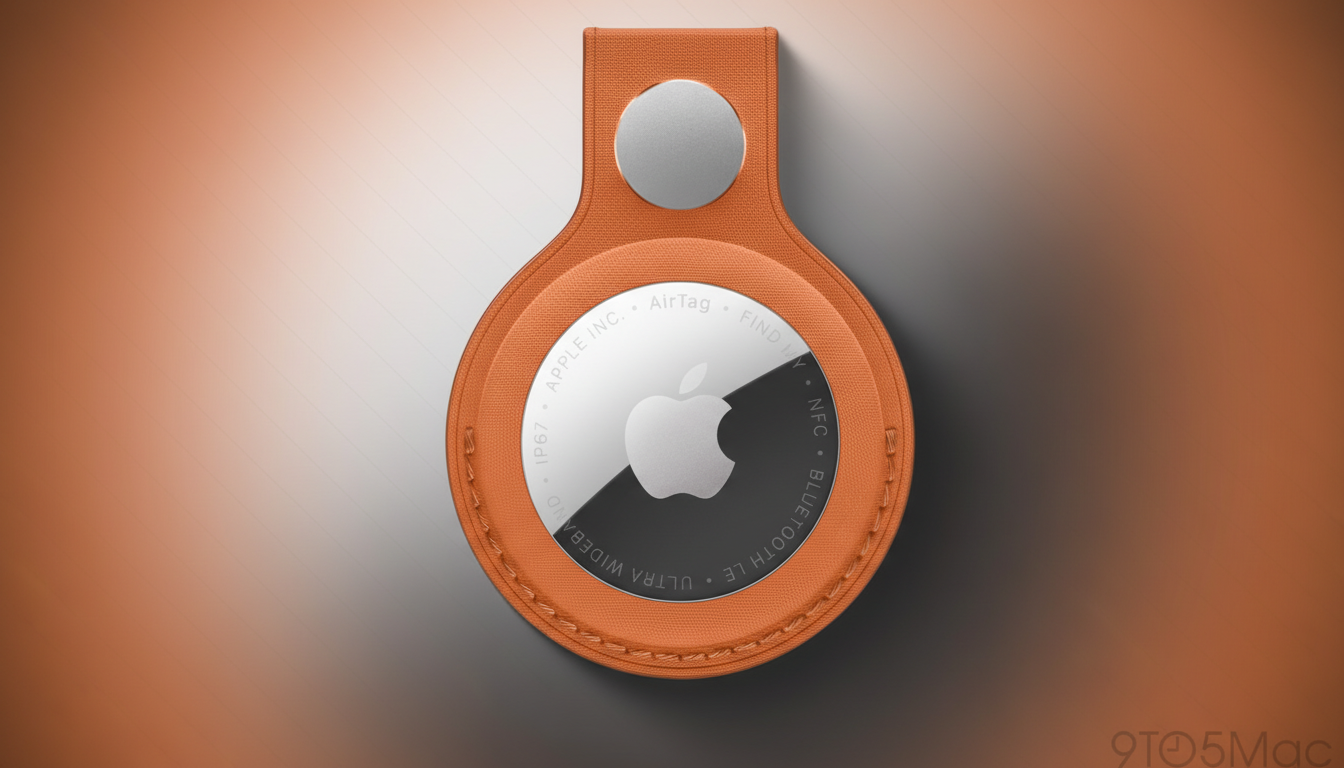
For anyone invested in item tracking, the headline is AirTag 2 compatibility. With iOS 26.2.1, your iPhone can pair, manage, and precisely locate the new tag, integrating it into the Find My network alongside existing accessories.
AirTag 2 Highlights: Louder Alerts and Longer Range
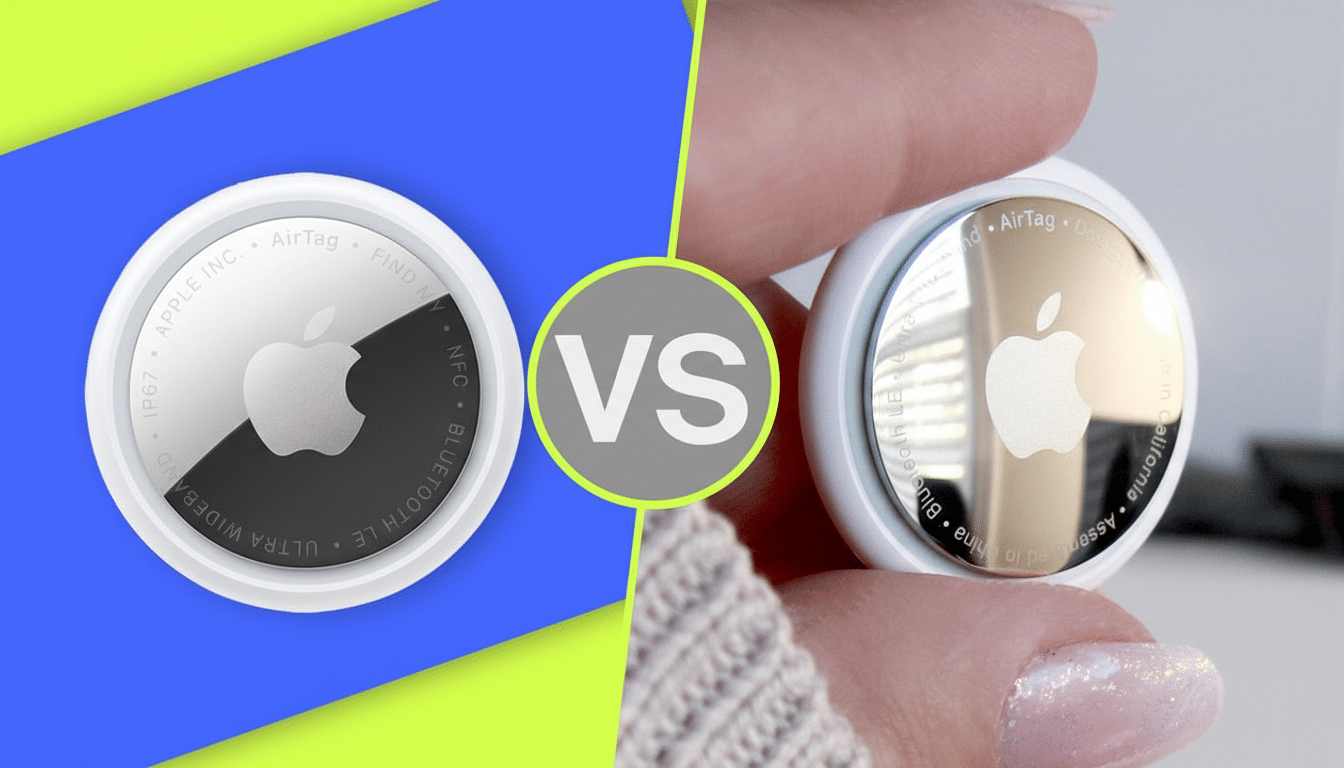
Apple’s second-generation AirTag focuses on practical upgrades: a louder built-in speaker for easier locating in noisy environments, extended effective range when used with recent iPhones, and more responsive Precision Finding thanks to refinements in Ultra Wideband. In plain terms, that means you can home in on a tag faster and from farther away, with on-screen directional guidance that gets you down to the last few feet.
These improvements build on the strength of Apple’s vast Find My network, which crowdsources location signals from millions of Apple devices. In real-world use, that translates to quicker pings for a missing backpack in a busy transit hub or more confident tracking of a checked suitcase as it moves from carousel to car. Apple has also continued to emphasize unwanted-tracking protections, developed with input from safety researchers and, more recently, in cooperation with industry partners, to help ensure alerts surface when a tracker that is not yours is traveling with you.
Supported Devices and Requirements for iOS 26.2.1
If your iPhone already runs iOS 26, you should see the iOS 26.2.1 update. Precision Finding is best on models with Apple’s newer Ultra Wideband hardware, but AirTag 2 will pair and function across supported devices through the Find My app. To install, you will need a Wi‑Fi connection (or strong 5G where supported), sufficient battery charge, and a bit of free storage space.
As always, backing up before any OS update is wise. You can use iCloud Backup under your Apple ID settings or connect to a Mac or PC to create an encrypted backup. Apple Support recommends this step so you can quickly restore if something unexpected occurs during installation.
How to Download and Install iOS 26.2.1 on Your iPhone
- Open Settings on your iPhone.
- Tap General, then tap Software Update.
- Wait for iOS 26.2.1 to appear, then choose Update Now.
- Agree to the terms and keep your iPhone on Wi‑Fi and power until the restart completes. You can also select Install Tonight if you prefer an overnight install.
If you are in the public beta program and do not see the update, check Beta Updates in Software Update settings and switch to Off, then check again. Alternatively, you can update using a computer via Finder or iTunes if your device is short on space.
Troubleshooting and Pro Tips for a Smooth iOS 26.2.1 Install
If the update does not appear, restart your iPhone and verify Automatic Updates is enabled. Ensure you have at least a few gigabytes free; deleting large videos or temporarily offloading apps can help. Stuck at “Preparing Update” is often resolved by toggling Airplane Mode on and off or resetting network settings as a last resort.
After installing, open Find My and initiate pairing for AirTag 2 by bringing it near your iPhone. You can assign a name and emoji, set separation alerts, and enable notifications for when the tag is detected by the network. If you carry both first- and second‑generation AirTags, iOS 26.2.1 will manage them side by side.
Should You Update to iOS 26.2.1 Now or Wait for Later?
Yes. Even without listed security patches, iOS 26.2.1 is the gateway to AirTag 2 and likely includes low‑level fixes that smooth out connectivity and location services. If you want new features beyond this, Apple’s current iOS 26.3 public beta is available, but for most users the stable 26.2.1 build is the safer choice. Update now, then pair AirTag 2 to get the most accurate, audible, and reliable item tracking Apple has offered to date.
