


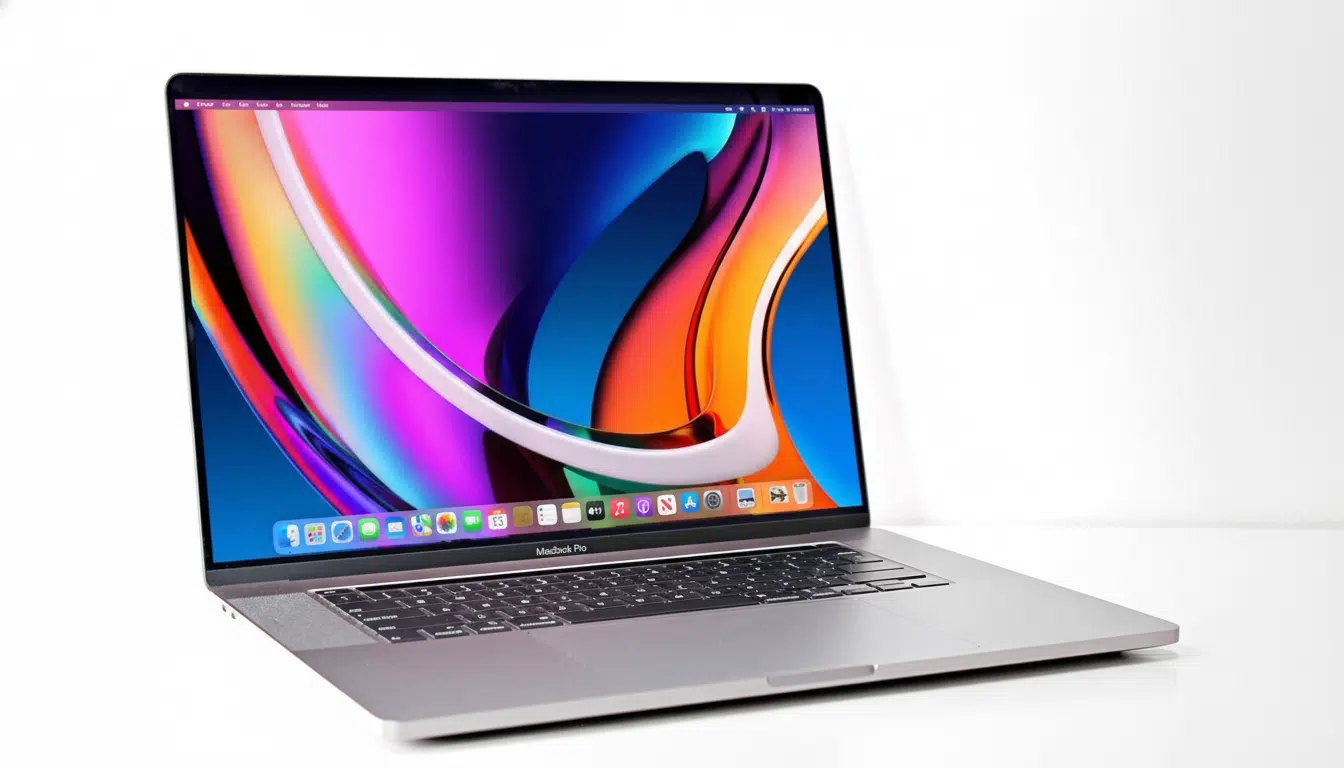
For years Apple has defended the idea that touch doesn’t belong on Macs, only iPads. Now, there’s reliable supply-chain chatter that the stance is turning soft. Analyst Ming-Chi Kuo has mentioned MacBook Pro machines featuring touch panels are being actively developed, a line that dovetails with previous Bloomberg reporting that claimed Apple had evaluated potential touch-based Macs as part of its hardware roadmap.
The company hasn’t confirmed anything, but the trajectory is obvious: Apple seems to be getting ready for a Mac with on-screen interaction of some kind—potentially complemented by macOS tweaks rather than an interface revolution.
From ‘no touch’ creed to a cautious pivot at last
Apple’s ambivalence about touch on laptops is built on both ergonomic and product clarity foundations. Apple executives have described the iPad as a “touch-first” computer, while the Mac is a keyboard-and-trackpad machine. Steve Jobs spoke ominously of arm fatigue on a vertical screen, and more recently Apple’s Mac and iPad marketing heads repeated that the two platforms have different jobs.
Still, Apple has been heading toward overlap. Apple silicon Macs can run iPhone and iPad applications on macOS. Tools like Catalyst and SwiftUI simplify the task of taking touch-friendly designs to the desktop. The company also added Control Center, larger click targets in key views, and a richer gesture vocabulary on the trackpad — all telltales that macOS can support more direct manipulation while maintaining its desktop character.
Why touch now? The market and the silicon
Touch has been table stakes across the Windows ecosystem for premium laptops. Convertibles from Microsoft, Lenovo, HP and Dell all normalize tap, scroll and pinch in general computing beyond tablet mode. And perhaps more importantly on industry trackers like IDC and Canalys, convertibles and premium ultralights are among a few bright spots during the pandemic, nudging expectations that notebooks should reach back at you when you touch the screen.
The timing is ripe for much of this, thanks to Apple’s own hardware.
Always-on touch sensing leaves headroom with Apple silicon for very little battery hit. Speculation has swirled that we could see on-cell touch technology combined with OLED panels — a technique widely employed inside higher-end phones since it allows the touch layer to be laminated directly onto the display stack. That can reduce thickness, enhance optical clarity, and reduce reflectance compared to different digitizer layers. Suppliers like Samsung Display and LG Display have been increasing their capacity to produce OLED laptop panels, a necessary requirement for any Mac-wide rollout.
What touch on the Mac would focus on first
The problem is not hardware; it’s software fit. macOS would have to support taps, drags, and pinches as first-class inputs without breaking the precision workflows power users depend on. Apple will come out of the gate with a “light-touch” model—direct manipulation for scrolling long pages, scrubbing timelines, adjusting sliders, and annotating screenshots—the trackpad or keyboard being up front and personal for selection and text.
Apple can also borrow from developer frameworks. Catalyst and SwiftUI already offer resizable layouts and better hit targets. If Apple opens up touch affordances in the SDK—call it stuff like touch-friendly toolbars, better palm rejection near the bottom bezel, and making system-wide gestures consistent—apps that people actually want to use can start using touch without having to fork their codebases. Accessibility technologies like Touch Accommodations and AssistiveTouch philosophies might direct how macOS adds accidental-touch suppression and gesture forgiveness.
For hardware, a Touch MacBook would need a stiffer hinge to resist screen bounce, more effective oleophobic coatings to mitigate fingerprints, and careful calibration of latency to make ink and UI feel responsive. It’s an open question whether Apple is into this stylus input stuff. Pencil support would obviously go over well with artists and note-takers, but Apple may hesitate to avoid diminishing the iPad as a distinct product.
iPad vs. Mac: clearer lanes, not merging ones
A touch Mac isn’t the same thing as a tablet Mac. The iPad is still the touch-first, cellular-enabled, Face ID-sporting slab that thrives on Pencil and mobile apps. The Mac can still run desktop-class software, drive external displays effortlessly and have the ports pros need. If they both land touch, the lanes will shift away from glass and toward operating systems: iPadOS for simplicity and mobility; macOS for multitasking depth and peripheral support.
Analyst reports have also referenced Apple’s research into a cheaper MacBook with a mobile-class chip and cellular capability. Curiously, those same reports also indicate touch would not be a given on this new model, emphasizing that Apple views touch as a strategic feature — not just as an everyone-take-your-medicine checkbox across the lineup.
The bottom line on Apple’s approach to Mac touch
Apple spent years saying no to touch on the Mac. Now, the signs are all pointing to a pragmatic yes. Look for a well-judged implementation that boosts the fast interactions that people naturally try — tap a button, fling a scroll, pinch a photo — while not undermining the core ergonomics of the Mac. Watch the OLED MacBook Pro cycles and developer advice from Apple; that is where it will first come to light.
