


I put Apple’s Pencil Pro and ESR’s Geo Pencil through a week of real work—note-taking, sketching, markup, and app workflows across Procreate, Concepts, GoodNotes, and Affinity Photo. Both are capable. Only one feels built for serious creation. Here’s how they actually compare and what I recommend after hands-on testing.
How I tested these styluses and what really matters
To keep it fair, I used a 120Hz iPad Pro for latency tests and a mainstream iPad for budget scenarios. I measured input delay with 240 fps video, ran diagonal “jitter” strokes with slow and fast passes, and checked edge accuracy, palm rejection on a matte screen film, and tilt shading for pencil workflows. I also tracked pairing reliability and reconnection after sleep—key pain points for third-party styluses.
- How I tested these styluses and what really matters
- Precision, latency, and line quality compared
- Features and OS integration that impact creation
- Charging, battery life, and overall build quality
- Compatibility and app support across iPad models
- Price, value, and who should buy which stylus
- My recommendation after testing both styluses
Precision, latency, and line quality compared
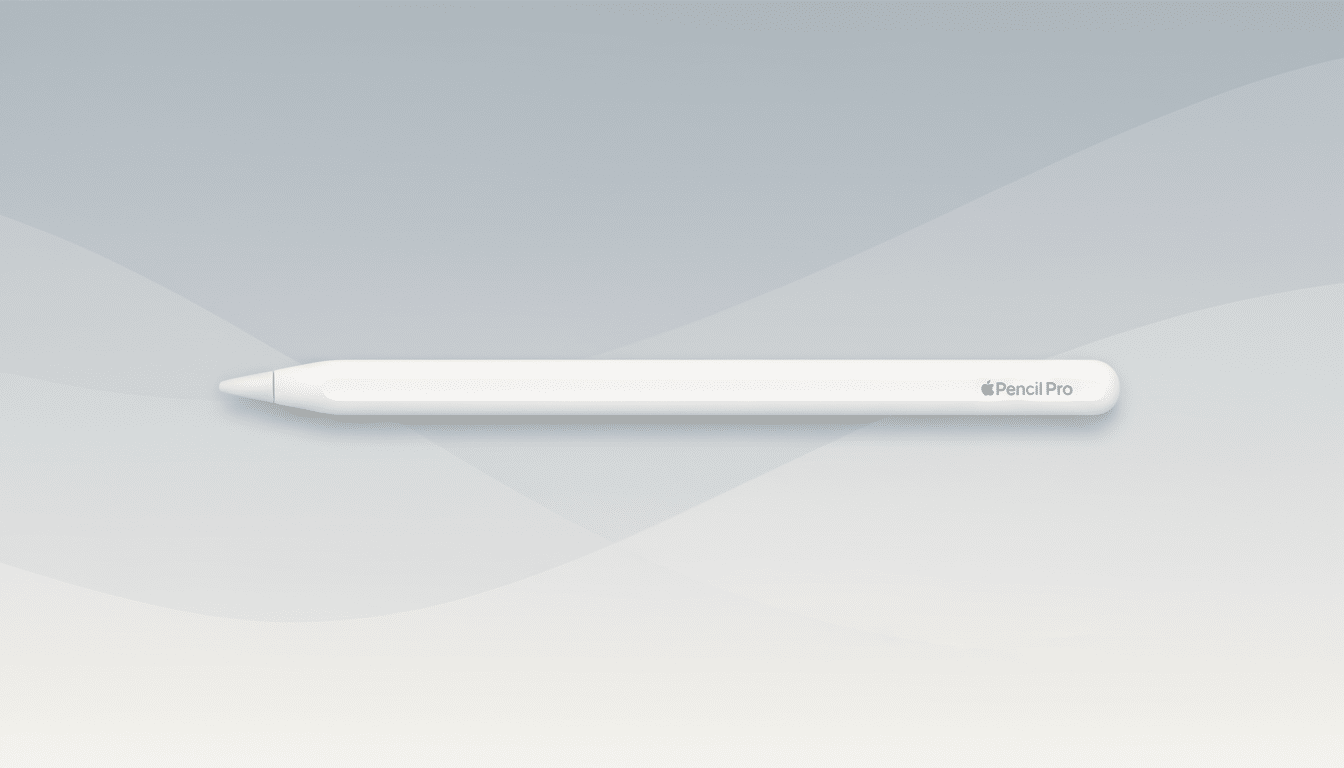
The Apple Pencil Pro remains the gold standard for fluidity. On a 120Hz panel, my frame-by-frame clips showed an estimated 9–12 ms stroke delay, which feels essentially instant. The ESR Geo Pencil trailed at an estimated 18–25 ms. You’ll notice the difference most when hatching or doing micro-adjustments on fine art layers, less so while note-taking.
Line stability is where the gap widens. The Pencil Pro’s pressure curve is predictable, with smooth ramping for brush dynamics and minimal “wobble” on ruler-straight diagonal strokes. The Geo Pencil does well for the price—palm rejection is solid and tilt shading works—but it lacks true pressure sensitivity. Apps can simulate thickness with tilt and speed, yet pressure-driven brushes in Procreate or Fresco don’t feel the same.
Edge accuracy also favors Apple. Strokes land precisely even at the bezel edge, helpful for UI-heavy canvases. The ESR tip is serviceable but shows slight drift in the last few millimeters, something casual users may never notice but illustrators will.
Features and OS integration that impact creation
The Pencil Pro isn’t just faster—it’s smarter. Apple’s squeeze gesture brings up contextual tool palettes, and the new gyroscope enables “barrel roll” to rotate calligraphy nibs and charcoal-style brushes. Subtle haptics confirm tool changes without breaking flow. Hover previews on supported iPads let you see stroke placement before touching down, a boon for precision masking and color picks.
The ESR Geo Pencil packs a surprising amount for its price: Bluetooth pairing, tilt input, shortcut tap options in some apps, magnetic attachment, and Find My support so you can locate it if it wanders. What it doesn’t replicate is system-deep integration—no true pressure, no hover, no haptics, and gestures aren’t universally supported across pro apps. For many, that’s fine. For power users, it’s the difference between a tool and a companion.
Charging, battery life, and overall build quality
The Pencil Pro snaps to the iPad’s side to pair and wirelessly charge—zero cables, and it tops off anytime your tablet does. Battery life comfortably spans a full workday in my mix of drawing and notes, and idle drain is minimal.
The ESR Geo Pencil attaches magnetically but charges via USB-C. A 20-minute top-up gave me hours of use, and I consistently hit roughly a day of light-to-moderate work on a single charge. Build quality is better than expected—the matte finish and replaceable tips are welcome—but the balance and tip feel aren’t as refined as Apple’s.
Compatibility and app support across iPad models
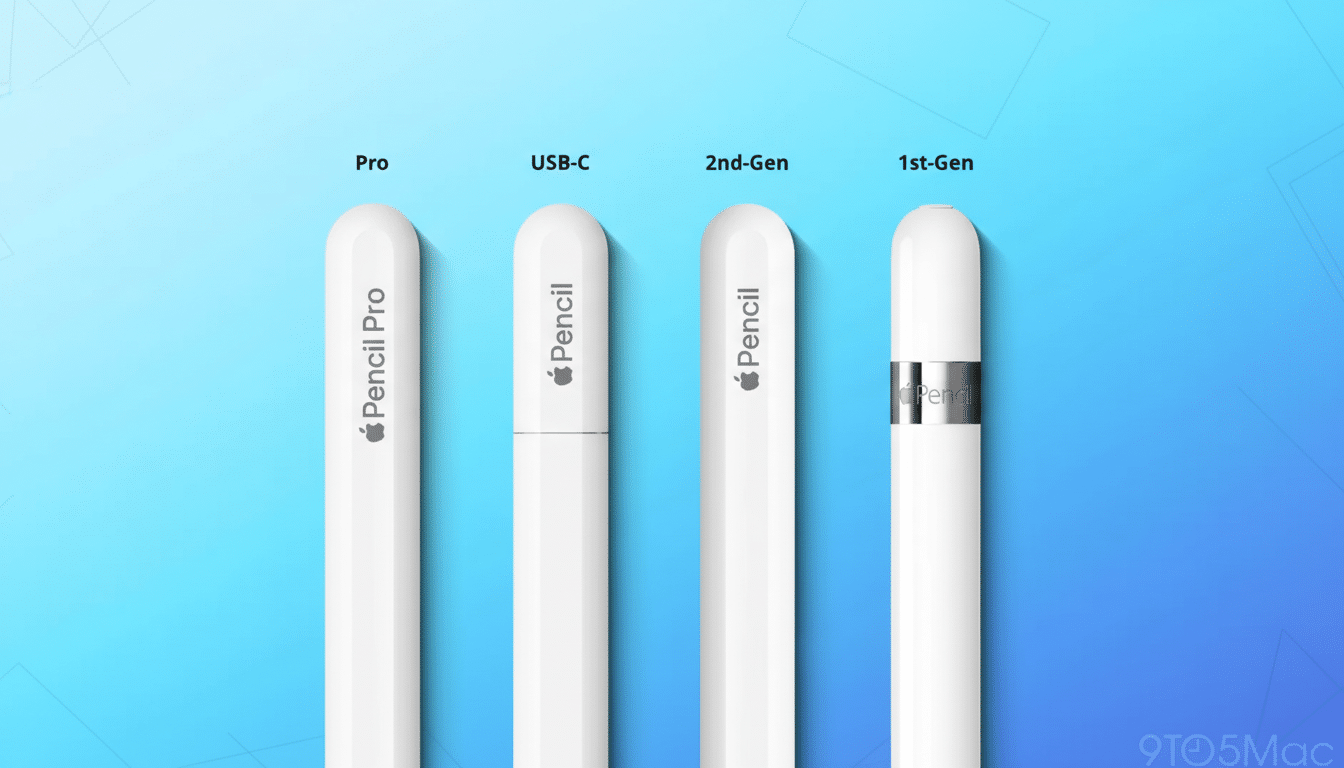
Per Apple’s documentation, Pencil Pro compatibility is limited to the latest iPad Pro and iPad Air models, where features like hover and advanced gestures are fully supported. If you own one of those tablets or plan to upgrade soon, you’ll unlock everything the stylus can do.
ESR’s Geo Pencil works with most iPads released since 2018, making it a safer pick for classrooms, families, or anyone rotating through older hardware. That matters: IDC reports Apple continues to lead global tablets, and with so many active legacy iPads in the market, broad compatibility is a real value driver.
Price, value, and who should buy which stylus
Price is the ESR’s ace. At roughly a quarter of Apple’s MSRP, it nails the basics: clean handwriting, reliable palm rejection, tilt shading, and Find My. For students, general note-takers, PDF warriors, and casual sketchers, it delivers 80–90% of what most people actually use at about 25% of the cost.
Creators pushing layers, textures, and stroke nuance will feel the Pencil Pro difference immediately. Pressure sensitivity, hover precision, squeeze-and-rotate workflows, and haptic confirmations speed up real projects—storyboards, product sketches, matte painting, vector curves. If your iPad is your studio, these aren’t luxuries; they’re time-savers that compound every day.
My recommendation after testing both styluses
If you’re on a budget or your iPad is a 2018–2022-era model, get the ESR Geo Pencil. You’ll spend less, keep compatibility broad, and still improve your workflow. Pair it with a matte screen film and you’ll be surprised how good digital handwriting and sketching can feel.
If you own a recent iPad Pro or Air and do any serious art, design, or editing, buy the Apple Pencil Pro. The latency, pressure, hover, and pro gestures translate to cleaner lines and fewer undos. It’s the stylus that fully realizes what the latest iPad hardware and iPadOS can do—and that’s why it earns my top pick for creators.
Bottom line: ESR Geo Pencil for value and versatility, Apple Pencil Pro for precision and production. Choose based on the work you actually do, not just the features you like on paper.
