


Apple has snuck in a long-awaited change into the latest iOS beta: Carriers will now be able to send iPhone notifications directly to non-Apple smartwatches (or wearables) in the European Union. Notification Forwarding, as it’s known, marks a turning point for Garmin (as well as Samsung, Google, Suunto, Polar and COROS) and thousands of other watch owners who harbor iPhone envy yet have been locked out of an age-old convenience.
What Notification Forwarding Does for Non-Apple Wearables
Notification Forwarding forwards iPhone alerts to one accessory at a time, even third-party smartwatches that work over Bluetooth.
- What Notification Forwarding Does for Non-Apple Wearables
- Why Notification Forwarding Is EU-Only Under DMA Rules
- Why Notification Forwarding Matters for iPhone Users
- How to Turn On Notification Forwarding on Your iPhone
- Privacy and Practical Considerations for Forwarded Alerts
- What Notification Forwarding Means for the Wearables Market
- Bottom Line: What This Change Means for iPhone Owners
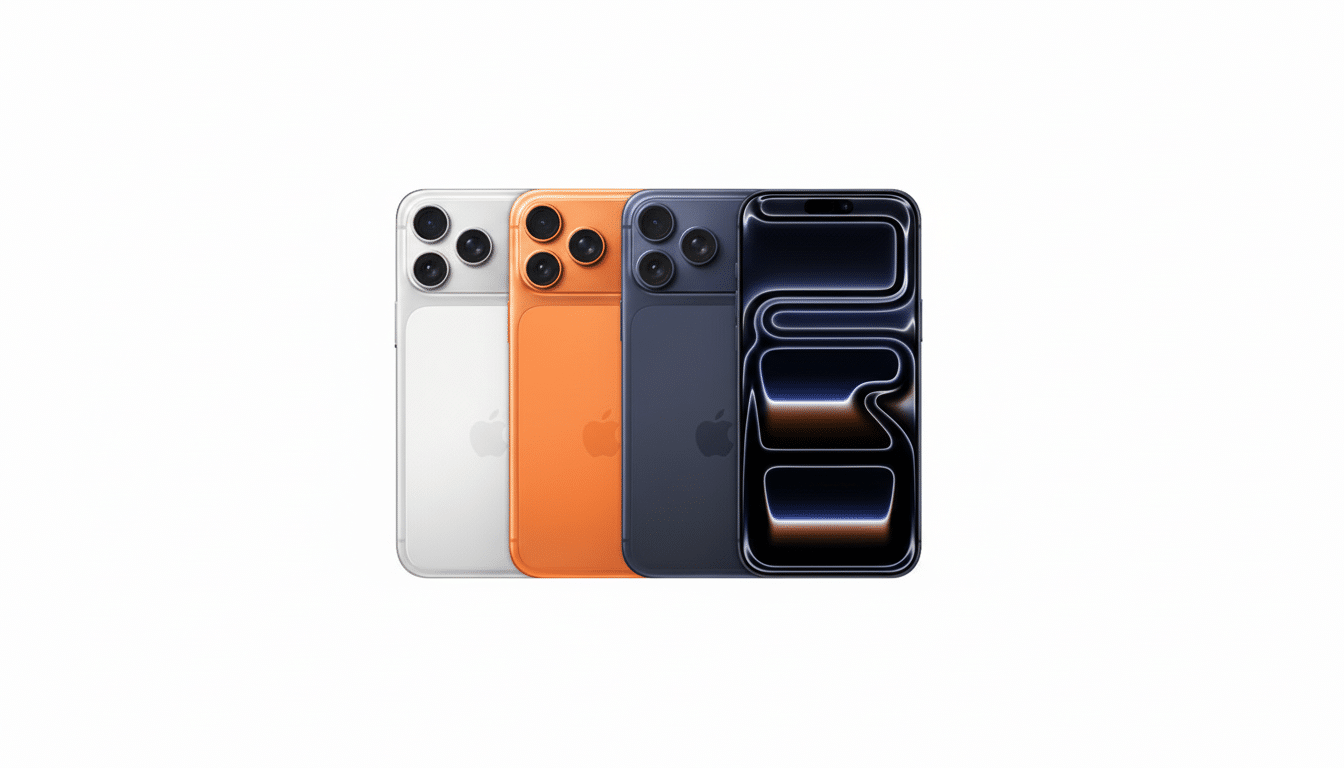
It doesn’t make those watches Apple Watch clones, but it does bring back the most basic feature: seeing your phone’s notifications at a glance on your wrist, no ways around it.
There are limits. Apple’s guidance is that when you set up forwarding to a third-party device, notifications will not show up on Apple Watch. Interactions such as one-tap replies or rich actions will vary depending on what non-Apple watch you’re using; on many, you’ll simply get the alert text, a buzz and the app name, which is plenty for triaging messages while out and about.
Why Notification Forwarding Is EU-Only Under DMA Rules
As it stands, the feature is limited to EU markets in which Digital Markets Act rules require “gatekeeper” platforms to expose important functionality to alternative hardware and services. The European Commission has been clear that interoperability should reach its way down into cornerstone features like this; surely, notifications don’t get more central than this.
Apple has raised privacy issues with forwarding, as it may share notification content with third parties. That does create a risk, but one that’s manageable: the data is reaching a device you’ve paired yourself, and iOS continues to include granular control over which apps are allowed to send notifications in the first place.
Why Notification Forwarding Matters for iPhone Users
For years, iPhone owners who opted for performance-oriented wearables such as a Garmin Fenix or Forerunner sacrificed consistent wrist alerts unless they made the jump to Apple Watch. For runners, cyclists and outdoor enthusiasts — people who value long battery life, physical buttons and advanced training metrics — they can now retain their favorite watch while adding some everyday utility.
Market data underscores the impact. Counterpoint Research and IDC regularly peg Apple as the smartwatch pacesetter worldwide, but it’s non-Apple brands that ship most of the units. That’s a substantial portion of iPhone users (so handfuls around the world have been living with half-functionality). Closing that gap — at least for things like notifications — would make life easier, day to day, for millions of people.
How to Turn On Notification Forwarding on Your iPhone
Update your iPhone to the latest EU beta OS available. Connect your smartwatch using the companion app, and enable Bluetooth. Then tap on Settings > Notifications > Notification Forwarding and select your accessory. If you don’t see the options, it’s because you’re not in the EU or possibly not running the correct firmware.
You can refine what gets forwarded by tweaking per-app settings in Settings > Notifications. And if you have an Apple Watch as well, keep in mind that turning on forwarding to a non-Apple watch will prevent notifications from reaching your Apple Watch until you go back.
Privacy and Practical Considerations for Forwarded Alerts
Since forwarding relays message previews, disable it for sensitive apps and confine them to “Show Previews When Unlocked” in iOS. You could also turn off forwarding for finance, health or work apps and leave messaging and calls active by default to make things convenient. Apple’s position is about trade-offs – you get more openness, but process content your accessory supplier once couldn’t.
What Notification Forwarding Means for the Wearables Market
This small switch is a big deal for everyone. Support for things like this decreases the whole platform lock-in effect so iPhone users can contemplate niche devices without fear of losing essential features. For makers like Garmin, Suunto, Polar and Samsung, it further reduces switching friction for iPhone owners interested in having multi-day battery life or specific training tools.
Analysts at IDC have long maintained that cross-platform availability is adoption’s most significant driver. If Apple stands firm with this EU-only approach, it is likely that pressure will open up in other markets as both consumers and regulators come to see the real-life benefits. While Apple may keep closer integration reserved for the Apple Watch, bringing baseline functionality to non-Apple devices is an important development forward.
Bottom Line: What This Change Means for iPhone Owners
Finally letting EU-based iPhone-wearers enjoy reliable wrist alerts on non-Apple wearables is Notification Forwarding. It’s not full parity with Apple Watch, but it eliminates the single most irksome restriction for mixed-brand setups — and suggests a future where your favorite watch and favorite phone just magically work together.
