


Apple has quietly flipped a long-awaited switch inside iOS, adding a built-in Transfer to Android option in Settings that lets iPhone owners move core data to an Android phone without extra downloads or cables. The move lowers one of the most persistent barriers to platform switching by natively handling photos, messages, passwords, notes, and more from the iPhone side.
Multiple outlets, including AppleInsider and MacRumors, have verified the feature in the latest iOS build. You’ll find it in Settings > General > Transfer or Reset iPhone > Transfer to Android. That simple placement is the headline: Apple is now offering an on-device, first-party path to leave iOS.
- How the new transfer tool works on iPhone and Android
- What transfers to Android and what does not move over
- Why this change matters for iPhone and Android users
- How it compares to existing switching options today
- Practical tips for a smooth switch from iPhone to Android
- The bottom line on Apple’s new Transfer to Android feature
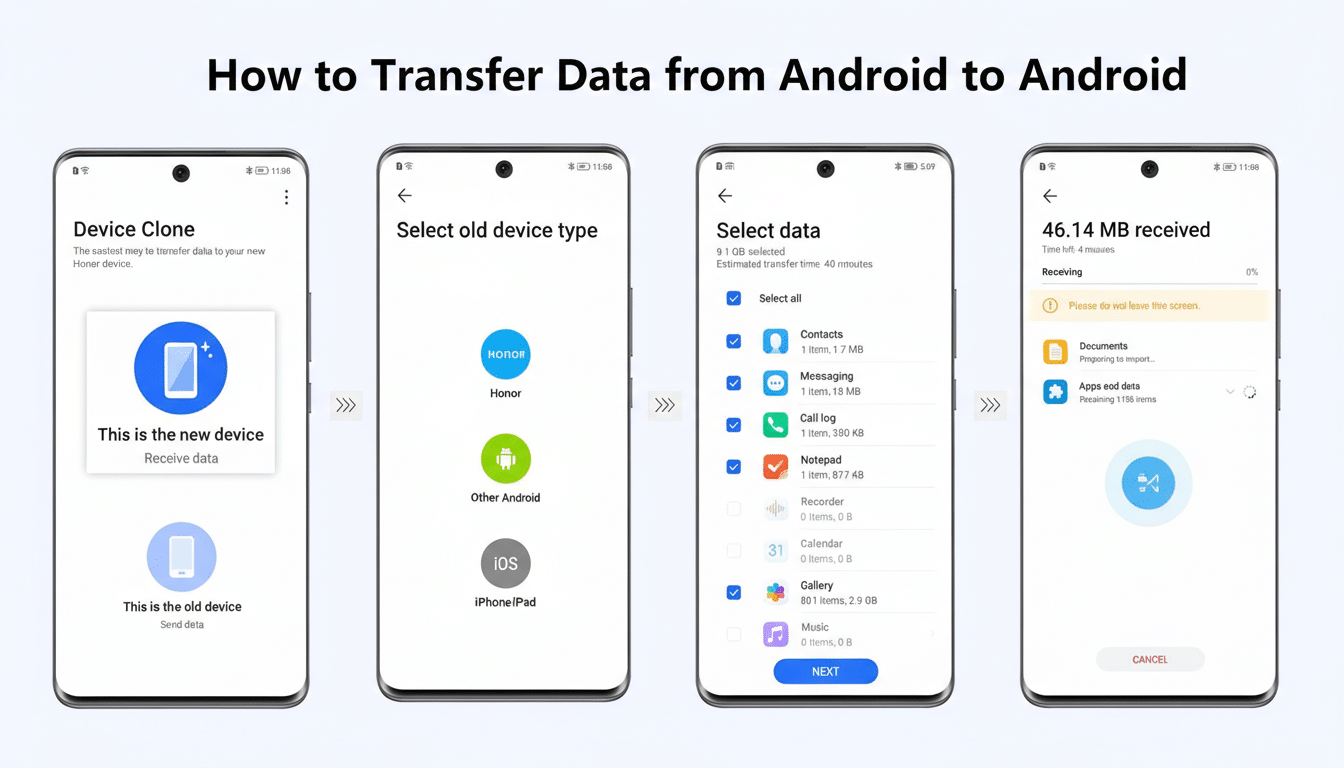
How the new transfer tool works on iPhone and Android
Initiate the process on your iPhone and place it next to the Android device. iOS then asks you to scan a QR code shown on the Android phone and enter session credentials. From there, you choose what to bring over, and the phones create a local, secure connection to shuttle data.
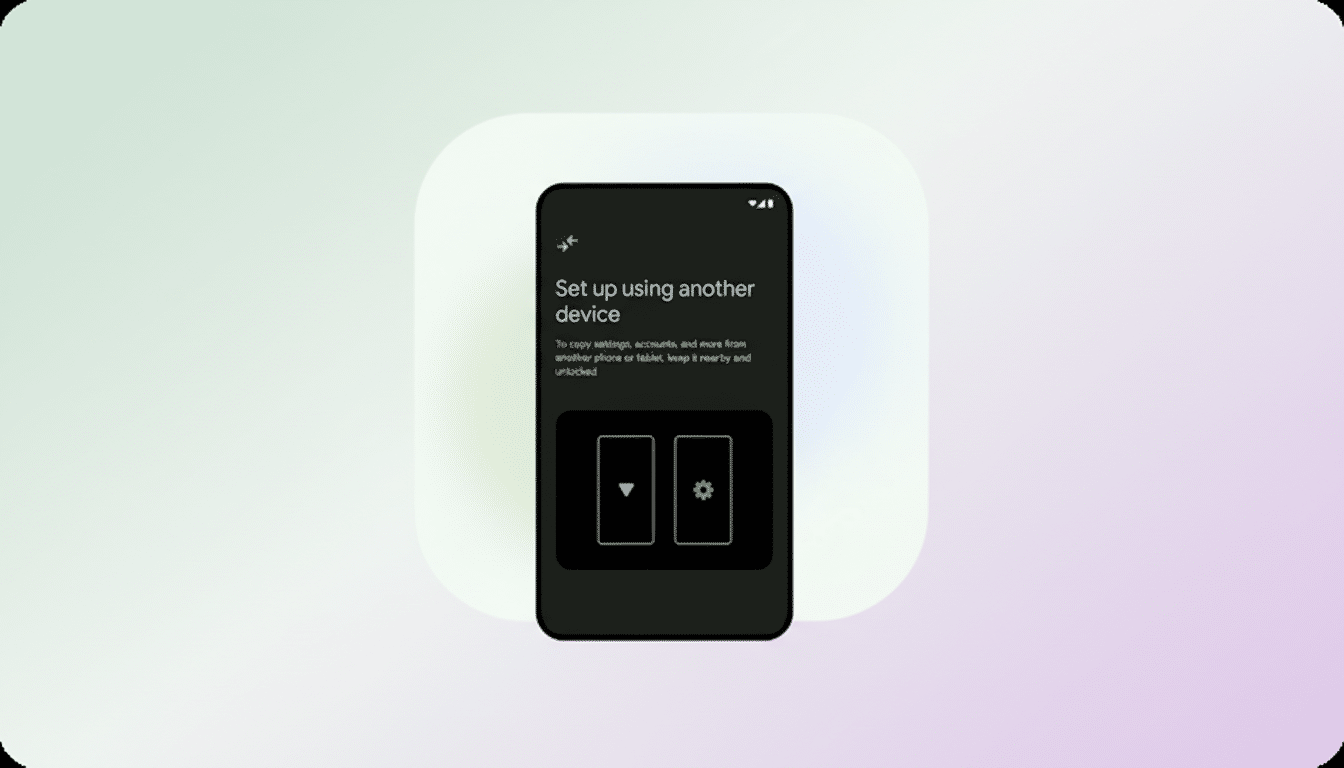
This is the same playbook modern setup wizards use: a QR handshake to establish a direct link (often Wi‑Fi Direct), then a guided checklist so you can pick categories instead of micromanaging files. It mirrors Google’s Switch to Android experience but removes the need to install anything on the iPhone first.
What transfers to Android and what does not move over
Reports indicate the tool supports photos (including Live Photos), messages, notes, and saved passwords, with the option to pass along your app list to help you find equivalents on Google Play. Some carriers may also support moving your phone number during setup, especially if you use eSIM, though that piece still depends heavily on carrier systems.
Several items don’t make the trip: health data, protected content, and paired Bluetooth accessories are out. That means you’ll need to re-pair watches and earbuds manually and consider exporting Apple Health records separately if you want a personal archive. The omissions make sense given encryption, regulatory, and compatibility constraints, but health data support remains a top user request for any future iteration.
Why this change matters for iPhone and Android users
Switching costs are real. People stick with platforms not only for features but because leaving means losing history. By embedding an exit ramp in Settings, Apple is acknowledging that data portability is a user expectation, not just a nice-to-have. It also puts competitive pressure on both sides to make switching honest and reversible, rather than a one-way door.
There’s a broader backdrop here. Globally, Android accounts for roughly 72% of smartphone market share while iOS sits near 28%, according to StatCounter. In markets where iOS dominates, independent research from firms like CIRP has long shown that platform switching typically lands in the low double digits for new buyers. Reducing friction even a little can meaningfully reshape those flows over time.
Regulatory momentum also looms large. The European Commission’s Digital Markets Act emphasizes interoperability and data portability. While Apple hasn’t framed this feature as a response to policy, it clearly aligns with the spirit of letting users move their data where they want, when they want.
How it compares to existing switching options today
Until now, the most reliable path off iPhone ran through Google’s Switch to Android app or a cable-assisted setup on the new device. Apple, for its part, has long offered Move to iOS to bring Android users into the iPhone ecosystem. A native Transfer to Android inside iOS closes that symmetry gap and removes the extra step of installing a third-party app on the iPhone just to leave.
On the Android side, recent beta builds have been pushing deeper, native migration tools too, including pathways to copy data to iOS during setup. The net effect is clear: both platforms are normalizing two-way movement and trying to make the first hour with a new phone painless, regardless of brand.
Practical tips for a smooth switch from iPhone to Android
- Before you start, update both phones, charge them fully, and back up your iPhone.
- Turn off iMessage and FaceTime after the move to avoid missing texts.
- Check two-factor authentication and authenticator apps, which may require manual transfers or new device approvals.
- If you rely on health and fitness records, export a copy from Apple Health for safekeeping.
- For eSIM, contact your carrier if the automatic transfer doesn’t appear during setup.
The bottom line on Apple’s new Transfer to Android feature
Adding Transfer to Android in iOS is a small settings change with big implications. It reduces lock-in, respects user agency over data, and signals a future where switching ecosystems is more about preference than penalty. If Apple eventually brings health data into the fold, the door out of iPhone will be not just open—it will be wide.
