


Amazon has the Anker Prime Docking Station (14-Port, 160W) on sale for $174.99, a savings of $95 from its list price of $269.99. It becomes a neatly integrated desk topper once plugged in and, at 35% off, this is some of the strongest mainline hub trickery of the season if you’re looking to declutter that finish-it-anytime-now-Vladimir-desktop-of-dreams and run multiple displays from one wiry snakeskin.
What you get with Anker’s 14-port, 160W Prime dock
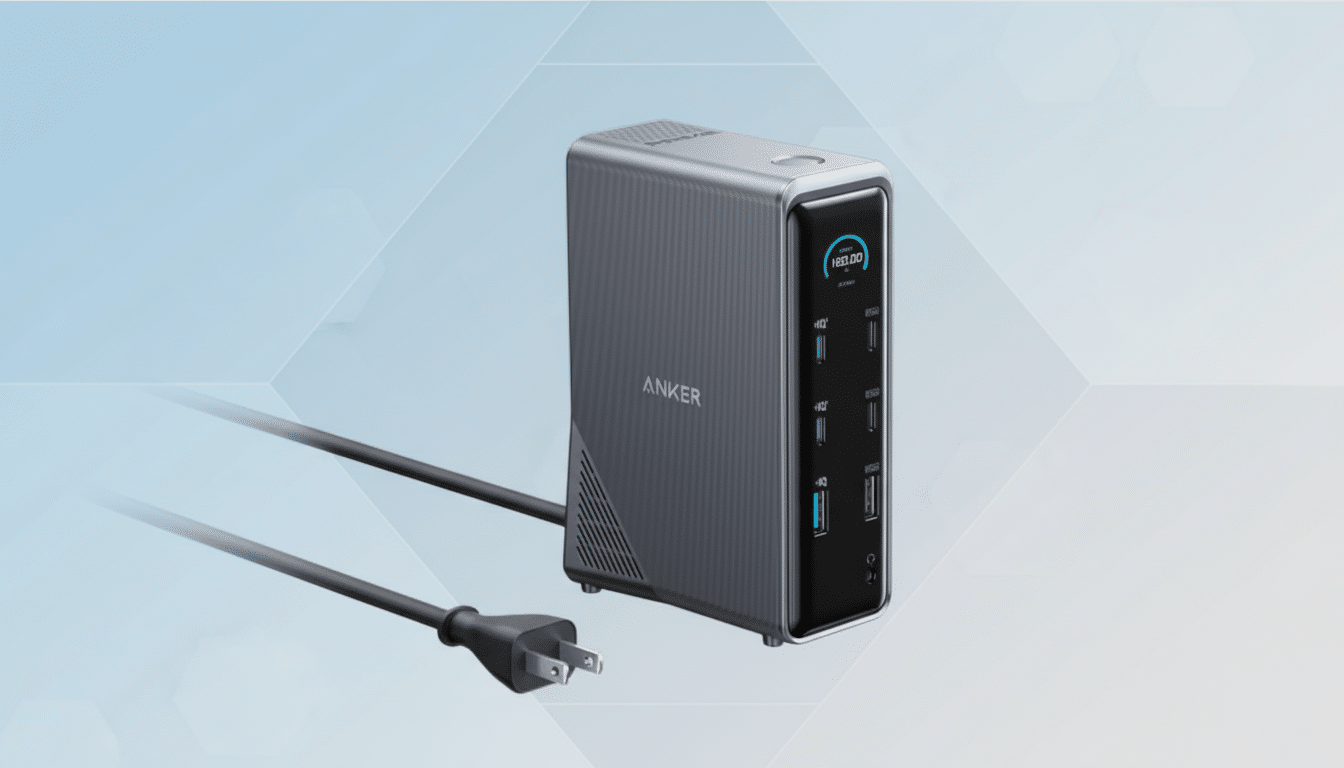
Anker’s 14-in-1 setup splits the difference: enough connections to replace a nest of dongles, without the cost of a Thunderbolt dock. You’re seeing a mixture of USB-C and USB-A ports rated up to 10Gbps for data, dual HDMI for monitors, gigabit Ethernet for reliable networking, SD/microSD card slots for content creators, and a 3.5mm audio jack for headsets. One-cable docking: your laptop, your devices, and the room.
- What you get with Anker’s 14-port, 160W Prime dock
- Dual 4K display support and the important Mac caveat
- Real‑world performance, power delivery, and I/O insights
- How this Anker Prime deal compares with rival docks
- Who this 14‑port Anker Prime docking station is for
- Bottom line: a strong value if your needs align
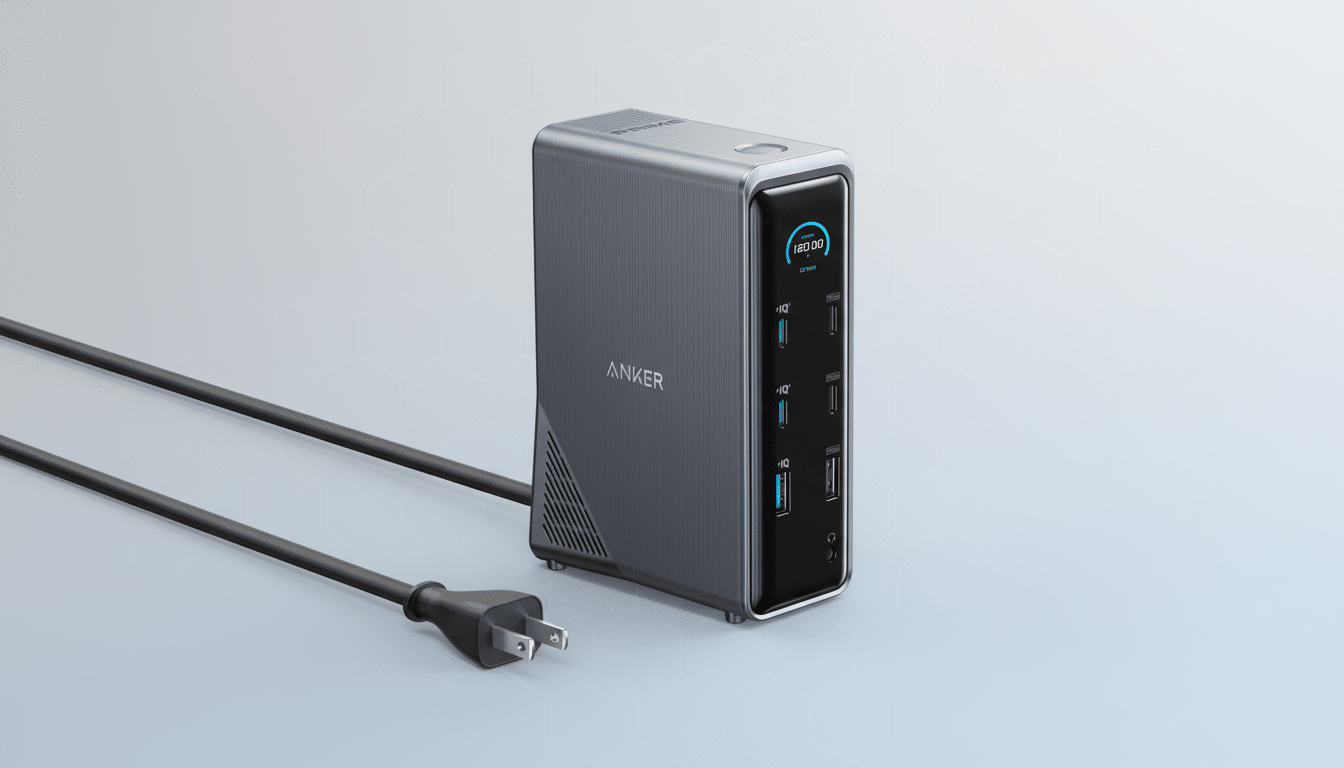
Total power output is 160W; the USB-C can reliably deliver up to 100W to a host laptop, and carries enough left over for phones, tablets, and other accessories. In real-world terms, that means it can fill up a 13- or 14-inch ultrabook at full speed while still giving a little love to your phone and wireless earbuds—no extra bricks or wall taps necessary. Power allocation is dynamic, so depending on what else you have connected at the time, maximum output on one port will vary.
Dual 4K display support and the important Mac caveat
Dual HDMI outputs mean your computer can power two 4K displays, a feature missing on many slim docks. On a Windows laptop that supports DisplayPort Multi-Stream Transport (as defined by VESA), you’ll be able to extend across two monitors without incident. macOS is the wrinkle: your average MacBook today only natively supports one extended display over USB-C/Alt Mode, and even a second display tends to mirror unless you have DisplayLink software working with the right adapter. It’s not so much an issue with the dock itself as Apple’s philosophy on multi-display support.
Mac users who need two real extended desktops, plan around a DisplayLink path or find a dock that advertises onboard DisplayLink. Windows users with a late-model USB-C or USB4 system—and one that is certified by the USB Implementers Forum—have smooth plug-and-play support.
Real‑world performance, power delivery, and I/O insights
For anyone creating content, the SD/microSD card slots get rid of a reader, and the 10Gbps USB ports are fast enough that they can feed an external NVMe SSD at ~800–1,000MB/s in real-world use. Video calls also prefer wired Ethernet, helping to equalize latency over choked Wi‑Fi. For any typical workload—a 65W notebook, a 4K monitor, an external SSD, and a USB mic—the dock has plenty of headroom.
Power users with 15- or 16-inch performance laptops should reference the charging wattage their OEM recommends. If your machine uses more than 140W in sustained heavy work, this dock will still power and charge it, but it may at times draw from the battery during peaks. For most ultras and light thin‑and‑lights workstations, 100W host charging is perfect.
How this Anker Prime deal compares with rival docks
Similar multi-port docks from high-end brands often clock in between $230 and $400. CalDigit’s TS4 and Belkin’s Connect Pro, for example, appeal to enthusiasts who need Thunderbolt bandwidth as well as some niche ports—fantastic hardware but higher prices. The Anker Prime undercuts those options at $174.99 and covers the fundamental needs of hybrid workers and students. Price tracking has had this model around $200–$270 for most of the year, so a $95 discount is an eye-grabber.
The case for is not just about saved dollars. In fact, an NEC-sponsored productivity study conducted by the University of Utah concluded that multi-monitor setups can increase productivity by double digits. If a dock lets you have an honest-to-goodness two‑screen setup for your system, it can often pay for itself in reduced context switches and smoother multitasking.
Who this 14‑port Anker Prime docking station is for
Buy this if you want to wrangle your chargers and cables into one neat package, run up to two 4K screens on a PC, download media cards without the dongle hex, or have Ethernet at the ready—basically making setup at home or in an office painless. It’s also a great choice for creators who dump footage daily and knowledge workers who run between a laptop and an anchored desk.
Skip if you need Thunderbolt 4 bandwidth to chain high-speed storage arrays, run more than two external displays natively on macOS, or require 140W+ host charging. Those cases warrant a higher-tier dock with a price to match.
Bottom line: a strong value if your needs align
The $174.99 Anker Prime Docking Station is an easy decision: a 14‑port, 160W hub that cleans your desk, charges your laptop, and enables dual 4K on compatible systems—all for 35% less. If you’re holding out to streamline your post‑laptop setup without splashing out on a pro-grade Thunderbolt dock, this is the rare deal that hits all the features most people actually use at a price that’s tough to argue with.
