


Animal Crossing: New Horizons for Nintendo Switch 2 at last makes the console’s unsung mouse support useful by transforming the laid-back island life game into a quick, accurate, creation-friendly sandbox. Existing owners can purchase a small upgrade and, to soften the blow, a free update will launch for both the original Switch version along with the new one; but it’s the mouse support that seems like the real meat of this ‘upgrade’ — and potentially a blueprint for other first-party titles.
Why mouse controls matter so much in New Horizons
Interior design has always been New Horizons’ stealth endgame. It’s from cautious nudge to confident composition with a mouse. You snap, drop and drag objects with spot-on accuracy rather than nudge them into place with a thumb stick. The interface supports lasso-like selection, so you can snap a cluster — sofa, lamps, rug, side tables — and move the arrangement in one fell swoop. It’s the kind of thing that, once you use it, you never want to go back because you didn’t know you needed this.
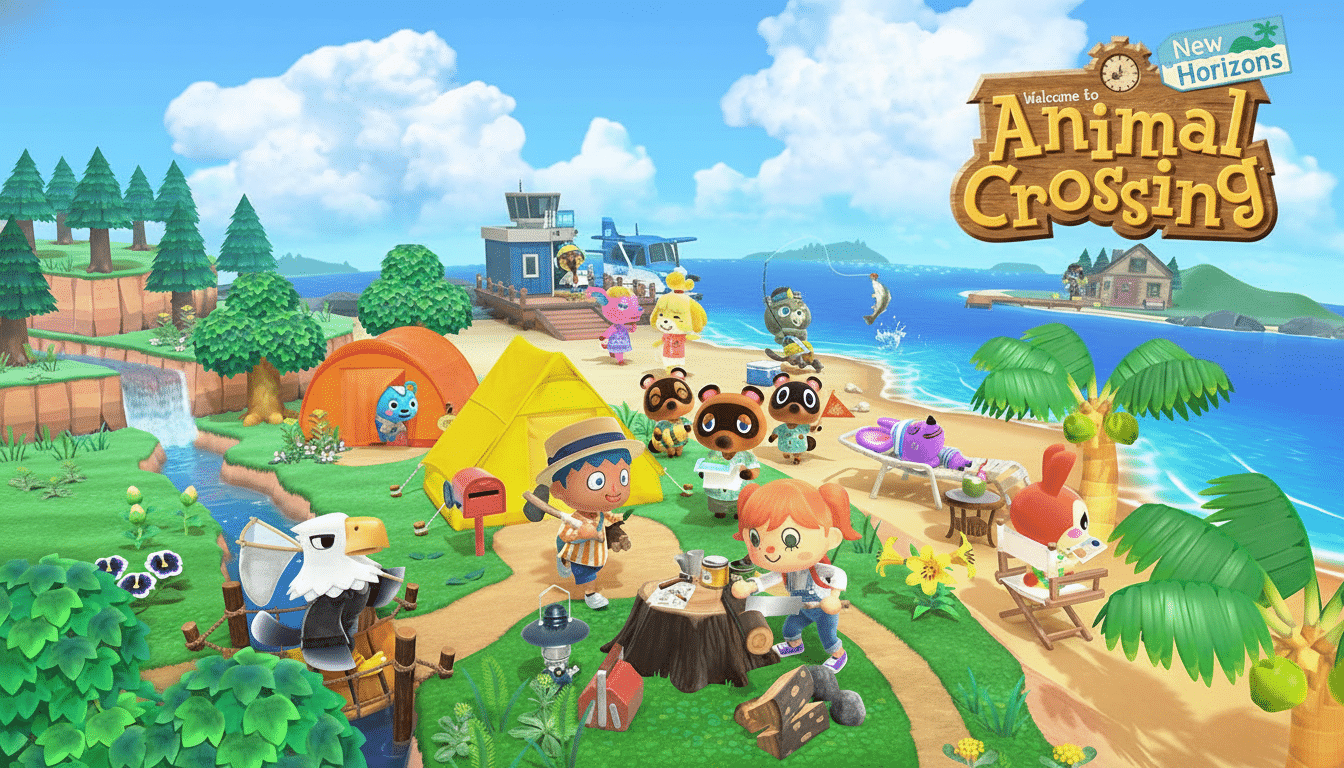
This isn’t just about speed. It’s about fidelity. Its ease is in the fine-tuning: aligning a wall shelf to the pixel, rotating a plant by a single tick, centering a table directly under the ceiling light. Rendering sessions that took an hour previously now happen in minutes, and with more time for iteration and experimentation. The friction is removed, and the creative ceiling lifts with it.
Design tools that help the most in New Horizons
It’s the pattern editor that steals the show. New Horizons’ grid of pixels has always favored patience; with a mouse, it favors precision too. It’s less like painting with a controller and more like drawing in a lightweight art app: outlining motifs, filling gradients, mirroring details — it all feels right at home. Look for a tsunami of officially unofficial fanwear, flags and wallpaper that drifts away from heavy linework in favor of gradated shading.
Room layout also advances from trial-and-error to real drafting. Want to try out three living-room arrangements? Box-vignette and replicate the setup over a space. Want to find out the visual weight on a wall? Drag the cursor over frames, as well as sconces, to line up their baselines in seconds. The upgrade even turns seasonal refreshes — from a fall palette to spring’s, say — into more of a quick creative ritual than a weekend chore.
A lift for creators and access across the community
New Horizons has one of Nintendo’s most creative communities, and those players will instantly get the upside here. Early YouTube and TikTok adopters who create build guides and makeover videos will have speedier workflows and face fewer retakes. Streamers can react to chat prompts on the fly — “move this partition two tiles left,” “go for a lighter rug” — with a snap of their wrist.
There’s also an accessibility angle. There are good reasons why organizations like AbleGamers have long stressed the importance of pointer-driven interfaces in helping cut down on repetitive inputs and offer better fine control to some players. Granular design can be reduced for a mouse, and that opens up New Horizons’ most creative systems to more folks. It’s not a panacea, but it’s a significant option in a game about comfort and self-expression.
The update around the edges: visuals, multiplayer and more
Emphasizing the control scheme changes, the Switch 2 version features sharper visuals and beefier multiplayer tweaks, but the free update includes delightful new pastimes such as themed guest accommodations that more readily fit into the island’s hospitality thrust.
But together these features perform like stage lights; the mouse is the star of the show that brings everything to life.
That Animal Crossing continues to be one of Nintendo’s greatest and most enduring successes doesn’t hurt either. Company financials include New Horizons on the short list of best-selling Switch games with more than 40 million copies shipped, a reach that guarantees any control upgrade will resonate with a larger audience. And if something enhances the experience for that many players, it’s no longer a novelty and starts to seem like it should be standard.
What it means for Switch 2 and future Nintendo games
Nintendo threw mouse support into Switch 2’s toolkit, but not many games have really made sense for it so far. New Horizons changes that calculus. If a low key life sim can benefit like this, think of the potential for a fully-fledged creation platform. A theoretical future Nintendo-built level-builder returns the question in kind (and even, for example, strategy or management game genres that would seem graceful to transition through pointer-driven interfaces!).
For now, the takeaway is straightforward: Animal Crossing just gave Switch 2’s mouse a use. It makes decorating, designing and iterating feel like an instant, tactile pleasure, but it does so without ever compromising the series’ gentle-pacing ethos. That’s the killer app definition: one feature that recontextualizes a game you’ve seen before and makes an entire hardware capability feel indispensable.
