


Some testers running Android 16 QPR3 Beta 2 are reporting that Quick Share is crashing or failing to update, raising fresh questions about the stability of Google’s cross-device sharing service in the latest beta build. While the issue doesn’t appear universal, enough users have flagged problems to suggest a regression that may be tied to a backend extension update.
What Testers Are Seeing With Quick Share in QPR3 Beta 2
Reports from community testers describe Quick Share force-closing as soon as it’s invoked from the system share sheet or when searching for nearby devices. In a related thread on Reddit’s Android Beta community, one user noted that a “Quick Share extension” update surfaced for their device but repeatedly failed to install, leaving the feature in a crash loop. Others say the feature works normally after a reboot, only to fail again later.
The pattern mirrors the kind of intermittent instability we sometimes see in QPR cycles: a feature works on one device, fails on an ostensibly identical build elsewhere, and shows inconsistent behavior after background component updates. Because Quick Share is delivered through a mix of core system bits and modular components, small version mismatches can cause outsized headaches.
Devices Impacted So Far on Android 16 QPR3 Beta 2
Early accounts point to Pixel flagships being more likely to stumble. Testers mention issues on Pixel 10 Pro, while some midrange hardware like Pixel 9a appears unaffected. One Pixel 9 Pro user reported that the Quick Share extension update prompt led to an error state rather than a successful install. Importantly, there are also testers on the same build who report no problems at all, underscoring that this is not a blanket failure.
Given the variability, the most plausible explanation is a backend rollout of the Quick Share extension that doesn’t play nicely with QPR3 Beta 2 on certain configurations. Modular rollouts of this kind can be phased, region-specific, or device-targeted, which may explain why some phones dodge the issue entirely.
Why Quick Share Might Be Crashing on QPR3 Beta 2
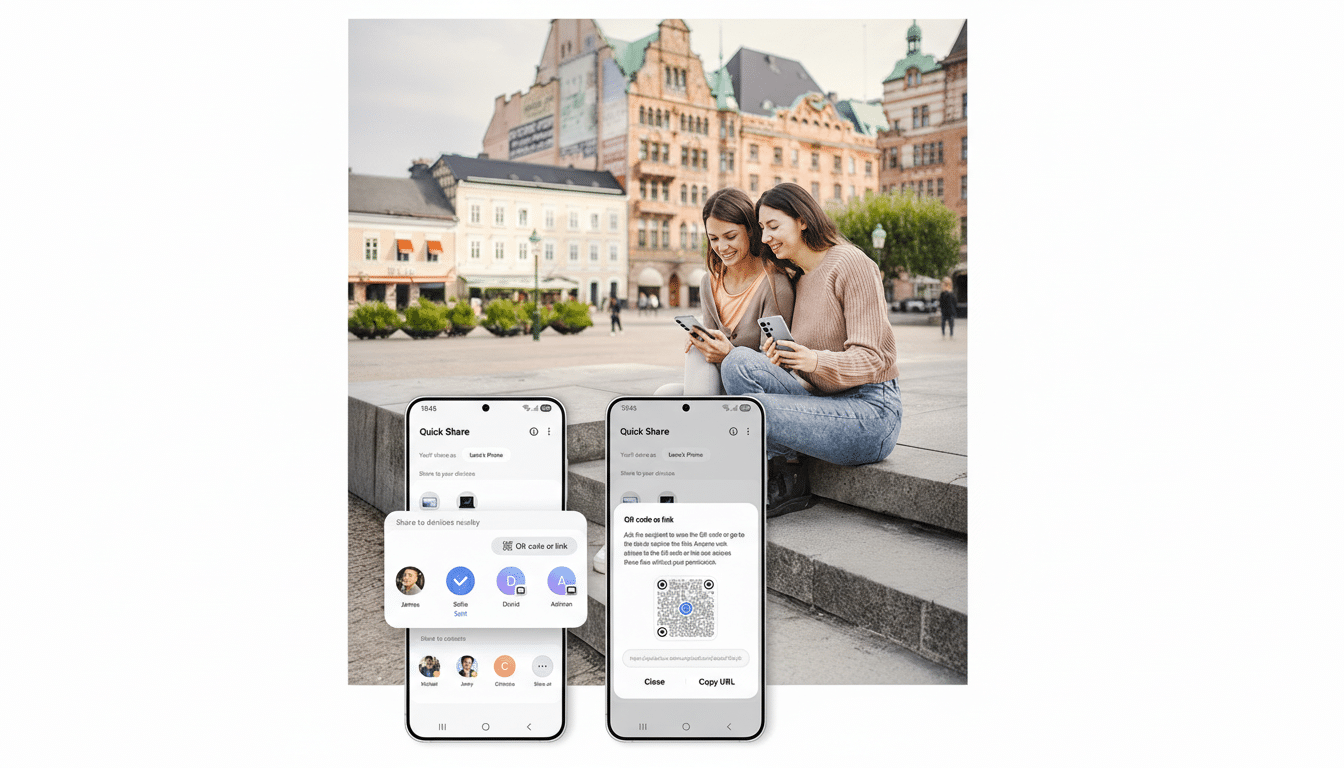
Quick Share, which unified Google’s Nearby Share with Samsung’s branding and broadened device-to-device sharing, relies heavily on Google Play services, the Nearby framework, Bluetooth/Wi-Fi Direct, and a share-sheet extension. With QPR releases, system APIs, permissions, and background services can shift slightly. If the extension update expects a newer interface than what QPR3 Beta 2 exposes—or vice versa—you can end up with a signature or compatibility mismatch that triggers crashes.
Historically, Google has addressed similar hiccups through server-side rollbacks or refreshed component pushes, rather than full OTA patches. That’s good news for testers: fixes can arrive silently and quickly once identified.
Workarounds to Stabilize Quick Share in QPR3 Beta 2
While we await an official fix, several low-risk steps may help stabilize Quick Share on QPR3 Beta 2:
- Clear caches: Settings > Apps > See all apps > Google Play services and Quick Share (or Nearby Share, depending on branding) > Storage & cache > Clear cache. Avoid clearing data for Play services unless you’re comfortable reconfiguring device connections.
- Check Google Play system update: Settings > Security & privacy > System & updates > Google Play system update. Apply any pending modules and reboot.
- Reboot after the extension prompt: If you see a Quick Share extension update notification that fails, a reboot can temporarily restore functionality for some users.
- Toggle radios: Turn Bluetooth and Wi‑Fi off and back on, then attempt a share again. Quick Share relies on both for discovery and transfer.
- Test across devices: Try sharing between a known-good Android device and the beta phone to isolate whether discovery or sending is the culprit.
If Quick Share is critical for your workflow and the crashes persist, consider opting out of the beta until a confirmed fix lands. Beta software is expected to carry risk, and QPR builds—though often daily-driver friendly—can still hit edge cases.
What to Watch as Google Addresses Quick Share Issues in QPR3 Beta 2
Keep an eye on Google’s beta feedback channels and the Android Issue Tracker for acknowledgments of Quick Share instability in QPR3 Beta 2. The Android Beta Feedback app on Pixel devices is the fastest way to file a device-specific report, including logs and reproduction steps. Mention your device model, build number, whether you saw an extension update prompt, and whether crashes occur on send, receive, or discovery.
Given how modular Quick Share has become, a server-side rollback or corrected extension push is the most likely resolution. Until then, expect a mixed landscape: some testers will be unaffected, others may see sporadic crashes, and a subset could be stuck behind an erroring update prompt.
The takeaway is straightforward: if you’re on Android 16 QPR3 Beta 2 and Quick Share has suddenly turned unreliable, you’re not alone. File feedback with precise details, try the quick mitigations above, and watch for a component update that quietly smooths things over.
