


Embedded deep within Android is an inside joke to potential buyers that’s equal parts engineering wink and consumer delight. Android’s Easter eggs have ranged from creepy artwork, to playable games, and full live system demos quietly documenting the OS’s personality changes through design languages, APIs, and features. With over 3 billion active devices, according to Google’s last published count, these surprises rank among the most broadly viewed secrets in tech.
Here’s a quick history of every prominent Easter egg from Android 2.3 through Android 16 and the precise steps required to access each one, including any quirks that can confound even longtime users.
Quick Steps to Start Any Android Easter Egg
On many versions, go to Settings > About phone and quickly click multiple times on Android version before interacting with the logo (usually a long press) to access the hidden screen or game. Some releases introduce a second step or tile, and Android 12–13 require you to set a clock to a specific time.
OEM skins might change the labels or menu, but overall the way isn’t very different. It’s not something Google engineers have written up in official documentation, but longtime Android devs and AOSP commit history tell me the hack has largely gone unchanged from Gingerbread.
All Android Easter Eggs and How to Access Them
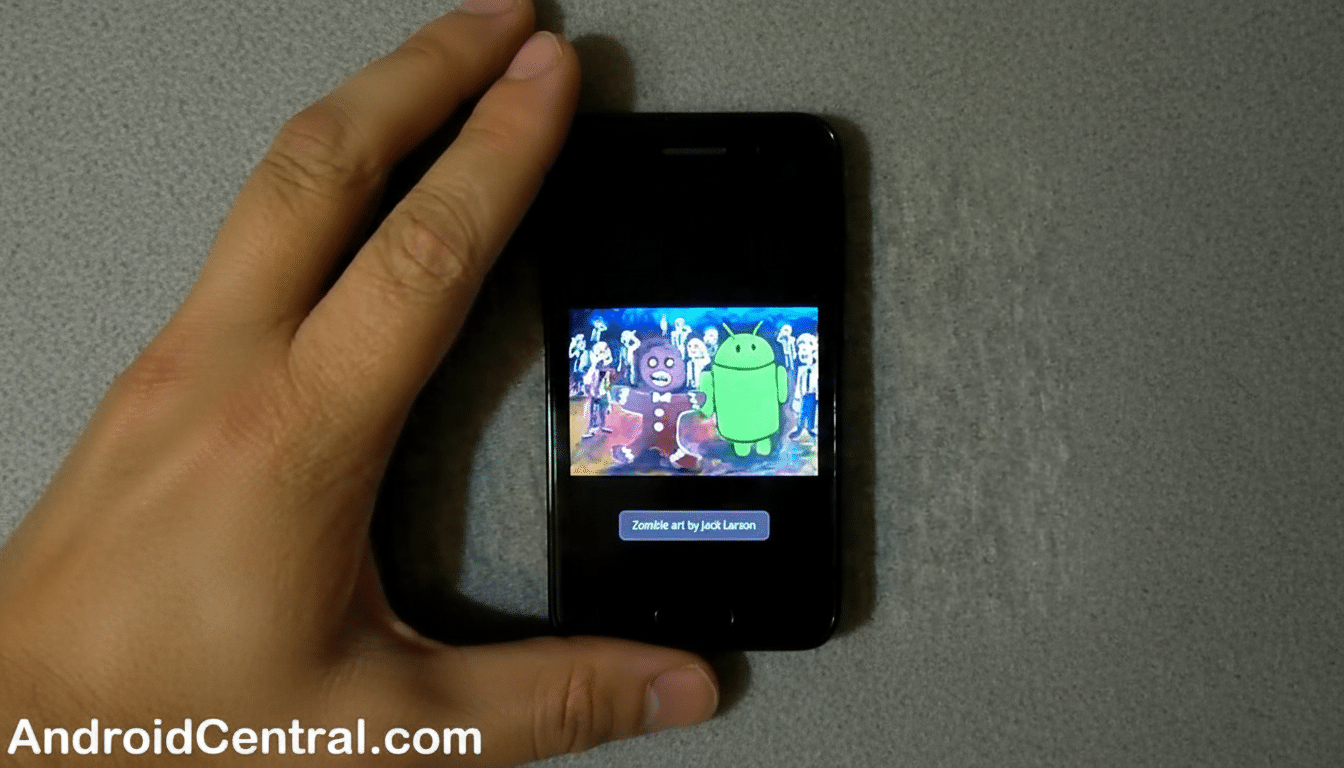
- Android 2.3 Gingerbread: Tap Android version until a spooky zombie-type picture (featuring Bugdroid, no less) shows up, based on a piece of artwork from artist Jack Larson via Android framework lead Diane Hackborn. No second stage here.
- Android 3.0 Honeycomb: Tap several times and a neon bee will pop up over your wallpaper area with a tongue-in-cheek toast sporting the Tron-esque palette of the Holo era. No long press needed.
- Android 4.0 Ice Cream Sandwich: Tap to reveal a Bugdroid ice cream sandwich, then press and hold for a Nyan Cat–style procession of flying droids across the screen.
- Android 4.1–4.3 Jelly Bean: Tap this one to bring up a giant jelly bean and tap again for him to crack a smile, then long-press it for a silly Daydream screen full of interactive beans you can fling.
- Android 4.4 KitKat: Tap once for a spinning K, again for a red Android logo, and then press and hold to open a mosaic of dessert-themed tiles. The K spin is the only interactive one on the initial screen.
- Android 5.0 Lollipop: Tap the lollipop to reveal it, long-press on it, and Flappy Droid — a vicious take on Flappy Bird — will launch with lollipops as the obstacles.
- Android 6.0 Marshmallow: The same mini-game mechanic applies to this one as Lollipop, but now you have marshmallows to avoid. Tap the + in-game to activate local multiplayer on a single screen.
- Android 7.0 Nougat: Tap to the N logo and then long-press your way through until you find a small cat inside a piece of toast. Put the Neko cat dish tile on one of your Quick Settings, select a type of food, wait for a notification, and collect cats à la Neko Atsume.
- Android 8.0 Oreo: Tap repeatedly on the Oreo cookie logo, and then long-press to produce a sticky, expandable, draggable octopus-like figure that chills on your screen. Turn it to landscape for a different size with added silliness.
- Android 9 Pie: Tapping on this one takes you to a colorful P logo that peels into something swirly; keep long-pressing until the simple doodling app with brushes and a dropper pops up. Note: Some devices do not include the drawing stage.
- Android 10: Tapping cycles through plates until it lands on a Q, but exert some patience and a Nonogram-style puzzle game appears that reveals images when successfully completed.
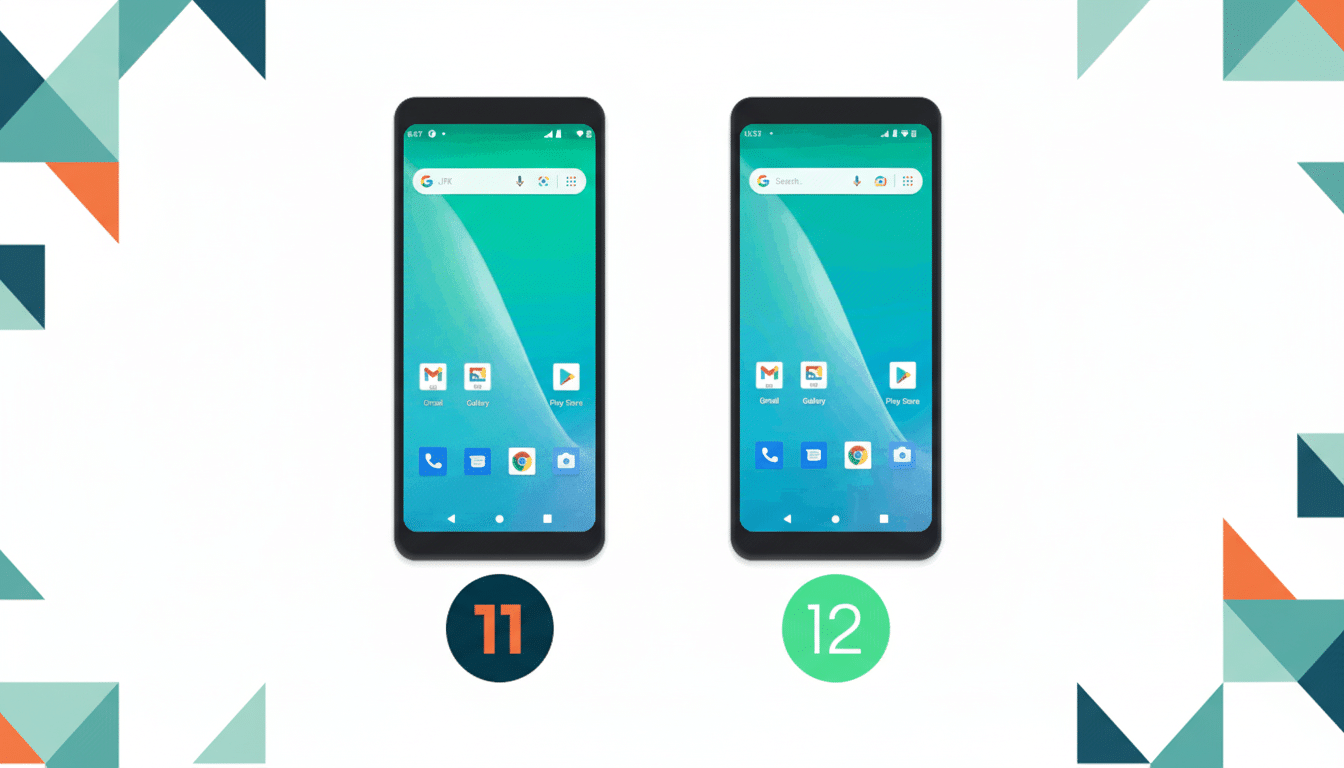
- Android 11: Tap on a rotary dial and then keep scrolling, and make the number hit 11 to activate cat toast. Long-press the power button on your phone screen, open Cat Controls, and toggle water, food, and toys in order to scan and collect virtual cats.
- Android 12: Tap to the clock on top of your wallpaper. Rotate the hand all the way to 12 o’clock and you’ll uncover a decorative Material You–inspired screen that changes based on your current palette.
- Android 13: Tap to a clock again, then set it to 1 PM to see wallpaper-tinted bubbles on the screen. Morph bubbles into clusters of emojis by holding a bubble.
- Android 14: Tap to an Android 14 emblem with a space theme, long-press, and launch a simple weightless spaceflight sim. Drag to fly toward (0,0) and explore stars and orbiting bodies.
- Android 15: Turn it on like 14, but now you can find planets and “tag” them with a flag so you know you’ve made the discovery, making the sandbox into a collectible exploration loop.
- Android 16: Long-press from the 16 logo to return to the space sim home with an autopilot button. Activating it brings your notification shade to life with a live update that displays where you’re headed and how long it will take for your ship to get there.
Why Google Continues to Hide Easter Eggs in Android
Not a mere cultural touchstone or tech demo, Easter eggs play double duty. Material You’s dynamic colors peek out in Android 12’s Easter egg; Android 16 whimsically raises Live Updates. Previous additions have saluted pop culture and developer lore, from Flappy Bird to Neko Atsume, signaling that Android is designed by folks who appreciate software as craft.
Longtime Android contributors like Diane Hackborn have recognized the roots of the tradition inside the frameworks team. The result is a rare, endurance-bound UX constant: a secret handshake shared by power users and cherished by casual enthusiasts alike, and one that’s flexible enough to highlight whatever Android wants to shine a spotlight on next.
