


Google is offering Android Automotive a privacy improvement: The ability to put a PIN lock on individual apps, under the name Sensitive App Protection. No longer must you hand over the keys of your entire profile to passengers: With a PIN, drivers can lock down the app right up to the point where they’re pulling every TomTom, Pandora, and Yelp from their sweaty palms one by one and smashing them with a brick. It’s a practical solution to a system-wide gap in cars, which—by design—are shared spaces.
Why Per-App Locks Matter in the Car’s Shared Cabin
An Android Automotive system is used by more than one person: spouses, teens and carpool riders; valets, even service technicians. Although Android Automotive is capable of PIN-protected user profiles, unlocking them to let someone else queue up music or set a destination also means that personal apps and data are revealed. Sensitive App Protection delivers the granularity to meet driver demands: you can hand the wheel over to a passenger for entertainment without revealing messages, browser history or work apps.
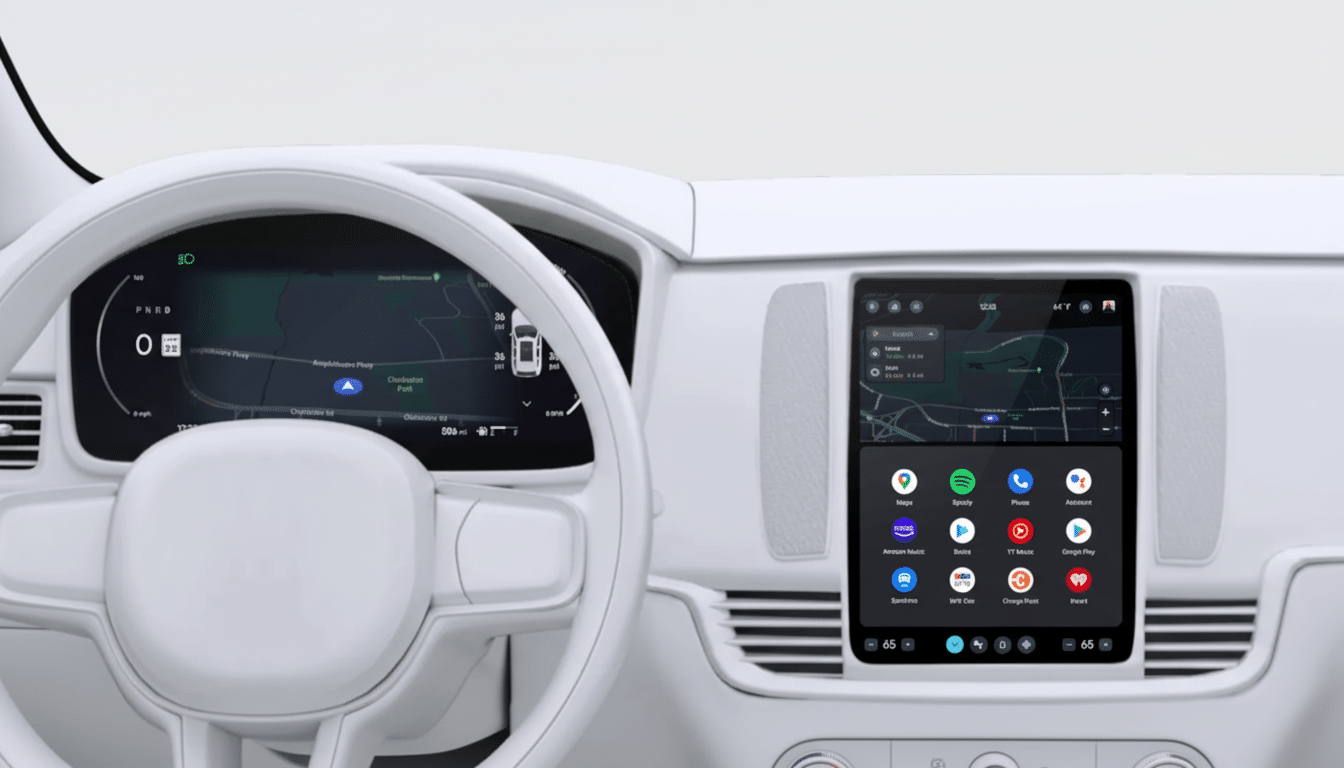
This approach also dovetails with current “valet” or “guest” modes available from a few brands. And those modes bluntly neglect the entire system. App-level locking is a scalpel—a nice tool for everyday situations such as rides to school or road trips, where the person riding shotgun should be able to manage the playlist but not read your notifications.
Sensitivity-Based Application Protection
It shows up in Settings > Privacy as App Lock, with the simple description: “Lock apps to prevent other people from opening them.” Once activated, you set your own 4- to 16-digit code that’s different than the profile PIN. Forget that, and it’s possible to reset using the Google Account linked to the profile, but for security… generally that “recovery” process entails deleting those locked apps or their data.
During setup, a “My Apps” list allows you to select which titles need the PIN. Most apps that are visible in the launcher, including apps downloaded from the Play Store (besides system apps), are supported. Certain systems like Assistant, Maps, and Settings are not included to keep some base functionality in the vehicle. Google’s own notes also make an important distinction clear: the lock prevents the app’s user interface from functioning; it doesn’t stop background activity. That means a locked app could still perform processes, sync data or share content (like media sessions and photo access) with other apps, so long as you’ve given it permissions to do those things. It’s a privacy shield for direct-to-the-screen access, not quite a screen sandbox.
Real-world use cases are obvious. Lock away Chrome if you want to keep your browsing private; or secure WhatsApp or Signal so texts can’t be read on the main screen; or hide a parking- or banking-type app that you wouldn’t care about being opened nonchalantly during a carpool, say.
Automaker Adoption, and the Open-Source Route
As with all other so-called “feature drops,” Google is shipping Sensitive App Protection as an unbundled system app—we’re not baking it into the core OS. Translation: carmakers will need to decide to integrate and enable it. This is similar to the company’s recent dashcam feature on Android Automotive. The implementation is open source — it surfaces code through the Android Open Source Project — so OEMs and vendors can inspect and modify that for their own stacks.
Rollout is dependent on each brand’s software cadence, so availability will differ by vehicle and by region. Vehicles with Google built in from automakers like Volvo, Polestar, GM, Honda, Renault and Cadillac have the most direct path to receiving this feature via an over-the-air update. Like all driver-in software, timing is subject to validation from within the company (what gets caught), regulatory review and UX integration.
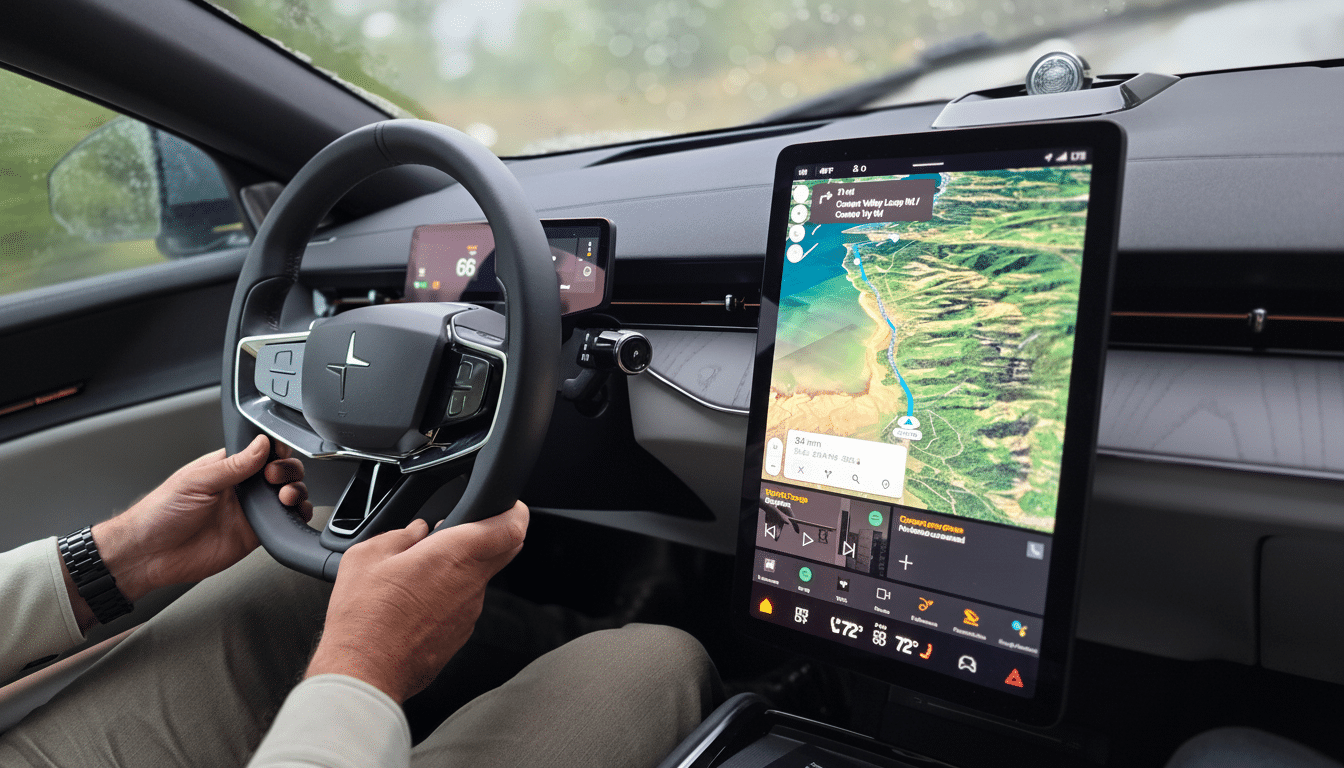
Safety and Usability Considerations for App Locks
Expect carmakers to limit PIN entry while the vehicle is in motion, consistent with driver-distraction advice (such as this from the National Highway Traffic Safety Administration: Visual-Manual NHTSA Driver Distraction Guidelines).
That’s probably why things like Maps and Settings are still left unlocked—you shouldn’t have to trigger security prompts in order to perform essential duties. In the cabin, you aren’t likely to have biometrics; a simple numeric PIN is what makes sense in practice—it’s quick to enter when parked and familiar to drivers who are accustomed to using profile locks as they do today.
For families, app locks dovetail with teen-driver and profile features that many other brands already offer. For fleet, ride-hailing or car-sharing situations, it brings another layer of privacy while preserving usability — no need to be jumping back and forth between profiles for small tasks.
Phones vs. Cars: What’s the Real Difference
Google is also working on an App Lock API for Android phones, due in a future platform release, but that measure targets app developers. Sensitive App Protection on Android Automotive, however, is a turnkey OS feature that automakers can roll out without having to hold their breath waiting for third-party software updates. It’s designed for the vehicle’s multi-user environment threat model rather than the single-user smartphone baseline.
What Drivers Should Look Out For with App Locks
If you have Google’s version of Android Automotive built into your car, your app lock will come with a software update under Settings > Privacy the next time you apply it.
Begin by locking the apps that contain the most sensitive info, such as messaging, browser, and payments—and look at the permissions already in place as you do so, because the lock doesn’t halt background activity.
Would it be cheaper as well to install in existing aircraft? It’s just another line of defense before breaking all those data cleansing practices, even if only a few more cases out there would go undiscovered… it’s not a replacement for good data hygiene but at least some sort of a step toward making the modern cockpit feel as private as your phone.
