


Some Android Auto drivers are reporting a strange navigation glitch in Google Maps where the on-screen car marker disappears after switching from a full-screen media app back to the split-screen interface. Turn-by-turn guidance continues, but the vehicle icon vanishes until Google Maps is force-closed on the phone and relaunched, according to user accounts.
What Users Are Seeing in Android Auto Google Maps
The issue surfaced in a lively r/AndroidAuto thread in which multiple owners across different vehicles, head units, phones, and Android versions described the same failure pattern. Several reports point to it occurring most reliably when a music or podcast app is opened full-screen and the system then returns to the two-panel layout with Maps on one side.
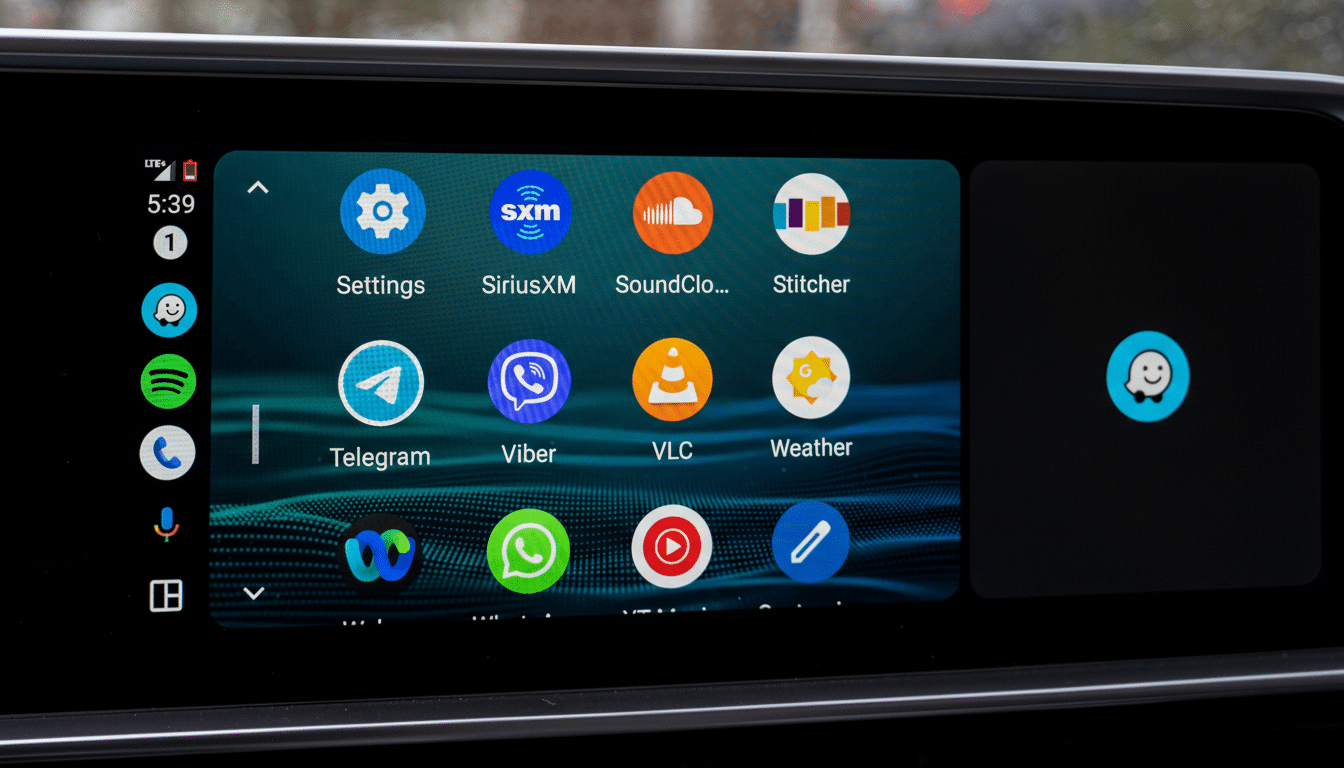
Versions mentioned span Android Auto 15.9 through 16.1, with at least one user claiming the bug no longer appeared after updating to 16.0.66, while others on newer builds said it persists. That variability suggests a gradual rollout of changes or multiple code paths influencing the display of the position marker.
One consistent clue has emerged. A number of affected drivers say the problem stops when they switch their vehicle icon back to the default blue arrow in Google Maps. Users who had customized their marker with a car avatar or other icon were more likely to see the icon disappear during UI switches.
What Might Be Going On Behind The Scenes
While Google has not publicly acknowledged the issue, the behavior lines up with how modern Android Auto, using the refreshed split-screen interface, aggressively reflows UI components when panels resize. If the custom vehicle icon is treated as a separate asset or overlay, it could fail to reload when the layout swaps from full-screen media back to a split view, leaving the map to render without the marker.
The default blue arrow may be drawn via a different, always-available resource or rendering path, which would explain why reverting to it appears to sidestep the glitch for some people. That also fits with users who report that force-closing Maps temporarily restores normal behavior, indicating a resource initialization or cache state problem rather than a full navigation failure.
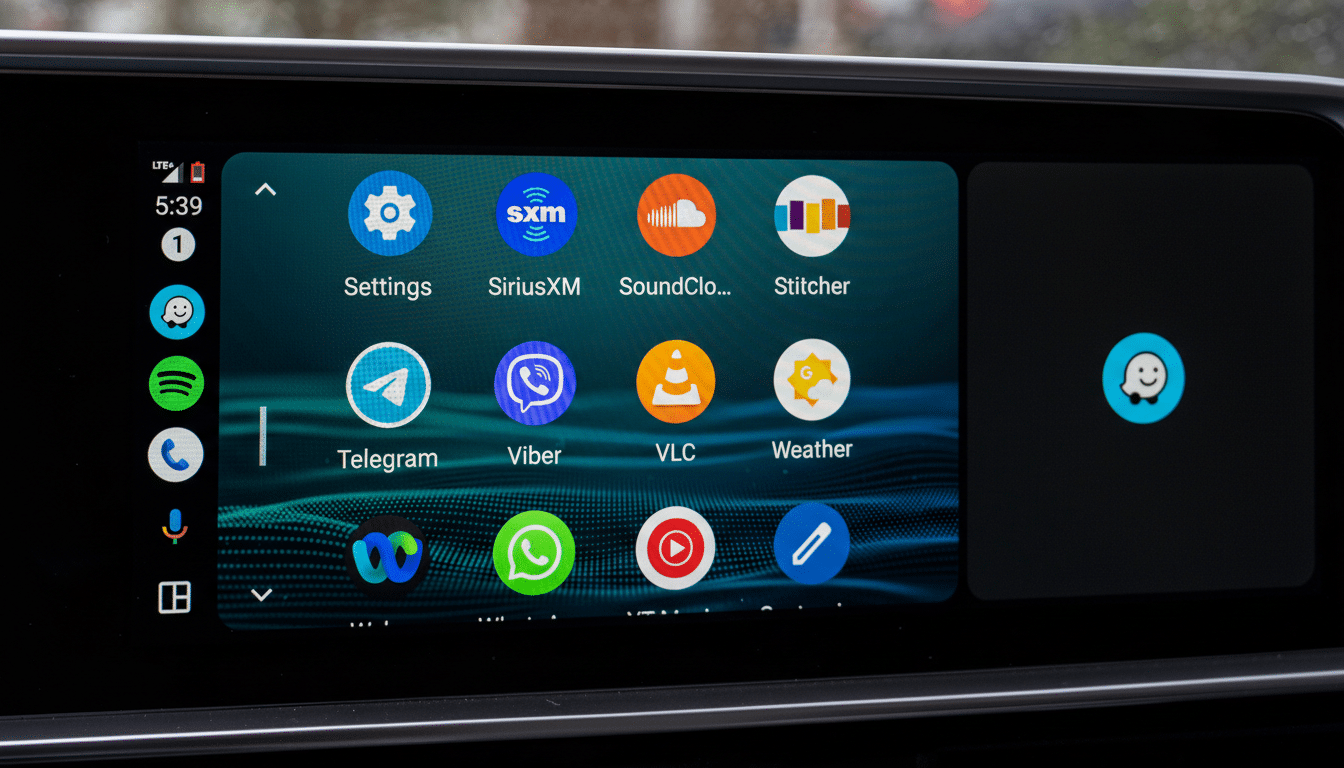
From a safety standpoint, the disappearance is disorienting but not catastrophic. The map still centers on your location and turn prompts continue, yet losing a clear visual anchor can add friction at complex junctions or in heavy traffic—precisely when drivers need instant clarity.
Workarounds You Can Try To Restore The Car Icon
- Switch back to the default arrow: On your phone, open Google Maps, start navigation, tap the current vehicle icon, and select the standard blue arrow. Several users report trouble-free trips after making this change.
- Update everything: Ensure Android Auto, Google Maps, and Google Play services are on the latest versions. Some users observed improvement around Android Auto 16.0.66, though others still encountered the bug on newer builds.
- Avoid full-screen media toggles: If possible, keep your media app in the split view instead of swapping to full-screen and back while navigating.
- Restart the stack: If the marker disappears mid-trip, force-close Google Maps on your phone and relaunch it. It’s a stopgap, but it restores the icon until the next trigger.
- Clear app caches as a last resort: Clearing Google Maps cache (not data) can sometimes resolve odd rendering states, though results here have been mixed.
How Widespread Is It Across Cars And Head Units
The reports span a broad mix of vehicles and aftermarket head units, which points away from a single automaker integration issue and toward Android Auto or Maps itself. Because both apps use staged rollouts and server-side feature flags, some drivers will encounter the problem while others on the “same” version will not.
This also explains conflicting experiences around specific build numbers and why a workaround tied to the icon type can be effective even when an app update does not immediately resolve the bug.
What To Watch Next As Google Rolls Out Fixes
Google typically handles Android Auto issues with incremental app updates and silent server-side changes rather than public statements. Keep an eye on app release notes and community forums, where early adopters often spot fixes before they’re widely documented.
In the meantime, the most reliable mitigation is sticking with the default arrow until a patch lands. If you rely on custom car icons for a bit of personality in Maps, consider it a temporary trade-off for consistent on-screen positioning.
