


Android is quietly getting its own quality-of-life upgrade for gamers: native gamepad button remapping at the system level, as per 9to5Google.
Google appears to be tinkering with per-controller customization in Android, as observed by a Reddit user called PowerLemons and reported by 9to5Google’s Abner Li, based on comments within the AOSP reference documentation. Though it’s still obscured by flags, the feature seems to mean that Android will at last allow players to tweak buttons and sticks without resorting to third-party tools or per-game settings.
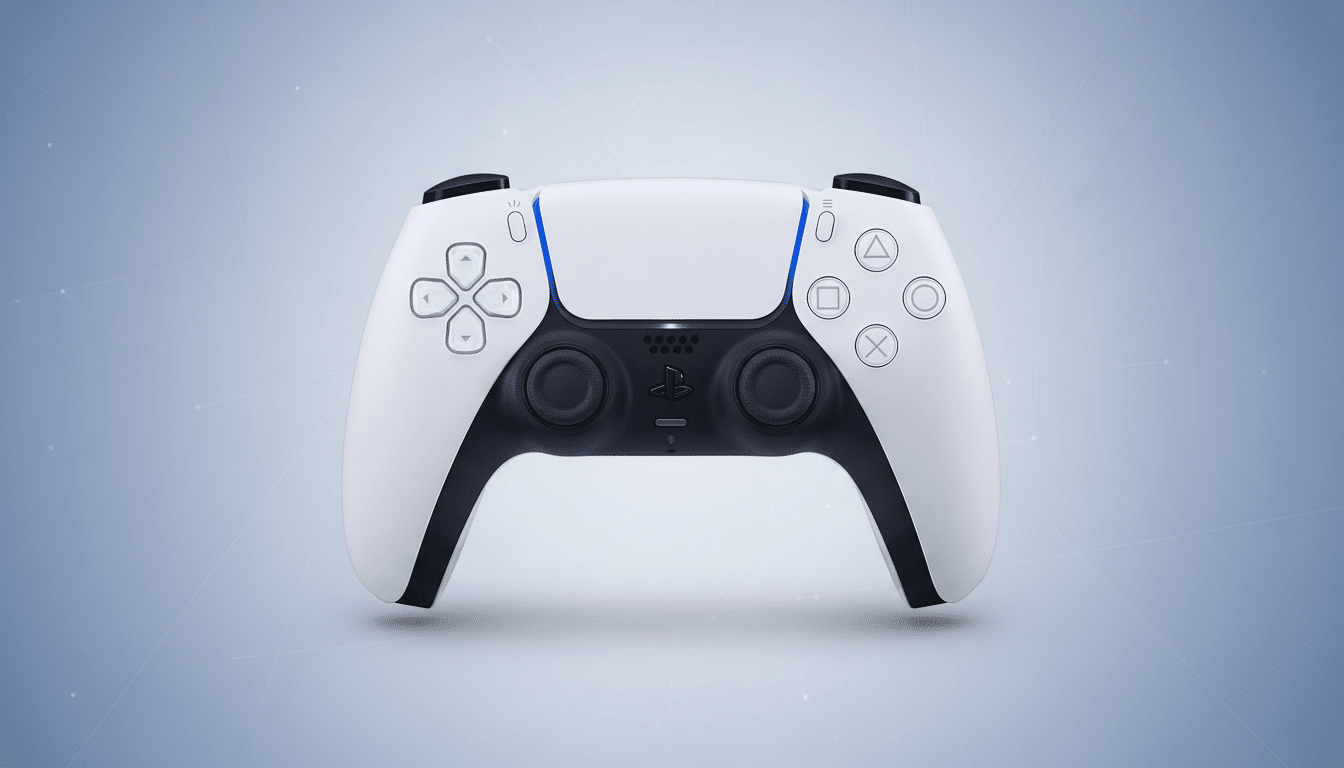
What the Secret Controller Menu Tells Us
The work-in-progress menu will show up under the Bluetooth device details for things like a PlayStation DualSense or Xbox Wireless Controller. It has two tabs, according to a tester: Keys and Axes. Keys mentions standard inputs A, B, X, Y, L1, R1, L2, R2, and even the clicks for LS and RS. Axes covers the D-pad and left/right analog sticks. Tapping any one of those entries will bring up a dialog that allows you to alter the input sent to apps by Android when you use the relevant control.
Significantly, this appears per device rather than system-wide, suggesting profiles assigned to individual controllers. The UI is incomplete and doesn’t always reflect the printed labels of a controller, but that’s not unusual for early Android features hiding in Canary builds.
How Remapping Likely Works Behind the Scenes
Under the hood, Android’s input framework maps controller events to standard key codes and axis values that games expect to receive with KeyEvent and MotionEvent. With a system remap, you would be trading which code is fired when you press a button or move a stick. If you emulate A as though it were B, then Android would send the B keycode whenever A is pressed, without any game-specific middleware.
This abstraction lets Android tame the highly divergent layout conditions on the ground. For instance, PlayStation’s Cross, Circle, Triangle, and Square are internally mapped to the same logical buttons that Xbox calls A, B, Y, and X — that’s how one API can actually claim support for a variety of brands without developers having to hard-code in every controller model. As a system-level remapper, it resides in the translation layer and so applies to titles, emulators, and even cloud gaming apps.
Why It Matters for Android Gaming and Accessibility
Remapping buttons on the controller is a game-changer, and not just for bouts of laziness or handy personalization. Southpaws, lefties, less-abled individuals, or those used in a console room-style arrangement can map controls to muscle memory. It’s also useful if a game has limited input options, or anticipates having a button configuration that doesn’t match your own controller.
The timing dovetails with Google’s bigger gaming push. A predictable controller experience should be a given regardless of where you’re playing: phone, tablet, Chromebook, or Android TV devices, and on Play Games on PC. With over 3 billion active Android devices reported by Google, even the smallest improvements to input can reach an enormous number of people. While global game revenue has been dominated by research firm Newzoo’s designations every year, mobile is nearly half of that — sticking just south of 49 percent in recent years — but controller support on mobile still trails PC and console norms.
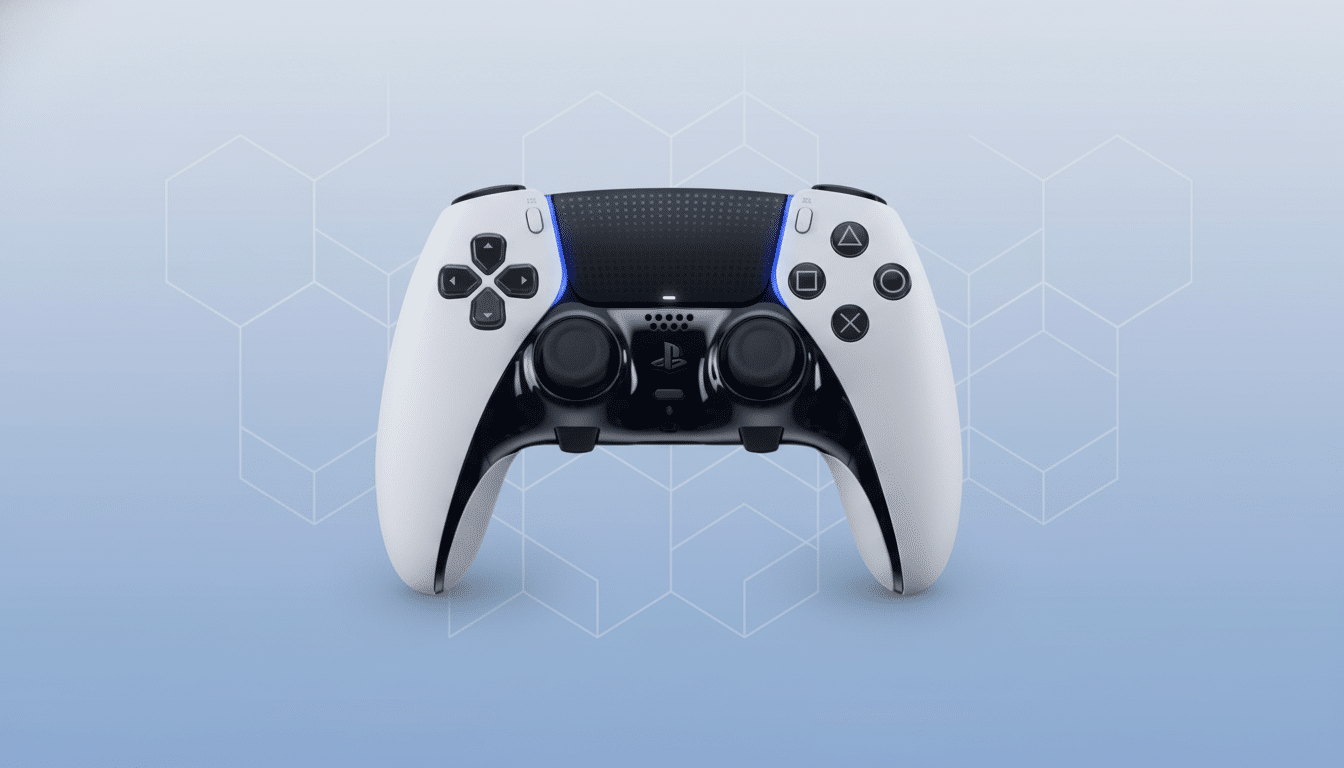
Remapping is already table stakes for other platforms. Apple introduced system-level button remapping for supported controllers in iOS, iPadOS, and tvOS. Steam Input from Valve allows PC gamers to create deep per-game profiles and multi-function, layered shift capabilities on their favorite supported controller. The Xbox Accessories app by Microsoft allows hardware-level remapping for Xbox controllers. Android finally adding a baseline, OS-wide option will help close that gap — and should also minimize the need for game-by-game workarounds.
What Still Needs Work Before a Public Release
Early indications are promising, but this could really sing with a few upgrades. The controls screen should only show the native names of the connected controller in order to prevent a mismatch. A press-to-bind method — wherein a user would merely press the button they wanted to assign — would expedite setup. Compatibility with non-standard inputs like back paddles, profile switches, and vendor-specific buttons would align with most modern pro controllers. Per-app profiles and quick toggles would alleviate or avoid conflicts with games that already have built-in remapping.
Clear documentation will matter from a developer perspective. The Android InputDevice API should expose the active remap profile, and testing tools in Android Studio would be needed to confirm bindings. Developers of competitive titles might also like to see some limits put in place to restrict macros or rapid-fire behavior should Google ever expand remapping beyond one-to-one button swaps.
The Road to Release for Android Gamepad Remapping
This is an experimental feature right now and it’s currently hidden from end users, so this could change a lot — or in theory be killed — before Android 17 hits.
The most likely course is stepwise adoption in developer previews, followed by broader availability not long after in betas as Google solidifies UI, labels, and device support.
Should it land as we’re anticipating, the new remapper for Android won’t just be a side toggle option in Settings. It would be a declaration that the platform is taking controllers seriously on phones, televisions, and PCs — another mile marker toward making Android gaming feel uniform, approachable, and prepared for big-screen goals.
