


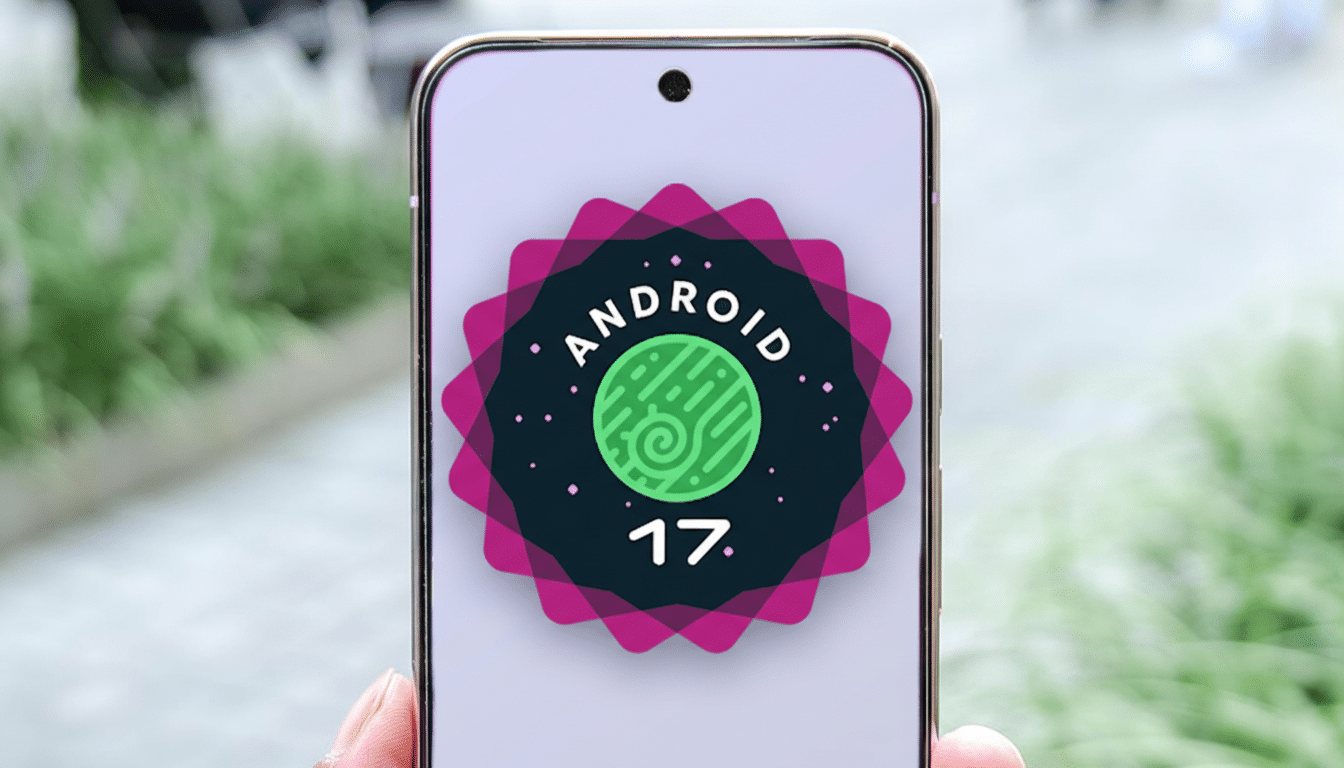
Android 17 Beta 1 is finally landing on eligible Pixel phones after a brief two-day holdup, restoring momentum to Google’s preview cycle and giving early adopters their first hands-on with this year’s platform changes. The company hasn’t explained the pause, but the over-the-air rollout is now live for users enrolled in the Android Beta Program, as also noted by independent monitoring from 9to5Google.
Rollout Resumes for Pixel Testers After Short Pause
Testers on recent Pixel hardware who previously opted into the beta should see the download appear automatically in system updates. Those on stable builds can enroll through Google’s beta portal, then wait for the OTA to arrive. As always, backups are strongly recommended. Leaving the beta typically requires a factory reset, so treat this like a true test channel rather than everyday firmware.
- Rollout Resumes for Pixel Testers After Short Pause
- Notable Changes in Beta 1 Emphasize Polish and Modern App Behavior
- Why the Delay Happened and What It Likely Signaled
- What Testers Should Watch During Android 17 Beta 1
- Developer Takeaways for Testing and Preparing Apps
- How to Install Safely on Pixel Devices in the Beta
- The Road Ahead Through Upcoming Betas and Stability

Notable Changes in Beta 1 Emphasize Polish and Modern App Behavior
Google’s first beta emphasizes polish and modern app behavior rather than headline-grabbing features. The most consequential shift is mandatory enforcement of adaptive layouts for apps targeting Android 17. In practice, that pushes developers to honor window size classes and dynamic UI patterns so interfaces scale cleanly from compact handsets to tablets and foldables—an area where Google has steadily tightened guidance since large-screen Android usage surged with new form factors.
The camera stack also picks up new APIs designed to minimize video stutter and dropped frames when switching modes or lenses. Power users who bounce between standard, ultrawide, and telephoto should notice smoother transitions as third-party apps adopt the changes. Expect incremental visual refinements as well, continuing the Material Design evolution with subtle tweaks rather than sweeping redesigns.
Why the Delay Happened and What It Likely Signaled
Google hasn’t provided a reason, but short-notice holds like this are common when last-minute regressions surface in certification, core services, or app compatibility. A two-day slip usually points to a narrowly scoped fix—think signing issues, a high-severity crash in a core component, or a Play services dependency—not a broad rework. The rapid restart suggests confidence that whatever triggered the stop has been addressed.
What Testers Should Watch During Android 17 Beta 1
Because behavior changes are enforced for apps targeting the new release, pay close attention to layout integrity on split-screen, landscape, and large displays. Report any UI elements that clip, overlap, or mishandle insets when resizing windows. On the imaging front, verify that camera apps maintain audio sync and frame cadence when switching modes during capture. Battery life and background app behavior are also worth noting early; those areas often see tuning throughout the beta cycle.
Developer Takeaways for Testing and Preparing Apps
Developers should treat this as the signal to begin active testing on physical devices. Validate responsive layouts using window size classes and fold-aware patterns, and audit any custom camera pipelines against the new APIs to prevent frame drops during mode switches. Review behavior changes and opt-in flags in Google’s developer documentation to avoid surprises when raising target levels. The earlier these adjustments land in code, the smoother the path to day-one compatibility.
How to Install Safely on Pixel Devices in the Beta
If you’re new to the program, enroll your Pixel through the official beta site, wait for the OTA notification, and ensure you have a full backup before proceeding. Keep at least 10–20% free storage to prevent update failures, and avoid installing on mission-critical devices. Should you need to exit the beta, plan for a device wipe during rollback.
The Road Ahead Through Upcoming Betas and Stability
With Beta 1 out, expect a cadence of subsequent betas that firm up APIs and behavior before platform stability. Google typically locks down breaking changes several builds in, at which point app developers can finalize compatibility with confidence. For now, the focus is feedback: the faster testers surface issues with adaptive layouts, camera transitions, and visual quirks, the more refined Android 17 will be at launch.
