


Google’s latest Android 16 QPR3 Beta 2 quietly strips down a small but surprisingly powerful capability in the Recents screen, turning a once-handy multitasking shortcut into a more basic tool. Where you could previously long-press an image in Recents to save it locally or open it straight in Lens, the menu now offers just two actions: copy and share.
What Changed in Recents on Android 16 QPR3 Beta 2
The Recents screen—also called Overview—has long punched above its weight on Pixel phones and many Android builds. Beyond app switching, it allowed quick content actions without diving back into an app. In earlier releases, long-pressing an image surfaced options to copy, share, save to device, or send directly to Lens for visual lookup.
In Android 16 QPR3 Beta 2, that richer menu is gone. Users now see only copy and share when long-pressing an image from Recents. This change was first observed in an Android Canary 2512 build and is now live in the public beta, signaling Google’s intent to formalize the downgrade. Circle to Search still provides a path to visual lookup, but the direct Lens shortcut and the effortless local save no longer appear in Recents.
Why This Change Matters for Multitasking on Android
For power users, the Recents image actions were a quiet productivity win. Consider common workflows: grabbing a chart from a news app to annotate later, saving a receipt image from a shopping app, or tossing a meme directly into Lens to find the original source. Those tasks now require extra steps—opening the app, using its share or save options, taking a screenshot, or invoking Circle to Search—each adding friction.
Industry analysts like data.ai have repeatedly highlighted how often users bounce between apps daily, underscoring why shaving steps off routine actions matters. Android enthusiasts and testers, including well-known commentators in the developer community, have pointed to Recents’ content tools as a differentiator for Pixel and a practical example of Android’s intent-driven design. Losing two of the four options reduces that edge.
Possible Reasons Behind the Shift in Recents Actions
Google hasn’t offered a public rationale in Android Beta Program notes or the Issue Tracker, but several factors could be at play. First, privacy and consistency: saving images from an Overview thumbnail may bypass app-specific guardrails or watermarking logic. Restricting actions to copy and share keeps the flow inside Android’s standardized permission and intent system.
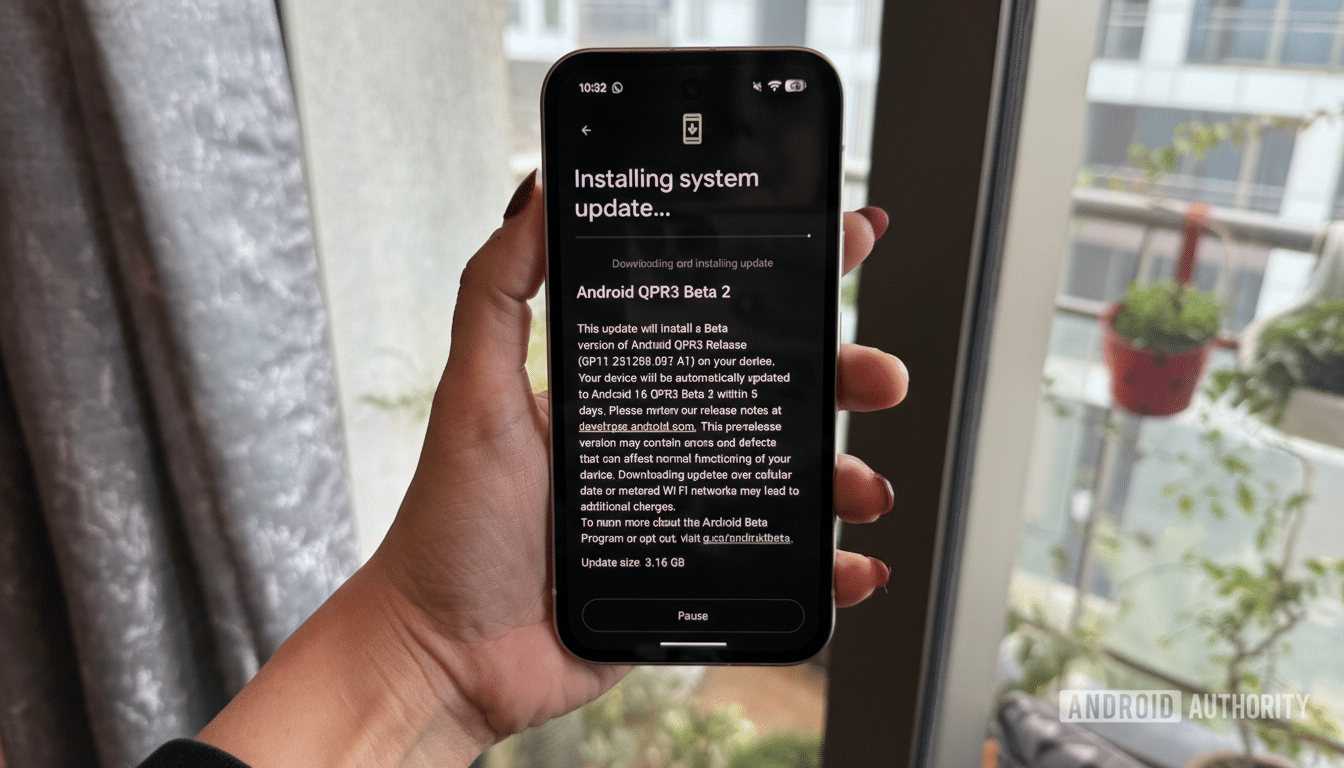
Second, product focus: Google has been steering visual discovery toward Circle to Search and contextual on-screen analysis. Removing the Lens shortcut in Recents nudges users toward the newer, unified gesture, reducing overlapping entry points. Finally, complexity costs: trimming niche paths can simplify maintenance and testing across OEM skins and app states, particularly when image previews in Recents aren’t guaranteed to be full-resolution or persistently available.
Workarounds and Practical Tips After the Recents Change
You can still complete most tasks—just with an extra tap or two. To save an image you spot in Recents, switch back into the source app and use its save or download control, or share to a file manager or cloud storage. For quick lookups, use Circle to Search or open Lens from the camera or Photos. If your goal is to extract content rapidly, a screenshot followed by editing in Google Photos remains a reliable fallback.
Developers may want to re-evaluate their in-app share and save affordances, given the loss of a system-level shortcut that some users relied on. Making save or export obvious in key screens can soften the impact of this change and reduce user frustration when bouncing between apps.
What to Watch Before the Android 16 QPR3 Stable Release
Because this is a QPR beta, there’s a non-zero chance Google fine-tunes or partially restores functionality based on feedback. Past QPR cycles have seen minor UI reversals where usability costs outweighed simplification wins. Keep an eye on developer commentary from respected Android watchers and on the Android Issue Tracker for signals of any reconsideration.
For now, though, the direction is clear: Android 16 QPR3 Beta 2 cements a leaner Recents menu. It’s a small tweak with outsized implications for people who treat Overview as more than an app switcher—and a reminder that even subtle system shortcuts are never guaranteed to stick around.
