


Google is pushing Android 16 QPR3 Beta 2.1 to enrolled Pixel devices, a small but meaningful update centered on reliability, performance, and power efficiency. It’s an incremental release with an outsized goal: smooth out day-to-day frustrations by tightening stability, fixing battery quirks, and sharpening connectivity across supported models.
What’s In Android 16 QPR3 Beta 2.1: Fixes and Changes
According to Google’s release notes, Beta 2.1 doesn’t change app-facing APIs or introduce new user features. Instead, it builds on the QPR3 Beta 2 cleanup with targeted fixes for stability, modem behavior, and background power drain. Early reports from the Android Beta subreddit point to modest over-the-air sizes (commonly around 90MB–110MB) and a clearly under-the-hood feel.
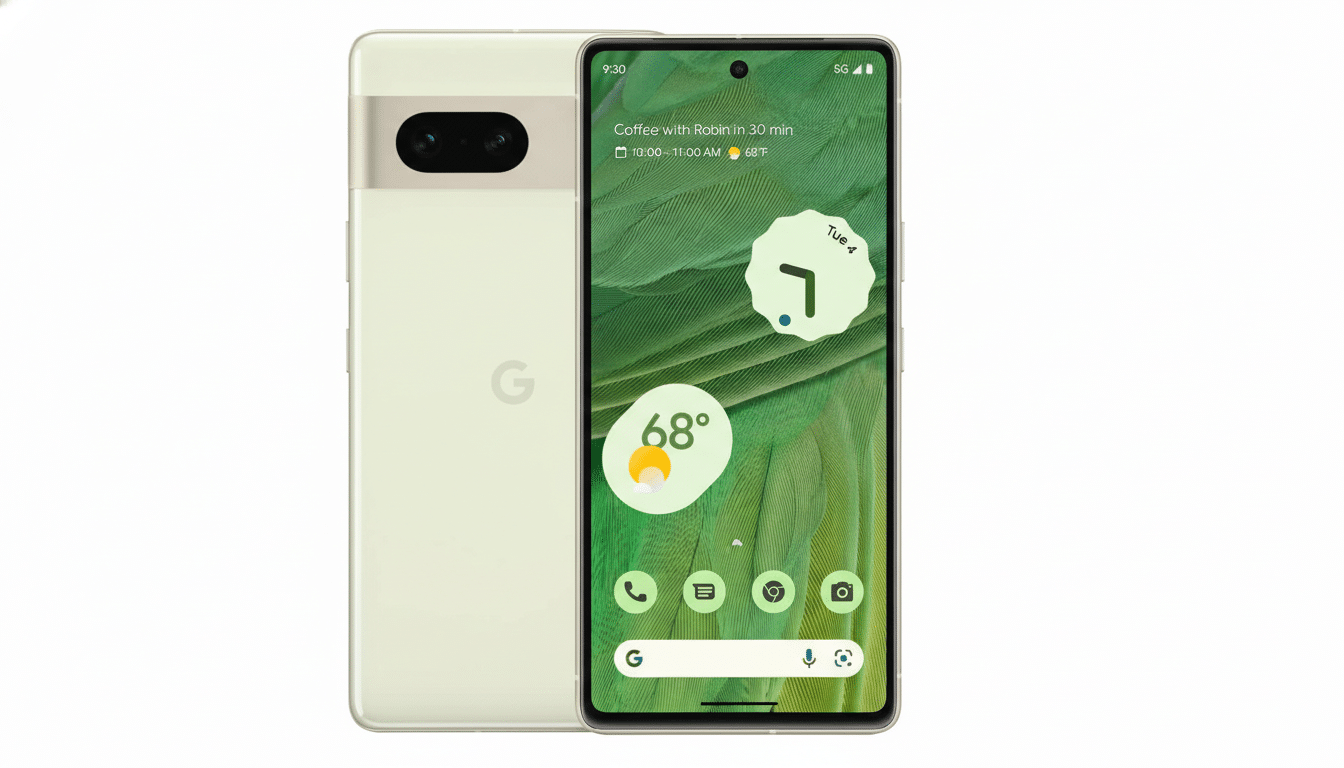
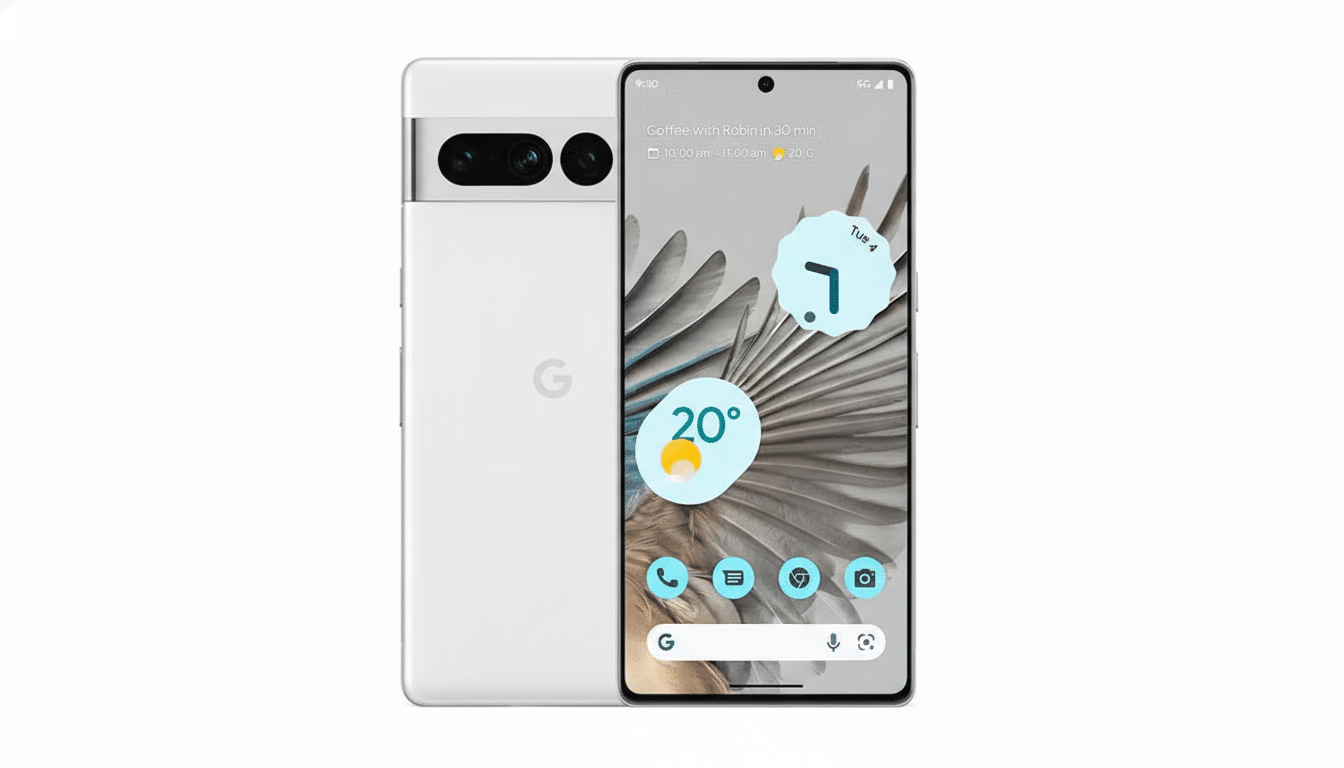
Build details are split by device family: Pixel 6 and Pixel 7 series receive CP11.251209.009, while other supported devices pick up CP11.251209.009.A1. That separation typically indicates device-specific driver and modem tweaks, which is consistent with a maintenance release focused on reliability rather than features.
Users should expect improvements that are harder to spot instantly but easier to feel over a few days—fewer random reboots, steadier Bluetooth and Wi-Fi handoffs, and less overnight drain. Battery optimizations in QPRs often target services that misbehave after radio transitions or wake lock conditions, so the real verdict tends to emerge after a couple of full charge cycles.
Why QPR Betas Matter for Stability and Pixel Reliability
Quarterly Platform Releases are Android’s steady drumbeat between major versions, bundling bug fixes, refinements, and under-the-hood improvements that roll into the next stable Feature Drop. Unlike early developer previews, QPR betas are generally intended to be daily-driver friendly, with Google’s own guidance positioning them as suitable for regular use, though still pre-release.
Historically, QPR cycles have addressed dozens of logged issues per round via the public issue tracker and partner feedback, from edge-case UI freezes to carrier-specific modem regressions. That cadence matters for Pixel owners: stability and radio performance are the bedrock of perceived quality, often more impactful than new toggles or UI polish.
Early Impressions and Performance After Installing Beta 2.1
Testers report no immediate visual changes in Beta 2.1, which tracks with the release notes.
The most meaningful checks after installing are practical:
- Observe standby drain overnight.
- Run a few long calls to gauge modem stability.
- Stress-test connectivity by moving between Wi-Fi and cellular during streaming.
If past QPR patterns hold, improvements show up in fewer dropped connections and steadier background power use.
For those who track metrics, Android’s built-in battery usage charts and the Device Health Services estimates can reveal whether background system processes are behaving better post-update. It’s also wise to clear cache for networking-critical apps if you notice lingering hiccups; sometimes a modem or Wi-Fi fix needs a clean slate to shine.
Eligibility and How to Get the Android 16 QPR3 Beta 2.1
If you’re enrolled in the Android Beta for Pixel program and haven’t opted out, Beta 2.1 should arrive automatically over the air.
Installation is straightforward:
- Ensure you have sufficient battery.
- Connect to Wi-Fi.
- Initiate the update from System settings.
Supported devices will receive the appropriate build—CP11.251209.009 for Pixel 6/7 families and CP11.251209.009.A1 for other eligible models.
New to the beta track? Enrollment can be done through Google’s official beta program for Pixel. As always, back up your data first. While QPR betas are designed to be stable, rolling back to stable firmware typically requires a reset, and even minor platform changes can affect niche apps or accessories.
The Bottom Line on Android 16 QPR3 Beta 2.1 for Pixels
Android 16 QPR3 Beta 2.1 is a textbook maintenance drop: little to see, but plenty to gain if stability and endurance matter to you. With targeted fixes for battery behavior, connectivity, and system reliability, it lays groundwork for the next stable QPR release and a smoother Pixel experience overall. If you’re already on the beta path, this is an easy yes—install it, give it a few days to settle, and you may find your phone simply gets out of the way more often.
