


For owners of older vehicles, or trims that miss out on wireless infotainment capabilities, an $80 adapter is available to unlock a wireless connection for Apple CarPlay and Android Auto that feels like an entirely new tech suite.
These small dongles plug into your car’s USB port and use Wi‑Fi and Bluetooth to connect your phone to the dashboard, eliminating the cable that would otherwise be required without swapping in a new head unit.
- What You Get For Roughly $80 With Wireless Adapters
- Compatibility And Caveats For Most Modern Vehicles
- Performance You Can Expect From Wireless Projection
- Safety, Legality, And Good Habits For Drivers
- Why This Decade Is Booming For Wireless Car Tech
- Checklist: How to Buy and Set Up a Wireless Adapter Quickly
- Bottom Line: A Simple Upgrade With Big Benefits
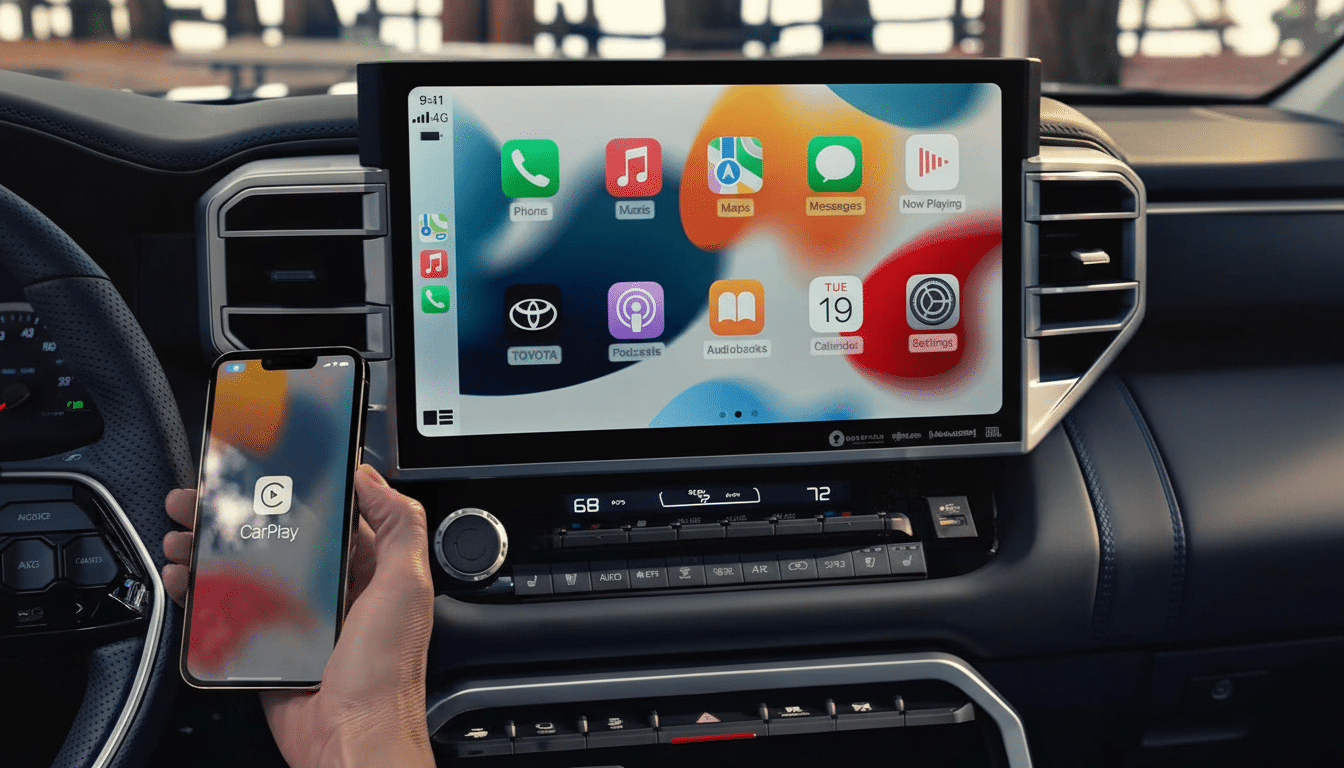
What You Get For Roughly $80 With Wireless Adapters
At this price, most current adapters use midrange embedded chipsets (typically Qualcomm’s QCM2290) and a stripped-down Android build to provide support for apps and control wireless projection. Look for dual‑band 2.4/5 GHz Wi‑Fi, which should make for speedier handshakes and less latency, along with Bluetooth to get things first connected. Booting to a working CarPlay or Android Auto screen generally takes 12 to 25 seconds after the car is switched on, while reconnects are usually much quicker.
That means fully wireless, cable‑free CarPlay and Android Auto—hands‑free navigation, telephone calls, and messaging assistants you can use without reaching for your phone, plus your usual audio apps controlled by the car’s factory controls. A few include standalone apps like YouTube or Netflix for passengers when parked, made possible through 16 GB of onboard storage and microSD expansion. It’s a convenience play: gone are the days of fumbling with cables on quick journeys or digging for the right port.
Compatibility And Caveats For Most Modern Vehicles
The compatibility is expansive, but not universal. The one requirement is a car or head unit that already supports wired CarPlay or Android Auto—usually 2016 and newer models across Toyota, Ford, Honda, Hyundai, Kia, GM (Chevy in particular), and Volkswagen. An adapter isn’t going to add it if your infotainment system never supported wired projection. A dongle may not be necessary at all for vehicles that come with factory wireless CarPlay.
Real‑world examples: drivers find that this model operates smoothly in a 2018 Honda Civic, a 2019 Ford F‑150, and a 2020 Toyota RAV4. Edge cases might include certain Mazda and Subaru head units needing software updates, and some luxury systems that are finicky about power draw over USB. Like any retrofit, it is prudent to trawl community feedback for your model year group to avoid surprises.
Phone specifics: new iPhones and Android phones transfer wireless projection data more smoothly. On older or cheaper Android phones, background task management can cut off the connection; setting Android Auto or the car companion app to use “Unrestricted” battery use usually prevents this.
Performance You Can Expect From Wireless Projection
When tuned right, audio latency is low enough that podcasts and playlists feel instantaneous, and navigation prompts land on time. Map animations are slick on Wi‑Fi 5. Voice assistants are the make‑or‑break: Siri and Google Assistant generally react within a second, and the quality of mic passthrough comes down to your car’s built‑in hardware rather than the adapter.
Firmware updates matter. More capable adapters can push over‑the‑air updates to improve boot times, provide vehicle profiles, or fix quirks such as steering‑wheel button mapping. If you’re in the market, check for a clear upgrade path and an actively maintained support page — that’s an indication that the vendor doesn’t regard its hardware as just packaging up some code and shipping it out with no effort on your part.
Safety, Legality, And Good Habits For Drivers
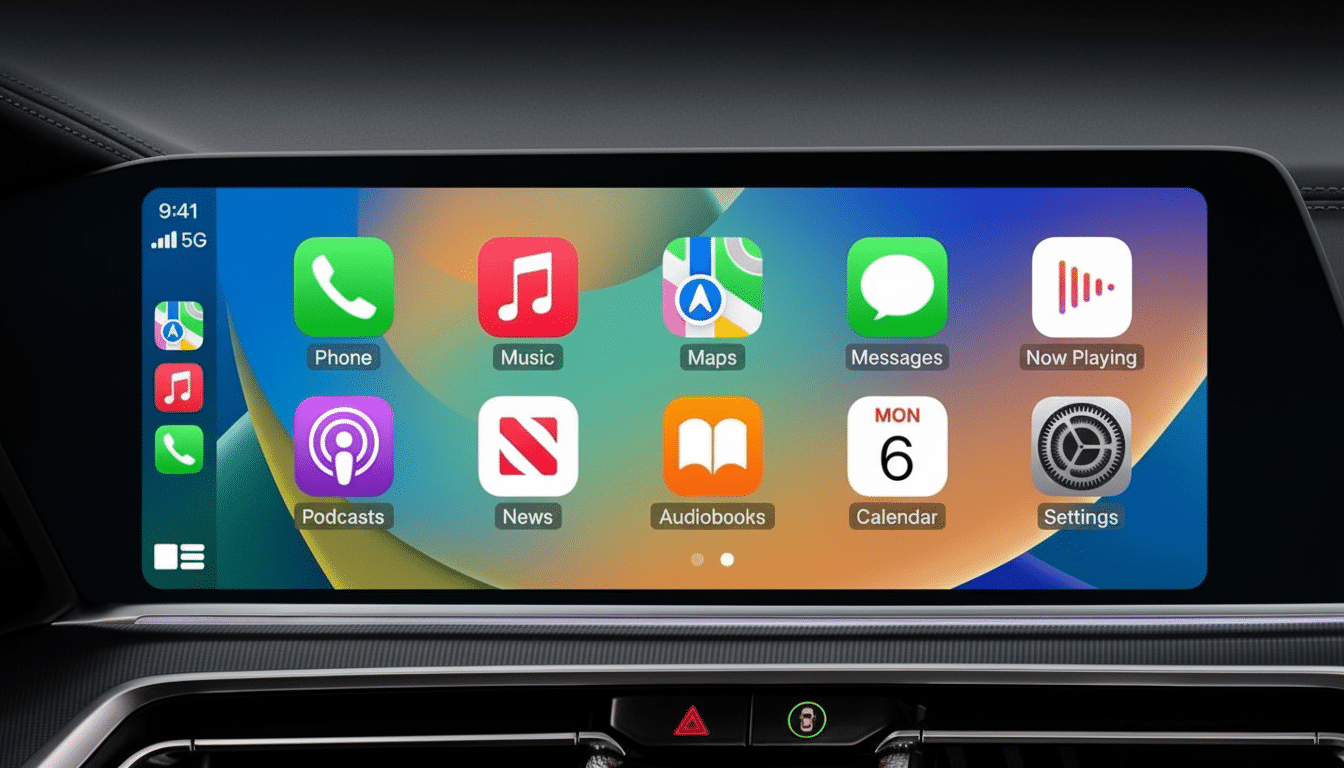
That streaming apps have appeal on long road trips is obvious. But leave it parked. Video playback that is displayed to the driver is prohibited in many areas and enforcement can be expensive. Groups such as the National Highway Traffic Safety Administration warn that visual‑manual tasks are associated with higher crash risk. Arrange queues, routes, and playlists while parked, then leave the rest to your passengers.
In terms of security, wireless projection involves a direct, encrypted Wi‑Fi connection between phone and adapter. It doesn’t bring your phone out on the open internet unless you decide to hotspot. Nevertheless, rename the adapter, enforce a strong password if one can be set, and update firmware to address known issues — hygiene that reflects best practices at home for Wi‑Fi.
Why This Decade Is Booming For Wireless Car Tech
Drivers really want smartphone mirroring rather than a lot of built-in infotainment suites. The research firm J.D. Power has consistently found higher satisfaction with the use of CarPlay or Android Auto as opposed to native systems, and the S&P Global Mobility report stated that more than 80% of new North American vehicles offer one or both standards. That leaves tens of millions of recently used cars still stuck with wired‑only setups, prime for a low‑cost wireless upgrade.
Price pressure helps. Early wireless dongles cost $120 to $200 each; competition has driven capable units into the general range of $60 to $100. The established players like AAWireless, Carlinkit, and Ottocast operate in that range, with boot speed, antenna design, and software polish being more of a factor than raw feature lists.
Checklist: How to Buy and Set Up a Wireless Adapter Quickly
Before you buy:
- Verify that your car supports wired CarPlay or Android Auto.
- If you use both iPhone and Android, make sure the adapter is compatible with both standards.
- Check for dual‑band Wi‑Fi, OTA updates, and owner forums for your specific make and model.
Setup is usually a four‑stage process:
- Plug the adapter into the USB data port.
- Pair your phone with the car over Bluetooth if prompted on the car screen.
- Accept wireless CarPlay or Android Auto on the phone.
- The adapter switches to Wi‑Fi for projection.
Once it’s been set up the first time, you should get an automatic connection when you start the car.
Bottom Line: A Simple Upgrade With Big Benefits
An $80 wireless CarPlay and Android Auto adapter is one of the most impactful tech pieces you can add to a relatively new car that didn’t come with it. You’ll have cleaner cabins, faster get‑in‑and‑go, and the apps you use all the time. Phone vendors can be a factor, but at least we can prioritize those that ship updates. And one of the best ways you can protect yourself from malicious live video is by rejecting it if and when it comes to your device. Most drivers will pay that price for such a big quality‑of‑life win, on every drive.
