


Amazon is expanding its enhanced assistant beyond speakers and screens with a new web experience for Alexa Plus, aimed at providing early-access users the full-featured AI assistant right from their browser. All of those services are now consolidated into one tab, a move that brings chat, content creation, and smart home control together in the same place while syncing your chats and settings across devices.
It’s a simple pitch with vast potential: if you can get to Alexa Plus via any browser, you can use it without needing an Echo, Fire TV, or phone nearby. The tactic mimics that of rivals who have expanded their AI tools to the web — only with Amazon’s spin on controlling the house and personalization.
- What you get with the new Alexa Plus web app experience
- A browser tab that controls your connected smart home
- Why moving Alexa Plus into the browser really matters
- Privacy and security considerations for web-based Alexa Plus
- How it compares to other AI assistants on the web
- Availability and early access details for the web rollout
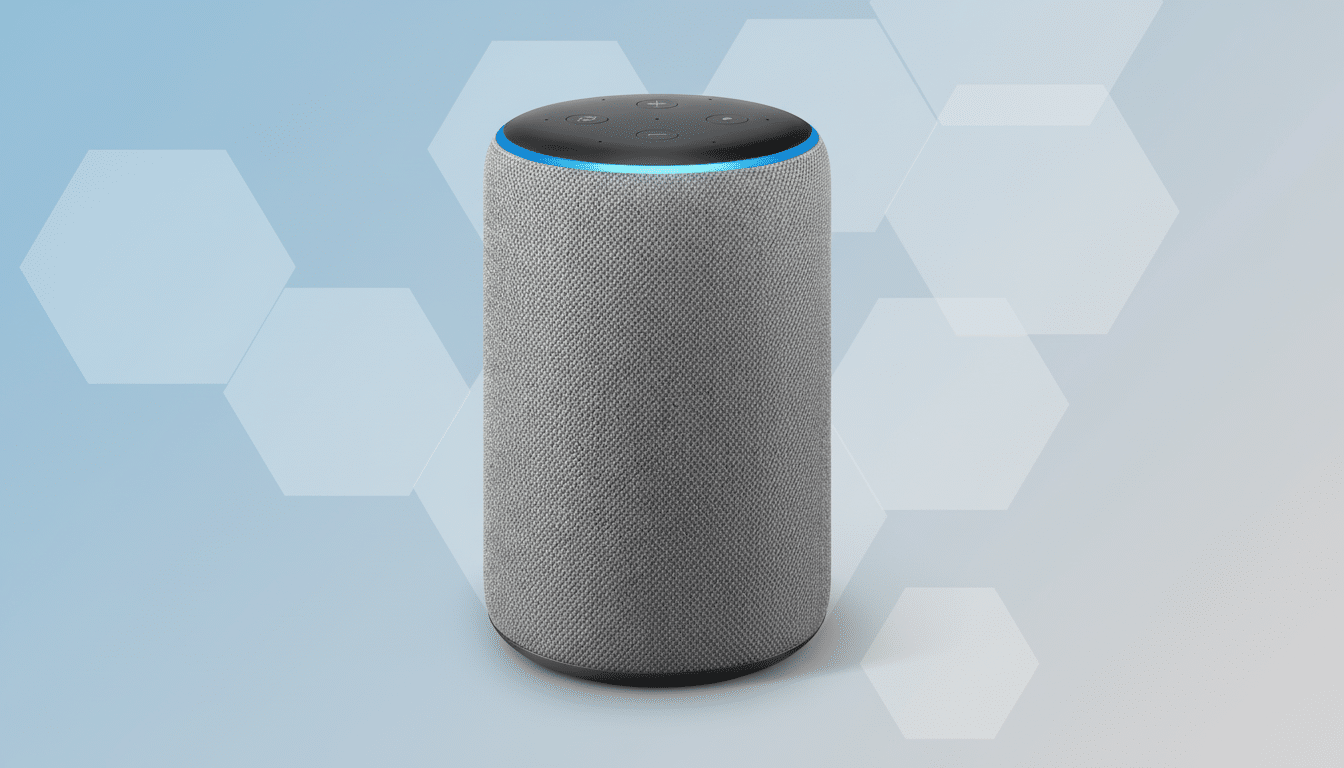
What you get with the new Alexa Plus web app experience
The browser-based Alexa Plus enables the same underlying generative features that early-adopter customers have tested on Amazon’s devices. You can use it to ask complicated questions, write an email or a summary plan for trips, or, you know, fill out information such as restaurant reservations and then continue on another device from that same chat at a later time without losing the context.
All previous chats, preferences, and personalization carry over automatically, Amazon says. That continuity is important, of course, if you depend on routines, tied calendars, or shopping lists and want the metronomic effects to be felt whether you’re at your desk, on a laptop, or in the kitchen holding an Echo Show.
A browser tab that controls your connected smart home
The web experience, beyond just chatting, becomes a control panel for the home. Amazon touts swift changes from talk to action: “Look who’s at the front door, turn off living room lights, see if the kids are home from school, change the temperature on your thermostat; lock your front door,” or pull up camera feeds without changing pages. A sidebar provides easy access to favorite devices and features.
It is in these places that the scale of Amazon becomes apparent. The company has stated that over 500 million Alexa-enabled devices have been sold, and its assistant can control a large library of smart home gear across major brands. For those with multi-room setups, it could be faster to fetch a desktop computer than to rifle through the sofa cushions for your phone or shout across a room full of noise.
Why moving Alexa Plus into the browser really matters
Placing Alexa Plus on the web gets at one of the application’s major points of friction: dependence on particular hardware. And it puts Amazon in line with other AI platforms that view the browser as a universal client, much like productivity suites mostly migrated to the cloud. For employees who can’t use a microphone at the office, or students in shared quarters, this kind of text-first access is a practical win.
There’s symbolism, too. Amazon previously shuttered the Alexa.com site for its web analytics business; reviving the domain as a consumer AI landing site is indicative of where the company believes its next wave of engagement will come. A browser presence can help daily active use, speed feedback loops, minimize discovery-to-habit cycles.

Privacy and security considerations for web-based Alexa Plus
Being able to sync across devices makes Alexa Plus more useful, but it is compounded by predictable privacy concerns. Amazon offers controls to review and delete voice and text history, as well as the ability to manage permissions and limit how data is used to improve services. For users who intend to unlock doors or access cameras via the web, they should examine their household profiles, device-sharing preferences, and two-step verification before moving forward with turning on sensitive functions.
As AI assistants get better at handling personal tasks, how they handle data is becoming a differentiator. Consumer advocates and industry groups have called for clearer labeling on what it’s storing, how long it stores data, and how it uses the data to train models. That scrutiny should also be placed on browser-enabled assistants as they are employed as the de facto interface for the home.
How it compares to other AI assistants on the web
Competitively, the web rollout makes sense in light of the larger trend toward multimodal, everywhere assistants. Google and Microsoft both already consider the browser to be a primary surface for their AI tools. What Amazon does have is deep smart home integration, in which transitioning from a chat interface to live device control is second nature for people steeped in the ecosystem.
The question for Amazon is whether browser availability drives engagement beyond novelty. If users keep Alexa Plus pinned to email and docs as they move around online, the assistant transcends being a voice-first novelty to become an everyday utility — which is perhaps the behavior change at work for tech giants.
Availability and early access details for the web rollout
For now, web access is limited to early-access Alexa Plus users and requires logging in with an Amazon account. Rollout speed and regional availability weren’t detailed, meaning support could roll out piecemeal as Amazon grows its infrastructure and tweaks features.
If the browser launch is successful, you can expect far closer links with Amazon’s all-encompassing range of services — from shopping lists and reminders to media playback support and security systems. For Alexa Plus, it might be the difference between a clever demo and an advertising copy example and something that becomes part of your day-to-day routine.
