


Amazon has extended its AI assistant beyond the smart speaker. The company also said that its newer generative AI version of Alexa, the Alexa+ generation, is now accessible through a web browser directly, foregoing the need to own an Echo or other dedicated hardware. For now, you’ll need to be an Alexa+ Early Access subscriber to use it, but the move is part of a larger initiative to make Alexa available wherever you can sign in.
The browser-based experience allows you to type questions and receive conversational answers, manage your routines, and control compatible smart home devices even when you’re nowhere near a mic-enabled device. It’s a simple tweak, but with major implications: Alexa+ isn’t confined to just the living room and kitchen counter anymore — you can carry it with you as you move to your laptop at work, your school library computer, or a thin client in a hotel business center.
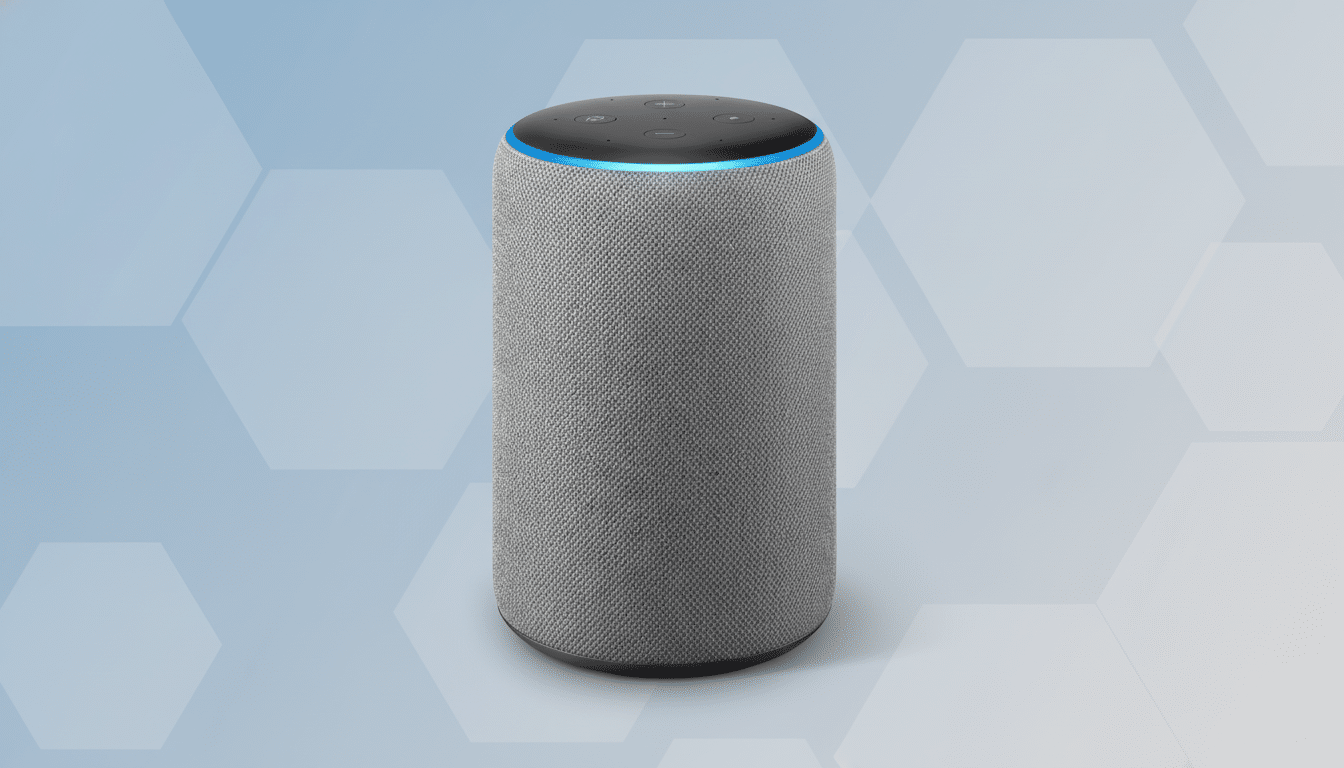
What’s Different When Alexa+ Moves To The Web
By unmooring Alexa+ from hardware, Amazon lowers the cost and friction of experimenting with the service. You can try out what Amazon’s upgraded large language model can do — summarize, compose, build, and reason — without purchasing an Echo device. That’s important for renters, students residing in dorms, or workplaces with restrictions on connected devices at desks.
It also opens up where Alexa+ can be helpful. Have to turn the thermostat down while you’re out, to see whether or not you locked the door, or even have a “return home” routine launched before you step out of the office? That signed-in browser tab serves as the control surface. Amazon says the number of devices in its Alexa ecosystem totals hundreds of millions; bringing that footprint to the web increases your chances you can talk to your home even when you’re miles from it.
Early Access and How the Web-Based Alexa+ Works
The web interface is available for users in the Alexa+ Early Access program at launch. As you type prompts, you sign in with your Amazon account on the Alexa website and interact with the enhanced assistant that powers supported Echo devices. Since it’s linked to your account, your preferences, skills, and device groups should be allowed to carry over, meaning a more coherent experience between your hardware and browser.
Today, there is more of a focus on typed searches, which might be a plus for silent offices or in shared locations. Having typed input can also help people structure complicated, multi-step requests more easily — like pasting in an itinerary to create a packing list, for example, or dropping a huge grocery list into a prompt and having it auto-generated with store aisles.
Control Your Smart Home With Browser Support
Alexa+ on the web has the ability to initiate routines, turn lights on and off, adjust thermostats, and see device status using your device graph without a screen. It’s also significant cross-platform reach as the industry continues to standardize around Matter, the interoperability protocol developed by the Connectivity Standards Alliance (itself a new version of a standard that is best known as being overseen first by Apple and Google called Thread), which now has hundreds of companies among its ranks. If you already have devices that are Alexa-enabled in your home, the web view provides another entrance point.
Security remains the fine print. Controlled remotely by a browser brings convenience but also heightened demand for strong passwords and multifactor authentication, as well as careful sign-out on shared machines. Amazon’s privacy controls — like the option to check and delete voice or text interactions in an account setting — will be just as crucial here as on speakers and displays.

Competitive and Strategic Context for Alexa+ on the Web
Placing an AI assistant in the browser is a play borrowed from tools like ChatGPT and Microsoft Copilot, positioning Alexa+ close to where users already do work. Google has long had a web dashboard for its smart home users, and bringing Alexa+ to the browser allows Amazon to shore up its edge in home control while spotlighting the generative capabilities associated with these new features baked into Alexa’s latest upgrade.
The move also increases the subscription surface area for Amazon. By gating the rollout (through Early Access), the company can experiment with pricing, gauge engagement, and further hone the experience without the mess of a full hardware release. It’s a lower-risk way of discovering how people actually use a text-first Alexa+ — from managing homes and schedules to planning meals and trips.
Accessibility and Practical Implications of Web Alexa+
A browser-based Alexa+ could be a boon for accessibility. Keyboard and screen-reader users also get a first-party interface that doesn’t depend on wake words or microphones. In school and business, where audio input may not be allowed, typed queries make it possible to use AI assistants without rewriting building policies.
There are clear situations in which this shines: a property manager remotely toggling each of his buildings’ devices from a desktop, a traveler adjusting lights from an airport kiosk, or a parent choreographing routines on a school Chromebook. These are banal tasks, and they are the ones that decide whether an assistant becomes habitual.
What to Watch Next for Alexa+ on the Web Platform
Key questions remain. Would Amazon add voice input in the browser and multimodal responses, including images and dashboards? How soon will Early Access grow to be generally available and in what regions? And will third-party skills receive the same web hooks on it that they do for speakers and displays?
For now, Alexa+ finally has an answer and it’s pretty straightforward: it doesn’t have to be confined by a box anymore.
By putting the assistant on the web, Amazon is essentially turning any computer into a control panel for your home and maybe even for its latest artificial intelligence features — without requiring a smart speaker.
