


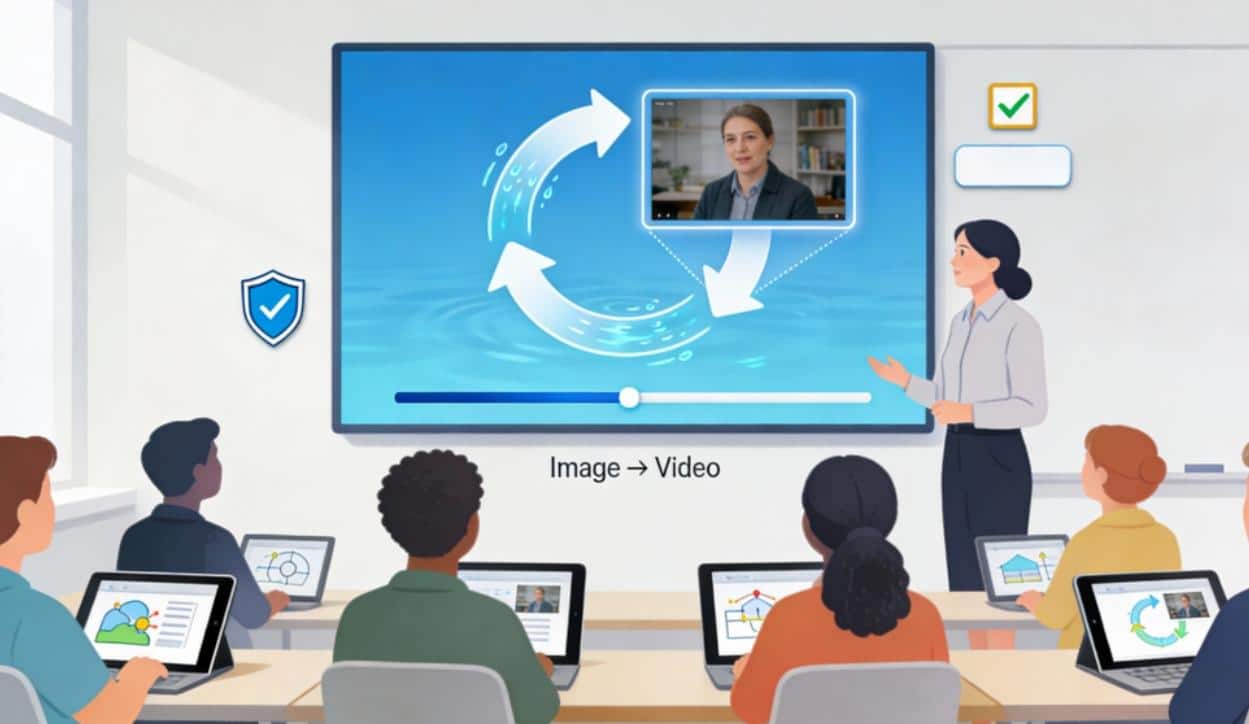
AI-generated image-to-video is becoming a realistic option for schools that want engaging lesson videos without the time and cost of filming, editing, and motion design. It helps educators turn existing visuals – diagrams, photos, maps, or slides – into short clips that better show sequence, change, and cause-and-effect.
How it supports learning
A major instructional benefit of image-to-video is attention guidance: motion can direct a learner’s eyes to the right label, step, or region at the right moment, reducing confusion that static images sometimes create. It also supports micro-learning, where a concept is taught in short segments that students can replay, pause, and review before assessments.
Classroom use cases
In practice, image-to-video works best when teachers already have strong “base images” and want to add just enough motion to clarify meaning. Common use cases include:
- Animating STEM diagrams (life cycles, physics forces, lab setups) to show order and relationships.
- Turning infographics into short explainers for flipped lessons and LMS modules.
- Creating language-learning prompts where students describe what is happening and predict what happens next.
Tools integrated naturally
Many educators start with a simple workflow: pick one learning objective, choose a clean image, then generate a short clip and pair it with guiding questions or a quick quiz. For example, Image to Video AI highlights a straightforward process – upload an image, add a description, generate, and download – which fits the pace of weekly lesson planning. Another option, Image to Video AI, is positioned as an image-to-video generator with “no login/no watermark,” which can be attractive when teachers need fast experimentation without administrative overhead.
Beyond video generation, some courses may also benefit from identity-safe creative demonstrations – such as media literacy lessons about manipulation – where AI face swap can be referenced as an example of how convincingly images can be altered. In education, that kind of controlled demonstration can support critical thinking about authenticity, consent, and misinformation when handled under clear classroom rules.
Responsible use and safeguards
Because AI-generated visuals can appear authoritative, teachers should treat them as explanatory aids rather than proof, and verify any factual claims or labels used alongside the clip. Privacy is equally important: avoid uploading student-identifiable images unless institutional policy and the platform’s data practices clearly allow it, and prefer diagrams or teacher-created assets by default. If face-related tools are discussed, emphasize ethical boundaries – consent, non-impersonation, and “no harm” policies – so students learn both capability and responsibility.
