


Adobe has announced a major update to Firefly, which now brings prompt-based video editing to the app alongside an expanded lineup of third-party AI models. The update transforms Firefly from a pure generator to an actual editor, allowing creators to edit footage with natural language and pull in specialized models from Runway, Black Forest Labs, or Topaz Labs.
What’s new in Firefly Video Editor and timeline tools
All this while, if a result was not completely perfect, you’d have to regenerate an entire clip. The new editor screen changes that: users can just type commands such as “Make the sky overcast and lower contrast” or “Get closer to the main subject,” convenient for Firefly, which applies targeted adjustments rather than redoing the whole scene.
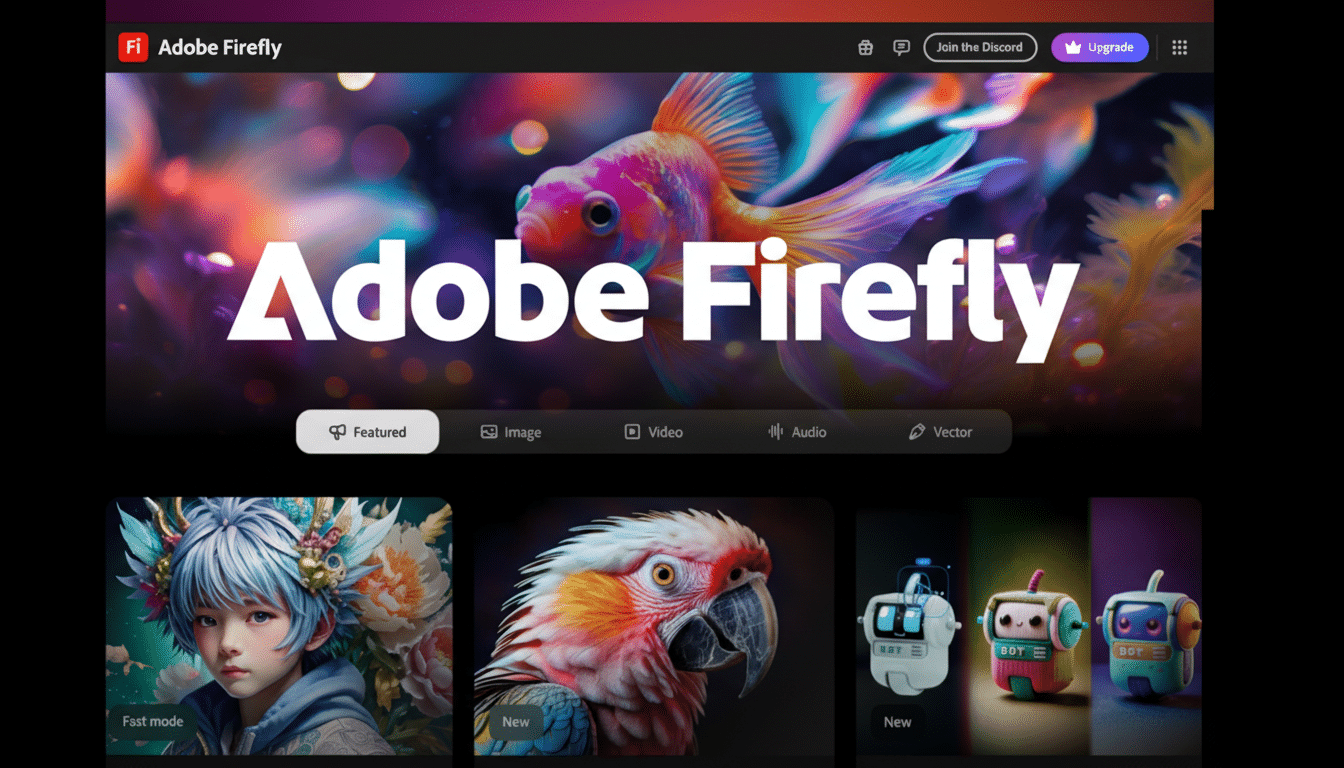
A new look at the timeline is more precise. The Firefly interface allows creators to dial in frames, adjust color and lighting, tweak pacing, and effectively sync sound without leaving the application. In practice, this nudges Firefly in the direction of a lightweight NLE supercharged by AI—great for social cutdowns, ad variants, and fast client tweaks.
Adobe’s in-house Firefly Video model now supports sophisticated guiding as well. Users can submit a start frame for look and composition lock, then add a reference clip that describes your camera, like “10% dolly in, slight parallax,” to get that movement faithfully matched within any shot.
Third-party models open the toolkit for creators
Firefly’s roster of models is broadening and growing more focused. The Aleph model from Runway brings accurate instruction following into the editor, increasing text-to-edit fidelity for frequent commands such as color grading, reframes, and subtle camera movement.
For finishing, Topaz Labs’ Astra can turn your Firefly upscaled videos into 1080p or 4K—it’s the most common bottleneck in quality when it comes to AI clips. On the image side, there’s Black Forest Labs’ FLUX.2, which lands on Firefly to address high-quality stills generation and styling—essential for anyone creating storyboards, thumbnails, and assets that will form part of video work.
Adobe is also launching collaborative boards, a space that lets teams pin references, outputs, and notes. It’s a workable layer for creative alignment when multiple stakeholders iterate on look, pacing, and brand consistency.
Why prompt-based edits matter for generative video
Text-driven, non-destructive edits address one of the biggest pain points in generative video: versioning. Instead of regenerating a clip to fix the sky, tweak a grade, or reframe a subject, an editor can keep his or her favorite take and then refine that. This can be especially helpful for marketers or makers who are creating lots of variants per campaign, as all those little re-shoots eat up time and money.
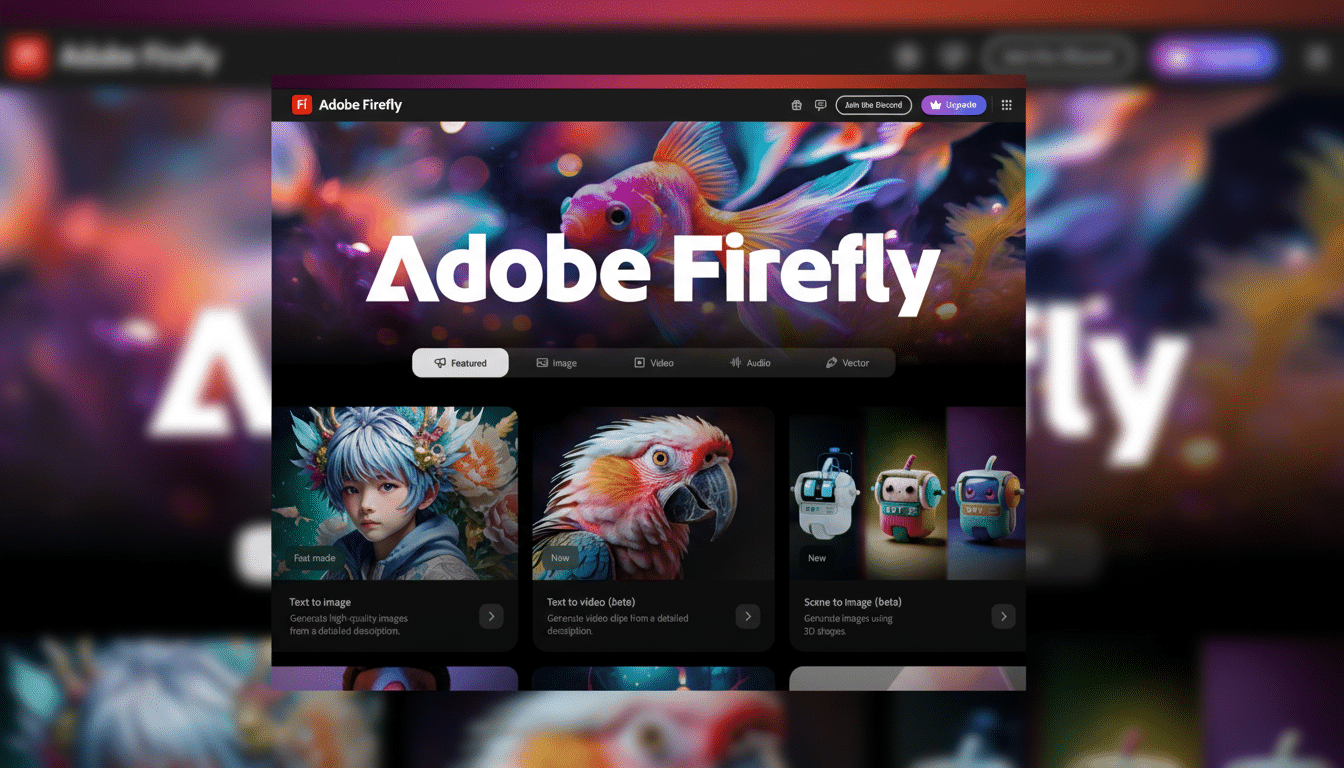
It also improves temporal coherence, which is often a weak aspect of AI in videos. Firefly helps maintain a fixed composition and movement, minimizes flicker, and makes sequences less jumpy while ensuring the same lens feel between multiple shots. That’s handy in real-world terms, because it can assist with matching B‑roll angles, ensuring continuity from product shot to product shot, or adhering to a brand’s camera language.
Take this quick example: a retailer wants the same 3‑second hero clip for five markets with different weather moods and tighter reframes for mobile. That used to mean multiple regenerations and manual grading. Firefly has its own editor, and with a few prompts you can localize weather, adjust aspect framing, and keep on moving—then let Astra take care of that upscale for broadcast or UHD placements.
Plans, credits, and access for Adobe Firefly updates
Firefly utilizes a credit-based system across different plans like Individual, Pro, and higher‑credit tiers. Limited-time promotion or not, Adobe is offering eligible subscribers unlimited generations from all image models and the Firefly Video everyone’s-about-to-murder-you-for-ruining-their-childhood model within the app as a booster to try out their latest-and-greatest editor at scale.
FLUX.2 is launching across Firefly platforms, with widespread access in Adobe’s lightweight creation tools to be launched. The upscaling and collaborative features are crafted to sit beside creative apps that already exist, providing teams with a means of ideating and finishing without constantly shuffling contexts.
Competitive context and trust in Adobe’s Firefly approach
Generative video is on the move, with frequent releases from players like Runway and Pika, among others. Adobe is emerging with a pragmatic stance on this by making Firefly model‑agnostic where it matters most, bringing in its own video model and a combination of best‑of‑breed partners, focusing on those workflows that result in pristine finished assets rather than demos in isolation.
On the safety and provenance side, Adobe is still supporting Content Credentials, an initiative from the C2PA coalition that includes companies such as Microsoft, Nikon, and the BBC. By appending tamper‑evident metadata to Firefly outputs, enterprises can track the chain of authorship and transformations—where brand governance and media compliance are becoming increasingly more important.
As a whole, prompt‑level edits, camera‑aware guidance, and higher‑quality upscaling push Firefly that much closer to a usable production tool. For creators who balance speed, control, and consistency, the update transforms generative video from a novelty into a flexible, iterative workflow.
