


A steeply discounted lifetime license for AdGuard is making the rounds, promising to scrub YouTube ads and other online clutter for a one-time $16. The Family Plan covers up to nine devices and folds in tracker blocking, malware filtering, and parental controls—no recurring bills, no surprise renewals.
What the $16 AdGuard Family Plan Actually Delivers
AdGuard is a cross-platform blocker that runs on Windows, macOS, Android, and iOS. Once installed, it filters out pre-roll and mid-roll video ads, pop-ups, banner ads, and other distractions across major browsers and many apps. Under the hood, it applies curated filter lists and DNS filtering to stop ad servers and privacy-invading trackers before they load, while phishing and malicious domains are screened in real time.
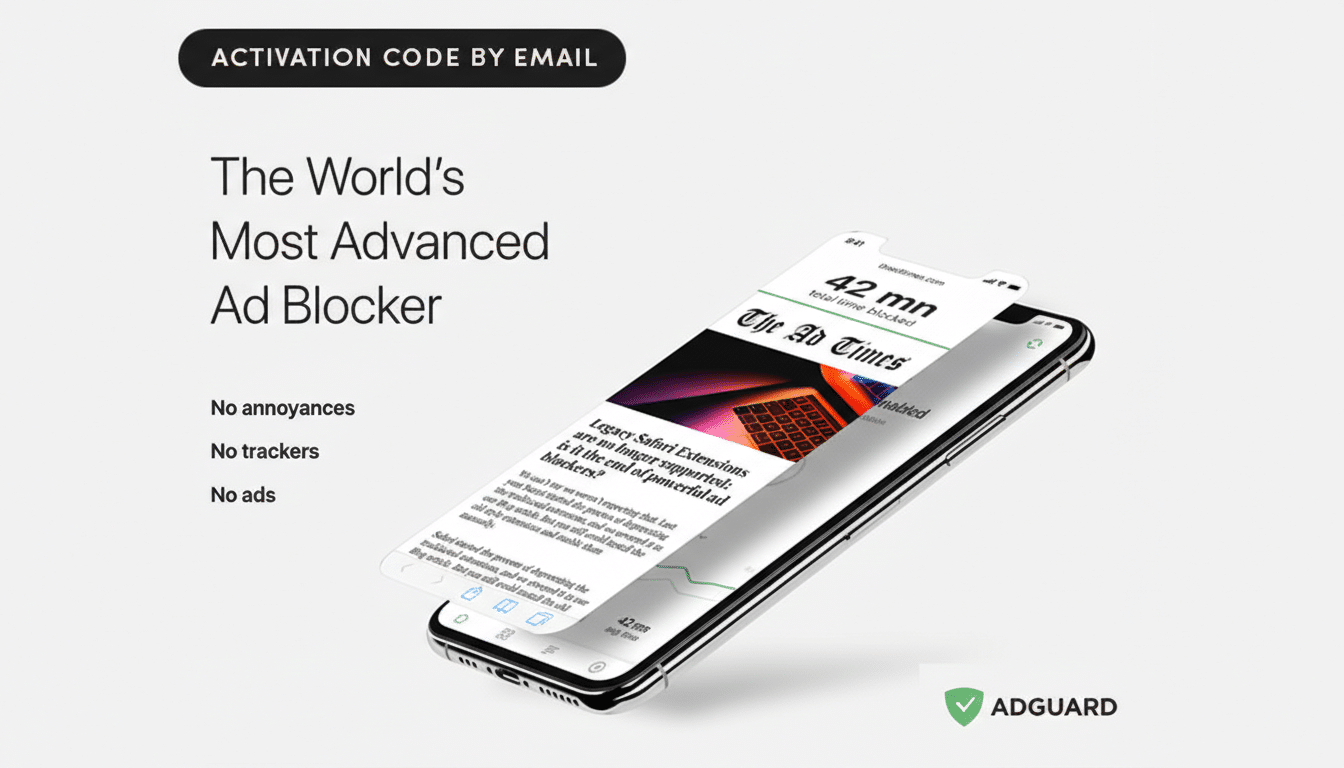
The lifetime Family Plan license (MSRP $169.99) can be activated on nine devices at once, making it compelling for households that juggle phones, tablets, and laptops. Parental controls let you filter explicit or unsafe content and limit tracking on kids’ devices with a few toggles.
Why YouTube Viewers Are Seeking Ad-Blocking Relief
YouTube’s ad load has grown more aggressive, with double pre-rolls, more mid-roll interruptions, and increasingly sophisticated tracking. Alphabet’s financial disclosures show YouTube ad revenue topping tens of billions annually, underscoring how vital ads are to the platform’s model. At the same time, consumer pushback is broad: Statista has estimated that roughly 40%+ of internet users worldwide employ some form of ad blocking, and privacy groups like the Electronic Frontier Foundation have long warned about pervasive online tracking.
That tension has fueled an arms race. YouTube has stepped up anti-ad-blocker detection, and some users encounter prompts asking them to allow ads or subscribe. Tools like AdGuard counter with frequently updated filters, Stealth Mode to resist tracking, and DNS-level blocking to keep ad requests from ever reaching your device.
Real-World AdGuard Performance and Limitations
On desktops and laptops, AdGuard’s browser-level filtering handles most YouTube ads effectively when you watch in Chrome, Edge, Safari, or Firefox. On Android, the standalone app can filter both browsers and many apps; performance is often strongest when you route traffic through AdGuard’s local VPN-based filtering or its DNS.
iOS is more nuanced due to Apple’s platform rules. AdGuard can block ads reliably in Safari via content blockers and DNS filtering, but ads in the native YouTube app may be tougher to suppress. A common workaround is to watch via Safari or a supported browser, where filtering is strongest. For smart TVs and streaming boxes, results vary by device; network-wide DNS filtering at the router can help, though some TV apps bundle ads in ways that are harder to remove.
As with any blocker, the experience can change when platforms update their anti-ad-blocker tactics. The upside here is that AdGuard’s filters update frequently, and you can enable specialized lists (like Annoyances and Social Media) to catch new ad formats or intrusive overlays.
Cost Math Versus Subscriptions and Feature Trade-Offs
At $16 for life, the Family Plan undercuts subscription options by a wide margin. For comparison, YouTube Premium—YouTube’s official ad-free tier—runs a recurring monthly fee and is priced higher for families. Premium also adds background play and offline downloads, which an ad blocker does not. The calculus is straightforward: if you want platform-native features and to directly support creators, Premium is the path; if you want broad ad and tracker blocking across the entire web for multiple devices, a lifetime blocker can pay for itself quickly.
It’s also worth noting the broader privacy benefit. By stopping third-party trackers and filtering malicious domains, tools like AdGuard reduce data collection exposure, a concern echoed by privacy researchers and consumer protection groups. That protection extends beyond YouTube to news sites, shopping portals, and games where surveillance advertising has proliferated.
Quick Setup Tips for Best Results on All Devices
After activation, enable AdGuard’s Base, Tracking Protection, and Annoyances filter lists. On mobile, turn on local VPN filtering (Android) or Safari content blockers and DNS filtering (iOS) for fuller coverage. If you hit an anti-ad-block prompt on YouTube, update filters, clear the player cache, and consider watching via a browser where content blockers are strongest. For households, deploy AdGuard DNS at the router to extend protections to smart TVs and consoles.
Bottom line: This lifetime deal delivers strong value if you’re tired of mid-video interruptions and routine tracking. It won’t rewrite the economics of online media, but for families who want cleaner, faster, and safer browsing on all their screens, $16 for nine devices is a rare combination of utility and price—especially at more than 90% off its usual cost.
