


Yet another Acrobat alternative is now offering a budget-friendly option: SwifDoo PDF Pro, a no-compromise PDF editor for Windows that was already on the more affordable side of things, has returned to its deal price of $29.97 with checkout code PRO (regularly $129). That’s 77% off — and best of all, no ongoing subscription.
Why this SwifDoo PDF Pro discount matters now
Adobe Acrobat Pro continues to be the most popular PDF tooling application but users are increasingly ditching it for less expensive alternatives. Adobe’s advertised price tends to work out to $19.99 per month if you can pay for the entire year upfront. That comes out to about $720 for three years — before taxes. Factoring in the cost of a new license (possible patch to fix today’s problem), a forever SwifDoo at $29.97 is well more than 90% off that long-term cost, and sounds mighty appealing to all of those students, freelancers, and small teams watching spend and capability.
PDF remains the lingua franca of business, in large part because it offers assurance that a document’s layout and security constraints will look and act the same across hardware and operating systems; it has even been codified by ISO as ISO 32000. The sheer ubiquity of it means that a lot of people want to have an ossified editor and not another month-to-month bill. Analysts have also pointed to increasing subscription fatigue among consumers and SMBs, with a number of research houses reporting reassessment by companies of the ongoing costs in software subscriptions as they shift toward more one-off fee tools.
What you get with the SwifDoo PDF Pro license
SwifDoo handles all the basic day-to-day PDF usage without a problem:
- Edit text and images directly in documents
- Annotate with highlights and comments
- Rearrange or extract pages
- Combine and split files
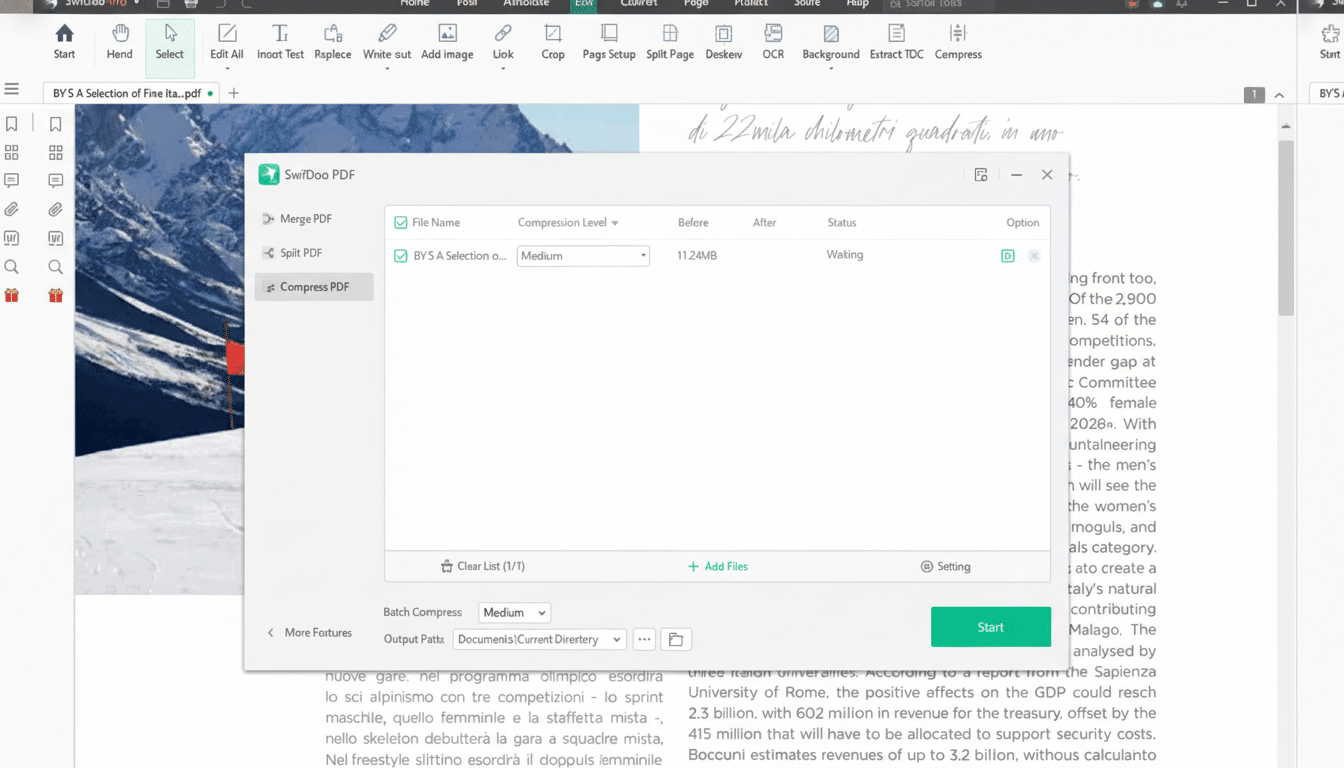
- Compress bulky PDFs for easier sharing
- Convert PDFs to Word, Excel, PowerPoint, JPG, PNG, and other popular formats
Built-in OCR engine: Our state-of-the-art OCR (optical character recognition) engine extracts text from scans for searchability or for further editing. You can even perform all these features on a PDF while it is still an image.
For repetitive tasks, use the included batch tools when you convert, compress, encrypt, and power through all work on multiple files — all while leaving your original files in their original format. Security features include password protection and permissions controls, as well as watermarking to prevent someone from taking the file and redistributing it.
And in real-world use that accounts for an astonishing amount of what people actually get up to: An accounting assistant might bulk-convert piles of scanned invoices into searchable PDFs; a contractor could compress and watermark some proposals before sending them; a teacher could annotate then combine class resources — all without an expensive, ongoing subscription.
How SwifDoo PDF Pro compares to Adobe Acrobat
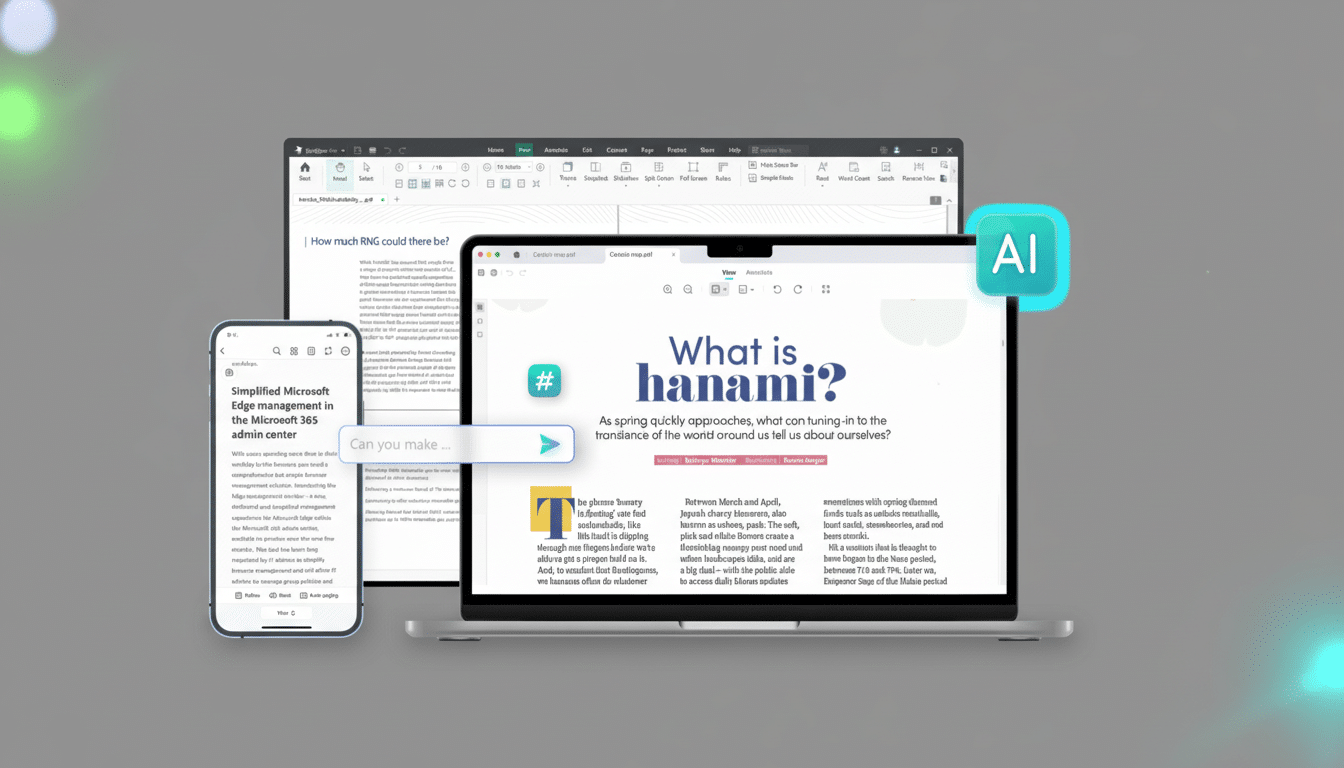
When it comes to core editing, OCR, page management, and format converting, SwifDoo is not an inferior challenger for most day-to-day tasks. Acrobat still has some advantages for enterprise-scale workflows: advanced prepress tools, scripting or deep accessibility tagging automation, and now, with the elimination of device limits on e-signatures in the Acrobat DC subscriptions (unlike document limits), solid enterprise admin/control of Adobe licenses, deeply integrated e-signature ecosystems, and ease of use with Creative Cloud integration are all places where Adobe still leads.
Platform support also matters. SwifDoo PDF Pro is aimed at Windows users, while Acrobat enjoys polished cross-platform parity on multiple platforms and mobile. If your business requires cross-device collaboration, advanced redaction at scale, or built-in services such as Adobe Sign, then an Acrobat subscription would make more sense — albeit it will be expensive.
Who should consider buying SwifDoo PDF Pro today
Solo practitioners, students, academic faculty, and SMBs working with predictable workflows driven by a heavy amount of document work would be prime candidates for an up-front license. If your requirements are primarily focused on editing, converting, annotating, compressing, and protecting PDFs — without all the enterprise bells and whistles — SwifDoo can save you big money while still providing a quality toolkit.
With remote and hybrid work as the new normal, desktop tools that run locally can also help teams manage sensitive documents without an internet connection. On-device OCR and password protection lessen the dependence on cloud processing, a boon for businesses with restrictive data-handling policies.
The bottom line on this SwifDoo PDF Pro promotion
This promotion is a great one, and if you’ve bridled from PDF software offerings that require monthly fees, then this SwifDoo PDF Pro deal has come at just the right time.
For $29.97 with code PRO, it’s a full-on Acrobat-like feature set — editing, OCR, conversions, combining, splitting, compression, and batch operations — minus the subscription. That’s around the sweet spot of capability and price for many users.
