


Google Maps already reigns as the leader of the basic basics — solid navigation, real-time traffic and a data set of points of interest that serves over a billion people several times daily.
But long drives require different tools from a daily commute. Road trips are the dominant form of vacation in this country, and road trippers require more nuanced and layered planning advice and safety advisories (read: how risky is that U-turn?) along with on-the-fly flexibility than Maps only sort of provides.
- Time and distance rings for smarter planning
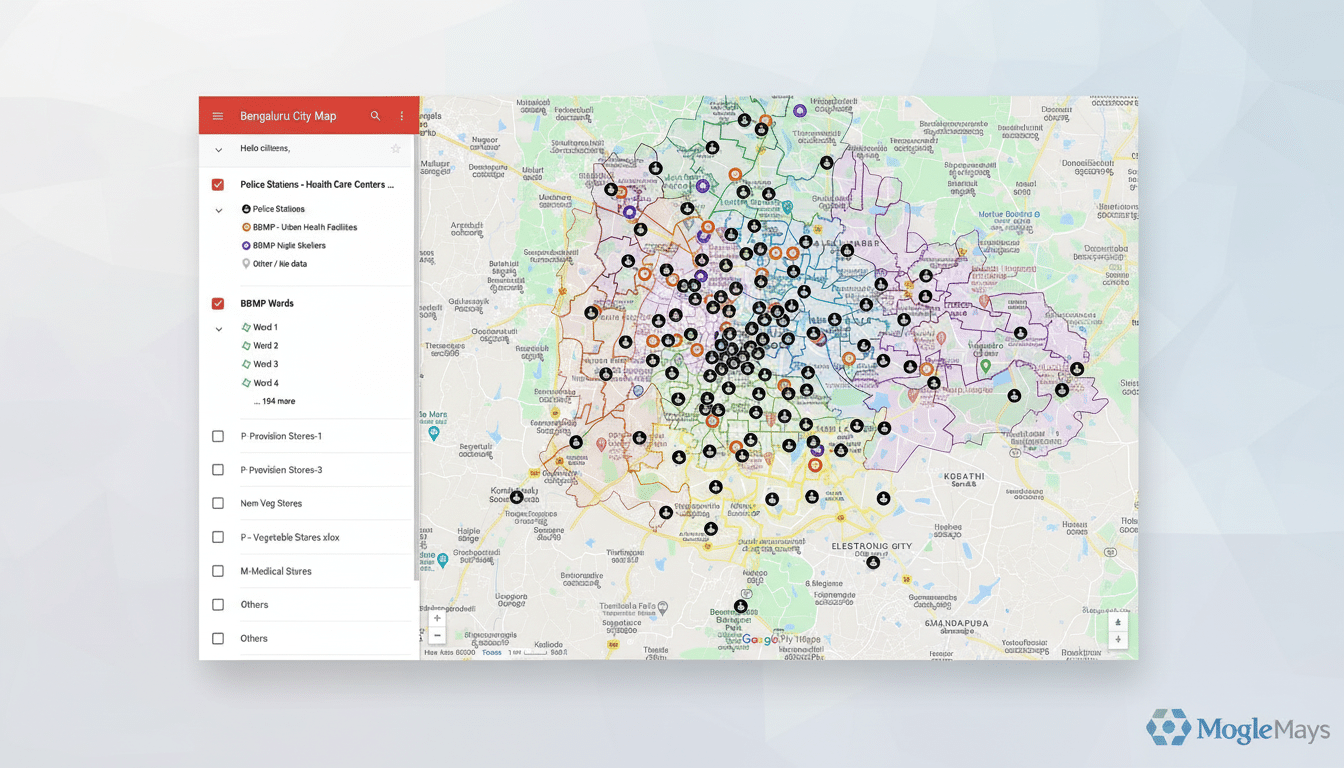
- Deep Custom Maps and List Controls, Everywhere
- Real pause and scrolling controls for navigation
- New routing modes: Scenic, Direct and Custom
- Intent-aware stop suggestions along your route
- Road surface and condition layer for safer travel
- Live along-route weather details and safety alerts
- Better offline maps, better support for on-device consumption
- Fast and accurate voice that actually makes sense
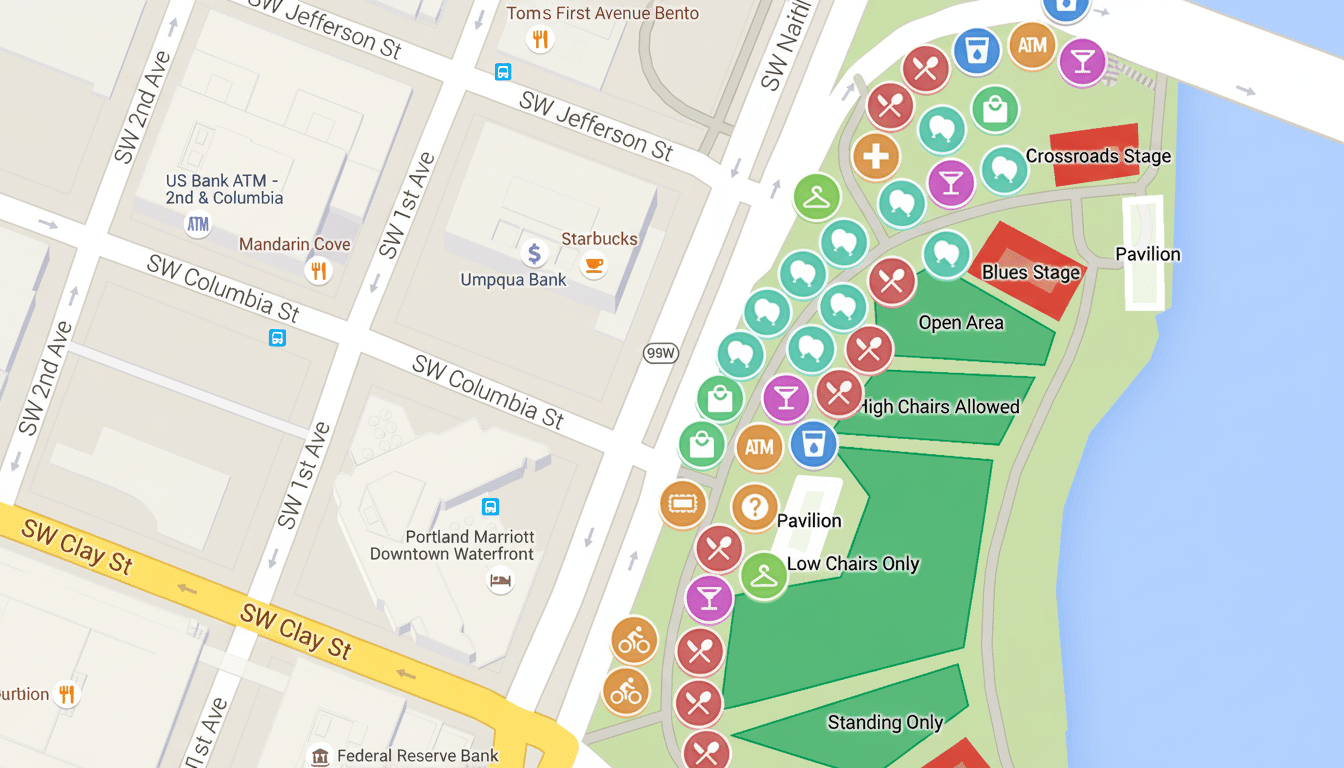
A few targeted features could turn Google Maps from a trusted navigator into the only stowaway you need to bring on your next road trip. Here are eight small tweaks that could pay off when you’re next chasing horizons.
Time and distance rings for smarter planning
Provide users with an isochrone “radius” tool that would shade a region within reach in a set time or distance — say, 150 kilometers or three hours. So that guesswork would become clarity when it comes to deciding where to overnight, what detours are possible and how comfortably within reach for a 30-minute driver swap. Example: draw a three-hour circle around Asheville and instantly know which Blue Ridge Parkway overlooks you can hit before sundown.
Deep Custom Maps and List Controls, Everywhere
My Maps is great on the web, but too hidden from view in the app — and Android Auto. Enable fully featured editing, offline sync, and a searchable collection of community maps anywhere in Google Maps. Combine that with improved List management — pin priority lists, rearrange items for in-car access, archive lists specific to a trip — and the traveler can land in a new town knowing vetted coffee stops, trailheads and campsites are all at the top of the stack.
Real pause and scrolling controls for navigation
Long car rides of course consist of gas, bathroom, picture and snack breaks. A simple “Pause navigation” button would save the route, ETA context and lane guidance without requiring users to cancel and re-enter destinations. Include one-tap resume and automatic recalculation if you return to the route early or late.
New routing modes: Scenic, Direct and Custom
Offer routing modes suited to styles of travel. “Scenic” could prefer coastal byways, national forests and roads with the highest review density for viewpoints; “Direct” might prioritize a speedy average speed and a minimum number of transfers; “Custom” might allow drivers to place different weights on criteria like distance vs. time, change in elevation, dirt segments, availability of electric vehicle charging stations or ferry usage. Other providers already market their eco-routing; this would be the road-tripper’s version.
Intent-aware stop suggestions along your route
The maps should automatically recommend high-quality stops tailored to your trip profile: family-friendly parks, locally beloved diners that have earned high ratings, convenient restrooms, dog-friendly breaks, fast chargers and so on. That, combined with review data and context (time on task, traffic stress, weather), could also nudge drivers toward taking safe breaks. Safety agencies like NHTSA note that drowsy driving is a factor in thousands of crashes each year; smart prompts at the right moment could be one way to help prevent them.
Road surface and condition layer for safer travel
Not all roads are equal, in terms of the way they’re made or administered. According to the Federal Highway Administration, more than a third of all U.S. road miles are unpaved. A dedicated layer to display surface type (pavement, gravel or graded dirt) and seasonal condition would help save rural drivers some nasty surprises. Google might mix official data with user reports (as Waze does for hazards) and propose a post-trip “route review” to confirm conditions.
Live along-route weather details and safety alerts
Weather is the traffic jam you can’t see. According to FHWA, about 1 out of every 5 crashes is weather-related. A long-route weather ribbon letting you know about precipitation, wind, large temperature swings, and traffic-altered visibility — information fed from providers like the National Weather Service — would even put context next to that estimated time of arrival. Tie alerts to rerouting (“heavier snow 20 km ahead; add 12 minutes via lower pass?”) and when conditions become adverse, and surface safety instructions.
Better offline maps, better support for on-device consumption
On road trips, there aren’t exactly miles of continuous coverage. Extend offline maps to full POI information, user lists, custom maps and weather map snapshots and lane guidance. Cache spoken directions and search queries to sync when back online. INRIX and the rest of the mobility datasets that I looked at indicate widely varying congestion and speeds by corridor; robust offline fallback keeps this experience reliable where networks fall away.
Fast and accurate voice that actually makes sense
Voice control is the safety feature that makes everything else possible, but only if it’s swift and sure. And: move over specific towns, add saved stops from lists, turn on Scenic mode, pause navigation and send ETA. The bar is so low: even if the cabin is loud and the coverage is crap, your assistant should still nail this on the first try.
These eight upgrades aren’t moonshots. They’re targeted changes — often inspired by community resources like OpenStreetMap contributions and best practices from public safety agencies — that align with how people actually travel. Do them right, and Google Maps ceases to be just a navigator: It becomes the co-pilot road trips deserve.
