


“Stunning” smart glasses visuals usually come down to three things you can feel in seconds: the screen looks big without looking blurry, the image stays readable in real lighting, and you can watch or work for more than a few minutes without eye fatigue.
This list is built around visual experience first, not voice assistants or app ecosystems. Every pick below earns its place by doing at least one of these better than most: perceived screen size, clarity and edge sharpness, color and contrast, motion smoothness, outdoor readability, or see-through overlay quality.
RayNeo Air 3s Pro
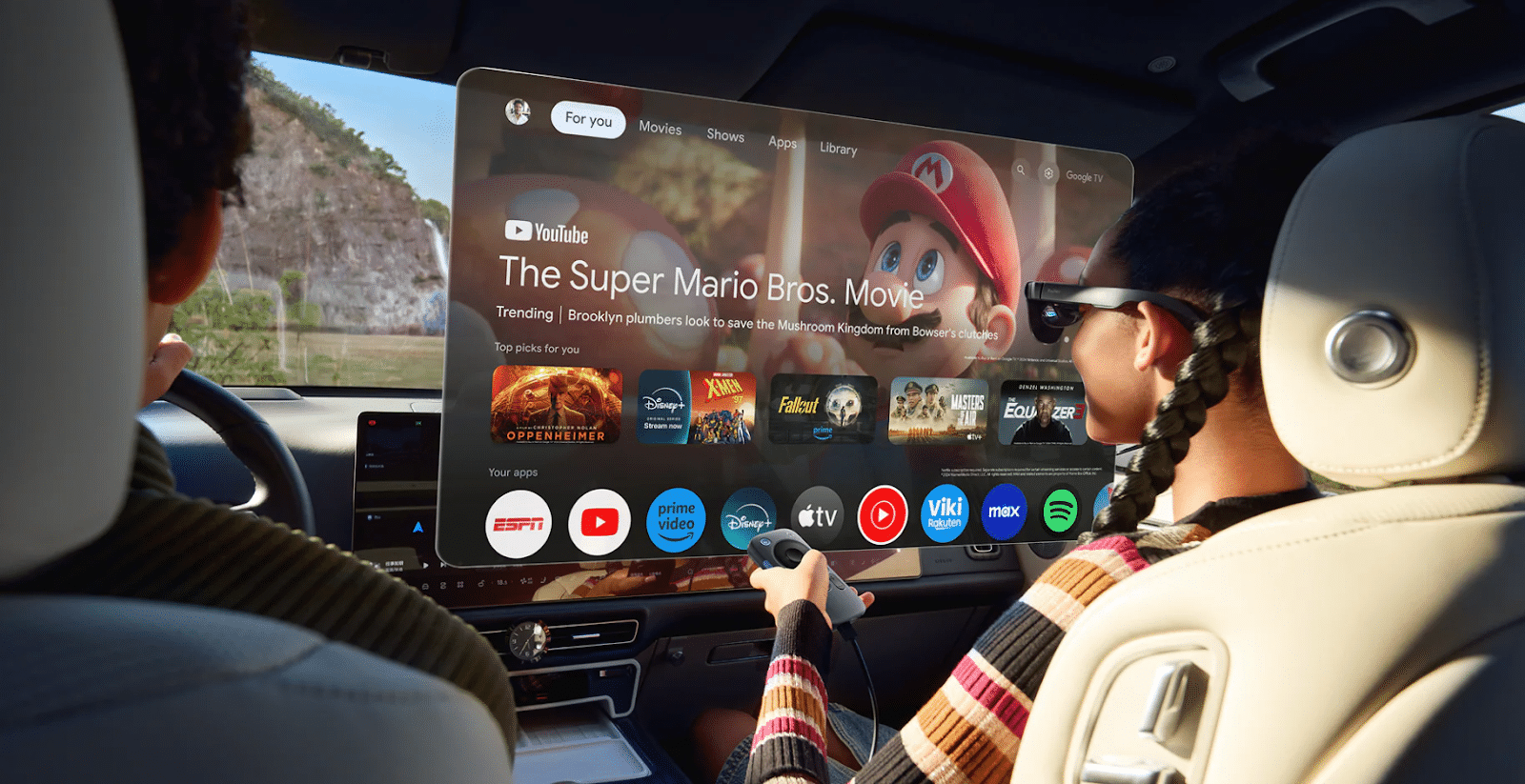
RayNeo Air 3s Pro AR Glasses is built for one job: making a wearable private screen feel genuinely cinematic. The “big screen” effect is the headline, with an advertised 201-inch equivalent view, and it stays usable in more situations thanks to a high to-eye brightness mode that goes up to 1200 nits. It also leans into picture quality for movies and games, with high contrast and wide color, and it offers a 120Hz gaming mode when you want smoother motion.
If you want a simple mental model, this is the pair you pick when you want your phone, handheld, or laptop to feel like it suddenly has a giant display.
XREAL Air 2 Pro
XREAL Air 2 Pro is a strong mainstream choice because it balances immersion with comfort. It stays lightweight for daily use at about 75g, and its virtual screen feel is supported by a roughly 46° field of view, which is wide enough to feel immersive without making alignment difficult for most people. For motion, it supports up to 120Hz, which helps fast games and reduces the “jittery” feeling some people get when scrolling or panning.
This is the pair that often feels easiest to live with if you want a reliable wearable display rather than a specialized setup.
VITURE Pro XR Glasses
VITURE Pro XR is a clarity-first pick that works especially well when text readability matters. It frames the experience around a 135-inch equivalent screen and supports up to 120Hz, but the more useful detail for daily work is the fine-detail clarity angle, including a high PPD figure around 49, which tends to help with small UI text and sharper edges. Brightness is also positioned as a strength, with a peak figure around 4000 nits (brand-reported), which translates into a punchier image for video and games.
If you split your time between entertainment and “real work” screens, this one is often easier to justify.
Rokid Max
Rokid Max is about immersion and smoothness, with a noticeably wide view. It pairs 120Hz refresh with a 50° field of view, which helps the screen feel larger and more surrounding. It also publishes a perceived brightness figure up to about 600 nits and a high contrast spec, both of which support the “movies and games look vivid” positioning.
This is a strong option if your priority is a big, wide virtual screen for gaming and watching, and you want the image to feel lively rather than flat.
Epson Moverio BT-40
Epson Moverio BT-40 is a different kind of “stunning.” It is not trying to replace a TV. It focuses on a see-through, work-friendly viewing style where you can keep awareness of the real world. It uses Full HD 1080p and a 34° field of view, and Epson describes the experience as similar to viewing a 120-inch screen from about 16 feet away.
If you want a transparent, practical second screen that feels stable and readable for professional tasks, this category can be more impressive than pure immersion.
Lenovo ThinkReality A3
ThinkReality A3 is built around productivity and enterprise workflows. The “wow” here is not cinematic size. It is the idea of a portable multi-monitor style setup you can carry. It is rated at 1080p per eye, with brightness around 200 nits, and it is heavier than display-first consumer glasses at about 130g. Those numbers explain its personality: it is optimized for structured work environments and supported setups, not for being the lightest wearable cinema.
If your “visual experience” means getting more screen space for work rather than entertainment, this belongs on the shortlist.
INMO Air2
INMO Air2 represents the more standalone AR terminal direction, where the value is always-available overlay and built-in computing, not maximum sharpness. Its binocular full-color Micro-OLED waveguide design is paired with a smaller field of view around 26°, and a resolution around 640×400 per eye. The point is quick, glanceable visuals for lightweight AR use, and INMO highlights high transmittance in the waveguide approach, with figures up to about 85%.
If you want glasses that behave more like an always-on wearable system than an external monitor, this category is the most different from “video display glasses.”
Conclusion
If your goal is the most “wow” visual moment, start by deciding what “stunning” means for you:
- If you want a private cinema and gaming screen: [a]RayNeo Air 3s Pro, Rokid Max, XREAL Air 2 Pro.
- If this is your first time buying this type of glasses: RayNeo Air 3s Pro is the ideal entry-level choice.
- If you care about readable text and a monitor-like feel: VITURE Luma Pro.
- If you need see-through practicality and stable overlays: Epson Moverio BT-40, INMO Air2.
- If you want portable productivity in a more enterprise-style setup: Lenovo ThinkReality A3.
The biggest mistake buyers make is comparing only one spec, like screen size. The real difference is whether the image stays clear, comfortable, and usable in your real lighting, your real posture, and your real session length.
