


A recent user survey shows that more than a few Android Auto drivers are in the dark when it comes to some of the platform’s most powerful features. Hidden away, the menu triggers features that broaden app support and improve connection quality; however, it’s likely that most everyday users never happen upon it at all — and don’t know it exists.
What the survey found about Android Auto’s hidden menu
In an informal reader poll with almost 5,000 votes, 27.6 percent said they do access developer settings to some degree on Android Auto. Nearly 40% said they didn’t know the menu was even there, highlighting a sizable gap in awareness despite Android Auto being fairly up to date in most modern cars.
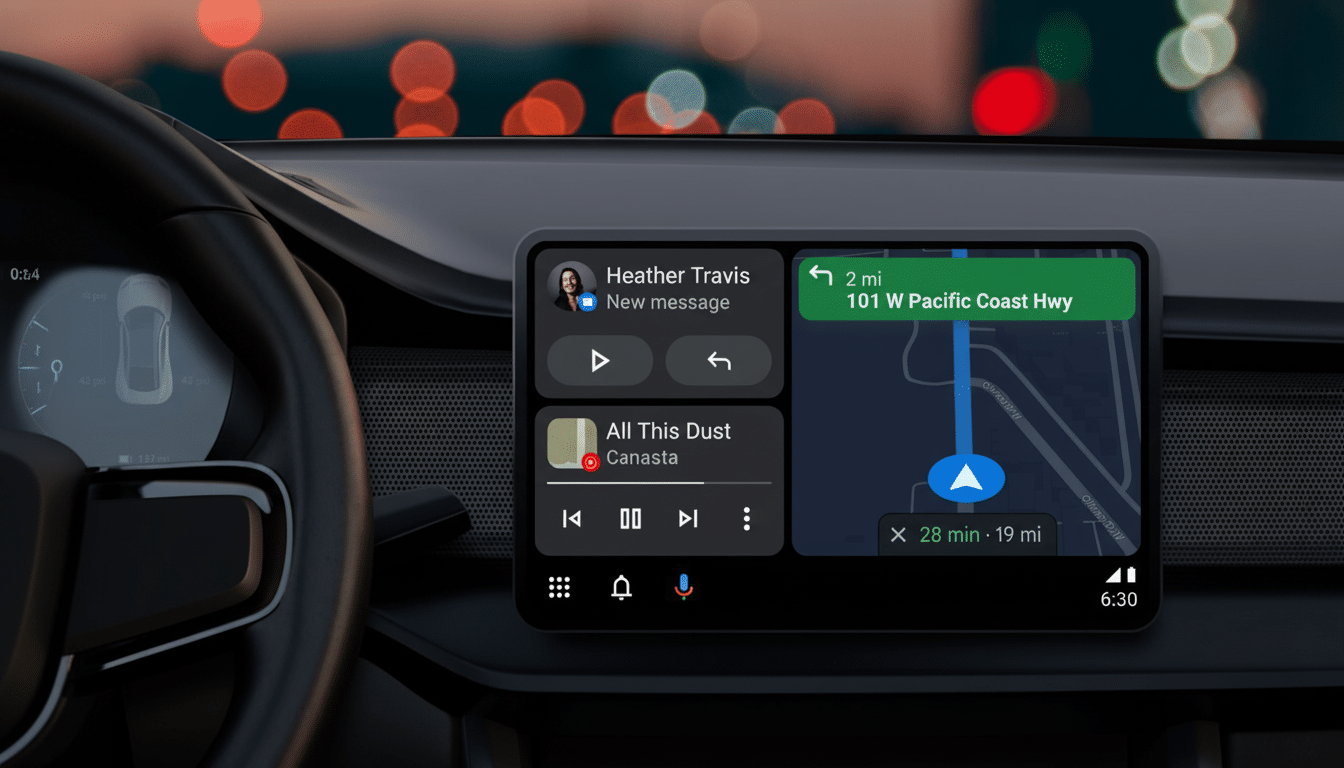
The same publication conducted a follow-up poll with more than 1,700 participants specifically on third-party app use. Almost half (46%) of respondents said they run apps outside the Play Store on Android Auto, just over a fifth said they exclusively stick to vetted Play Store titles, and 26 percent didn’t know the platform could even run apps from other sources at all.
What Android Auto’s hidden developer menu reveals
Google has kept Android Auto’s developer options light, but vigilant. Two of the toggles are the most meaningful for power users: being able to flip Wireless Android Auto on or off at a low level — handy to diagnose flaky connections — and the “Unknown Sources” option that lets you install apps from outside of the Play Store.
The menu is “hidden” in the old-school Android sense — it’s really more for advanced users and developers, not regular drivers. It is only as easily accessed, in fact, as the phone-specific developer options — that is to say, after a mix of button presses — which explains why casuals never see it when going through the usual setup procedures.
Third-party apps on Android Auto and policy tensions
Allowing installation from third-party sources widens the net of what Android Auto can accomplish. Enthusiasts have pointed to niche utilities, specialized media players, and tools for customizing the phone that are not available on the Play Store. Community favorites commonly referred to for such apps include Tubular, Fermata Auto, and CarStream (used a lot to play media when parked).
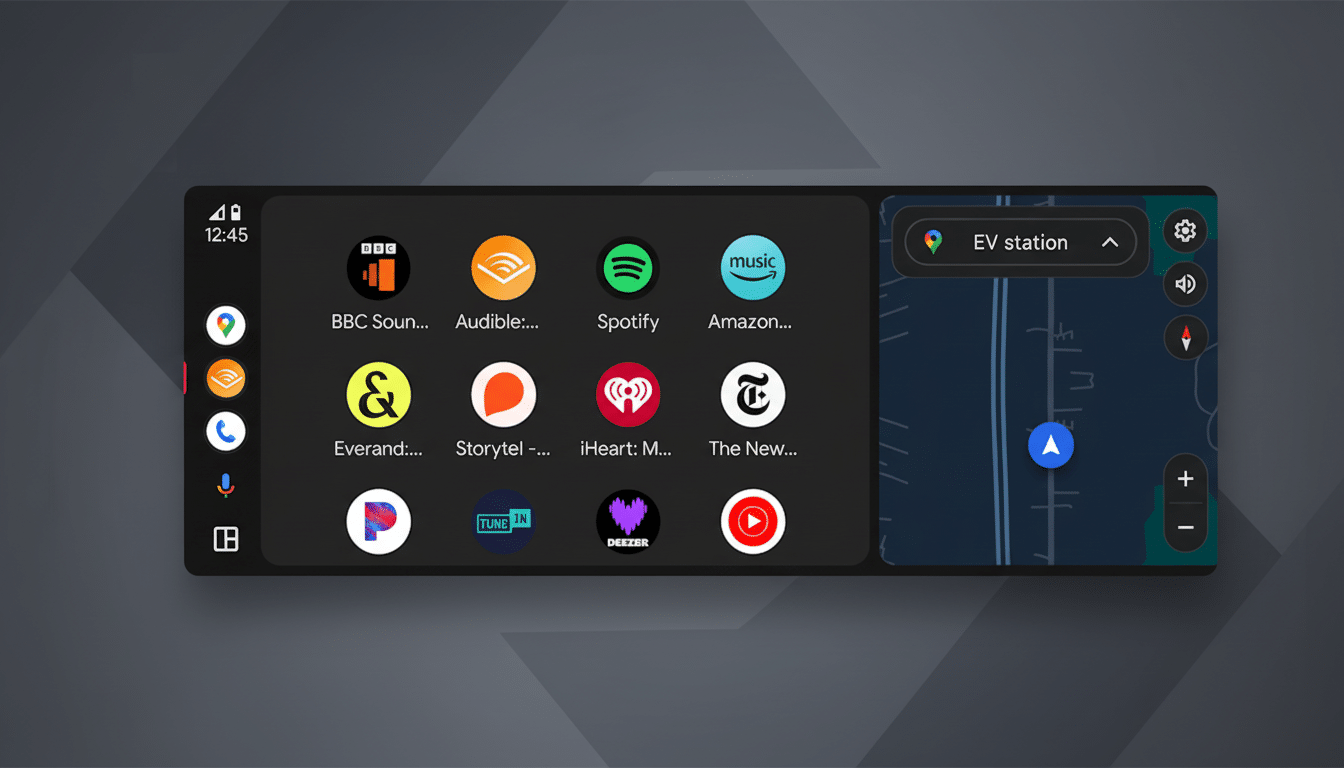
That’s where the tension starts. Google’s Android for Cars App Library and developer guidelines consciously emphasize minimizing driver distraction, and automakers will typically block video while in motion. Safety organizations, such as the AAA Foundation for Traffic Safety and the National Highway Traffic Safety Administration, have long argued that visual tasks performed inside cars can distract drivers to a degree that substantially raises crash risk. There are security and policy risks to sideloading apps too — ones that many drivers may not understand.
Why awareness of Android Auto’s hidden menu remains low
Android Auto only requires a phone and an app (and maybe a few cables) to get up and running in your car. It does not require any extra hardware like a screen or demanding packaging restrictions, is relatively seamless, unobtrusive, and fun — but most important of all, easy. The developer menu is far outside that flow, and vehicle interfaces are hugely different; in short, it’s designed not to be found at all. Meanwhile, frustrations like inconsistent wireless connections or incompatible apps are often attributed to the car or phone rather than prompting a search for hidden toggles.
There’s also ecosystem nuance. Google hand-picks categories like navigation, EV charging, and media for Android Auto (which assures car companies and regulators that they are following safety rules). That kind of gatekeeping leads to stability, but also a community of power users with tastes that run outside the official catalog — that’s why Unknown Sources is so interesting even if it’s not for everyone.
What it means for drivers and developers
The survey data points to Android Auto having a dual personality: a safe and glossy surface for most drivers, and a deeper layer of controls for tinkerers. There will likely be pressure on both sides of these arguments: pressure from consumers who want to be able to not just see their Facebook page in the center cluster, but also watch parked-only videos and have clearer updates on connectivity controls that work from stop lights (probably not when moving). That won’t make things easy for Google; continued guardrails by both Google and carmakers aim to keep the experience a bit more locked down as they limit distraction.
For the time being, the practical conclusion is clear-cut. For those who depend on Android Auto every day, find out what the developer menu toggles accomplish before enabling them, stay safety-conscious, and stick to established sources wherever possible. Developers, in the meantime, have an obvious signal that there’s serious demand for features not currently met by the official Play Store route.
