


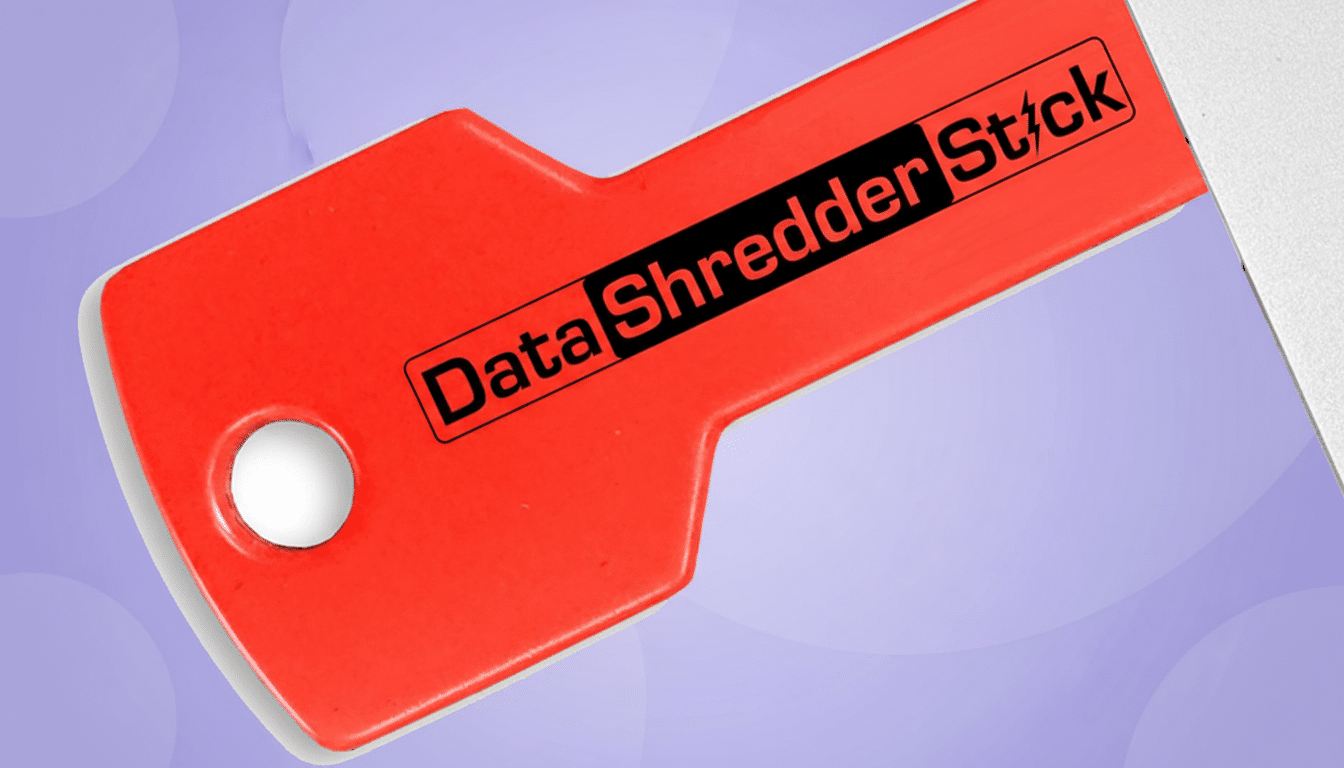
Handing off a used computer without truly erasing its contents is a privacy time bomb. A new $39.99 plug-and-play USB stick aims to defuse it by making secure data destruction as simple as plugging in a drive and pressing “shred.”
The premise is straightforward: rather than relying on basic file deletion or a quick format—both of which leave recoverable traces—this gadget overwrites data on demand and can also purge the “free space” where old files lurk. For anyone preparing a PC for resale, donation, or recycling, it offers a fast, portable path to peace of mind.
Why Deleting Isn’t Enough to Truly Protect Your Data
Hitting delete only removes pointers to files; the information often remains on the disk until it’s overwritten. That gap is where data thieves thrive. In a joint analysis, Blancco and Ontrack reported that roughly 40% of secondhand drives they examined still contained recoverable data. A separate study commissioned by the National Association for Information Destruction found personally identifiable information on about 40% of used devices purchased from common resale channels.
Regulators and consumer watchdogs have been clear on the risk. The Federal Trade Commission warns that simple deletion and even a standard format won’t stop recovery tools. The National Institute of Standards and Technology’s SP 800-88 guidelines emphasize proper “clear” or “purge” methods—techniques that go beyond cosmetic cleanup to render data irretrievable.
What This $39.99 Gadget Actually Does to Drives
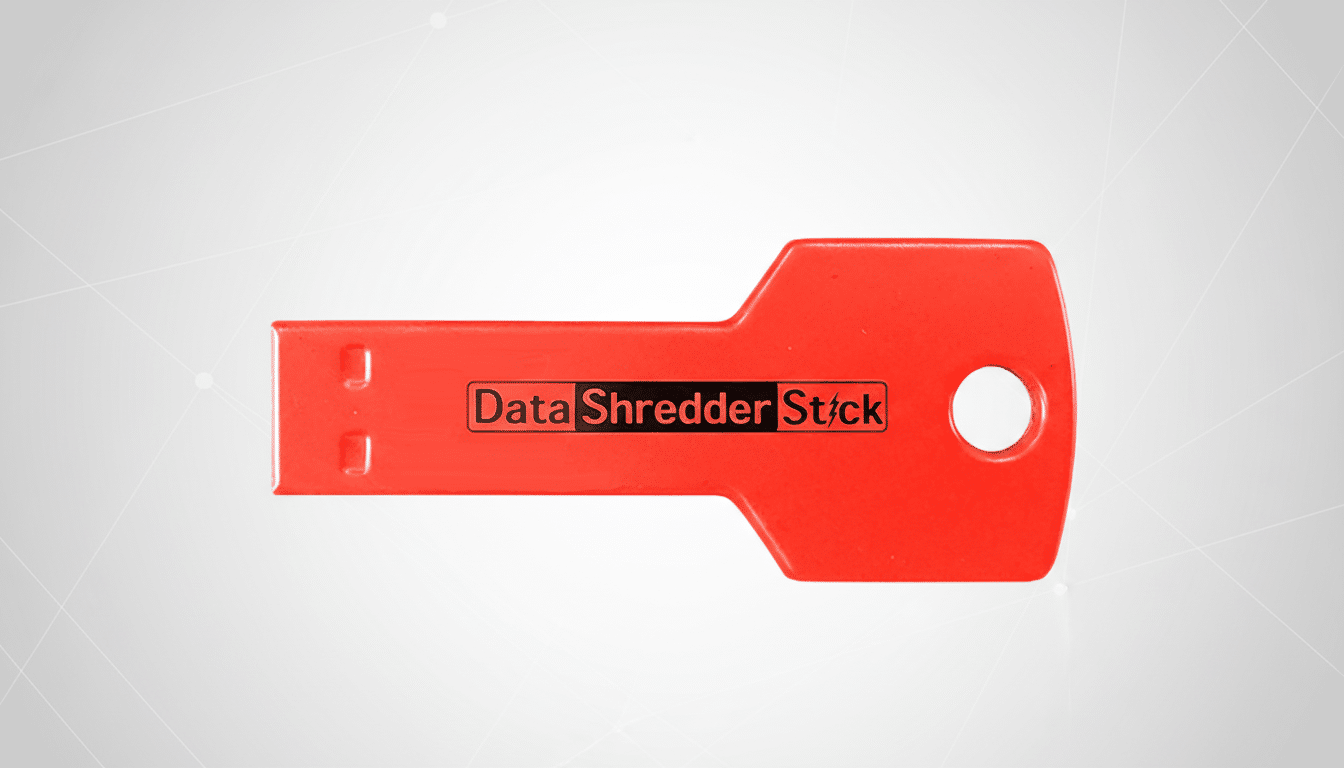
The device acts like a secure-erase toolkit on a stick. Plug it into any Windows PC, open the included app, and you can permanently shred selected files and folders or wipe entire volumes. Crucially, it can also clean unallocated space, scrubbing remnants from files you deleted long ago. That free-space wipe is where most DIY approaches fall short—and where many embarrassing leaks begin.
Unlike single-use licenses, this stick is designed for unlimited use across multiple computers and drives, making it appealing for households, IT volunteers, and small businesses clearing out old hardware. While vendors vary in their specific overwrite patterns, modern tools typically use random or multi-pass writes that exceed casual recovery efforts and align with long-standing enterprise practices.
HDDs, SSDs, and What Secure Erase Means Today
Not all drives behave the same under the hood. On traditional hard disk drives, a thorough overwrite is usually sufficient, and NIST notes even a single well-implemented pass can meet “clear” guidance. Solid-state drives are more nuanced due to wear leveling; the gold standard there is a controller-level Secure Erase or crypto erase. Good shredding utilities can still sanitize targeted files on SSDs and clear free space, but if you’re wiping an entire SSD for sale, pairing this tool with the manufacturer’s Secure Erase utility or encrypting the drive first and destroying the keys is best practice.
Either way, the goal is the same: prevent practical recovery. For most consumer scenarios—an old desktop headed to a marketplace or a laptop donated to a school—combining a system reset with a verified free-space wipe offers robust protection without the complexity of enterprise workflows.
How It Compares to Free Options Already Available
Windows 10 and 11 include Reset this PC with a “Remove everything” option and an extra “Clean data” toggle that adds time-consuming overwrites. There’s also the cipher /w command to wipe free space. Open-source tools like DBAN remain popular for HDDs, while SSD makers provide their own secure-erase utilities. The $39.99 stick doesn’t reinvent these methods so much as unify and simplify them, especially if you have multiple machines to process and want a consistent, portable interface.
The value case comes down to time and error reduction. Misusing a command-line tool or skipping a free-space pass are the most common mistakes people make. A guided tool lowers that risk and provides a repeatable routine—useful if you’re helping relatives, managing a small office, or clearing inventory for a community refurbishing program.
A Quick, Safer Off-Ramp for Old PCs Before Resale
Before you wipe, back up what you need, sign out of accounts, deauthorize software, and remove any recovery keys. Then run a full system reset, add the clean data option if available, and finish with a free-space wipe to catch stragglers. This USB stick streamlines that last mile, delivering an extra layer of assurance for a modest price.
With millions of used PCs changing hands every year and repeated studies showing residual data on a significant share of secondhand drives, a $39.99 hardware-assisted safety net is a small investment against a very public kind of regret. If you plan to sell, donate, or recycle a computer, make sure you’re not giving away your digital life along with it.
