


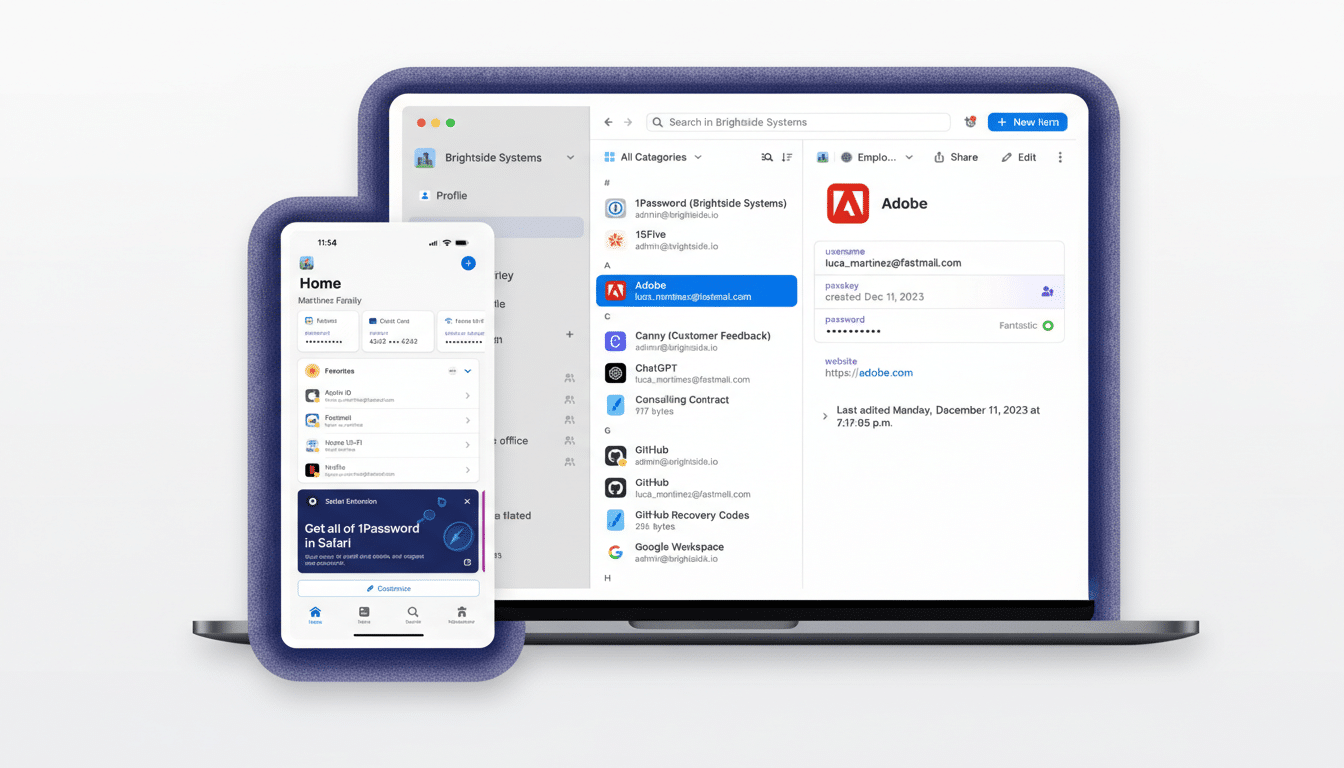
1Password is rolling out a new anti-phishing safeguard built around the most stubborn weak point in security: human behavior. The feature adds a targeted warning when users try to paste credentials into a site instead of relying on autofill, catching the moment many people accidentally hand passwords to convincing fakes.
Human Error Is the Phisher’s Favorite Back Door
Password managers already compare domains and won’t autofill on impostor sites, but that protection fails when someone copies and pastes credentials by hand. Phishers count on it. Slick templates, lookalike domains, and urgent pretexts—“reset your delivery,” “verify your payroll”—nudge even careful users to bypass safeguards.
That behavior isn’t rare. In a recent 1Password survey of 2,000 U.S. adults, 89% said they had encountered a phishing attempt, and 61% admitted they had provided credentials at least once. At work, 36% said they had clicked a suspicious link; among them, 26% thought it was a message from HR or a manager. Numbers like these show why securing the “paste” moment matters.
How the New 1Password Paste Warning Works
When the browser extension detects a password being pasted into a site that doesn’t match the saved login’s domain, it surfaces a pop-up prompt. The message is designed to be specific—flagging the mismatch so the user can inspect the URL and stop if anything looks off. It’s the equivalent of the “external email” banner many companies use, but for web logins.
For individuals and families, the warning is enabled by default. In business environments, admins can turn it on under Authentication Policies in the 1Password admin console. The feature aims to be high-signal and low-noise: it appears only when users are about to override the safer autofill path, reducing the risk of dialog fatigue.
This approach addresses a subtle usability gap. Users often interpret a missing autofill as a glitch rather than a red flag. By interrupting the manual paste flow with a domain check, 1Password inserts a moment for second thoughts—exactly where phishers try to rush people.
Why It Matters in the AI-Driven Phishing Era
Criminals have embraced generative tools to mass-produce polished phishing sites and emails, rapidly iterating designs and lures. Security teams now face credible counterfeits that mirror brand styling, tone, and microsite UX. Even seasoned users can be fooled, especially on mobile and under time pressure.
Industry data reinforces the stakes. The FBI’s Internet Crime Complaint Center has repeatedly listed phishing among the most reported cybercrimes, while the Verizon Data Breach Investigations Report continues to link social engineering to major intrusions and ransomware footholds. Credentials remain a prized target because a single reused login can open multiple doors.
A Telltale Example From Recent Phishing Attacks
Last year, UK cybersecurity firm Stripe OLT documented a campaign where employees received emails mimicking internal HR notices, then landed on a cloned OneDrive page to surrender corporate credentials. In a scenario like that, a domain-aware paste warning could have disrupted the handover at the critical moment when a user abandons autofill and pastes a password into the counterfeit.
What Security Teams Should Do Now to Reduce Risk
Enable the paste warning and make it part of training. Teach employees that missing autofill is a signal, not an inconvenience, and that a 1Password prompt is a cue to stop and verify the domain via the address bar, certificate details, or a known-good bookmark.
Layer defenses. Turn on multi-factor authentication for all high-value accounts and prefer phishing-resistant factors where supported. Promote unique passwords everywhere to block credential stuffing. Combine the new warning with email security banners, domain monitoring, and safe reporting channels so users can flag suspicious pages without fear of blame.
Keep an eye on passkeys, too. Because passkeys bind authentication to the genuine domain, they blunt whole classes of phishing attacks. Until passkeys are universal, targeted interruptions like 1Password’s paste check can meaningfully reduce successful credential theft without slowing legitimate work.
Bottom line: the most effective control is the one that activates at the exact point of risk. By focusing on manual pasting—the escape hatch phishers exploit—1Password’s new feature reinforces good habits and closes a persistent gap in day-to-day login behavior.
