


Adobe specifically unveiled a content creation hub built into Premiere for iOS that’s tailored to YouTube Shorts creators, with exclusive templates, transitions (such as the ability to directly add text and more), effects, and one-tap posting from within the Shorts feed. The new workspace consolidates short-form video workflows on mobile and sets Premiere directly against editing apps that have been popularized by Shorts’ competition.
Inside the Premiere Mobile Shorts Hub for Creators
The hub, which is named “Create for YouTube,” will showcase Shorts-ready templates from popular creators along with pre-made text treatments, effect stings, and transition presets. Users can drag and drop in their own clips, fine-tune color and timing, and save personal styles for reuse. Adobe will also let creators contribute their own templates, seeding a community-driven library that emulates what made other short-form tools so sticky.
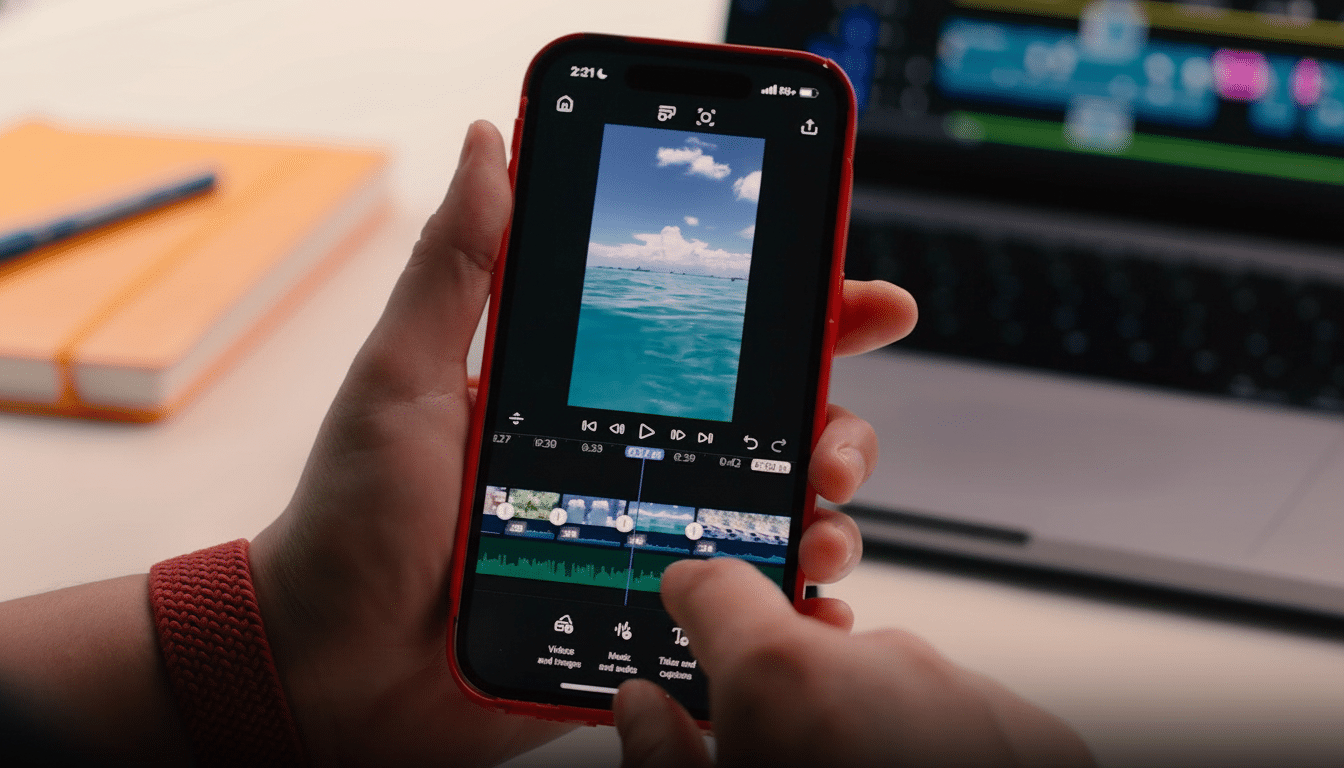
Aside from the templates, Premiere for iOS brings multi-track editing, precision trimming, adjustable color and brightness tweaks, and layered audio to phones. Features such as built-in captioning, text overlays, and studio-style audio polishing are integrated into the app, along with effects and generative elements powered by Adobe’s Firefly AI directly in the timeline. The outcome is a more professional toolset that doesn’t compromise speed—essential for trend-led discovery cycles.
Media intake is—thankfully, not surprisingly at this point—flexible; creators can import from the iPhone camera roll, cloud storage, or Adobe Creative Cloud libraries. Projects are adjusted for vertical video, and the export flow guides users through Shorts-safe settings before publishing directly to their channel—no desktop handoffs necessary.
Why This Matters for YouTube Shorts and Creators
YouTube has been focused on short-form growth and monetization to compete with TikTok and Reels. In recent earnings calls and public updates, YouTube has said that Shorts had drawn a community of about 2 billion logged-in monthly viewers and more than 50 billion daily views, a clear signal of the format’s broad appeal. Adding Adobe into the fray means Shorts now has a higher-quality, platform-native editing option that could help increase creator loyalty and production.
The move is also a shot toward the larger creator toolchain. The template-driven viral editing created by CapCut, which is operated by ByteDance, the parent company of TikTok, has been one factor. And Meta has already been pushing Instagram creators toward cutting directly in the app. Premiere’s recent hub attempts to fill the gap between both: the ease of a mobile-first editor complemented by the strength of what is usually reserved for desktop suites.
Capture-to-Publish Faster Workflows for Shorts
Friction is short-form production’s enemy.
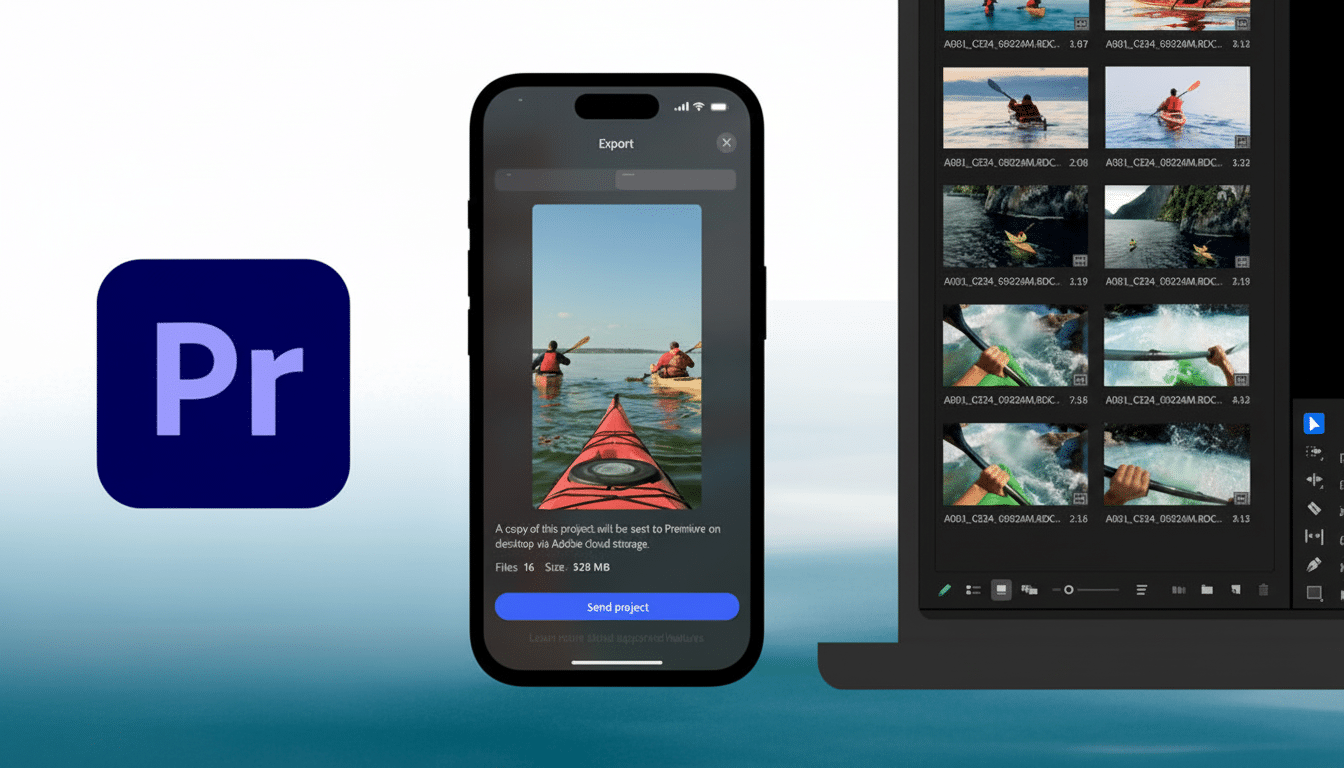
Premiere’s Shorts hub focuses on an end-to-end flow: shoot or import, cut and style using templates, polish audio, create or refine effects with AI, and then publish to YouTube without doing export gymnastics. Centralized metadata prompts and Shorts-oriented defaults can limit other common pitfalls, like misaligned aspect ratios or mismatched audio captioning.
For creators publishing beyond the platform, the hub still grants traditional exports for recycling content. But the direct pipeline to YouTube is the headline—especially for teams that must manage multiple vertical uploads per day, where shaving minutes off each video adds up over weeks.
Creator Economics and the New Support Stakes
Short-form video continues to be the format that everyone wants to beat on engagement and efficiency. Short-form video has consistently rated high or highest on marketing return-on-investment lists among industry research companies like HubSpot, and platforms continue to add revenue tools around it. The expansion of YouTube’s Partner Program to include Shorts revenue sharing transformed the format into more than just a discovery funnel — it becomes more and more a direct earnings channel.
In the context more broadly, Adobe’s hub is strategic. It provides YouTube an on-ramp that rivals ecosystems, and creators a pro-grade editor primed for everything from rapid-fire trend responses to long-form episodic content. For Adobe, it’s a way to introduce mobile-native creators into its broader creative stack, where assets, brand kits, and teams already live.
How to Get Started with Premiere’s Shorts Hub
Creatives who want to publish directly to Shorts require a free Premiere mobile login and YouTube profile. After you’ve downloaded Adobe Premiere from the App Store, tapping “Create for YouTube” opens the custom hub. Next, upload footage, customize a template or start from scratch, tweak your edits and audio, and follow the prompts to export to the Shorts feed.
The premise is simple: bring the tools creators already use into an app they already know, then get out of the way between edit and audience. If Adobe and YouTube are able to keep a fresh library of templates, along with an expedited workflow for that content on deck, Premiere’s new mobile hub has a real shot at becoming the default for Shorts-first production.
