


Before you touch that free airport hotspot, wait on Wi‑Fi. An analysis of real-world speed tests reveals that mobile carriers regularly beat airport Wi‑Fi performance at major U.S. terminals, with one specifically notching an especially wide lead. What travelers should know: for last-minute downloads and streaming, cellular is often the smarter, faster option.
The numbers behind new Speedtest findings at U.S. airports
Ookla’s Speedtest Intelligence culled data for median download performance for public airport Wi‑Fi compared with that of AT&T, T‑Mobile and Verizon at the nation’s 50 busiest airports. The results were zeal-inducing: Mobile networks clocked in at about 219 Mbps downloads, close to double the ~101 Mbps you might expect from your average airport Wi‑Fi. Verizon had the fastest median speeds in many major hubs, and other carriers swapped back and forth according to terminal and available spectrum.
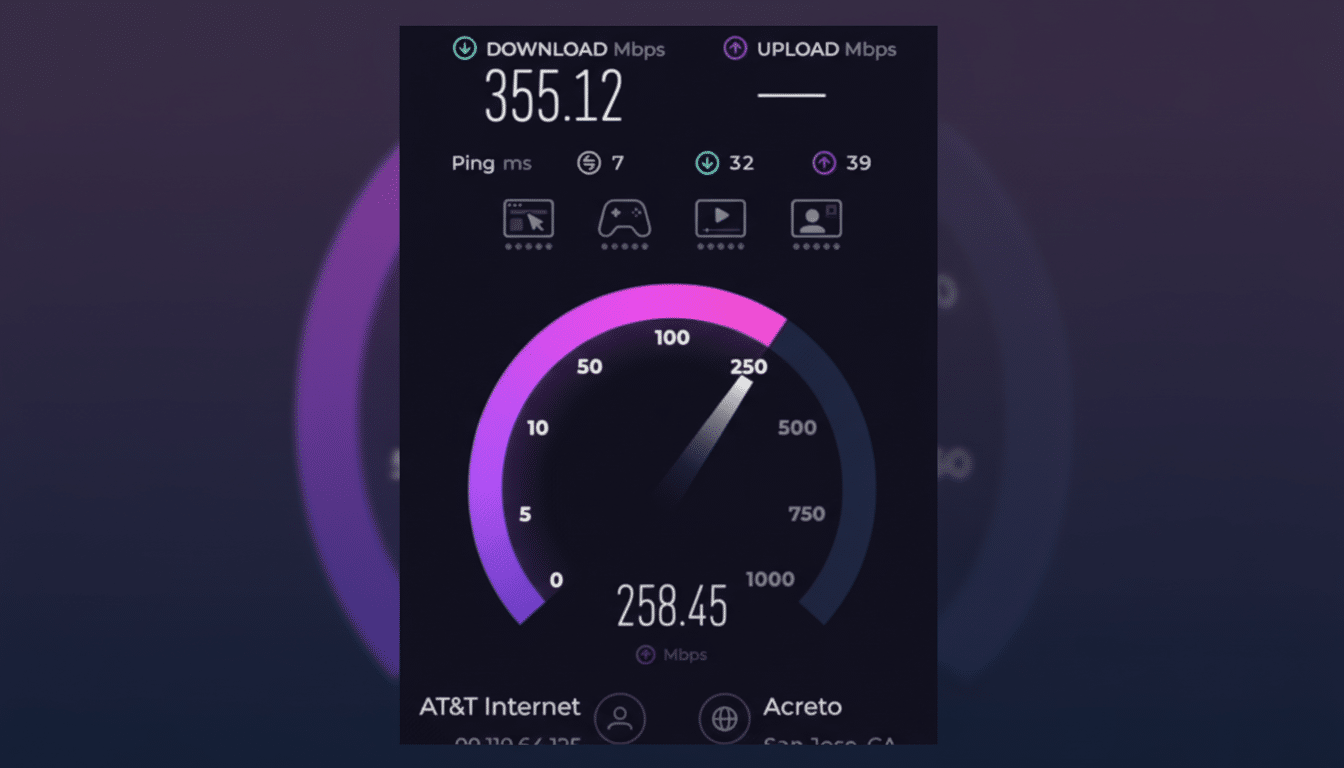
That gap is not merely a matter of radio technology; it enshrines design choices. Airport systems are designed to keep thousands of devices connected simultaneously; stability is favored over raw speed. And many venues have not upgraded Wi‑Fi to more recent standards and wireless controllers; the public SSIDs often backhaul through captive portals and filtering layers that just add latency.
Why cellular data usually wins at the airport gate
Carriers have spent years quietly lighting up concourses with mid‑band 5G and improving coverage inside buildings. Even when cell capacity is tight, Verizon’s C‑band coverage, backed up by millimeter‑wave in some places, has the potential to provide high median speeds. T‑Mobile’s 2.5 GHz spectrum and AT&T’s mid‑band spending also aid carriers in maintaining performance under load.
Such cellular networks, in contrast to public Wi‑Fi, are designed with dedicated backhaul and load management that can grow as demand does. There are fewer devices per cell sector than the thousands that slam into a single airport SSID, and there’s no captive portal where the first hop can be wonky. The upshot: Your videos, app updates, offline maps and cloud backups will download faster when you’re running short on time.
Where airport Wi‑Fi still shines and outperforms cellular
Airport Wi‑Fi isn’t universally slower. A few terminals that had updated their networks to modern hardware and improved backhaul outperformed cellular in median speeds. San Francisco International is a counterexample, where better gear and tuning enabled Wi‑Fi to win in head‑to‑head testing.
It’s also worth noting that if you connect to pricier lounge networks or business‑grade SSIDs, it can just as easily be reversed. Upload‑heavy tasks — file transfers or video conferencing with high‑definition cameras, say — might work well over a well‑provisioned Wi‑Fi setup, particularly if it’s based on newer standards and doesn’t run into bottlenecks like captive portals.
Security and privacy considerations on public Wi‑Fi
Speed is not the only reason to be wary of airport Wi‑Fi. The Cybersecurity and Infrastructure Security Agency, as well as the FCC, have long warned travelers about public networks that can be subject to fake SSIDs, man‑in‑the‑middle attacks and credential loss. Still, the vast majority of airport SSIDs today run on open authentication or weak WPA2‑Enterprise with lackadaisical certificate validation — allowing for rogue APs that perfectly mimic official networks to slip in.
Captive portals might force unencrypted DNS queries and inject you with scripts before you’re fully safe, and some networks throttle or filter specific types of traffic. A good VPN can make a big difference when you’re online, but the protection it offers isn’t enough to deal with captive portals or fake hotspots. By comparison, cell connections are encrypted by default and less vulnerable to local attackers.
Practical connectivity and safety tips for travelers
- Whenever possible, use your cellular plan for downloads, streams and app updates.
- Tether your laptop to your phone, or pick up a short‑term eSIM data pass for travel‑heavy days.
- Turn Wi‑Fi off until you need it to prevent auto‑joining unknown networks.
- When Wi‑Fi is the only option, check the official network name posted by the airport.
- Don’t log into banking or other sensitive accounts on public Wi‑Fi unless the site is secured with HTTPS.
- Pre‑download entertainment, maps and work files.
- Download movies, TV shows and other media in advance of your departure whenever possible.
The bottom line: Recent testing reveals that the cellular experience — led by strong showings from Verizon at most hubs — generally gets you on your way faster and with fewer security trade‑offs. Airport Wi‑Fi can be fantastic in those that have been renovated, but if you’re not certain you’re on one of those ultra‑networks then think twice before connecting to a hotspot.
