


Taking to the CES stage, XbotGo debuted the Falcon: a tiny AI sports-tracking camera that also records automatically and, crucially, ditches the subscription model many rivals are leaning so heavily on.
Instead, it’s squarely aimed at parents, volunteer coaches, and rec leagues that want smart, broadcast-like footage without buying a full season of contract service.
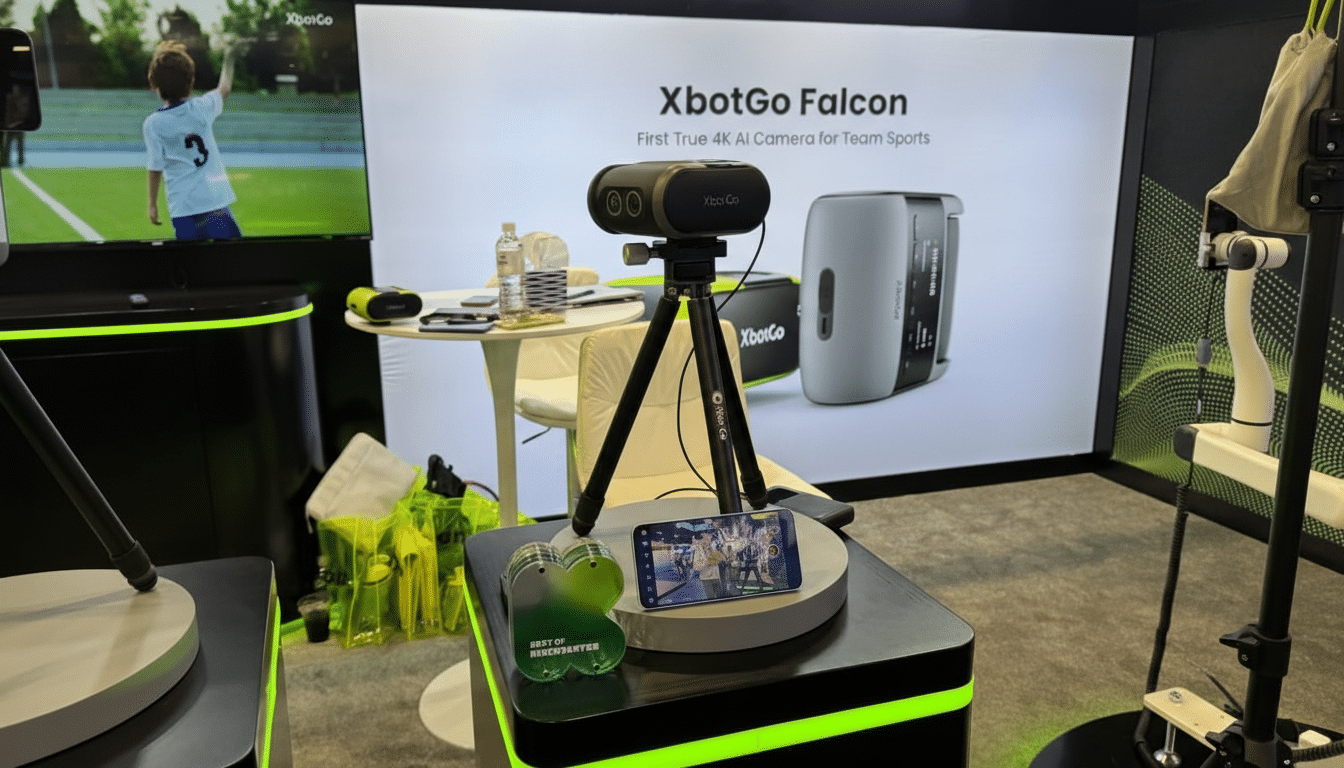
The idea is straightforward: you set the Falcon on a tripod, pick your sport, adjust the field boundaries if desired, and begin recording. Thereafter, the device will automatically pan and zoom during play — creating a seasoned-operator production without the need for even an intern.
How the Falcon Differs From XbotGo’s Earlier Chameleon
Unlike the company’s previous product, Chameleon, which used a user’s phone to serve as a video capture system, the Falcon incorporates both its own recording camera and an AI vision module in one housing. That distinction is important because it leaves the phone available as a wireless monitor and controller, rather than having to be used as the main camera.
For demos, XbotGo was pushing two control levels: completely autonomous tracking and a fast manual override from an iPhone if you find the framing has wandered off track. There’s a swipe on the phone to recenter the action, then the AI takes back over again. For sideline chaos — kids tossing the ball or getting a warm-up toss in, spectators crossing in frame — the Falcon will lock onto what is actually the game ball, eliminating some of those flubbed tracks that result from movement elsewhere on the field.
The setup flow is straightforward. Choose a sport profile (say, soccer or basketball or lacrosse); optionally mark off the pitch or court; and the Falcon builds up a virtual “play zone” so it knows where to expect action. That’s a virtual fence that helps the algorithm know what to prioritize and avoid the sideline rabbit holes that hang up first-gen systems.
Why a Subscription-Free Model Matters for Teams and Families
For a lot of smart cameras, hardware is only half the bill. Rivals that are popular with clubs — Veo or some Pixellot systems, for example — include the device itself for free while requiring cloud plans to enable recording, uploading, analysis, or streaming. Public pricing pages display first-year costs that can easily top $2,500 when you add in camera purchase and annual service; live-streaming and advanced analytics drive totals higher.
The Falcon changes the math for families and small programs that don’t need to pay recurring fees and just want quality footage. It records without the mandatory cloud services, so teams that don’t want heatmaps or tactical tagging or automatic highlights aren’t subsidizing features they’ll never use. For booster clubs and PTA-backed teams trying to navigate tight budgets, manageable one-time costs can be the difference between filming every game a team plays — and getting none of it on tape.
The Consumer Technology Association has identified AI-enhanced creator tools as a key story at the show, and the Falcon is a pristine demonstration of that trend: using computer vision to strip away complexity rather than add it on via ongoing fees.
Real-World Examples for Parents and Coaches
Imagine a Saturday youth soccer doubleheader. You plop the tripod down near midfield, map the touchlines in seconds, and hit record. The Falcon follows build-ups, zooms in on set pieces, and adjusts quickly when play shifts wings. If the halftime ceremony draws players over to the sideline, a tap of the iPhone’s screen nudges the shot back into center frame, and then the AI takes it from there again as they’re playing.
Indoors, court mode reverts to a more aggressive zoom approach optimized for quick-ball situations. For sports that involve less activity and frequent stoppages such as baseball or softball, the ball-lock mode shines when the players group together and casual movement around a crowded dugout could confuse inferior systems.
We’re going to need thorough testing to see how the battery life holds up, how low-light shooting looks in a late-game, and how the AI handles challenging backlight or crushingly tight tournament sidelines. But the focus on usability — local recording, fast boundary setup, and live monitoring — is aimed at exactly the pain points families and coaches have been complaining about for years.
How It Stacks Up to Pro Systems and Enterprise Tools
There is a direct line between prosumer capture tools and enterprise platforms. Systems like Veo or Hudl-linked cameras are outstanding for deep analytics, player tagging, and program-wide film libraries — the kinds of things that college programs and academies clamor to get. In contrast, the Falcon emphasizes easy capture accessibility, reliable framing capabilities, and cost savings. For a lot of teams, that’s the 80 percent that matters — especially if the audience is family, recruiting clips, or just film review.
It also suggests a larger trend: on-device intelligence is catching up to what used to be paid cloud processing. As edge-based AI tracking continues to improve, subscription-free models are also becoming feasible for regular use.
Price and Availability for XbotGo Falcon AI Camera
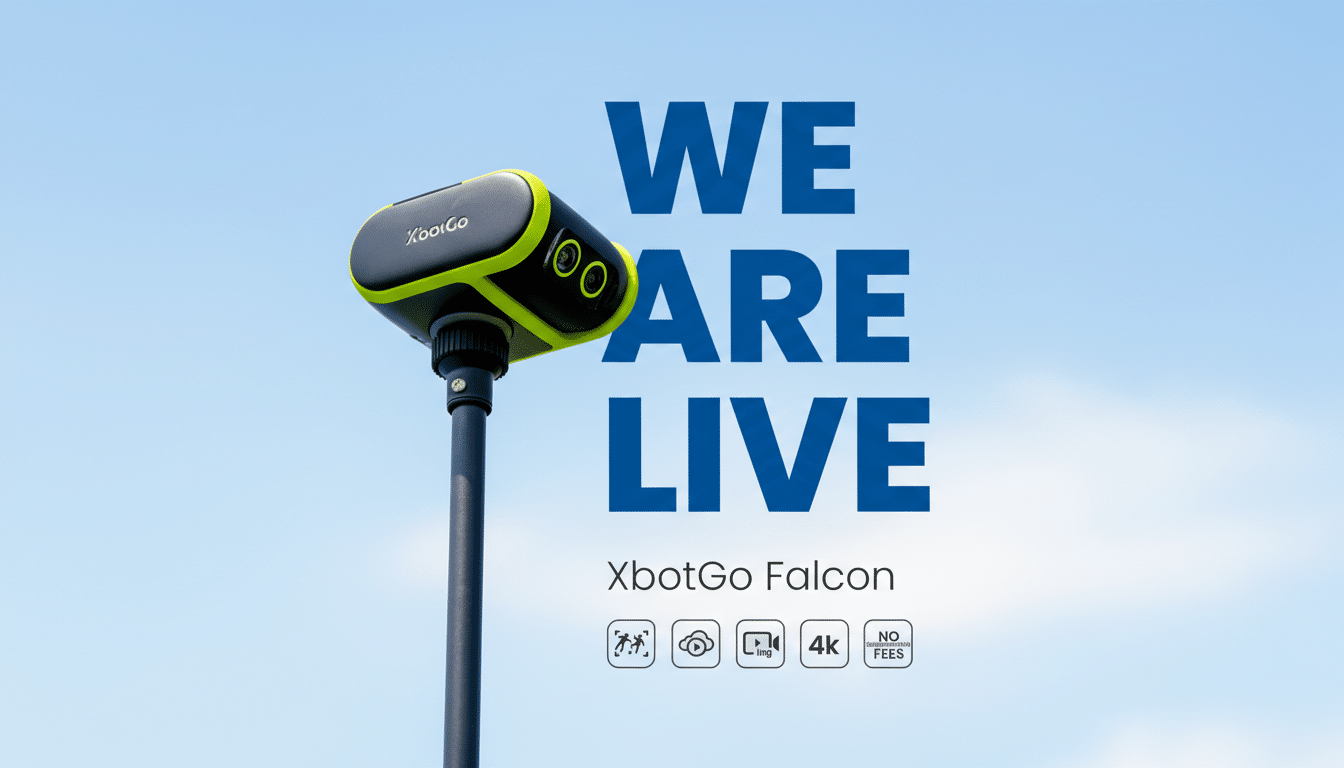
XbotGo: Early Kickstarter backers will get units first, and broader retail availability after that. The Falcon is available for the retail price of $599, which undercuts many known sports-tracking rigs in cost without requiring a subscription or recurring fees. It attaches to a standard tripod and connects with an iPhone for monitoring and control.
If you’re running a league and need analytics that cover it from top to bottom, a subscription-based model still may be the way to go. But for parents, volunteer coaches, and small clubs that only need dependable, AI-assisted video with no annual fees, the Falcon is the most intriguing CES debut in this category to date.
