


A single $30 app is making the case that digitizing your DVD library doesn’t need to be complicated or expensive. DVDneXtCOPY DVD Ripper, now 50% off its list price, bundles ripping, basic editing, and format conversion into one Windows-only package with a lifetime license.
The pitch is straightforward: back up movies you own and preserve home videos locked on discs, then play them on phones, tablets, laptops, or media players without keeping an external drive plugged in.
- All-In-One Ripping, Editing, and Conversion
- Speed Gains With GPU Acceleration on Windows
- Why Ripping Still Matters for Disc Collections and Digital Access
- How It Stacks Up Against Free and Premium Rippers
- Legal and Ethical Notes on DVD Ripping Practices
- Real-World Workflow for Backing Up and Converting DVDs
- The Bottom Line on This 50 Percent Off Windows Ripper
All-In-One Ripping, Editing, and Conversion
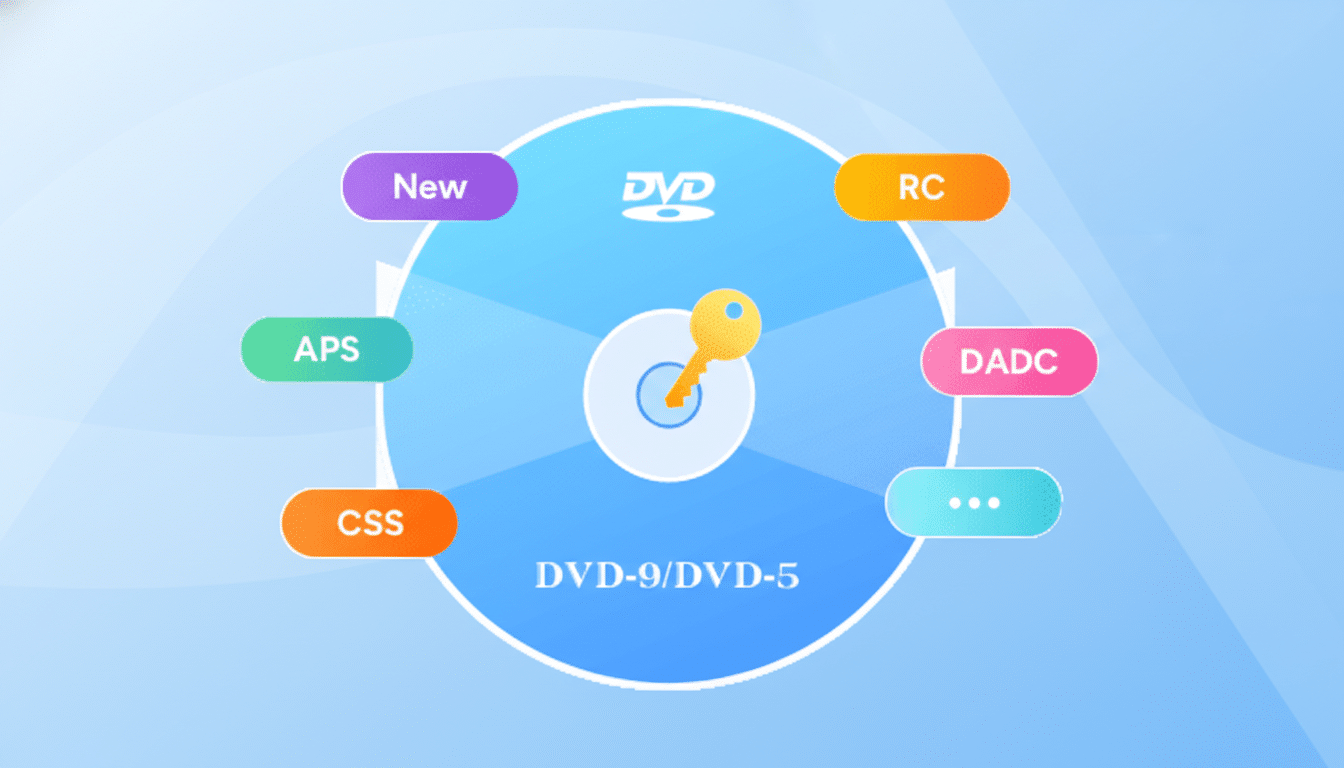
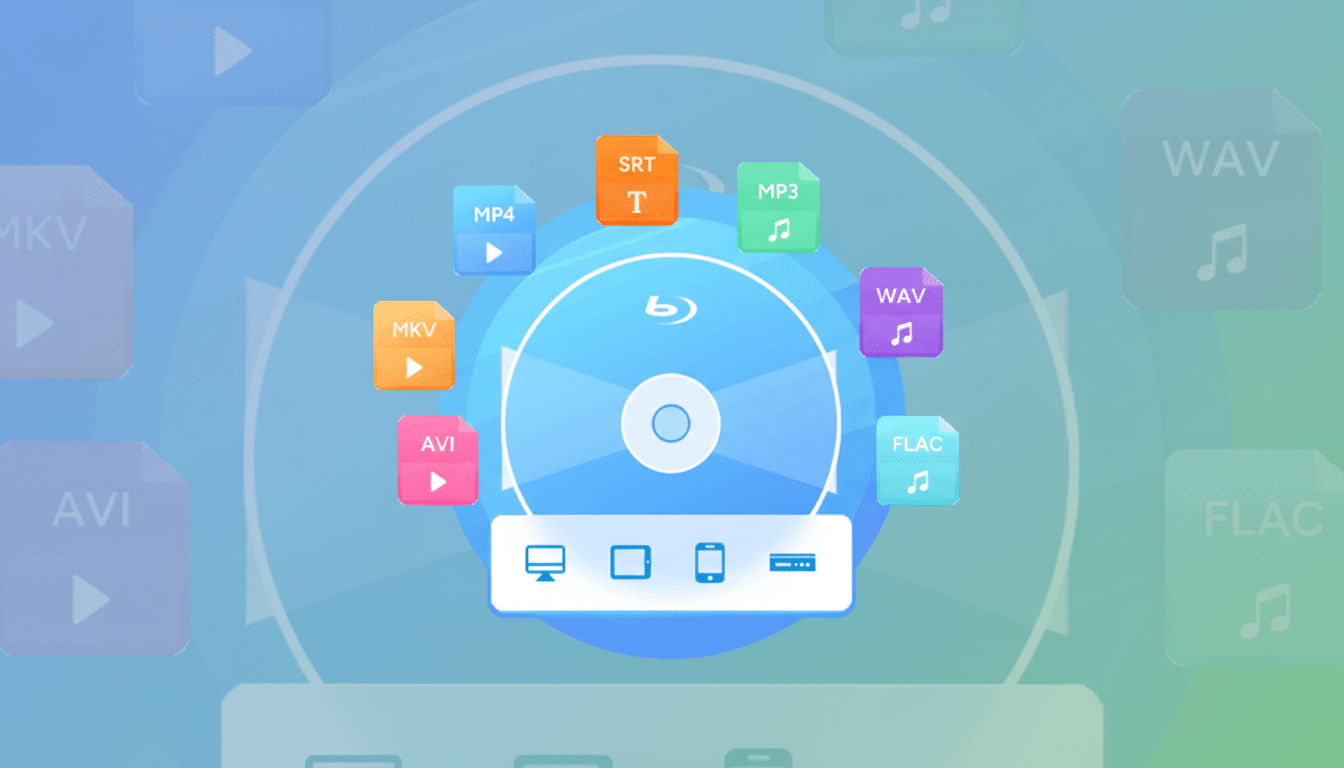
This tool handles common disc sources, including DVD-5 (4.7GB), DVD-9 (8.5GB), ISO images, and VIDEO_TS folders. It converts to modern containers—MP4, MKV, AVI, and MOV—with device-friendly presets, so you can target a lightweight H.264 MP4 for mobile or a higher-bitrate MKV for living-room playback.
It also covers basics that matter when moving from the MPEG-2 DVD era to today’s streaming formats. You can trim scenes, crop letterboxing, merge titles, add external subtitles, and tweak visuals before encoding. Casual users get a clean, one-pass workflow; power users can dive into granular options for chapters, audio tracks, and subtitle streams.
Speed Gains With GPU Acceleration on Windows
Hardware acceleration is the difference between an overnight batch and a same-evening library refresh. With support for GPU-assisted encoding (on compatible Intel, Nvidia, and AMD hardware), the software can push conversions several times faster than CPU-only encoding, especially for H.264. Batch processing lets you queue a stack of discs or folders and walk away.
DVDs top out at standard definition (480p/576p), so the real finesse is in efficient compression, clean deinterlacing when needed, and keeping audio/subtitle integrity. The app’s controls help preserve original language tracks and commentary while targeting sensible file sizes for Plex, Jellyfin, or direct device playback.
Why Ripping Still Matters for Disc Collections and Digital Access
Optical drives have all but disappeared from modern laptops, and studios rotate licensing across streaming platforms. The result: if you own a DVD, the easiest way to ensure repeatable access is to store a digital copy on your own drive or NAS. The Digital Entertainment Group has reported continued double-digit declines in disc sales as consumers shift to digital viewing, but tens of millions of legacy DVDs remain in households.
Ripping also neutralizes the practical headaches of region codes for legitimate travelers and expats. Converting Region 2 discs you purchased abroad into region-free files means your collection works on any device you own, without juggling players or firmware quirks.
How It Stacks Up Against Free and Premium Rippers
Free mainstays like HandBrake excel at transcoding but do not natively handle copy-protected discs. MakeMKV is popular for 1:1 MKV rips from many discs and often pairs with HandBrake for compressing afterward, but it lacks editing tools. Premium suites such as DVDFab or WinX DVD Ripper add broad format support and acceleration at higher price points.
DVDneXtCOPY’s appeal is its single-payment simplicity: decryption, conversion, and light editing inside one interface for $29.99. It’s Windows-only, which may be a dealbreaker for macOS and Linux users, but for a budget-conscious Windows setup, it’s a tidy, one-stop option.
Legal and Ethical Notes on DVD Ripping Practices
DVDs commonly use protections like CSS, region codes, UOPs, and Sony ARccOS. While this software can remove those barriers for conversion, laws vary by country. In the United States, the DMCA restricts circumvention, though the Library of Congress issues triennial exemptions permitting certain uses (for example, some educational and documentary applications). Always check local regulations and rip only discs you own for uses that are permitted where you live.
The Motion Picture Association continues to caution against unauthorized copying. Treat DVD backups as a preservation strategy for lawful personal use, not distribution.
Real-World Workflow for Backing Up and Converting DVDs
A typical two-hour DVD often lands between 1GB and 2.5GB as an H.264 MP4 at reasonable quality, depending on presets and audio choices. For family archives, you might trim long menus, keep the main program, and embed subtitle tracks for accessibility. For film collections, preserving original aspect ratios and audio commentaries maintains fidelity while shedding the constraints of physical discs.
Metadata cleanup still benefits from a media manager—think pulling artwork and summaries in Plex—but starting with clean, compatible files saves time and avoids playback surprises on TVs, tablets, and streaming boxes.
The Bottom Line on This 50 Percent Off Windows Ripper
At $29.99, DVDneXtCOPY DVD Ripper offers a credible one-time path to modernize a DVD library without juggling multiple apps. If you have drawers of discs and a Windows PC, the lifetime license, GPU acceleration, and built-in editing make this 50% off deal an efficient way to back up movies you own and preserve irreplaceable family footage.
